 Neux
Tutorial: a pause menu
Escape stops the game and shows a panel with three buttons: carry on, start again, or leave.
1. Build the panel
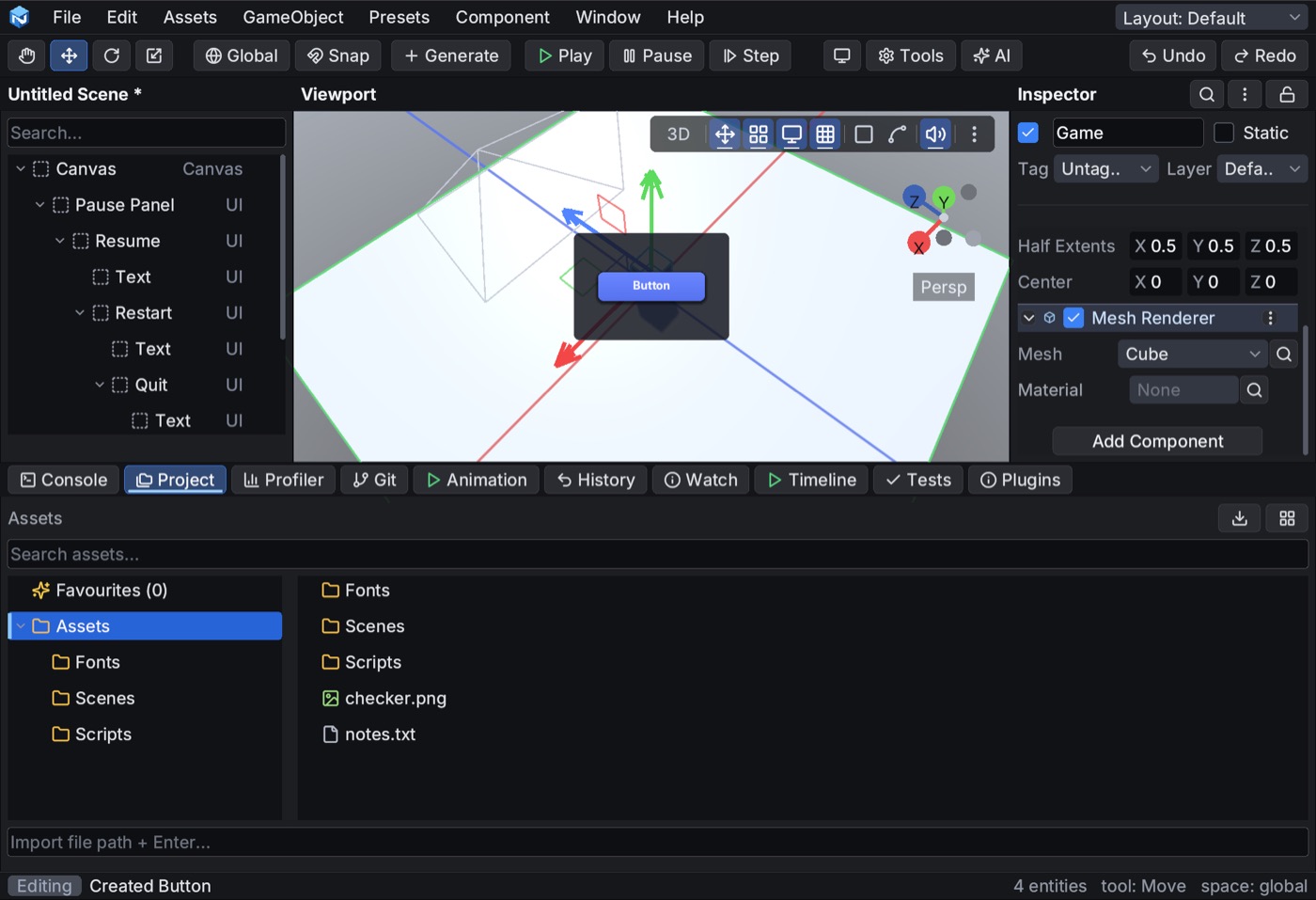
- Add a UI panel named
Pause Panel. - Add three buttons in it. In the Inspector set their action to
resume,restartandquit.
2. The script
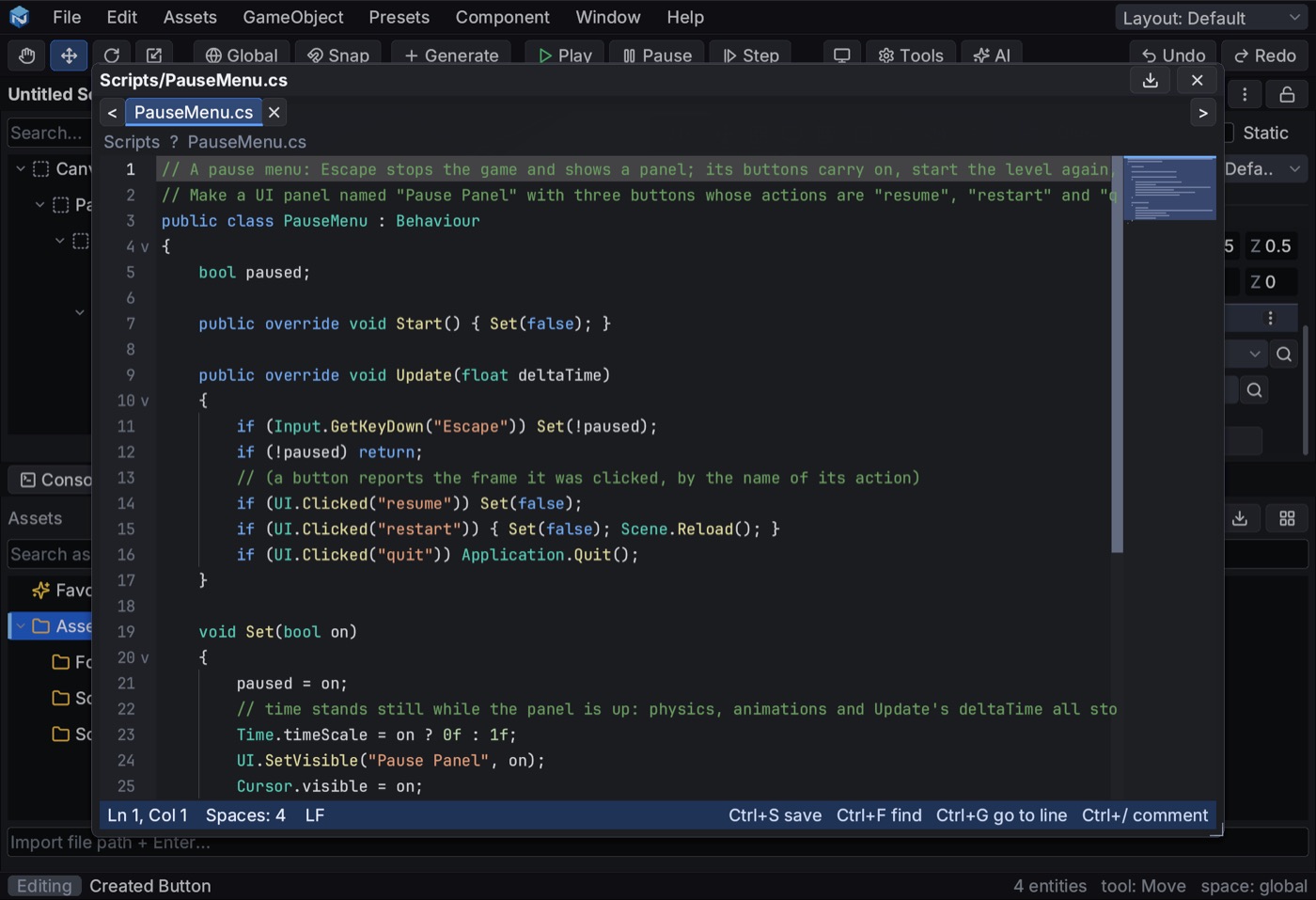
Scripts/PauseMenu.cs
public class PauseMenu : Behaviour
{
    bool paused;

    public override void Start() { Set(false); }

    public override void Update(float deltaTime)
    {
        if (Input.GetKeyDown("Escape")) Set(!paused);
        if (!paused) return;
        // (a button reports the frame it was clicked, by the name of its action)
        if (UI.Clicked("resume")) Set(false);
        if (UI.Clicked("restart")) { Set(false); Scene.Reload(); }
        if (UI.Clicked("quit")) Application.Quit();
    }

    void Set(bool on)
    {
        paused = on;
        // time stands still while the panel is up: physics, animations and Update's deltaTime all stop
        Time.timeScale = on ? 0f : 1f;
        UI.SetVisible("Pause Panel", on);
        Cursor.visible = on;
    }
}
Save it as Scripts/PauseMenu.cs and add it to any object.
3. How it works
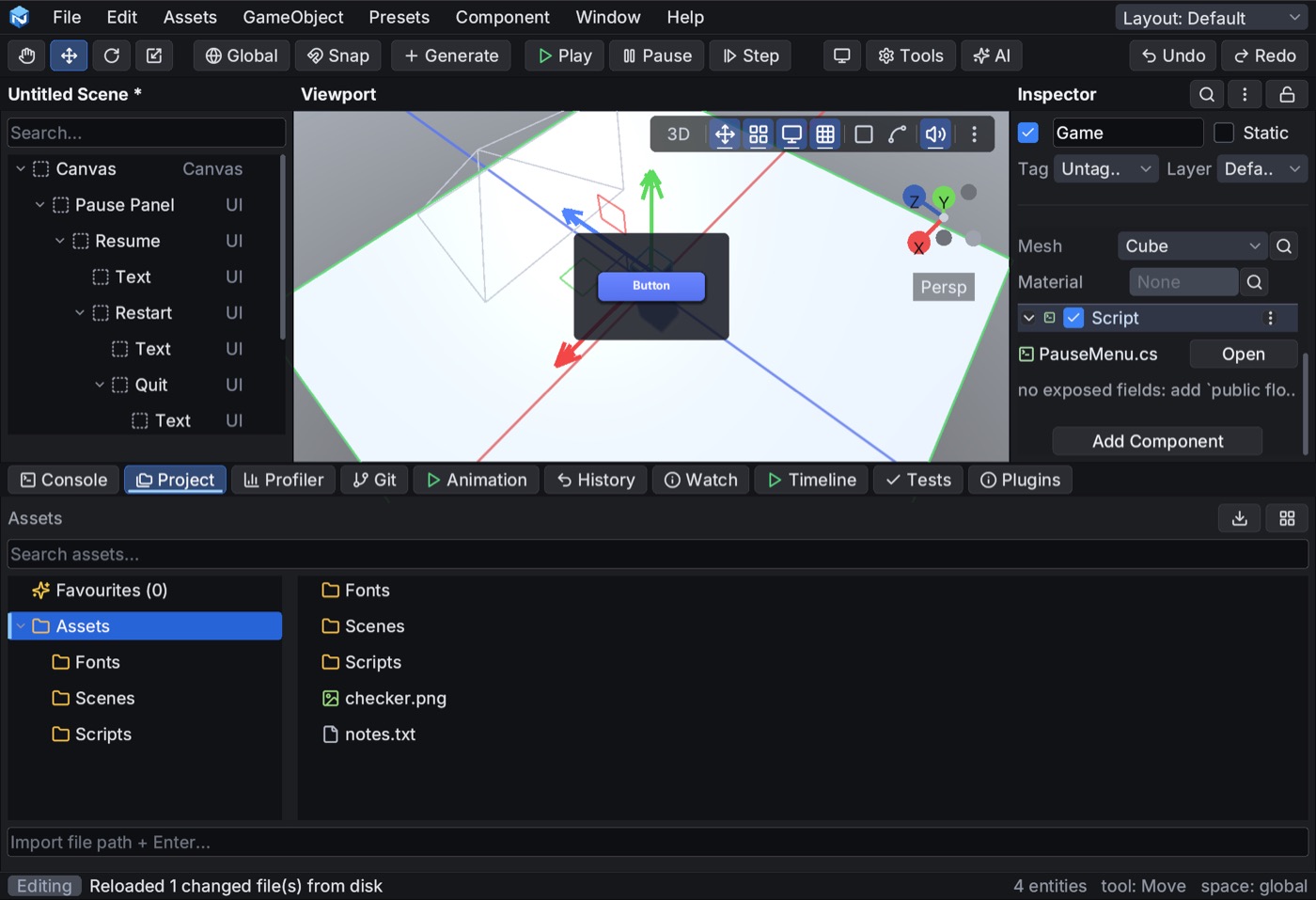
Time.timeScale = 0stops time: physics, animation anddeltaTimeall stand still.UI.Clicked("resume")is true the frame a button with that action was clicked.UI.SetVisibleshows or hides the panel, and the cursor appears while it is up.Scene.Reload()starts the level again;Application.Quit()closes the game.
4. Try it
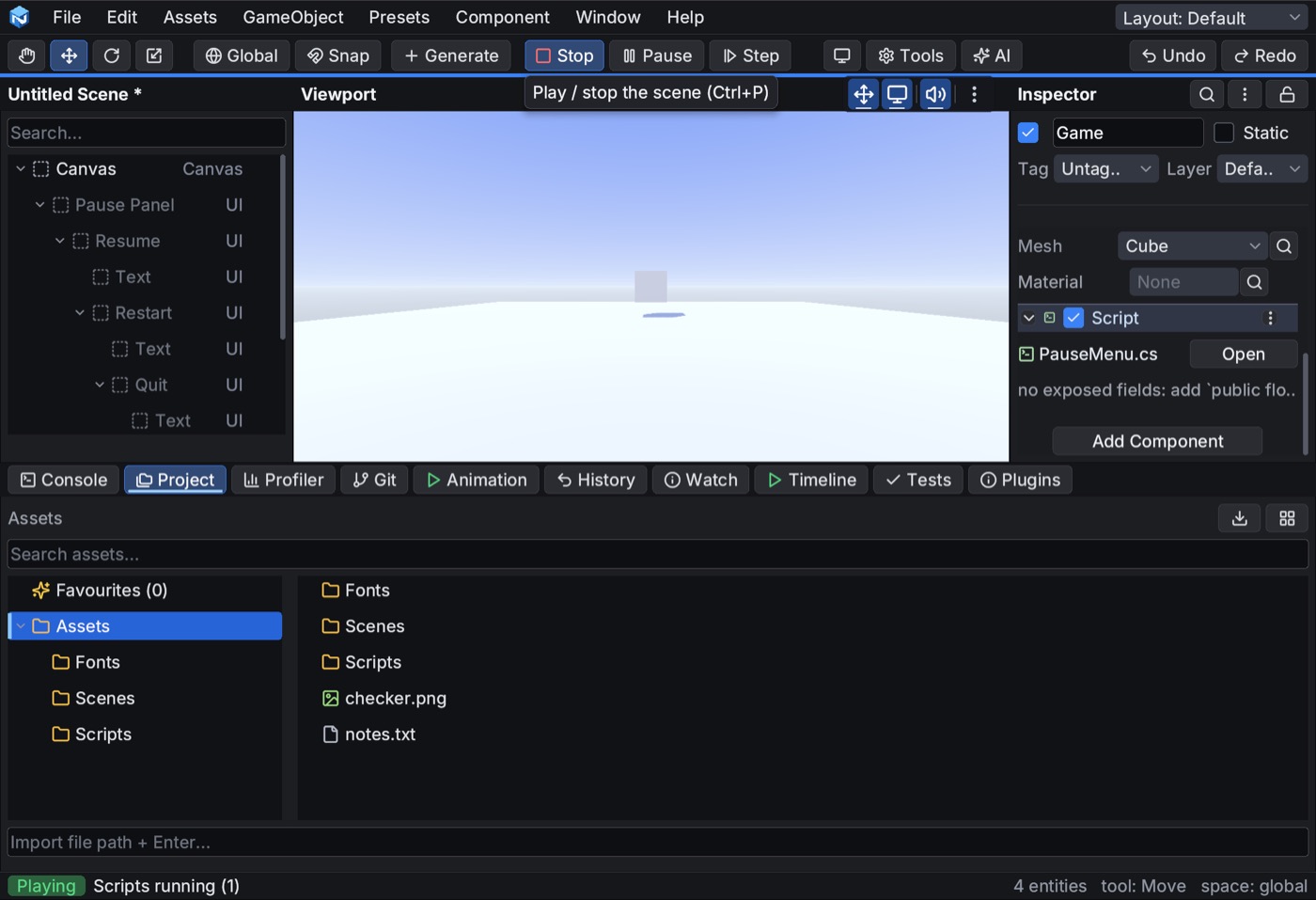
Press PLAY, then Escape. The panel appears and the game freezes; resume continues from the same moment.
Next: save, load and a high score.