 Neux
Tutorial: click to move
Point-and-click movement: the character walks to where you click on the ground, around anything in the way.
1. Set up
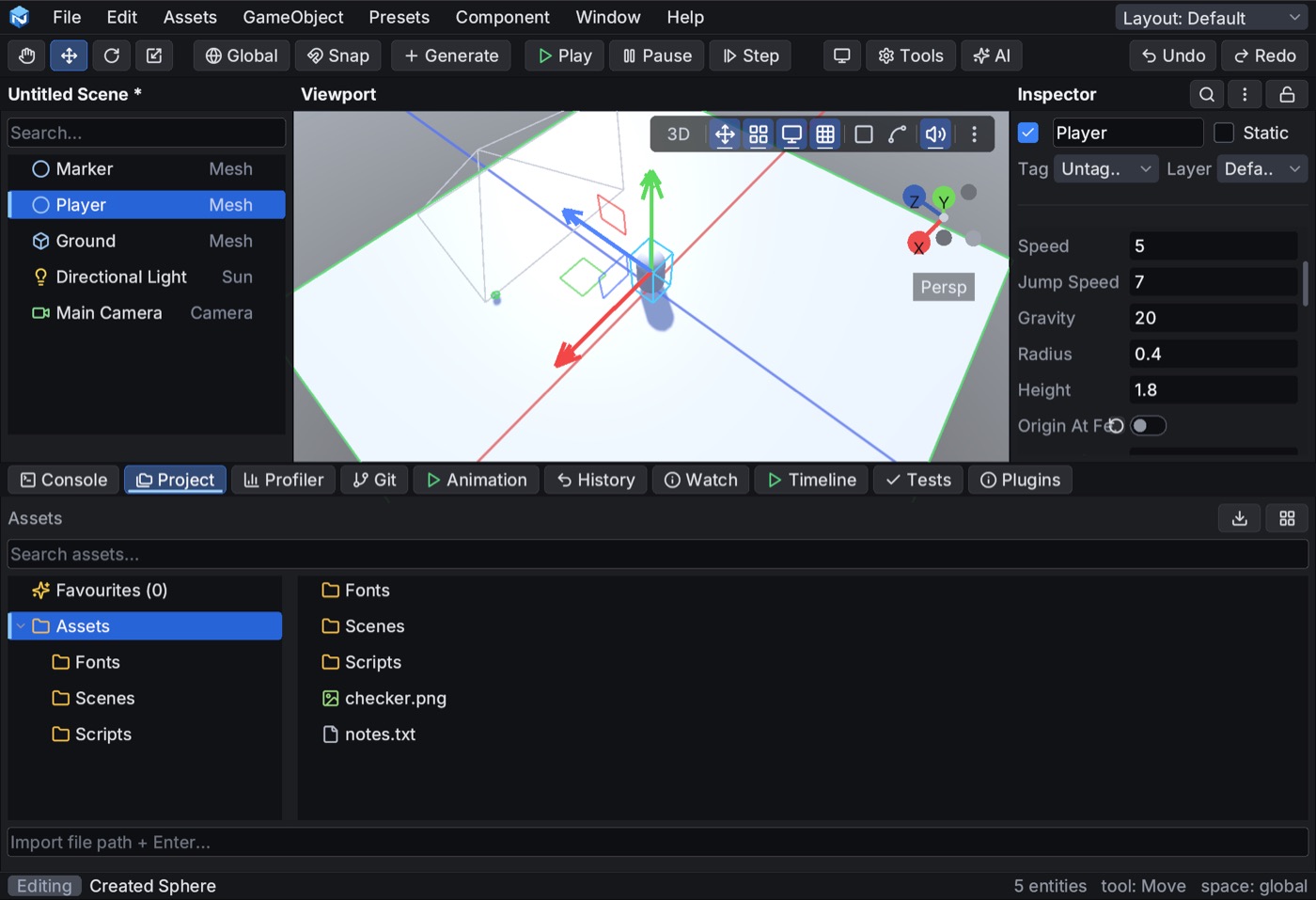
- The character is a Capsule with a NavAgent.
- The level has ground the agent can walk on (navigation is set up in Project Settings).
- Optional: a small sphere named
Markerthat shows where it is going.
2. The script
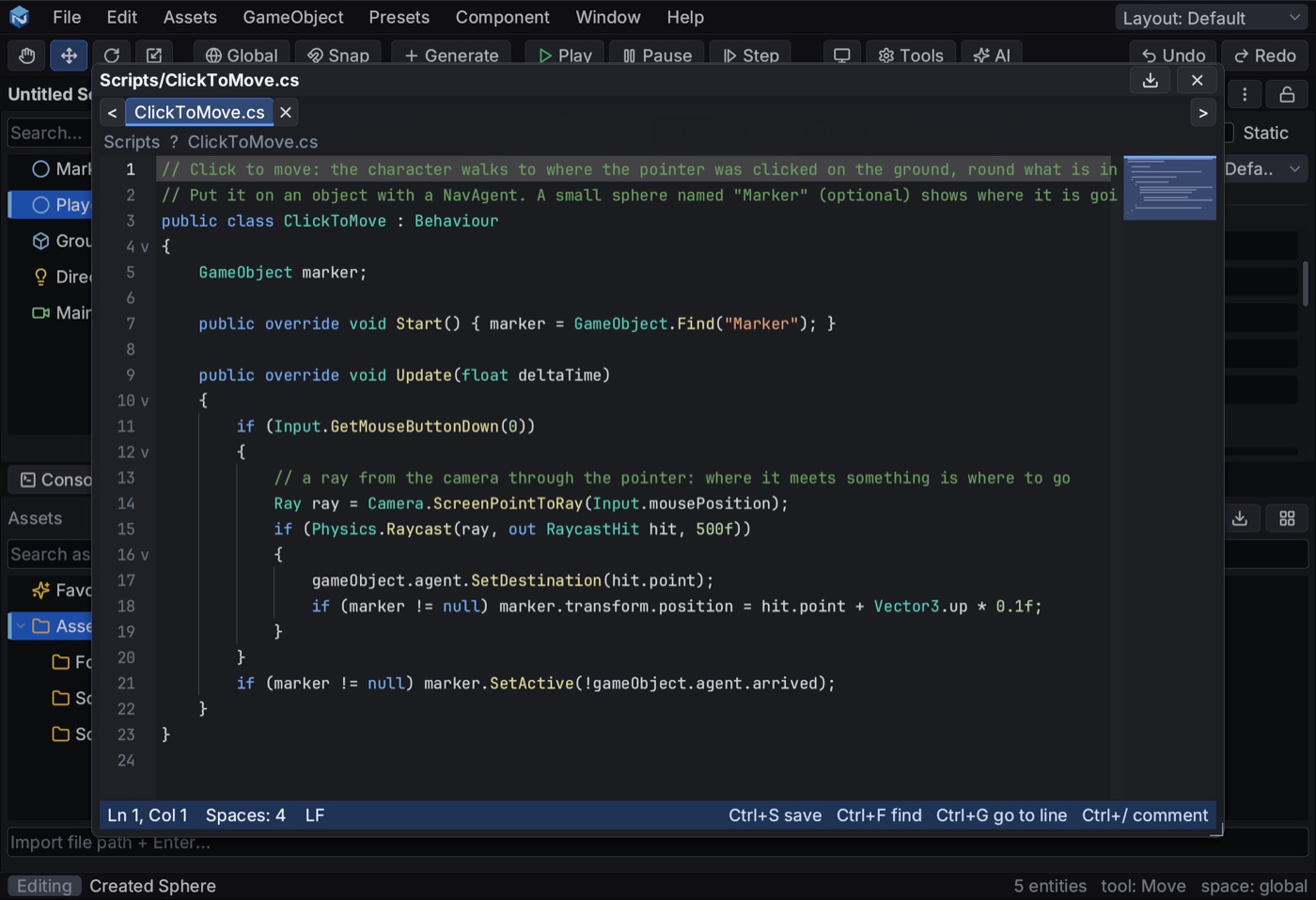
Scripts/ClickToMove.cs
public class ClickToMove : Behaviour
{
    GameObject marker;

    public override void Start() { marker = GameObject.Find("Marker"); }

    public override void Update(float deltaTime)
    {
        if (Input.GetMouseButtonDown(0))
        {
            // a ray from the camera through the pointer: where it meets something is where to go
            Ray ray = Camera.ScreenPointToRay(Input.mousePosition);
            if (Physics.Raycast(ray, out RaycastHit hit, 500f))
            {
                gameObject.agent.SetDestination(hit.point);
                if (marker != null) marker.transform.position = hit.point + Vector3.up * 0.1f;
            }
        }
        if (marker != null) marker.SetActive(!gameObject.agent.arrived);
    }
}
Save it as Scripts/ClickToMove.cs and add it to the character.
3. How it works
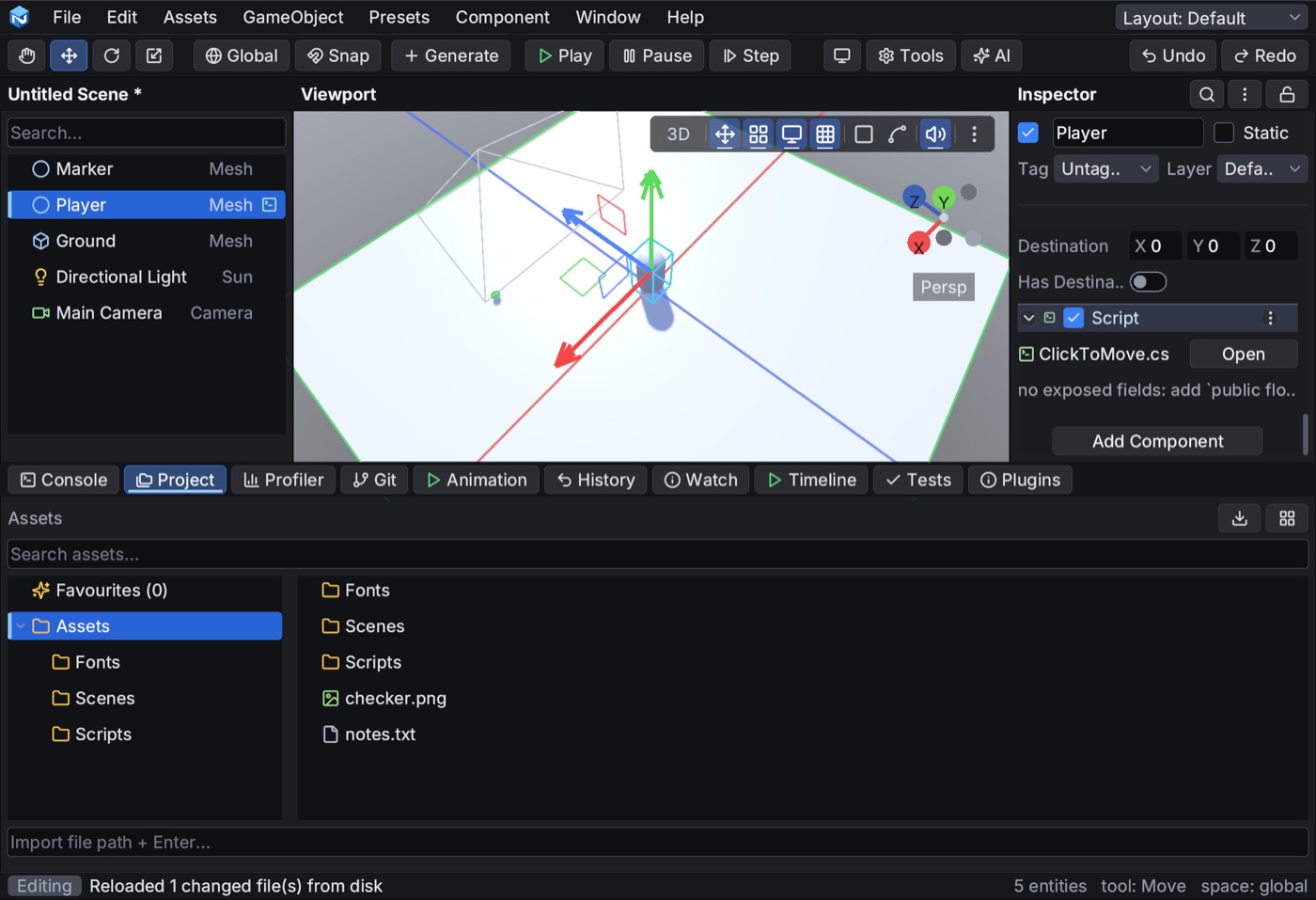
Camera.ScreenPointToRaymakes a ray from the camera through the pointer.Physics.Raycastfinds where it meets the world.agent.SetDestination(hit.point)does the rest: the NavAgent finds a path round obstacles.- The marker hides itself when the agent
arrived.
4. Try it
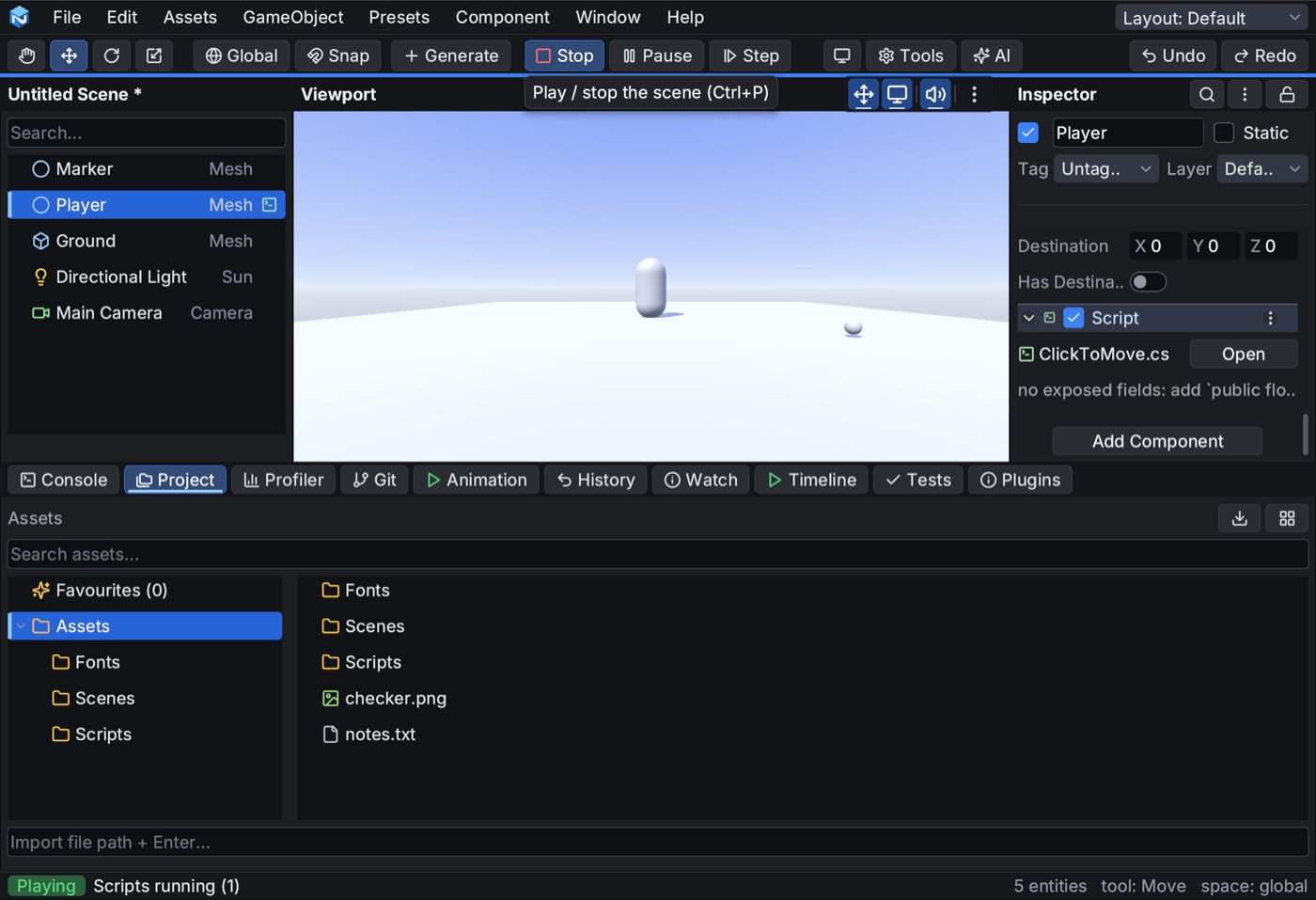
Add a wall in the middle of the level and click on the other side: the character walks round it.
Next: a countdown.