 Neux
教程:点击移动
指向并点击的移动方式:角色走到你在地面上点击的位置,并绕开挡路的东西。
1. 准备
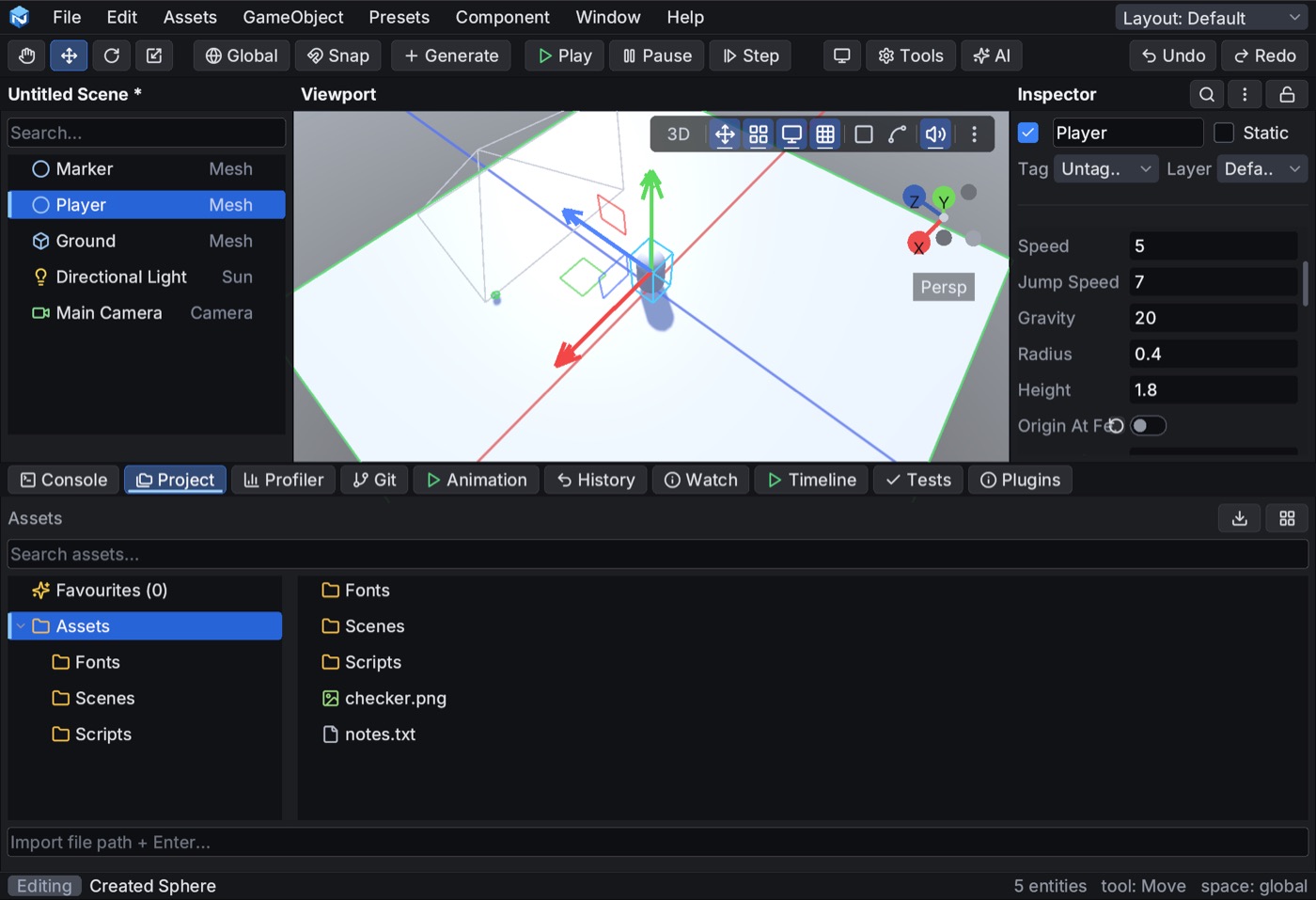
- 角色是带有 NavAgent 的 Capsule。
- 关卡里有智能体可以行走的地面(导航在 Project Settings 中设置)。
- 可选:一个名为
Marker的小球,显示它要去的位置。
2. 脚本
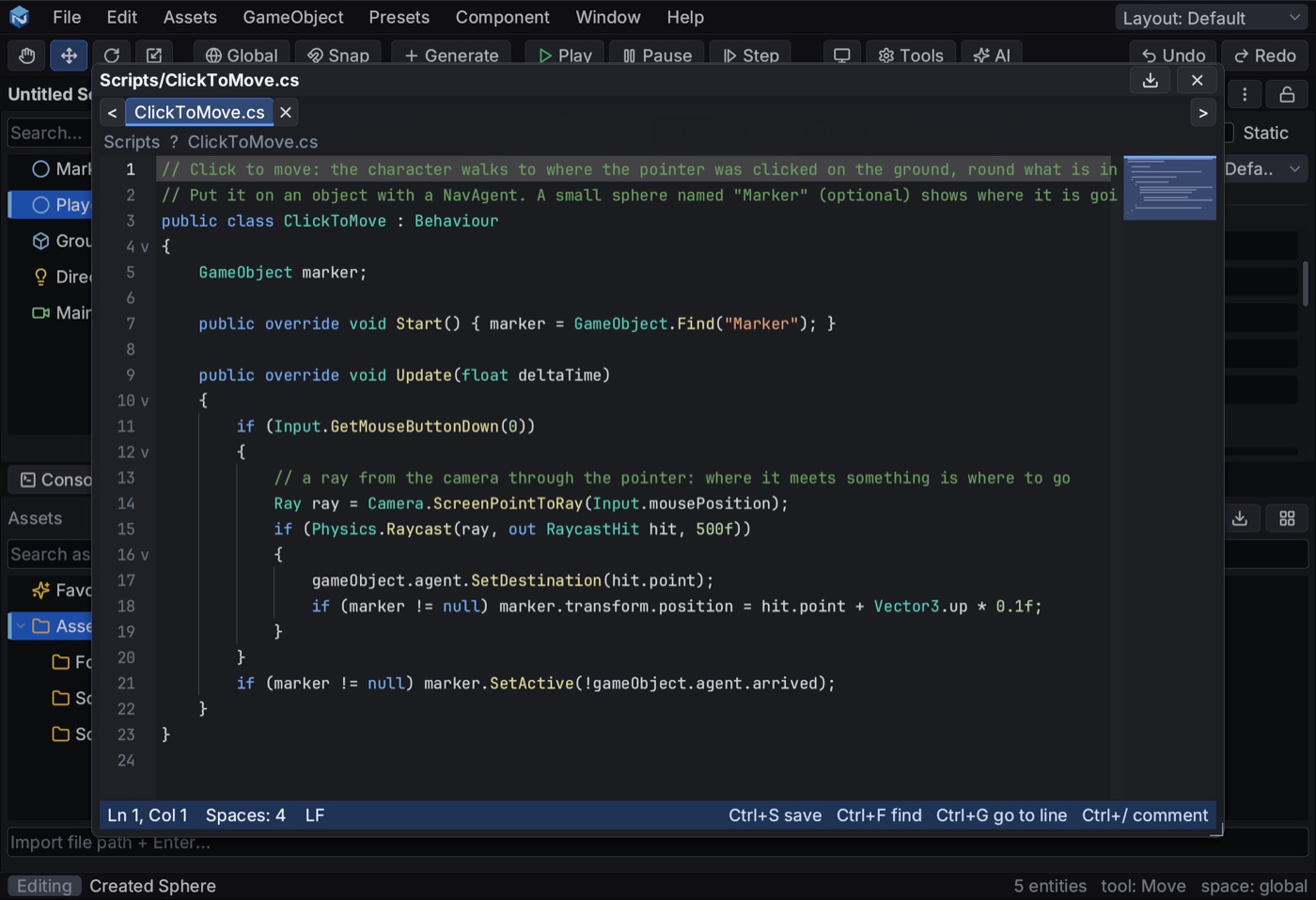
Scripts/ClickToMove.cs
public class ClickToMove : Behaviour
{
    GameObject marker;

    public override void Start() { marker = GameObject.Find("Marker"); }

    public override void Update(float deltaTime)
    {
        if (Input.GetMouseButtonDown(0))
        {
            // a ray from the camera through the pointer: where it meets something is where to go
            Ray ray = Camera.ScreenPointToRay(Input.mousePosition);
            if (Physics.Raycast(ray, out RaycastHit hit, 500f))
            {
                gameObject.agent.SetDestination(hit.point);
                if (marker != null) marker.transform.position = hit.point + Vector3.up * 0.1f;
            }
        }
        if (marker != null) marker.SetActive(!gameObject.agent.arrived);
    }
}
保存为 Scripts/ClickToMove.cs,加到角色上。
3. 工作原理
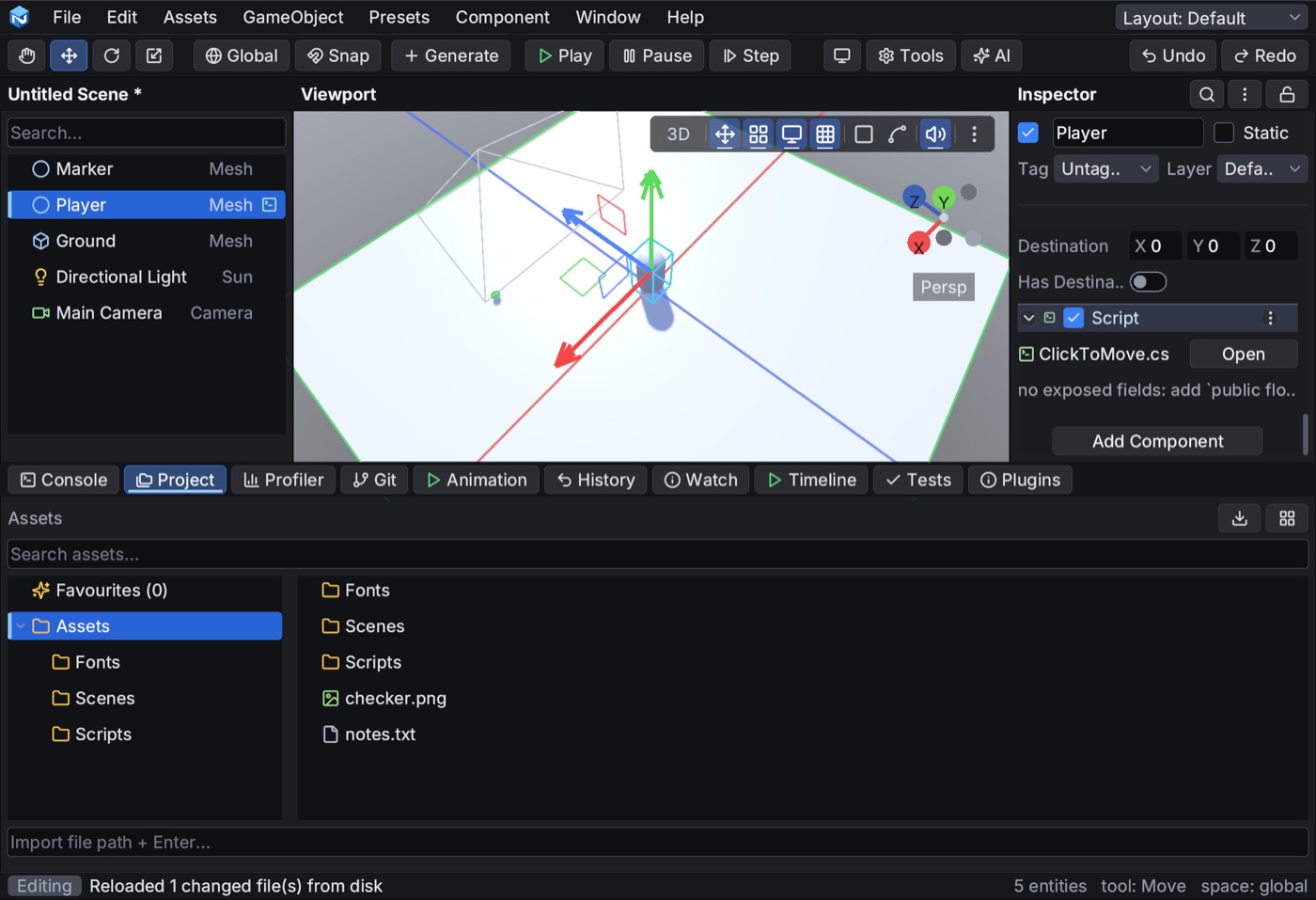
Camera.ScreenPointToRay从摄像机穿过指针生成一条射线。Physics.Raycast找出它碰到世界的位置。agent.SetDestination(hit.point)完成其余工作:NavAgent 会找出绕开障碍的路径。- 当智能体
arrived(到达)时,标记隐藏。
4. 试一试
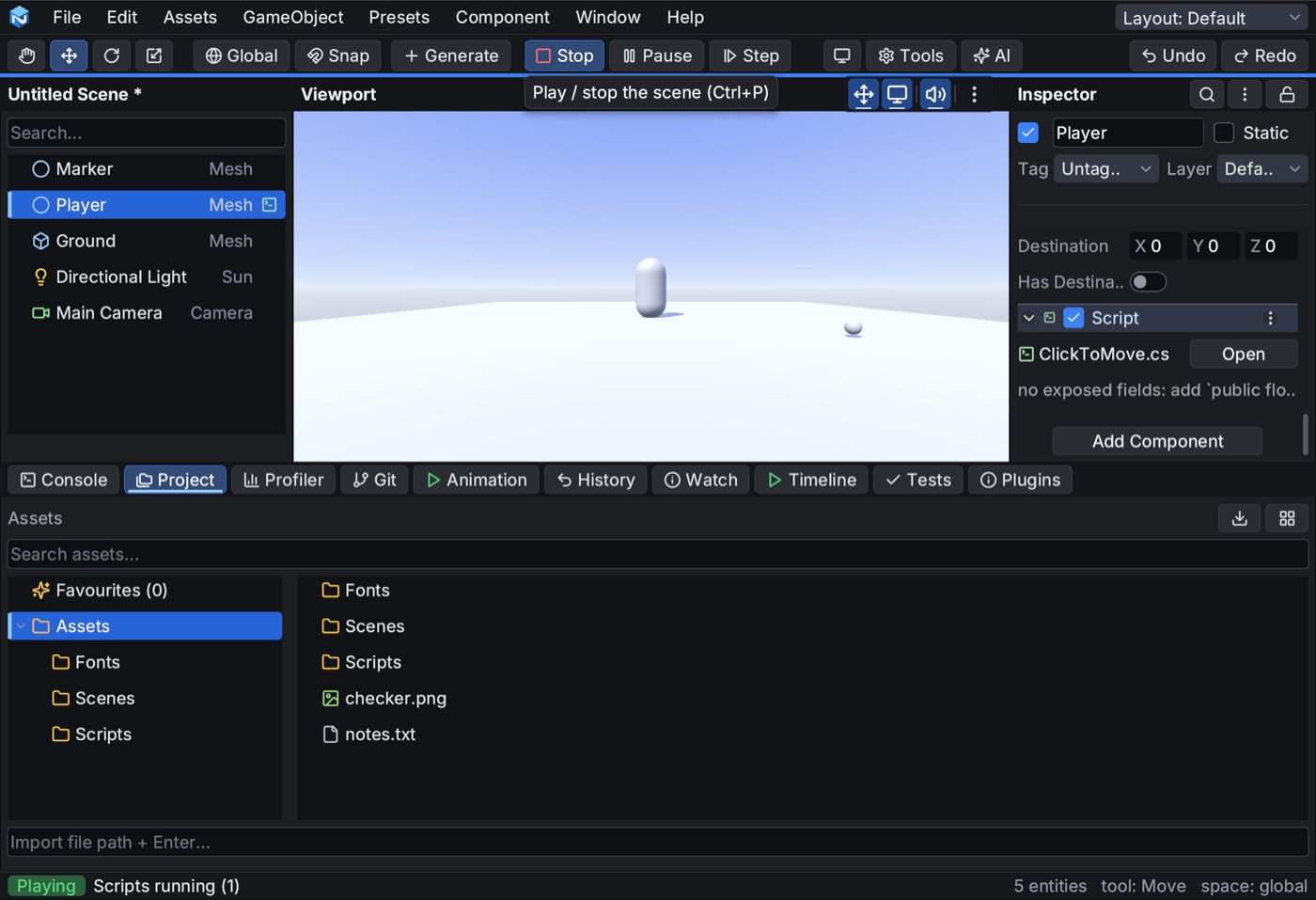
在关卡中间加一堵墙,点击另一侧:角色会绕过去。
下一步:倒计时。