 Neux
教程:倒计时
关卡有若干秒。一个文本显示剩余时间,临近结束时变红,到零时关卡重新开始。
1. 准备
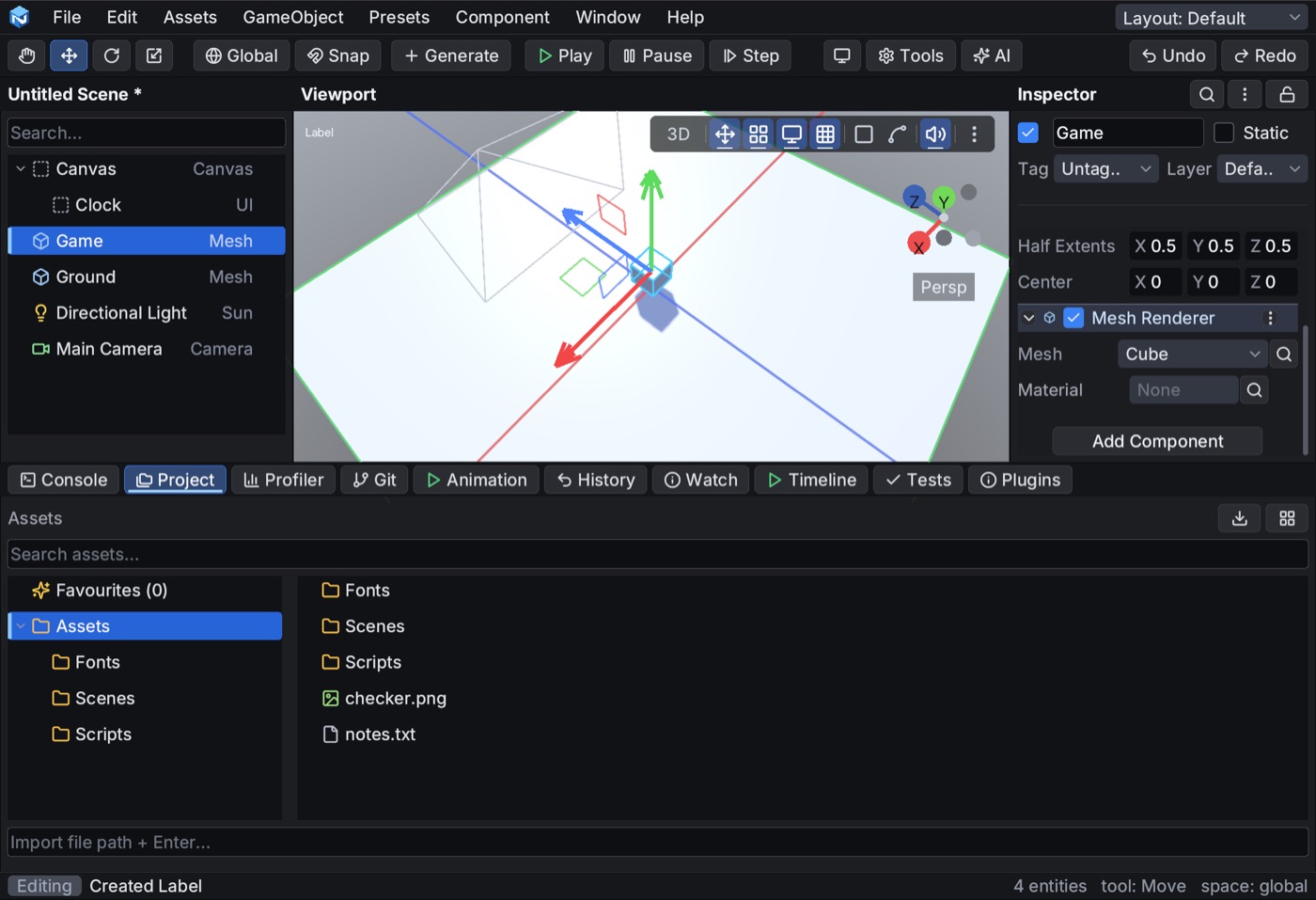
添加一个名为 Clock 的界面文本。把脚本放在任意对象上。
2. 脚本
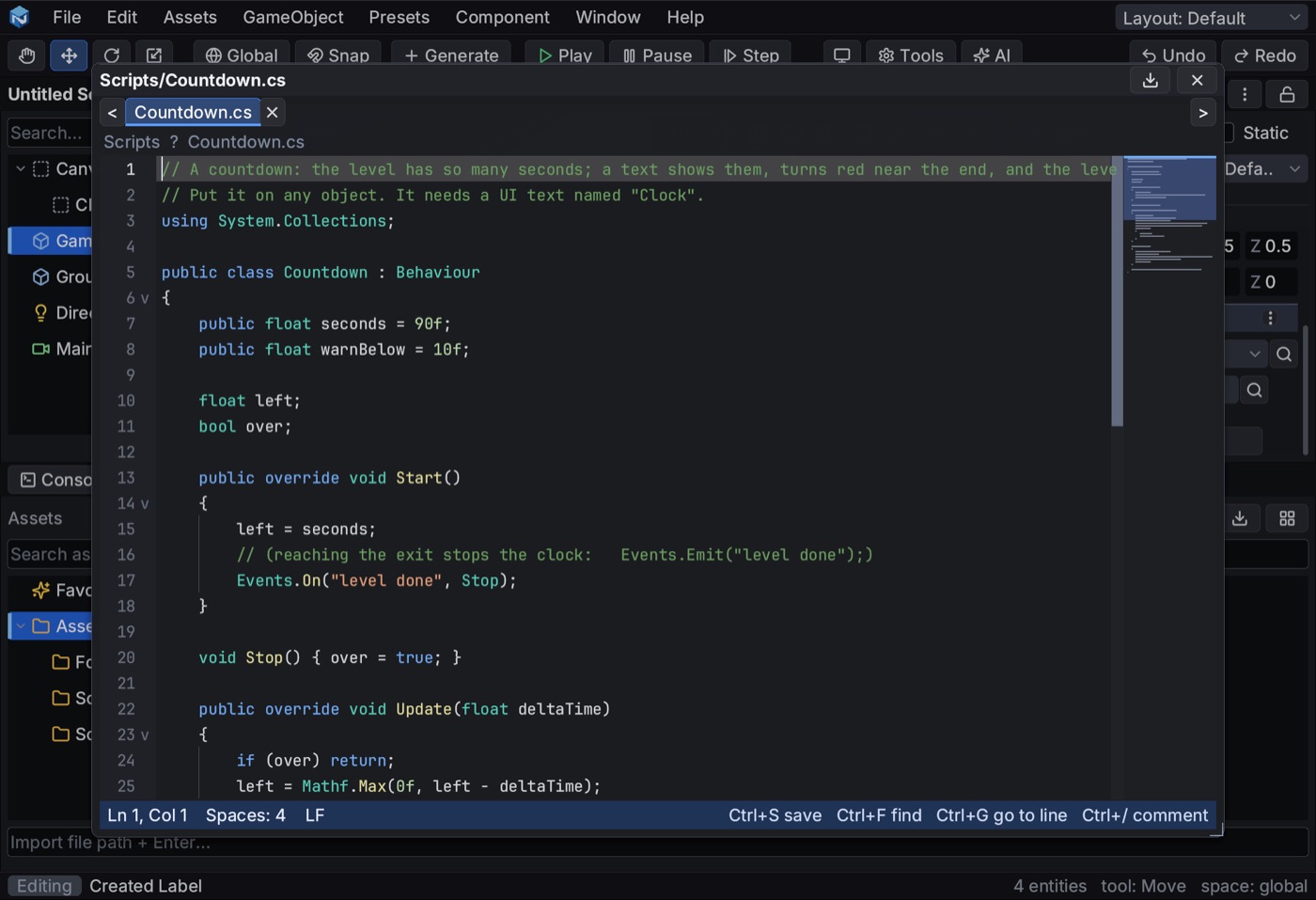
Scripts/Countdown.cs
using System.Collections;

public class Countdown : Behaviour
{
    public float seconds = 90f;
    public float warnBelow = 10f;

    float left;
    bool over;

    public override void Start()
    {
        left = seconds;
        // (reaching the exit stops the clock:   Events.Emit("level done");)
        Events.On("level done", Stop);
    }

    void Stop() { over = true; }

    public override void Update(float deltaTime)
    {
        if (over) return;
        left = Mathf.Max(0f, left - deltaTime);
        int whole = Mathf.CeilToInt(left);
        UI.SetText("Clock", (whole / 60) + ":" + (whole % 60).ToString("00"));
        UI.SetColor("Clock", left < warnBelow ? Color.red : Color.white);
        if (left <= 0f)
        {
            over = true;
            StartCoroutine(Again());
        }
    }

    IEnumerator Again()
    {
        UI.SetText("Clock", "Time is up");
        Events.Emit("time up");
        // (real seconds: the wait still ends if something has stopped the game's time)
        yield return new WaitForSecondsRealtime(2f);
        Scene.Reload();
    }

    public override void OnDestroy() { Events.Off("level done", Stop); }
}
保存为 Scripts/Countdown.cs。
3. 工作原理
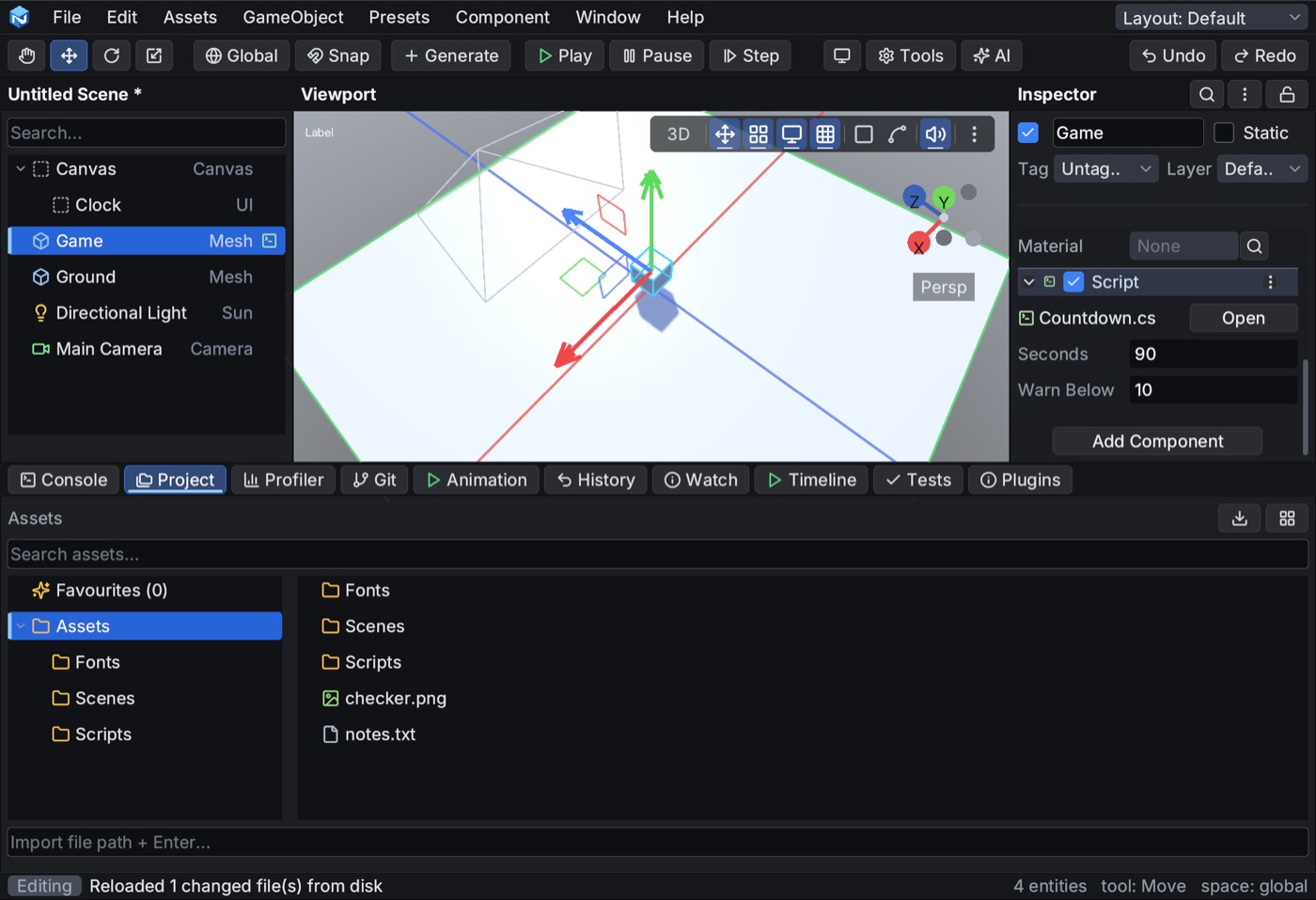
脚本每帧从剩余时间里减去 deltaTime,并以分和秒写出。低于 warnBelow 秒时文本变红。到零时它显示“Time is up”,向其他脚本发出 time up 事件,等待两个真实秒,然后重新加载关卡。在 Inspector 中修改 seconds 和 warnBelow。玩家到达出口时,Events.Emit("level done") 会让时钟停止(关卡出口脚本就是这么做的)。
游戏暂停时(暂停菜单)deltaTime 为零,时钟也会停。
4. 变化
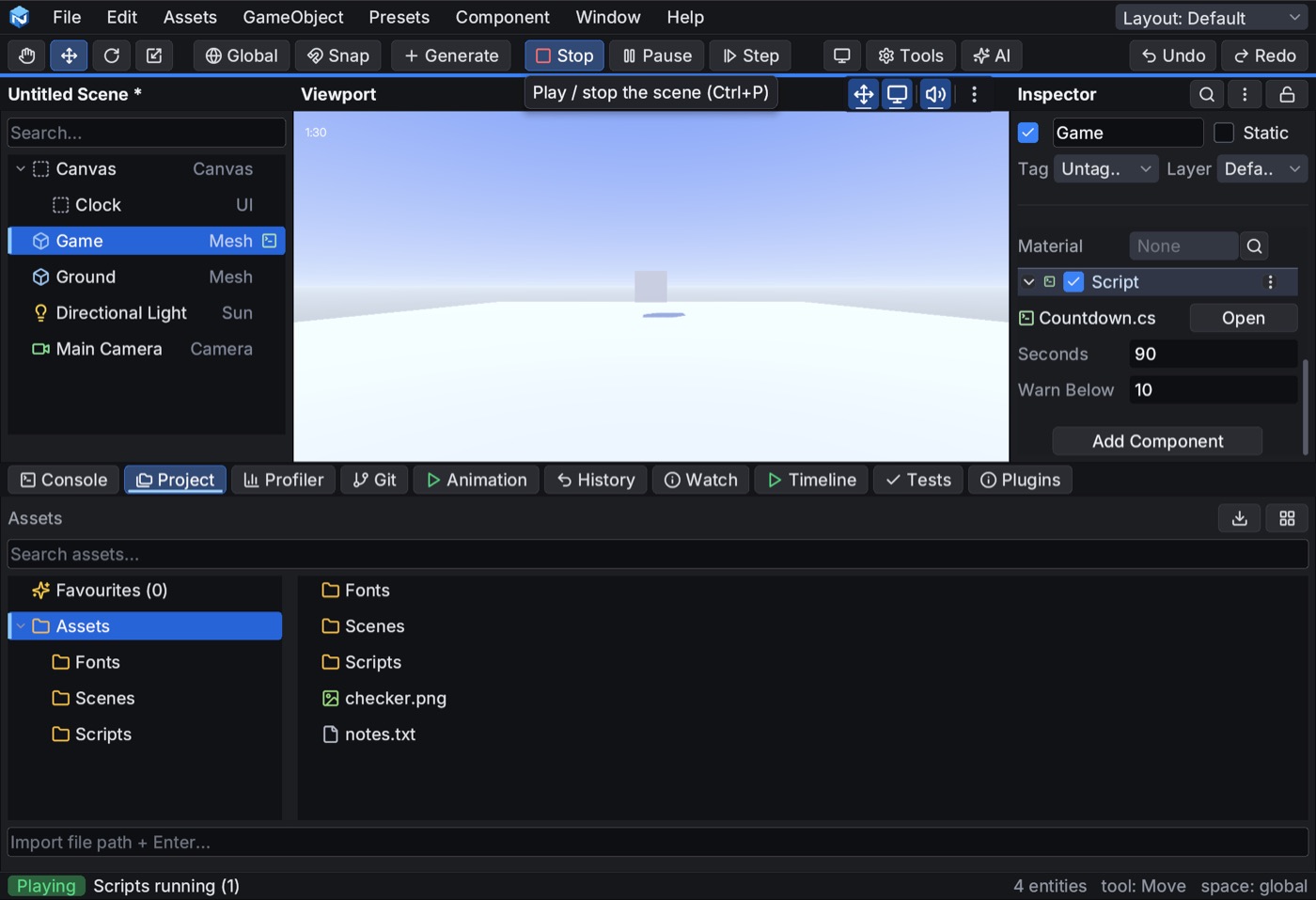
脚本已经发出了 time up:用 Events.On("time up", ...) 监听它,就可以显示游戏结束画面,而不是等待重新加载。
下一步:暂停菜单。