 Neux
教程:根据移动给角色加动画
走路的角色应该看起来在走路。一个简短的脚本把角色移动的速度、是否站在地面上以及何时起跳告诉角色的 Animator。
从会走路的角色开始。
1. 准备
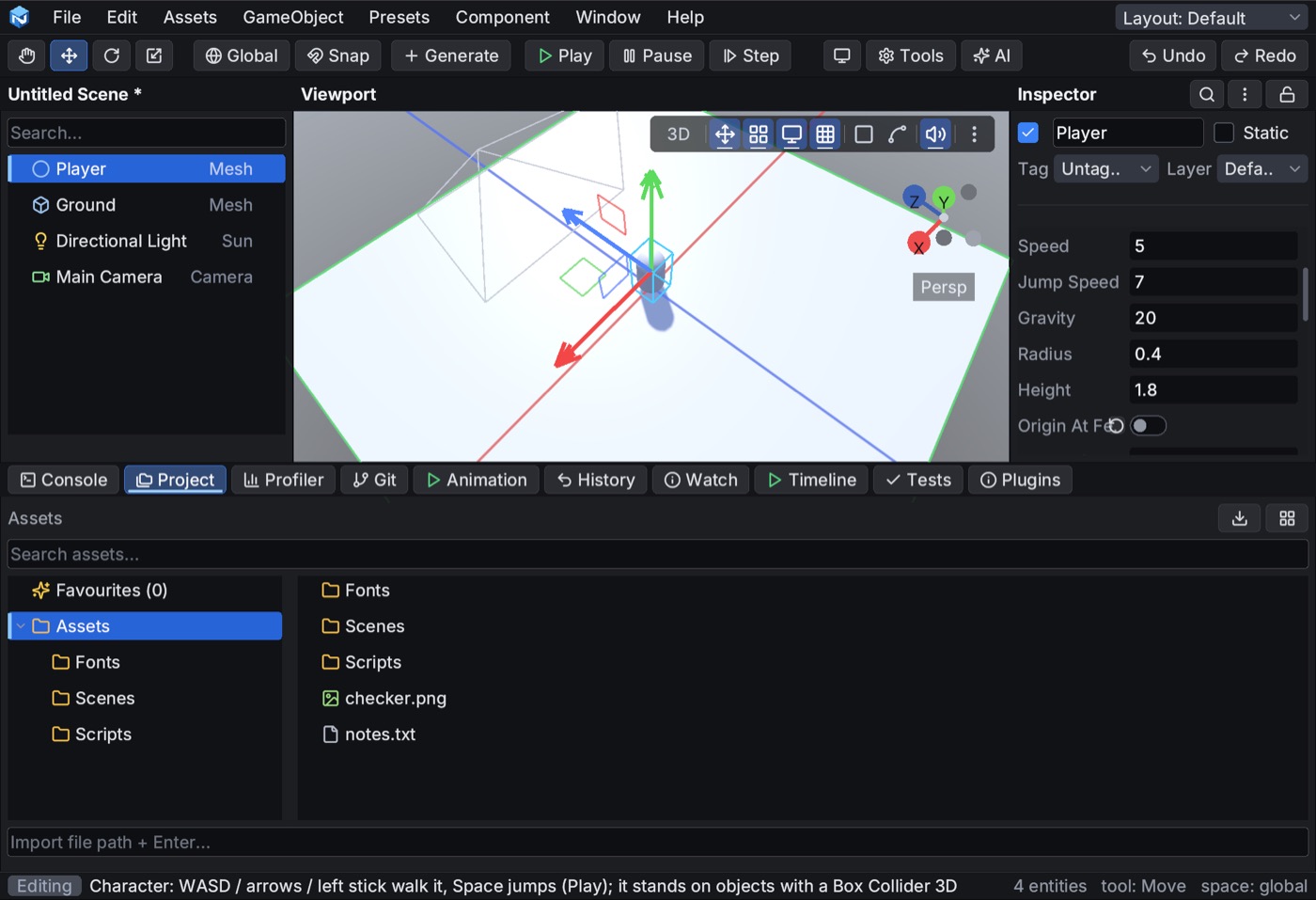
- 角色需要一个 CharacterController 和一个 Animator。
- 打开 Animator 窗口,给它的控制器加三个参数:浮点数
Speed、布尔值Grounded和触发器Jump。 - 为待机、行走和跳跃建立状态,并用这些参数设置过渡(对
Speed使用混合树,可以把待机平滑过渡到行走)。
2. 脚本
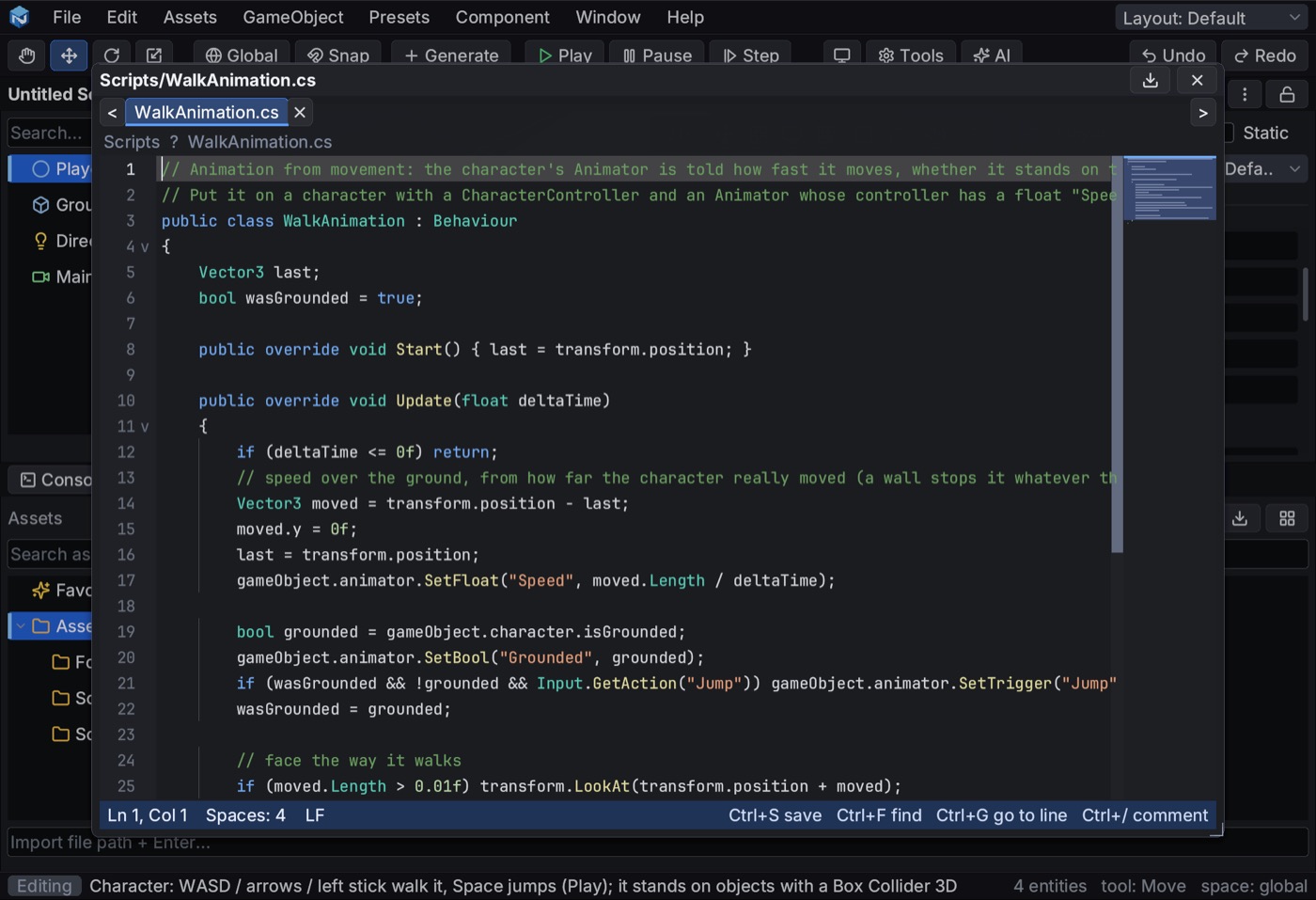
Scripts/WalkAnimation.cs
public class WalkAnimation : Behaviour
{
    Vector3 last;
    bool wasGrounded = true;

    public override void Start() { last = transform.position; }

    public override void Update(float deltaTime)
    {
        if (deltaTime <= 0f) return;
        // speed over the ground, from how far the character really moved (a wall stops it whatever the stick says)
        Vector3 moved = transform.position - last;
        moved.y = 0f;
        last = transform.position;
        gameObject.animator.SetFloat("Speed", moved.Length / deltaTime);

        bool grounded = gameObject.character.isGrounded;
        gameObject.animator.SetBool("Grounded", grounded);
        if (wasGrounded && !grounded && Input.GetAction("Jump")) gameObject.animator.SetTrigger("Jump");
        wasGrounded = grounded;

        // face the way it walks
        if (moved.Length > 0.01f) transform.LookAt(transform.position + moved);
    }
}
保存为 Scripts/WalkAnimation.cs,加到角色上。
3. 工作原理
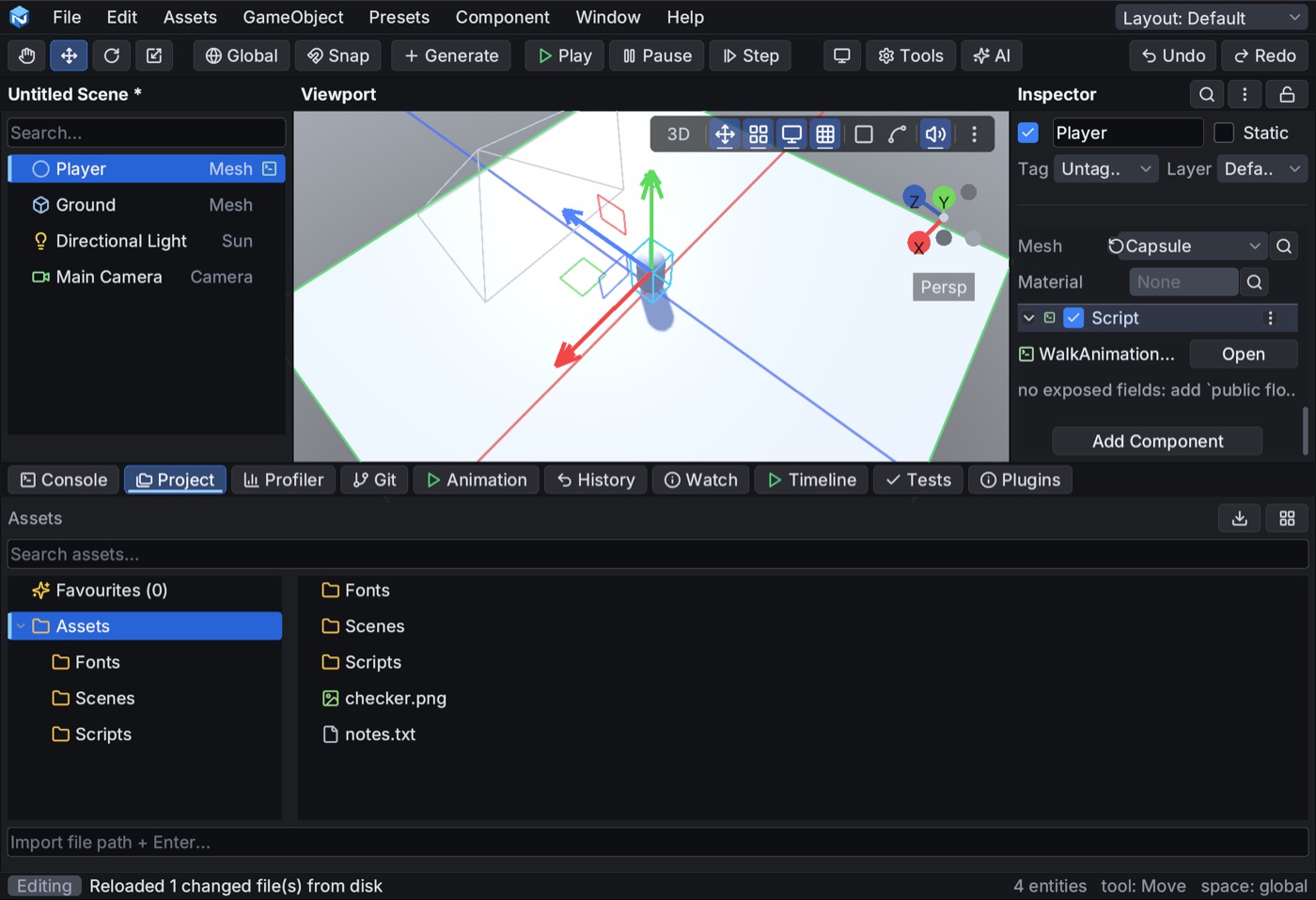
脚本每帧计算角色在地面上真正移动的速度(被墙挡住就算没动,不管摇杆怎么推),并把三条信息传给 Animator:这个速度、是否在地面上,以及按下空格后离开地面时的跳跃触发器。它还会让角色朝着行走的方向转身。
这样的分工是关键:脚本说明发生了什么,Animator 决定看起来是什么样。
4. 试一试
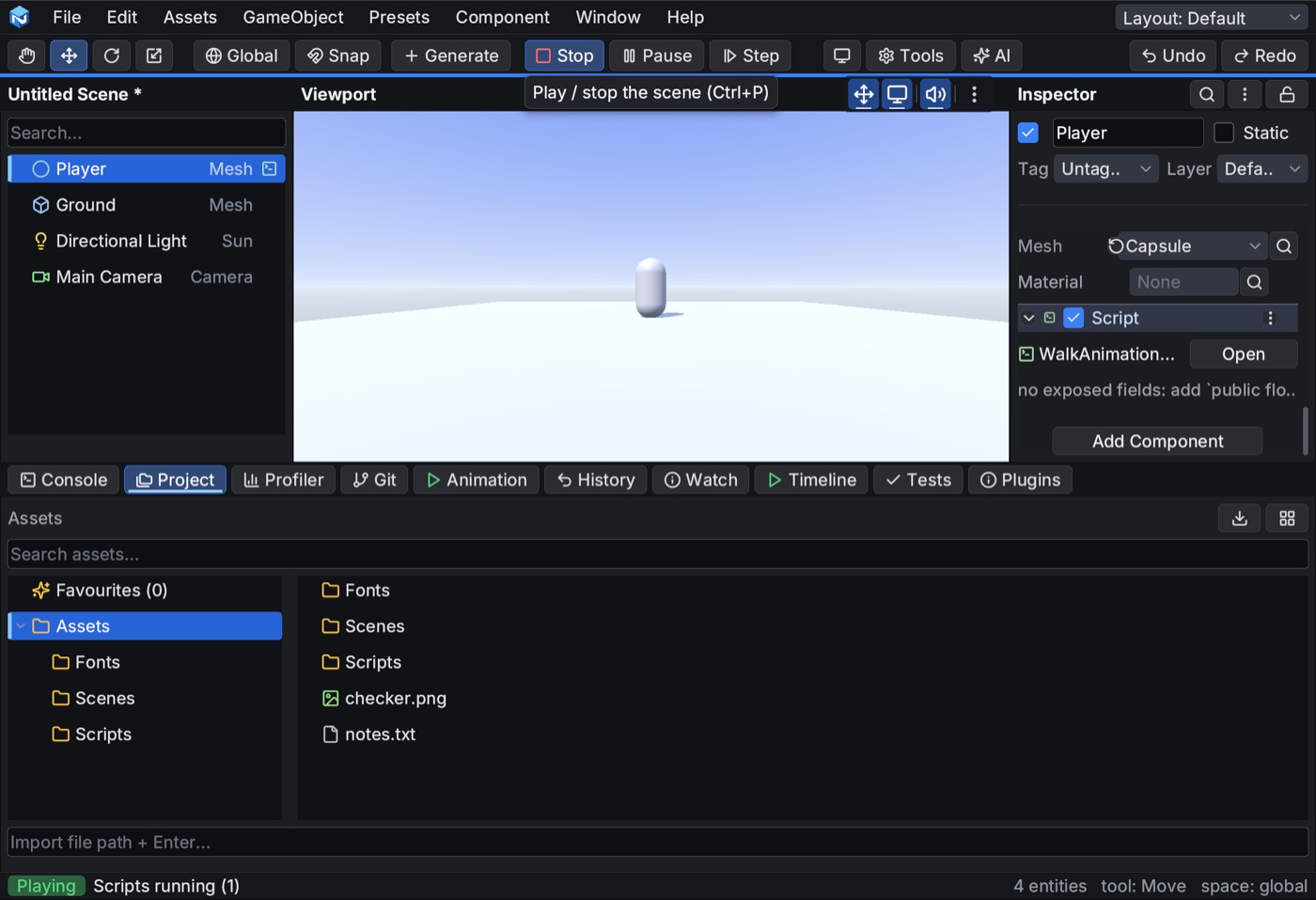
按 PLAY,走动并跳跃。如果角色滑行而腿不动,请检查 Animator 窗口里 Speed 是否连到了行走状态。
下一步:玩家靠近时自动开门。