 Neux
教程:出口:加载下一关
走进出口,下一关就在后台加载,同时进度条填充,准备好后显示出来。
1. 准备
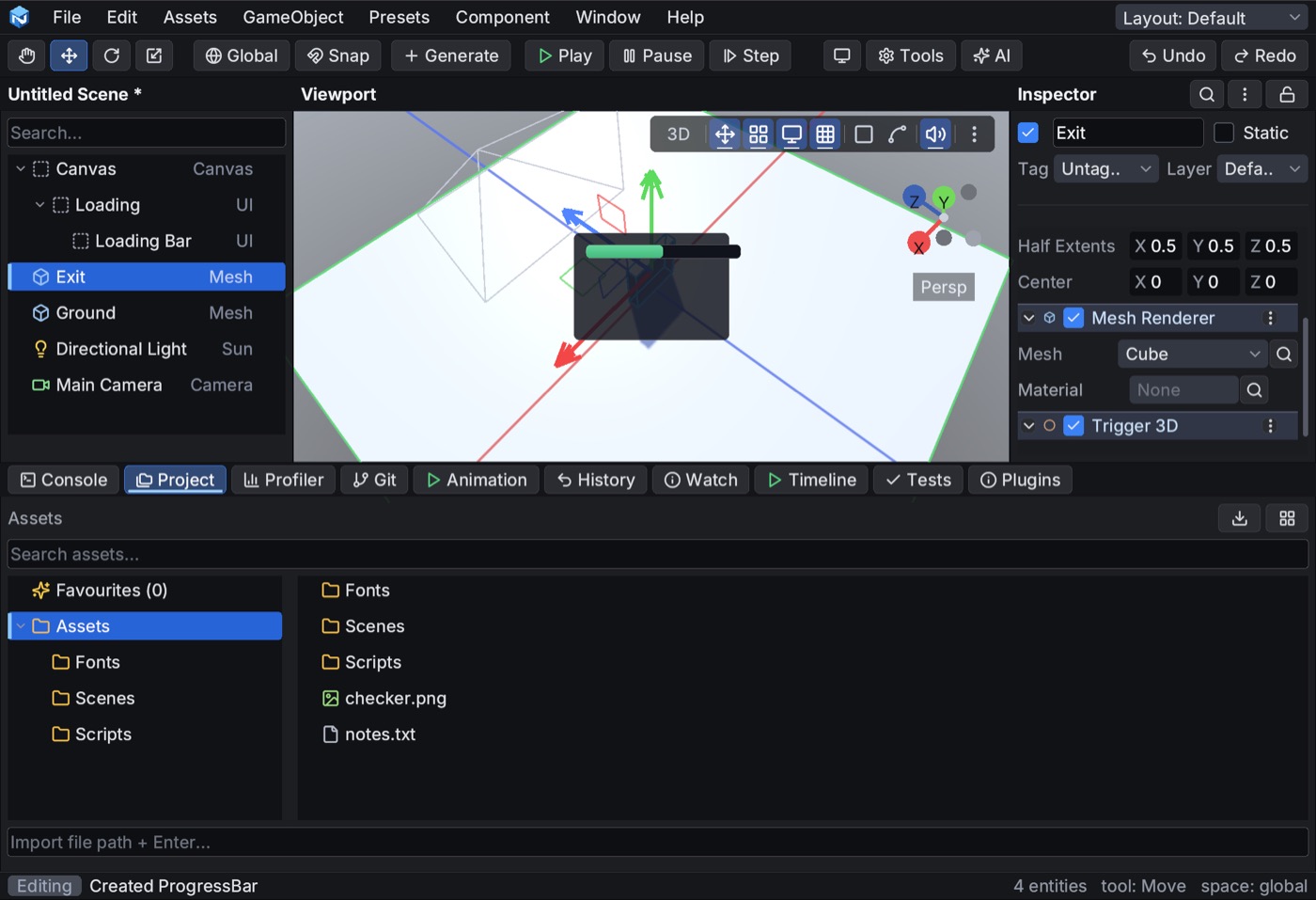
- 把脚本放在关卡末端带有 Trigger3D 的对象上。
- 添加一个名为
Loading的界面面板,里面有一个名为Loading Bar的进度条。 - 在 File > Build Settings 中把两个关卡加入场景列表。
2. 脚本
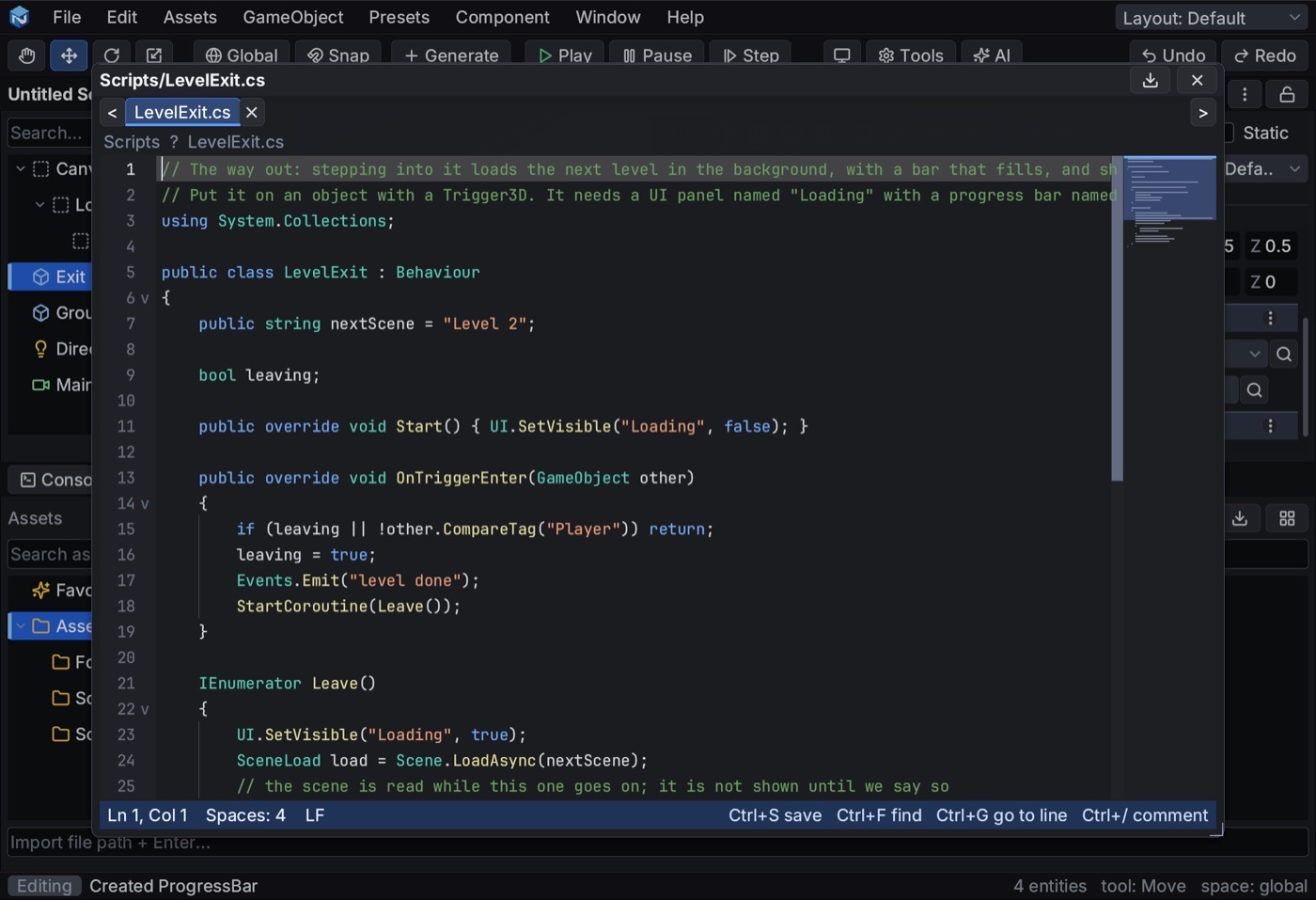
Scripts/LevelExit.cs
using System.Collections;

public class LevelExit : Behaviour
{
    public string nextScene = "Level 2";

    bool leaving;

    public override void Start() { UI.SetVisible("Loading", false); }

    public override void OnTriggerEnter(GameObject other)
    {
        if (leaving || !other.CompareTag("Player")) return;
        leaving = true;
        Events.Emit("level done");
        StartCoroutine(Leave());
    }

    IEnumerator Leave()
    {
        UI.SetVisible("Loading", true);
        SceneLoad load = Scene.LoadAsync(nextScene);
        // the scene is read while this one goes on; it is not shown until we say so
        load.allowSceneActivation = false;
        while (load.progress < 0.9f)
        {
            UI.SetValue("Loading Bar", load.progress);
            yield return null;
        }
        UI.SetValue("Loading Bar", 1f);
        yield return new WaitForSeconds(0.3f);
        load.allowSceneActivation = true;
    }
}
保存为 Scripts/LevelExit.cs。
3. 工作原理
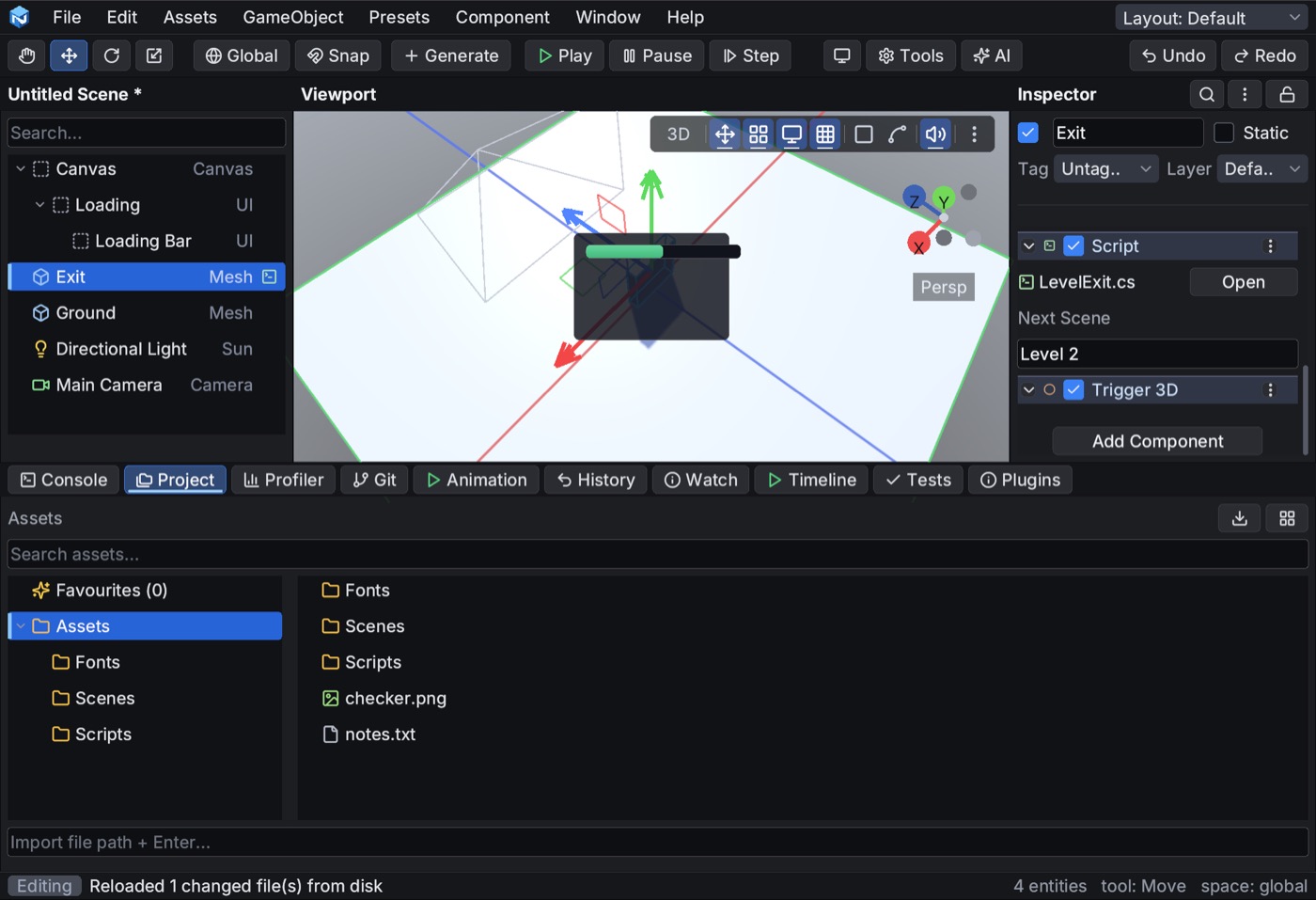
后台加载意味着加载下一关时游戏不会卡住:进度条显示进度,新关卡准备好后出现。在 Inspector 中设置下一关的名称。
下一步:操控菜单。