 Neux
教程:暂停菜单
按 Esc 停下游戏并显示一个有三个按钮的面板:继续、重新开始或离开。
1. 搭建面板
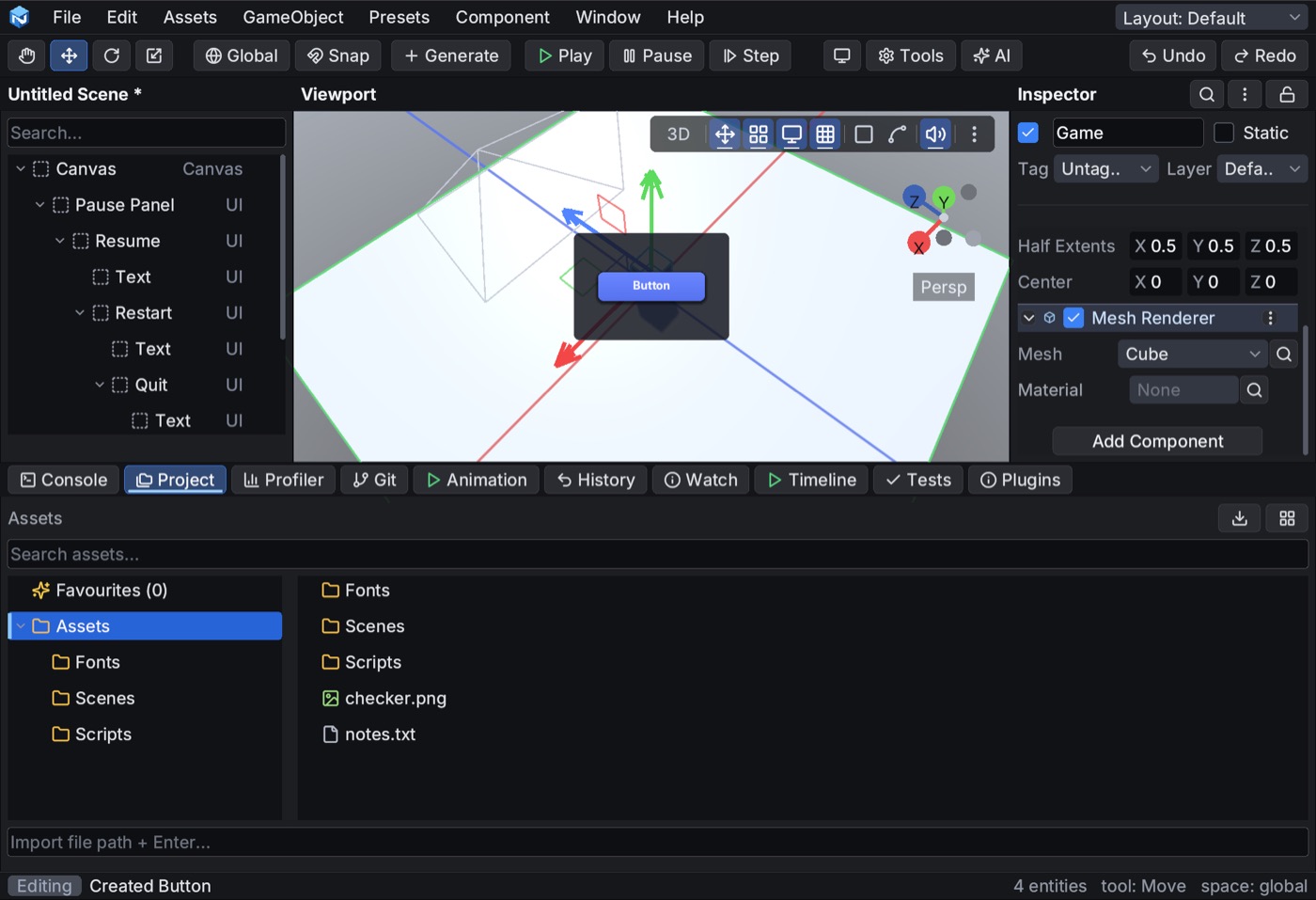
- 添加一个名为
Pause Panel的界面 panel。 - 在里面加三个按钮。在 Inspector 中把它们的 action 分别设为
resume、restart和quit。
2. 脚本
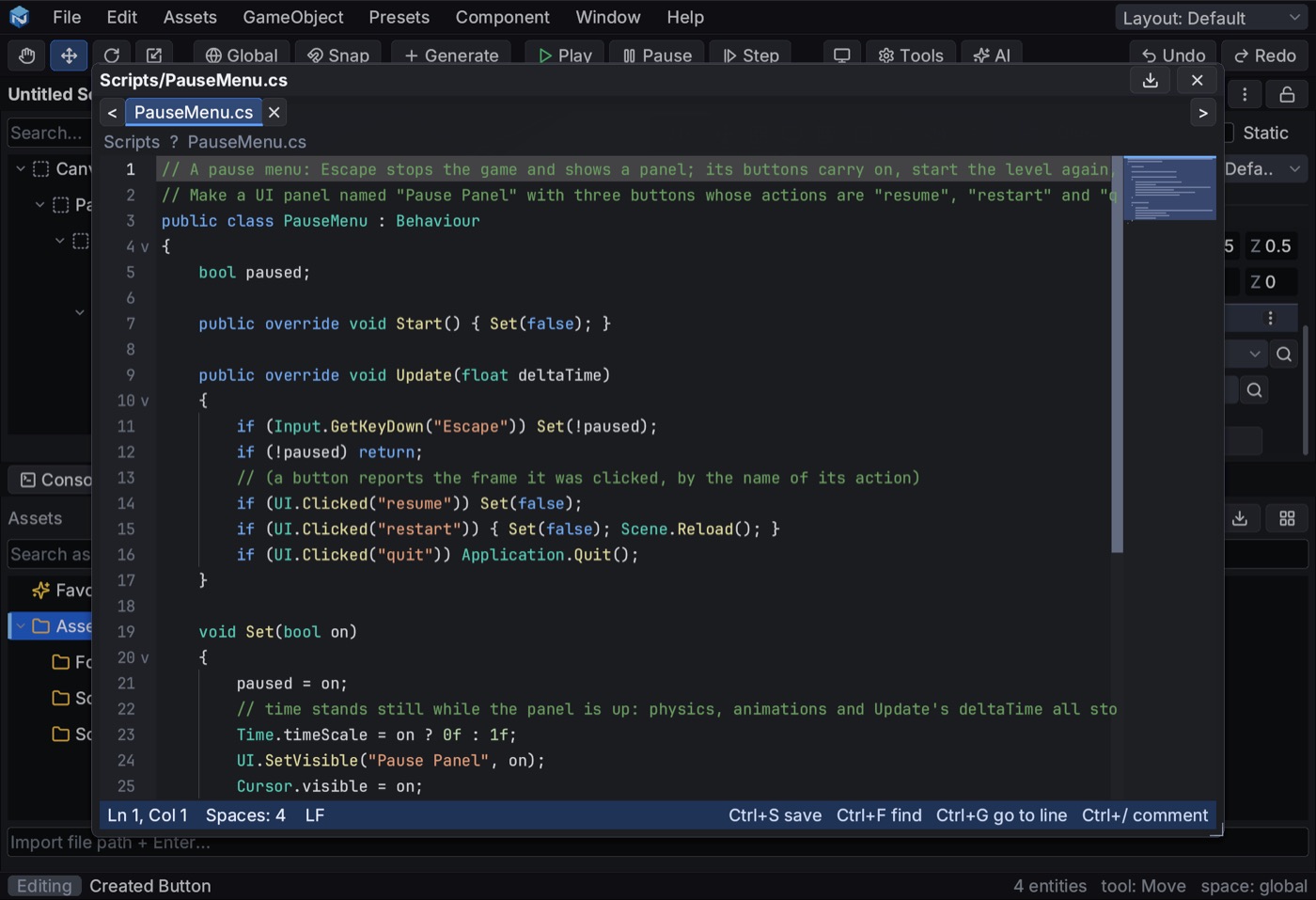
Scripts/PauseMenu.cs
public class PauseMenu : Behaviour
{
    bool paused;

    public override void Start() { Set(false); }

    public override void Update(float deltaTime)
    {
        if (Input.GetKeyDown("Escape")) Set(!paused);
        if (!paused) return;
        // (a button reports the frame it was clicked, by the name of its action)
        if (UI.Clicked("resume")) Set(false);
        if (UI.Clicked("restart")) { Set(false); Scene.Reload(); }
        if (UI.Clicked("quit")) Application.Quit();
    }

    void Set(bool on)
    {
        paused = on;
        // time stands still while the panel is up: physics, animations and Update's deltaTime all stop
        Time.timeScale = on ? 0f : 1f;
        UI.SetVisible("Pause Panel", on);
        Cursor.visible = on;
    }
}
保存为 Scripts/PauseMenu.cs,加到任意对象上。
3. 工作原理
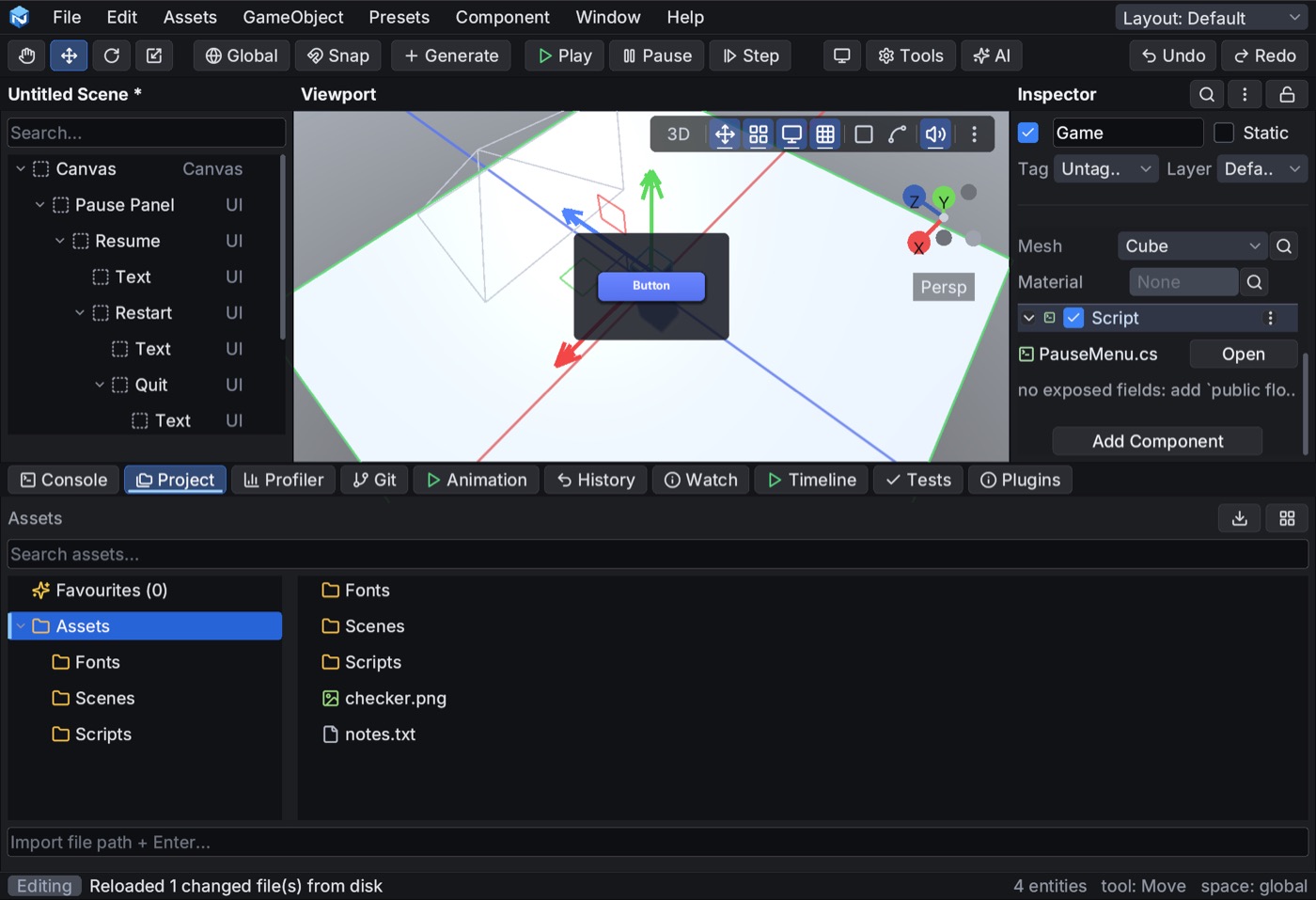
Time.timeScale = 0让时间停止:物理、动画和deltaTime都静止。- 在带有该 action 的按钮被点击的那一帧,
UI.Clicked("resume")为真。 UI.SetVisible显示或隐藏面板,面板显示期间光标可见。Scene.Reload()重新开始关卡;Application.Quit()关闭游戏。
4. 试一试
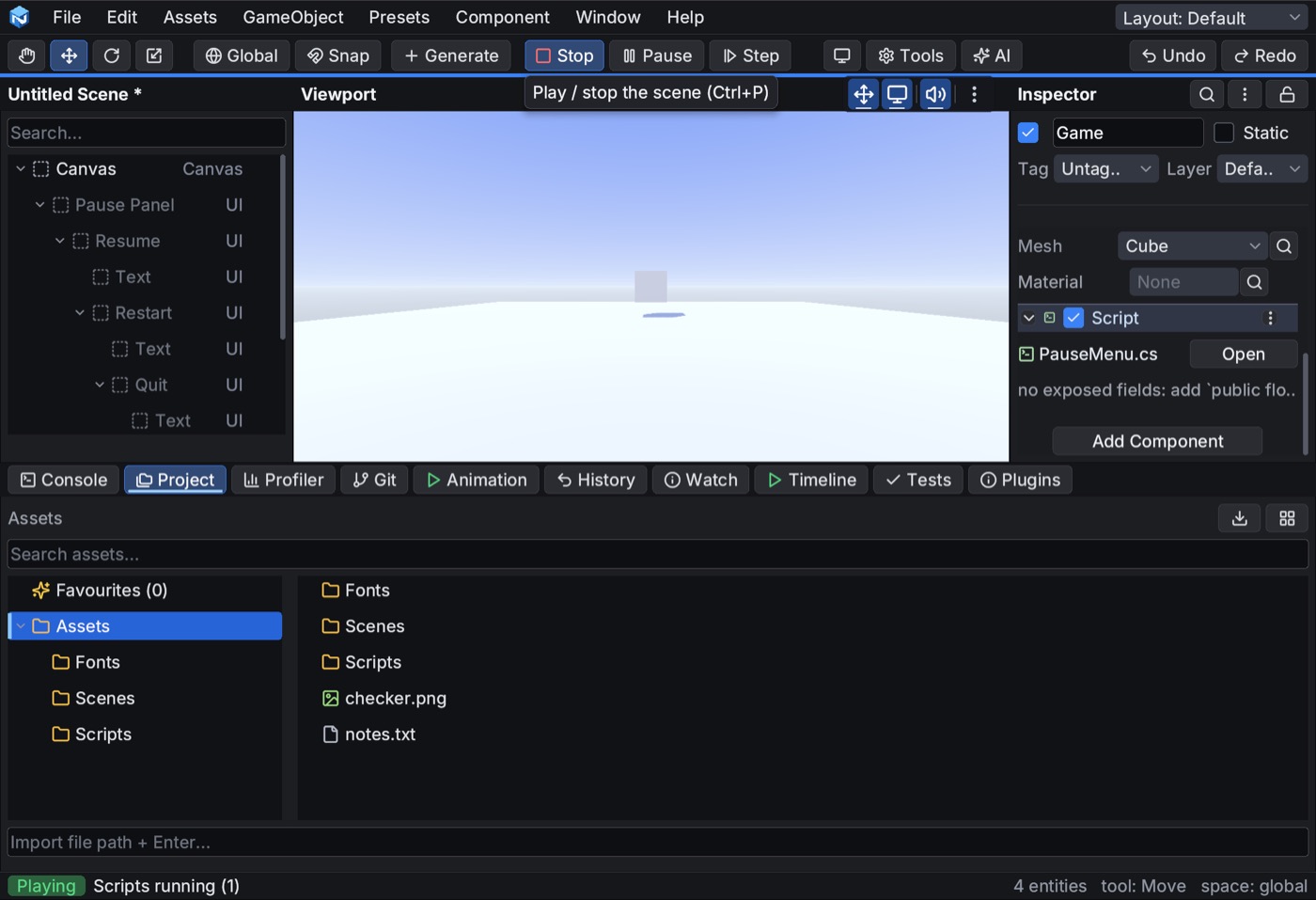
按 PLAY,再按 Esc。面板出现,游戏冻结;resume 从同一时刻继续。
下一步:存档、读档与最高分。