 Neux
Tutorial: un menú de pausa
Escape detiene el juego y muestra un panel con tres botones: continuar, empezar de nuevo o salir.
1. Construye el panel
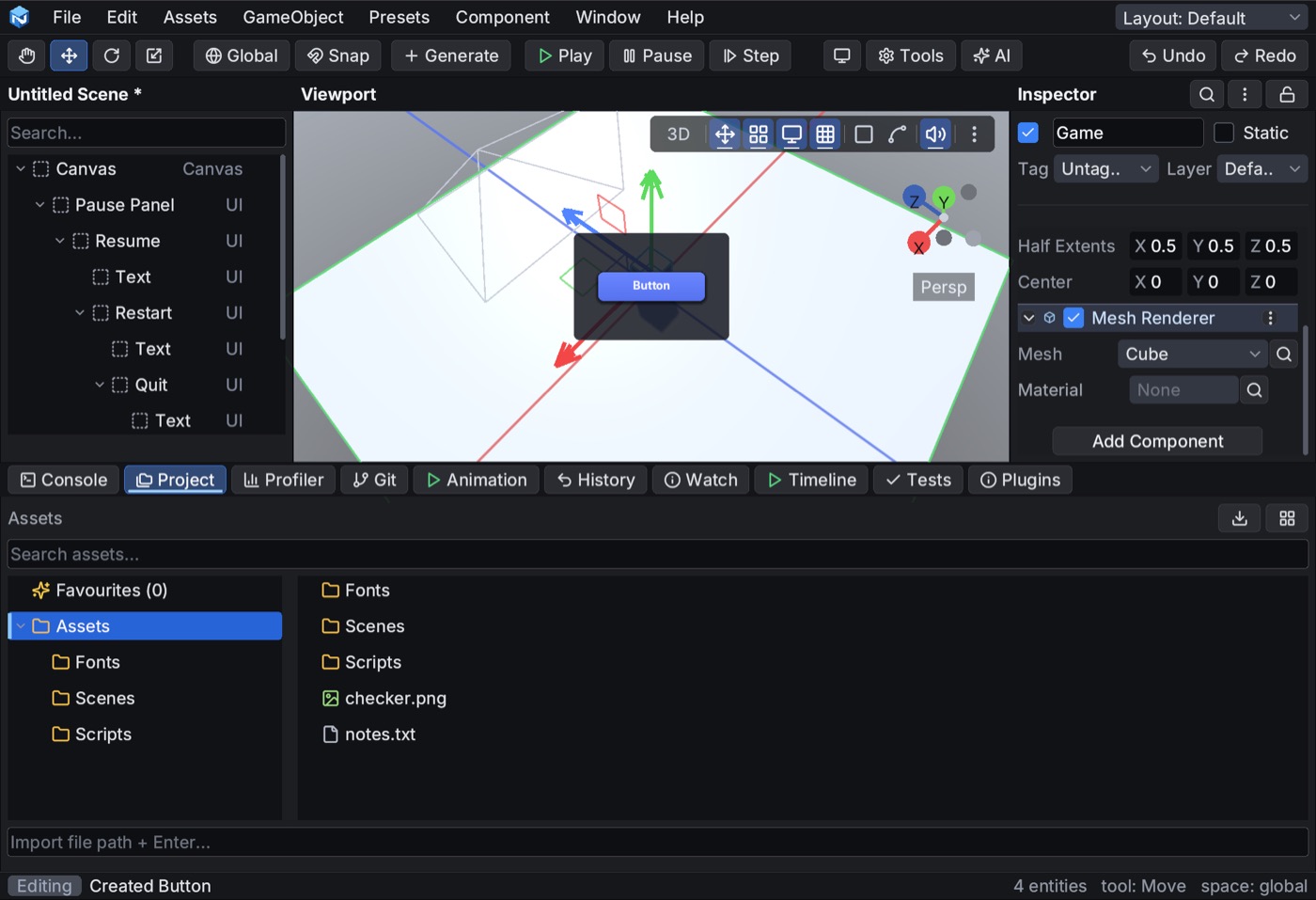
- Añade un panel de interfaz llamado
Pause Panel. - Añade tres botones dentro. En el Inspector pon su action en
resume,restartyquit.
2. El script
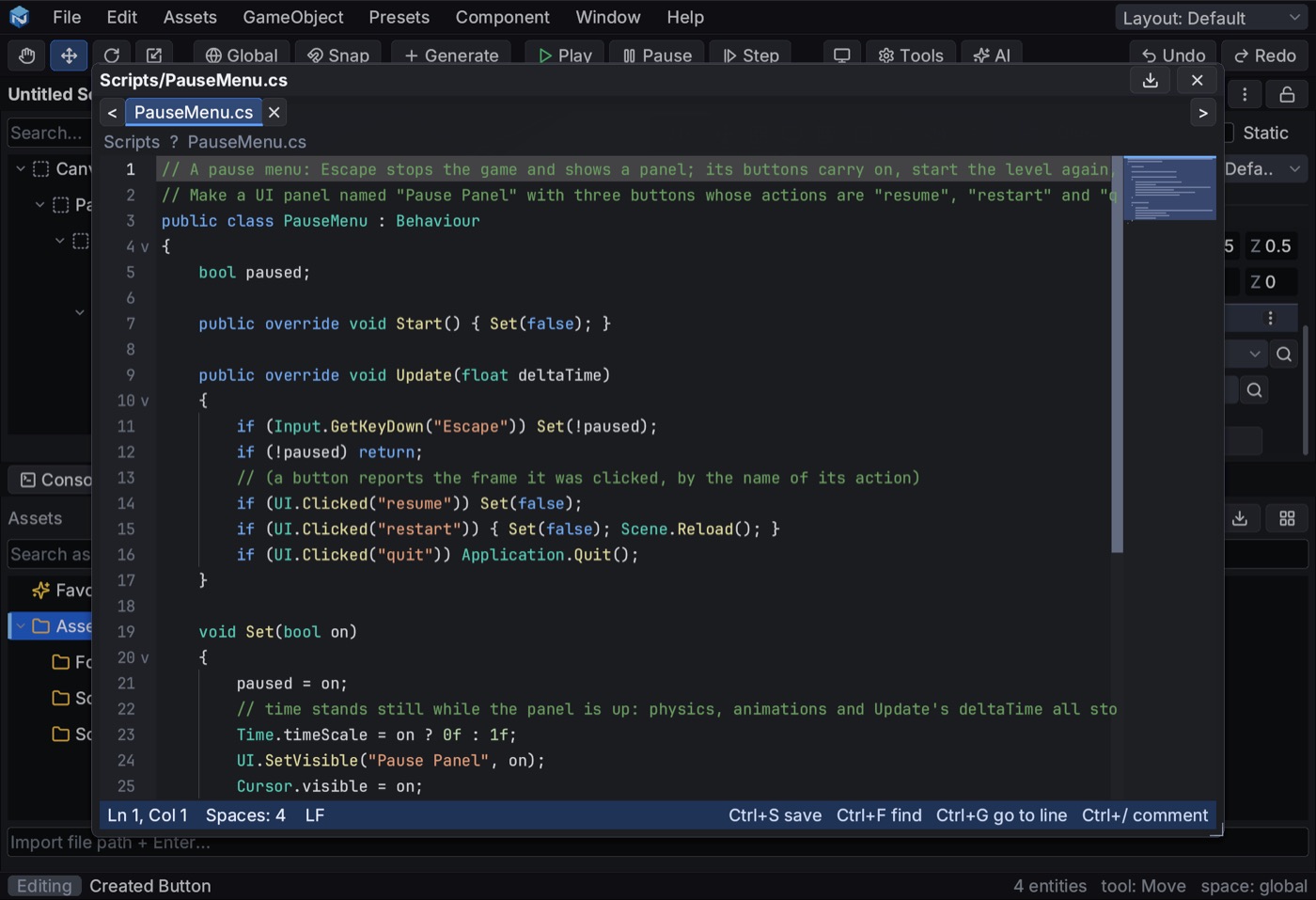
Scripts/PauseMenu.cs
public class PauseMenu : Behaviour
{
    bool paused;

    public override void Start() { Set(false); }

    public override void Update(float deltaTime)
    {
        if (Input.GetKeyDown("Escape")) Set(!paused);
        if (!paused) return;
        // (a button reports the frame it was clicked, by the name of its action)
        if (UI.Clicked("resume")) Set(false);
        if (UI.Clicked("restart")) { Set(false); Scene.Reload(); }
        if (UI.Clicked("quit")) Application.Quit();
    }

    void Set(bool on)
    {
        paused = on;
        // time stands still while the panel is up: physics, animations and Update's deltaTime all stop
        Time.timeScale = on ? 0f : 1f;
        UI.SetVisible("Pause Panel", on);
        Cursor.visible = on;
    }
}
Guárdalo como Scripts/PauseMenu.cs y añádelo a cualquier objeto.
3. Cómo funciona
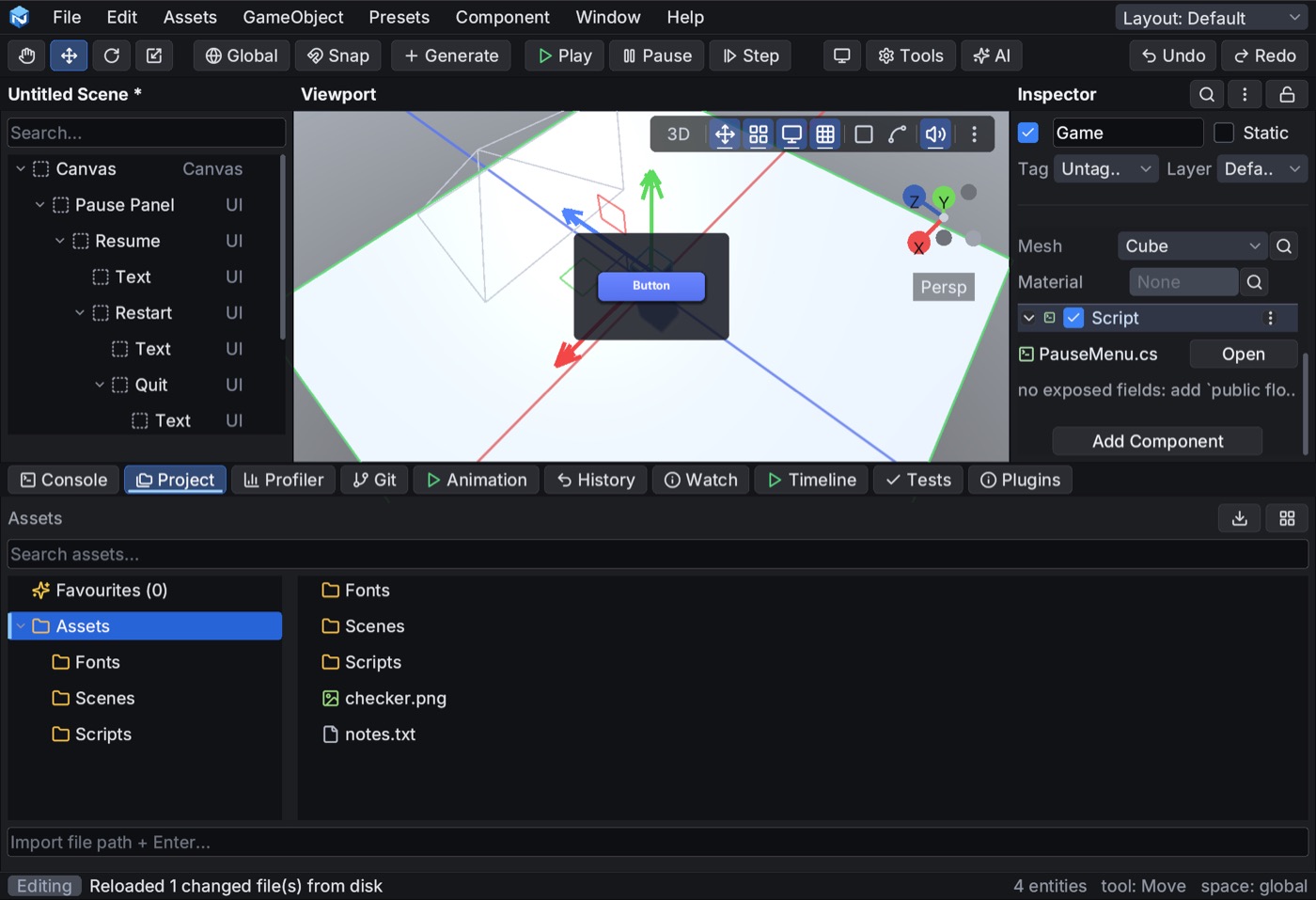
Time.timeScale = 0detiene el tiempo: la física, la animación ydeltaTimese quedan quietos.UI.Clicked("resume")es verdadero el fotograma en que se hizo clic en un botón con esa acción.UI.SetVisiblemuestra u oculta el panel, y el cursor aparece mientras está visible.Scene.Reload()empieza el nivel de nuevo;Application.Quit()cierra el juego.
4. Pruébalo
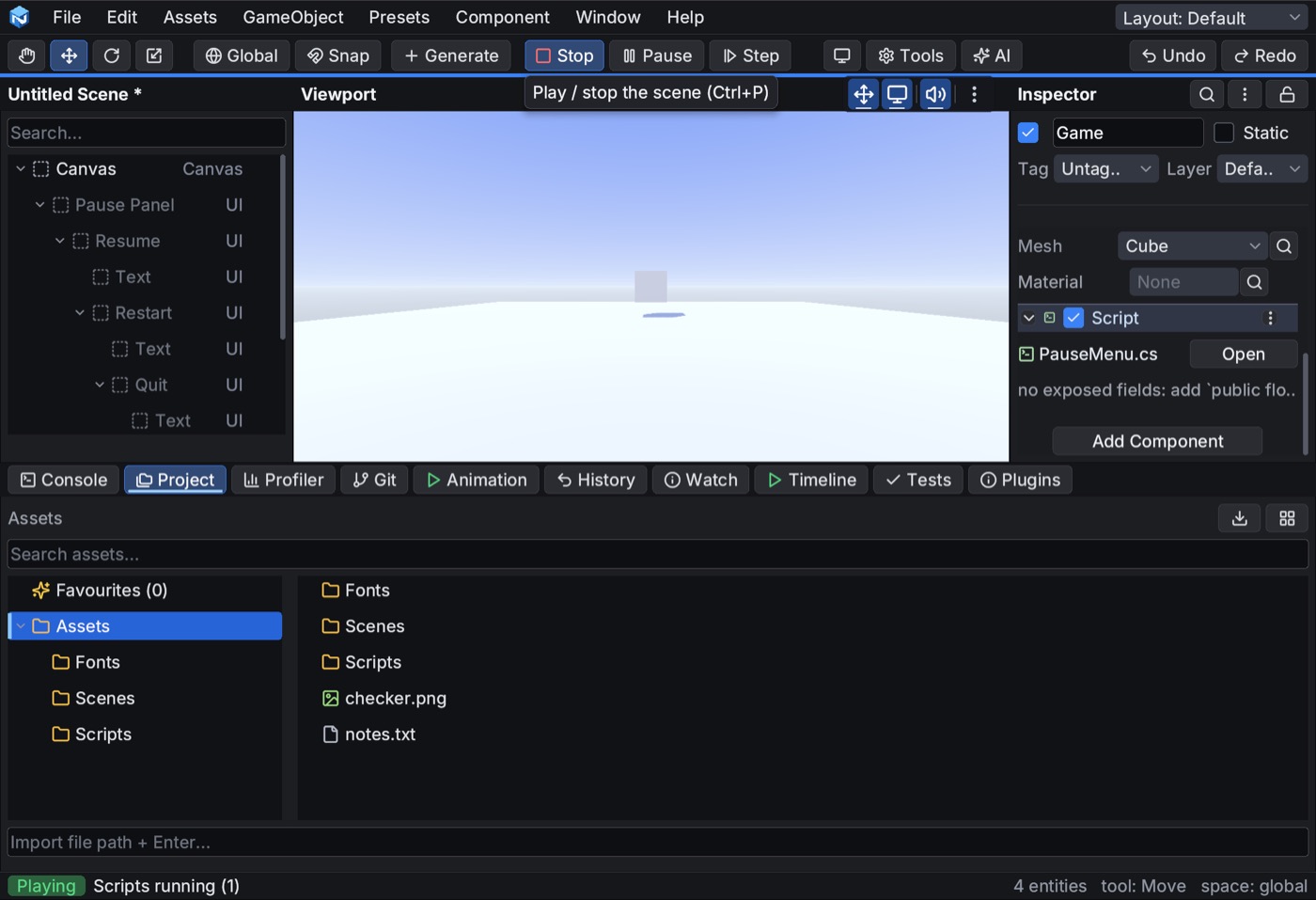
Pulsa PLAY y luego Escape. El panel aparece y el juego se congela; resume continúa desde el mismo momento.
Siguiente: guardar, cargar y una mejor puntuación.