 Neux
درس: قائمة إيقاف مؤقت
يوقف Escape اللعبة ويعرض لوحة فيها ثلاثة أزرار: متابعة أو إعادة البدء أو الخروج.
1. ابنِ اللوحة
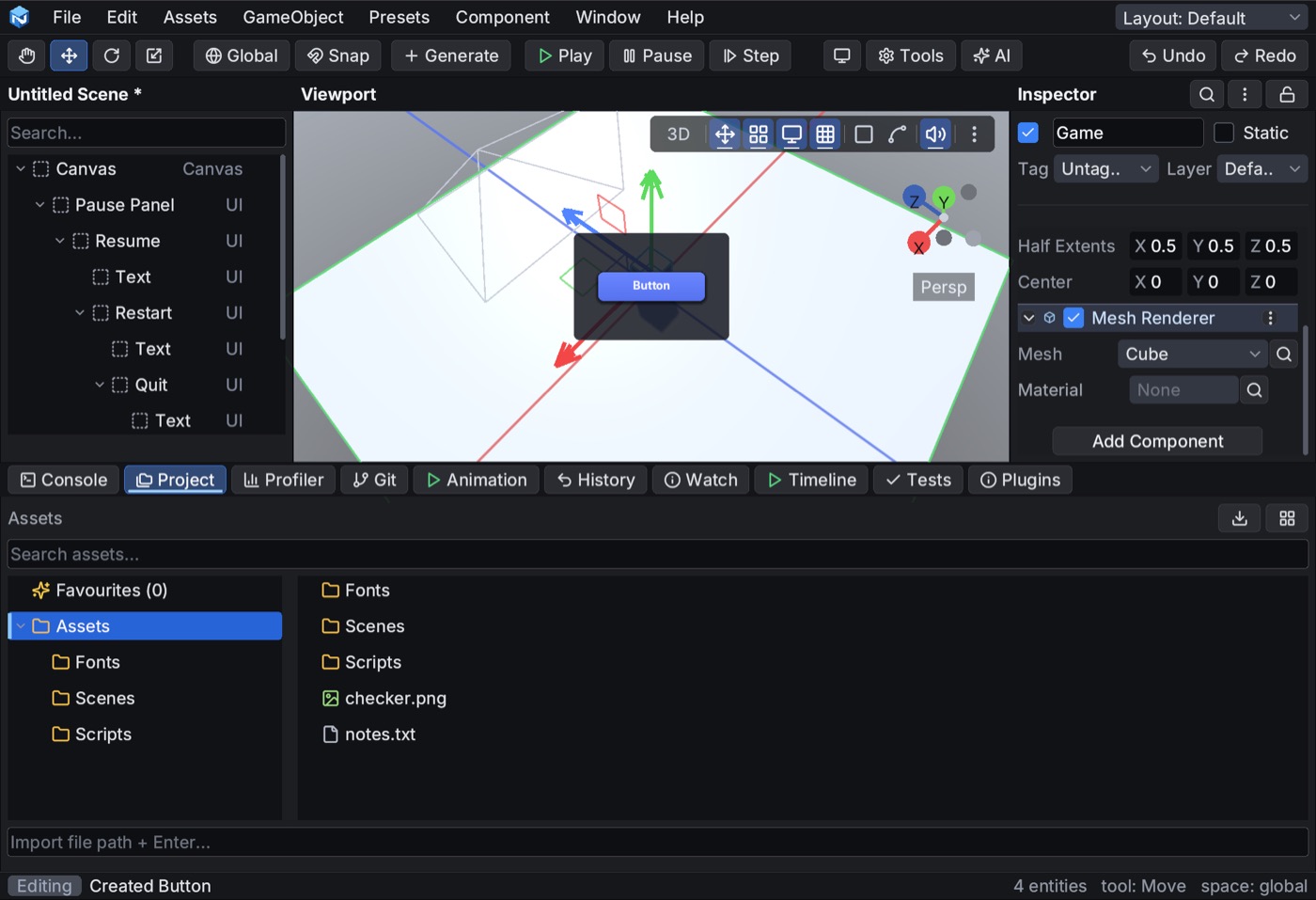
- أضف panel من الواجهة باسم
Pause Panel. - أضف فيها ثلاثة أزرار. في Inspector اضبط action لها على
resumeوrestartوquit.
2. السكربت
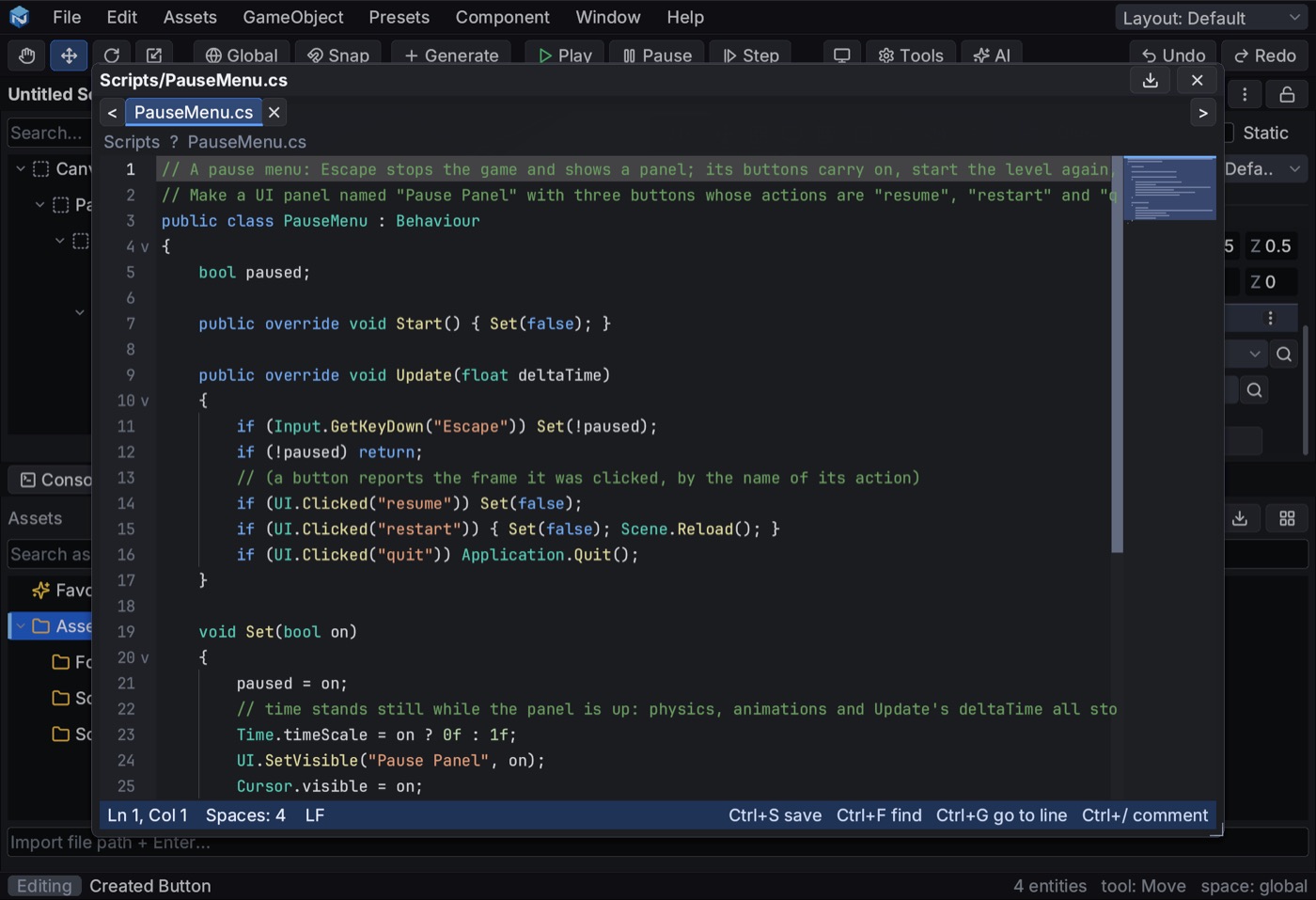
Scripts/PauseMenu.cs
public class PauseMenu : Behaviour
{
    bool paused;

    public override void Start() { Set(false); }

    public override void Update(float deltaTime)
    {
        if (Input.GetKeyDown("Escape")) Set(!paused);
        if (!paused) return;
        // (a button reports the frame it was clicked, by the name of its action)
        if (UI.Clicked("resume")) Set(false);
        if (UI.Clicked("restart")) { Set(false); Scene.Reload(); }
        if (UI.Clicked("quit")) Application.Quit();
    }

    void Set(bool on)
    {
        paused = on;
        // time stands still while the panel is up: physics, animations and Update's deltaTime all stop
        Time.timeScale = on ? 0f : 1f;
        UI.SetVisible("Pause Panel", on);
        Cursor.visible = on;
    }
}
احفظه باسم Scripts/PauseMenu.cs وأضفه إلى أي كائن.
3. كيف يعمل
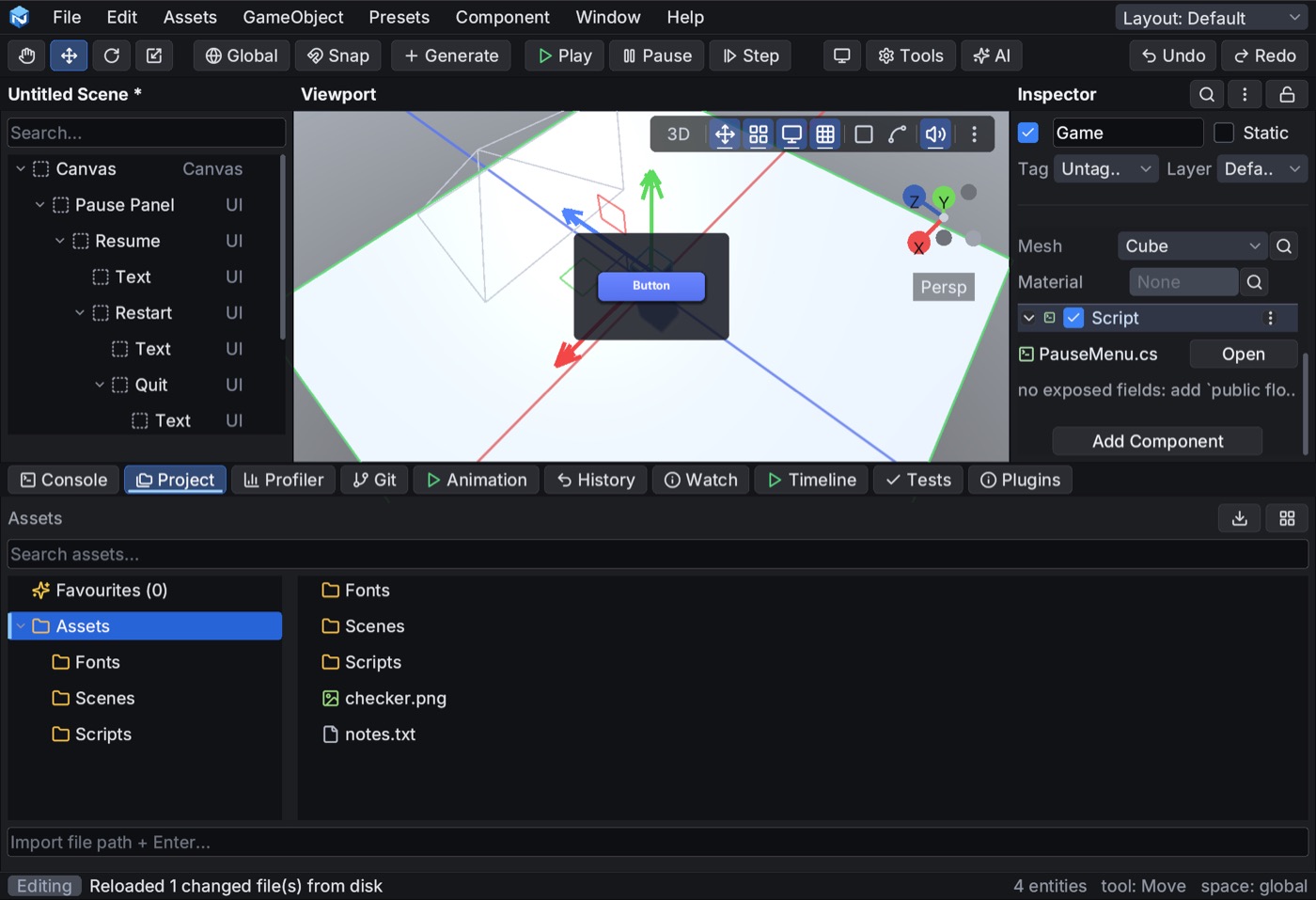
- يوقف
Time.timeScale = 0الزمن: تتجمد الفيزياء والحركات وdeltaTime. - تكون
UI.Clicked("resume")صحيحة في الإطار الذي نُقر فيه زر له هذا الإجراء. - تُظهر
UI.SetVisibleاللوحة أو تخفيها، ويظهر المؤشر ما دامت ظاهرة. - تبدأ
Scene.Reload()المرحلة من جديد؛ وتغلقApplication.Quit()اللعبة.
4. جرّبه
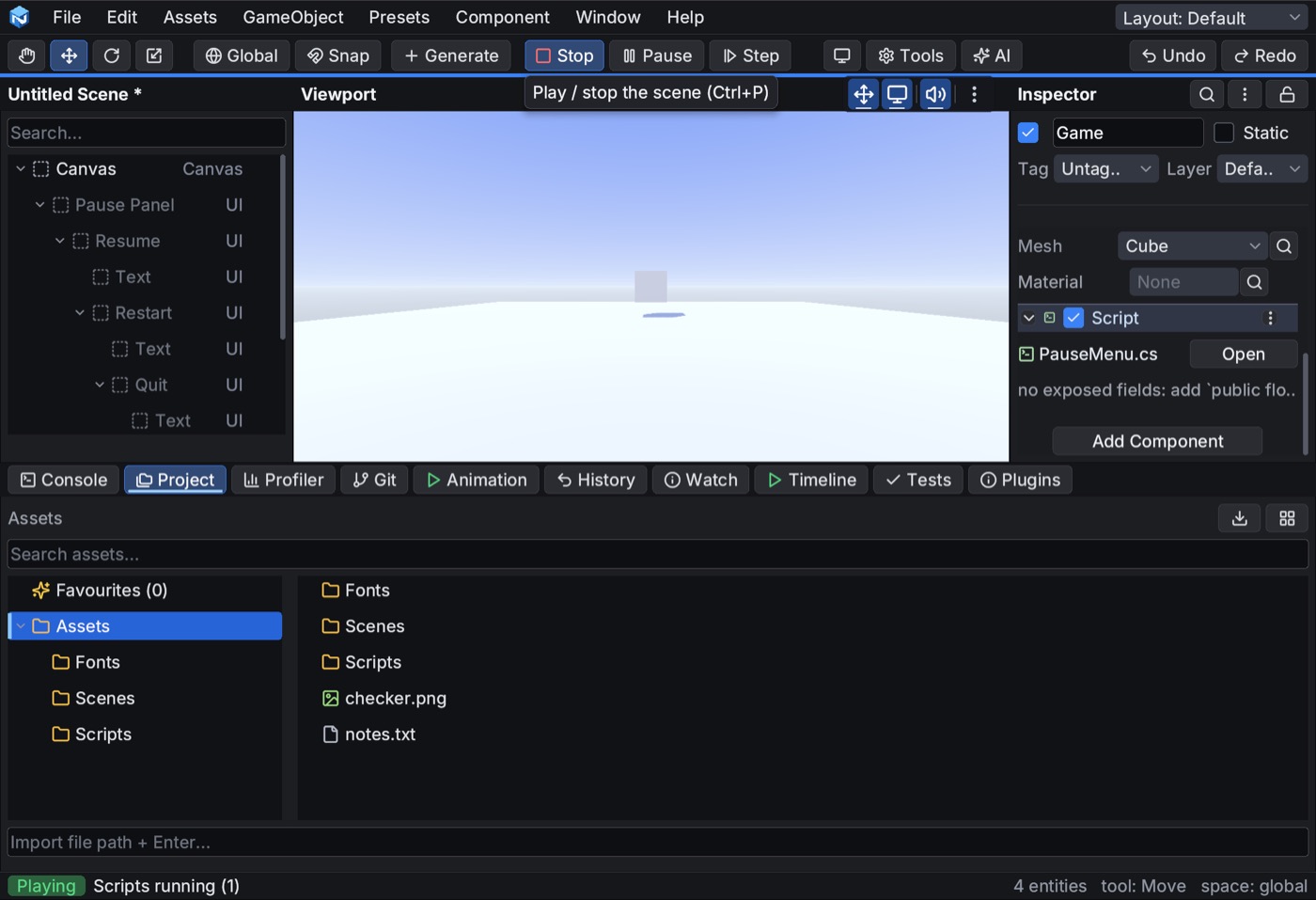
اضغط PLAY ثم Escape. تظهر اللوحة وتتجمد اللعبة؛ وresume تتابع من اللحظة نفسها.
التالي: الحفظ والتحميل وأفضل نتيجة.