Neux
هذه الصفحة لم تُترجم بعد، لذا تظهر بالإنجليزية.
Gallery
What the Neux editor makes, and what it looks like to use. Every picture is the editor itself, taken by its own tests.
Games from a sentence
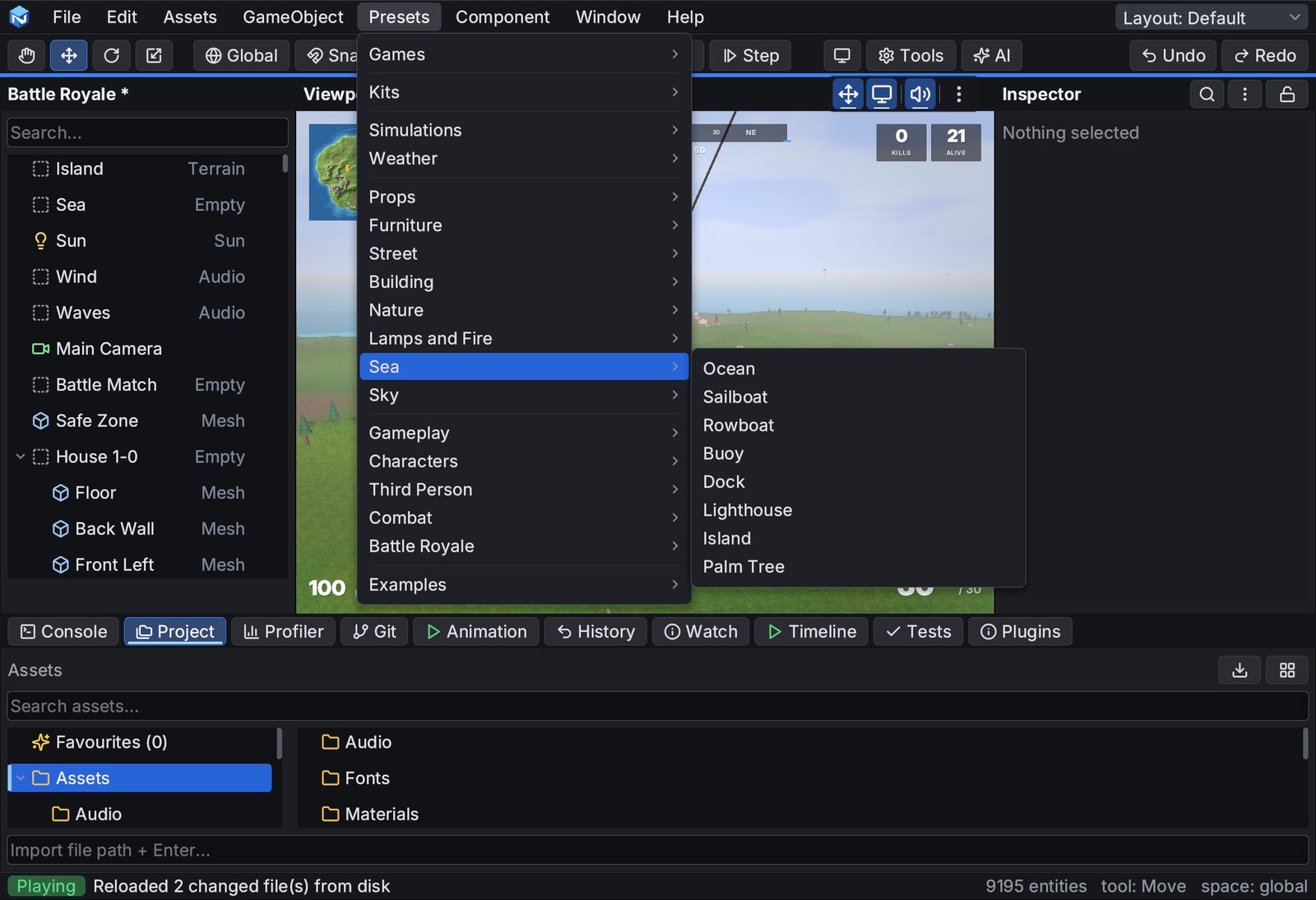
Presets: a game in one click
Presets > Games makes a playable game, scene and rules together. Ocean, weather, props, furniture, buildings, nature and characters have presets of their own.
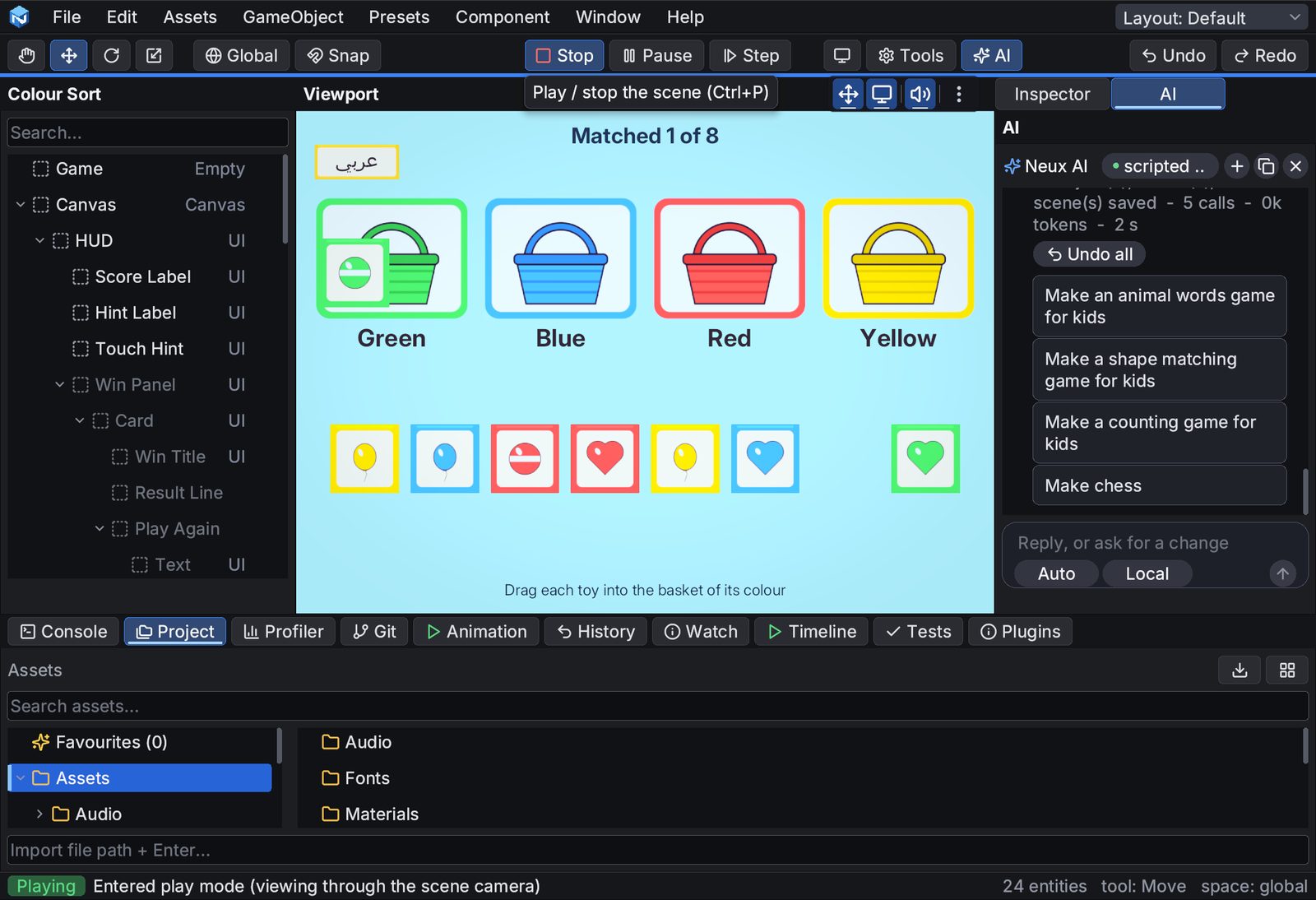
Children's games, in Arabic and English
Drag-and-match games for kids, drawn and voiced by the engine itself: animals and their words, shapes, counting, colours.
A neon-city shooter
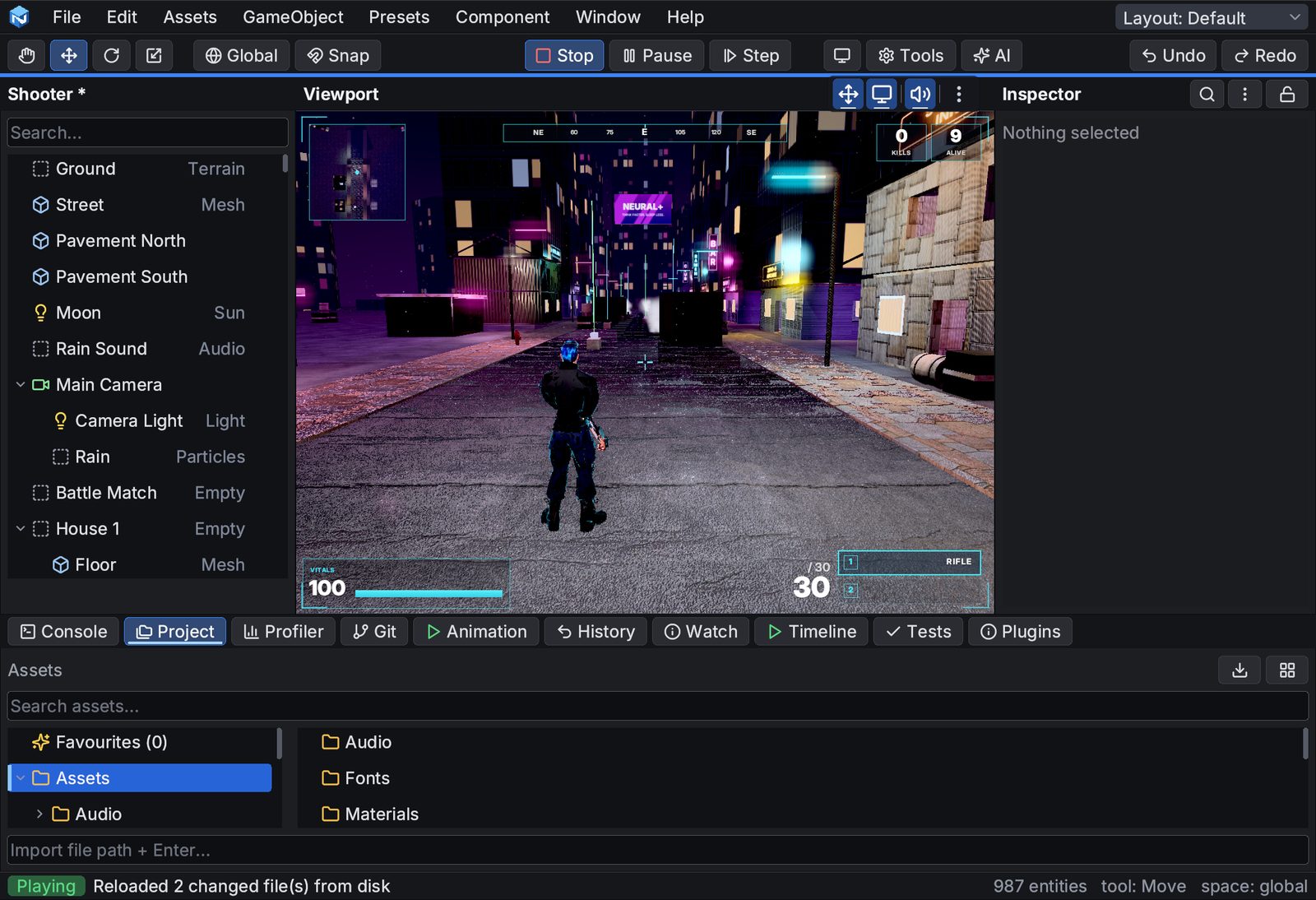
The Shooter preset builds the street, the bots, the guns and the HUD. It is a real project you open and change.
Playing it
The same game running in the editor, with a lit street, characters with weapons and a HUD.
A battle royale on an island
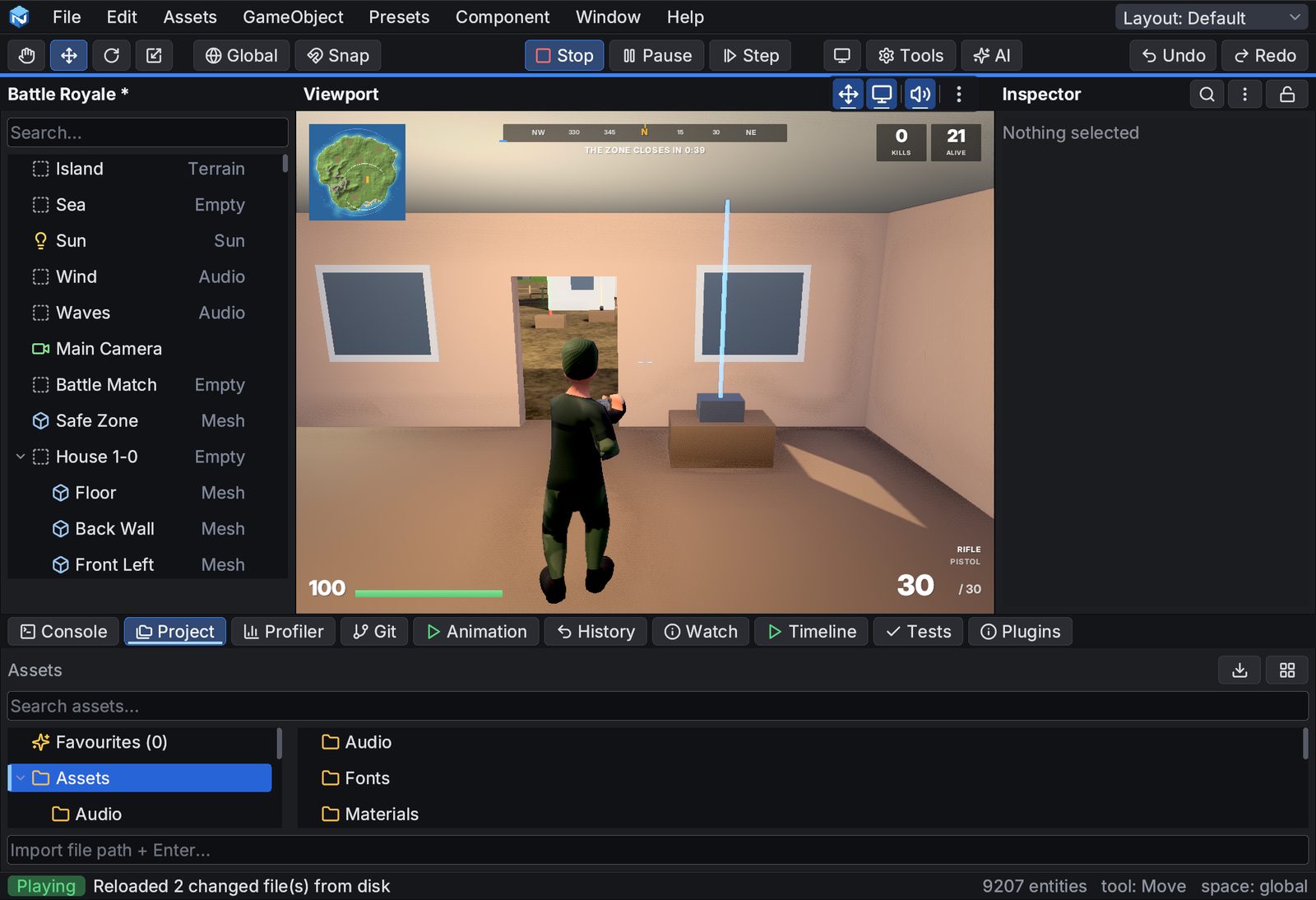
Twenty fighters, a closing zone, towns to loot and vehicles, made with the same tools you have.
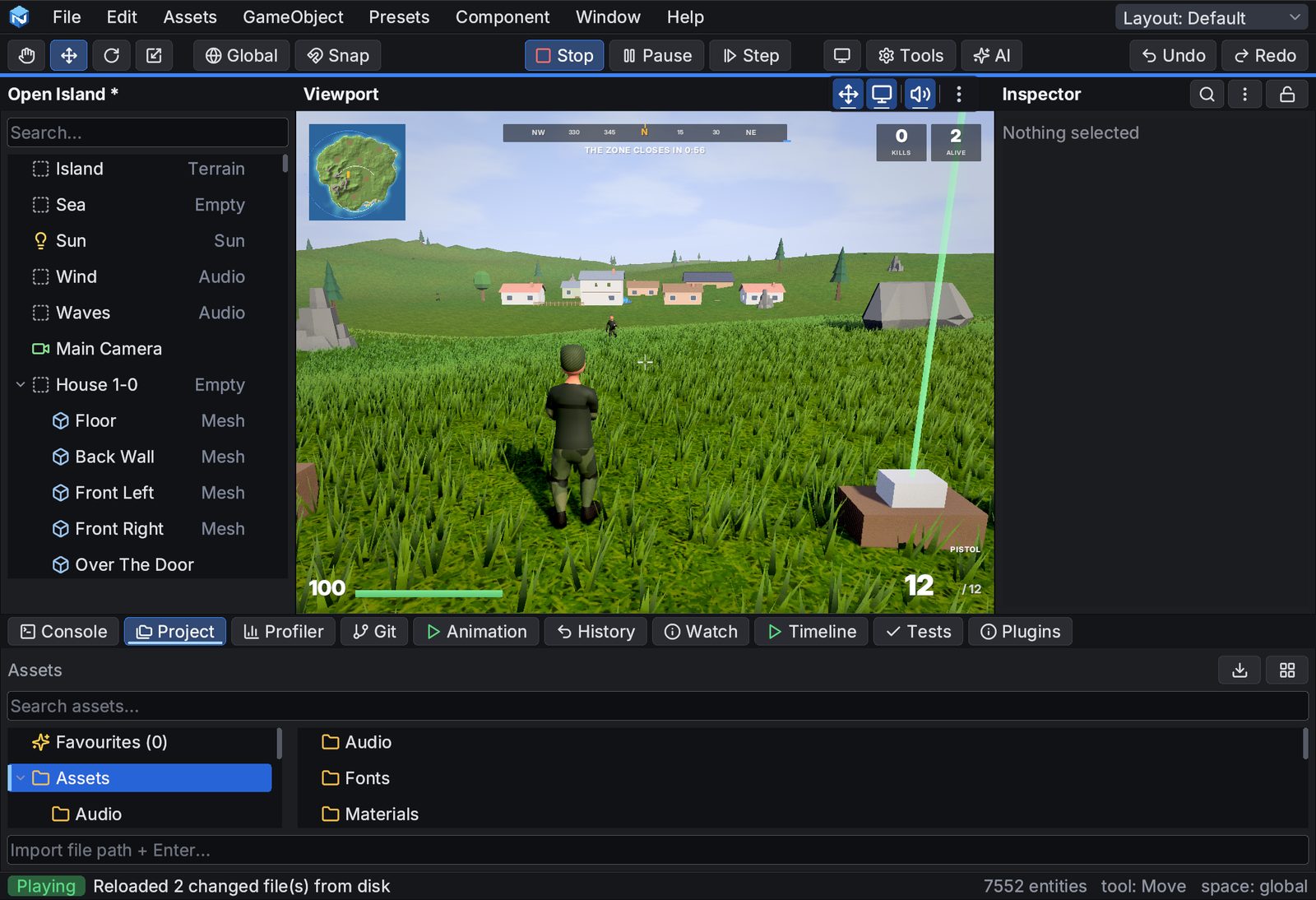
Open ground
Grass, buildings and the sky: the Island preset played from the editor.
Worlds, props and characters
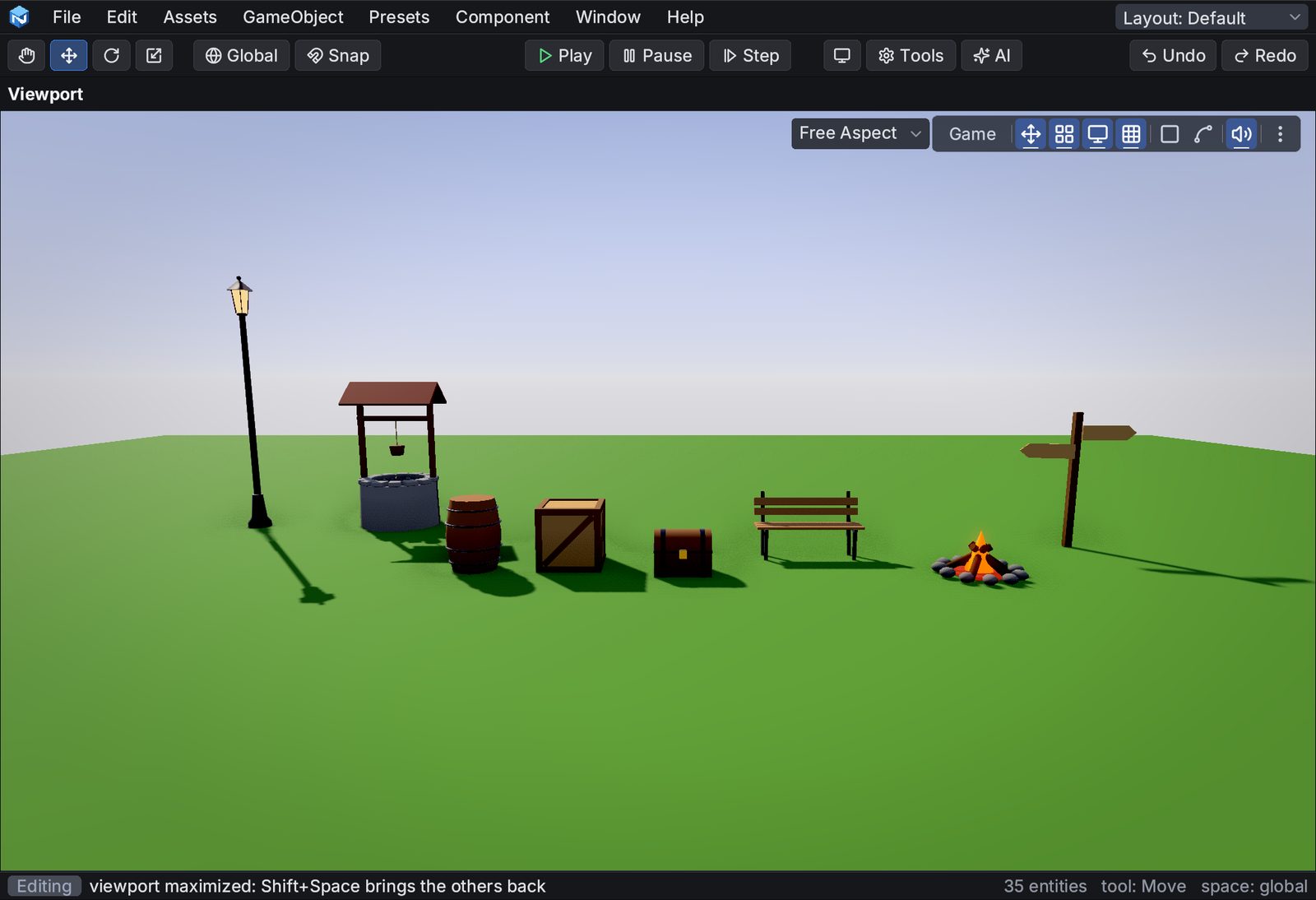
Props from parts
Wells, barrels, crates, benches, lamps and signs, built by the engine from parts and placed with one request.
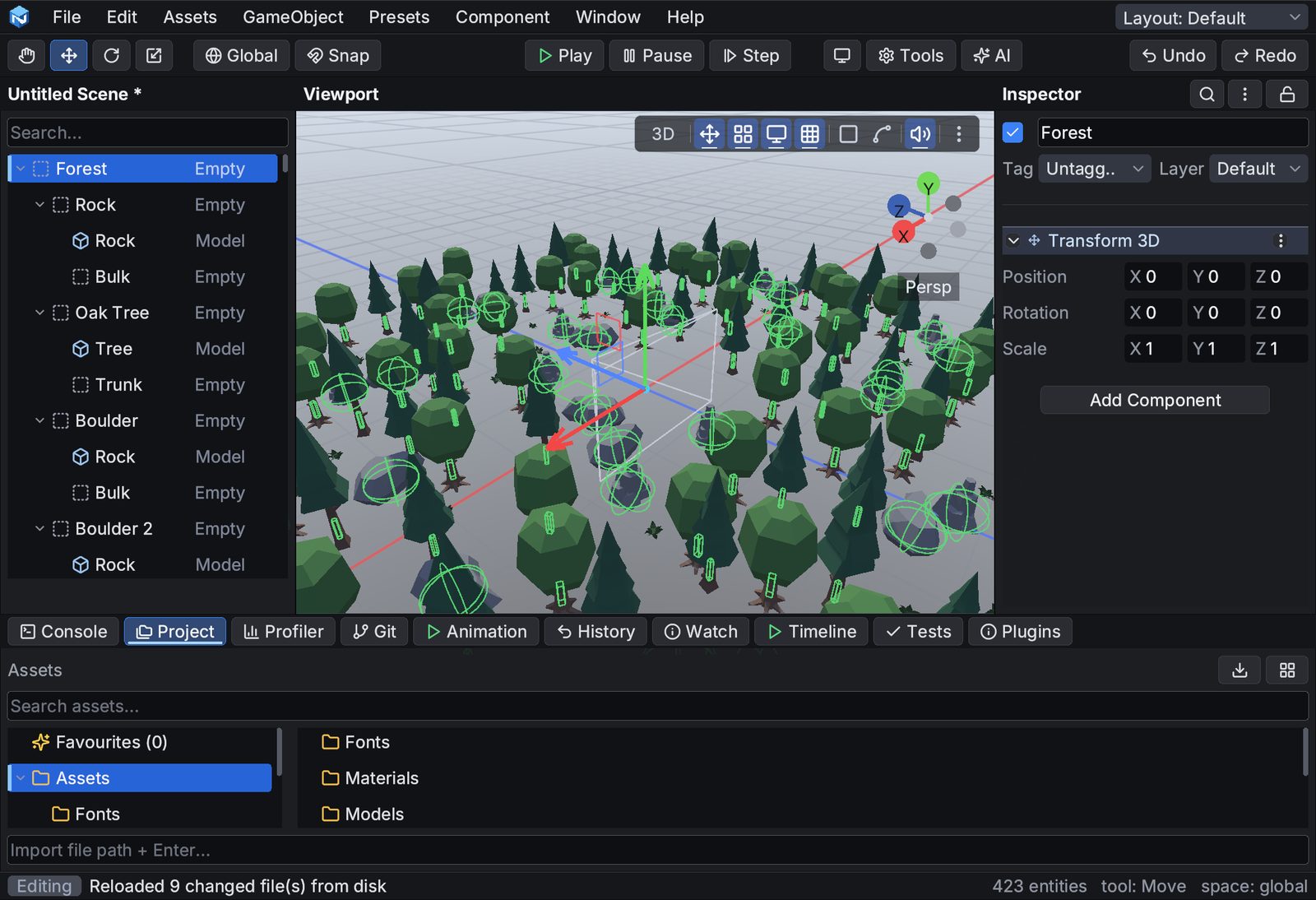
Forests and nature
Trees, rocks and bushes scattered over terrain, with wind.
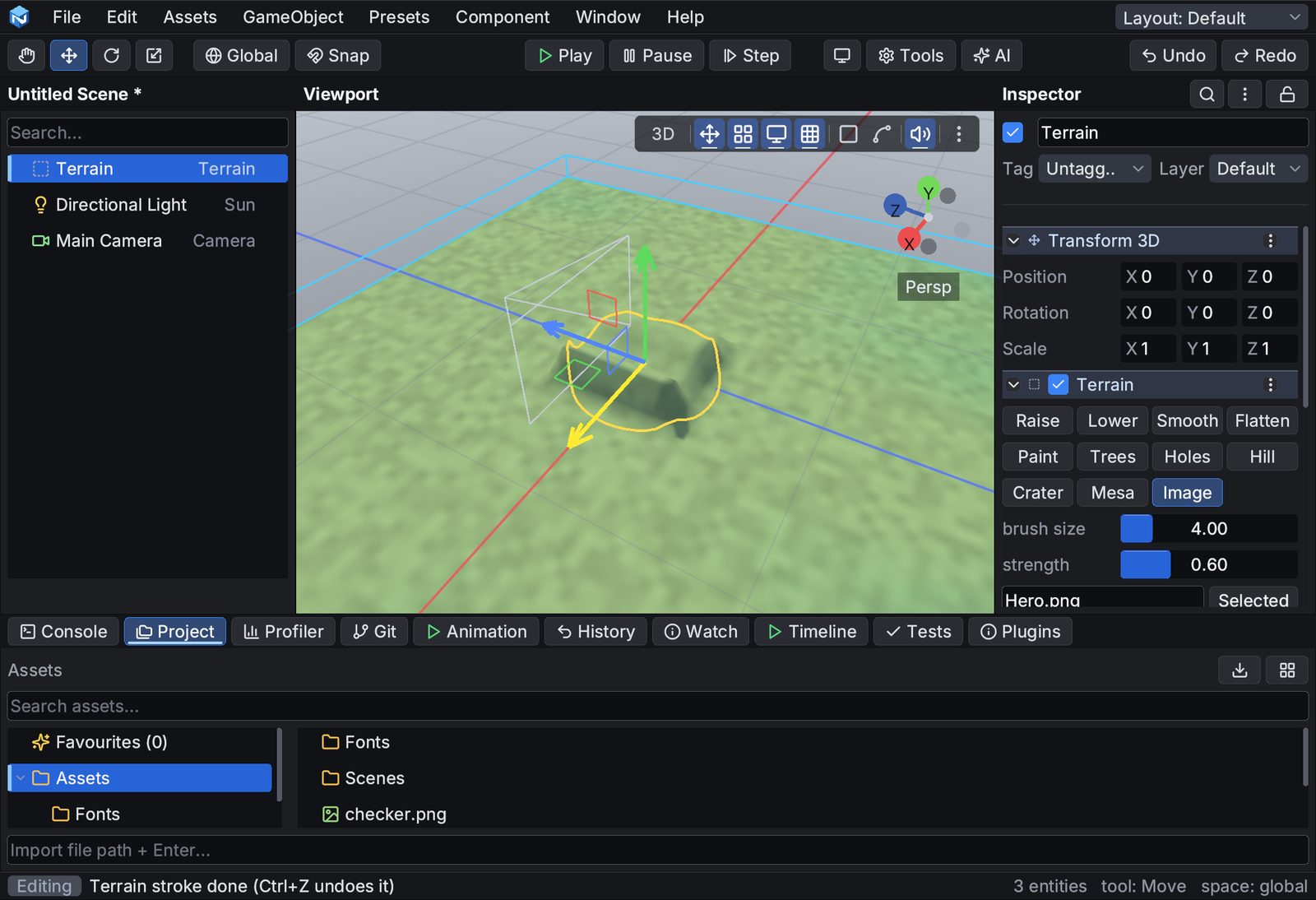
Terrain you paint
Sculpt, paint, plant trees and cut holes, or paint the land from a picture.
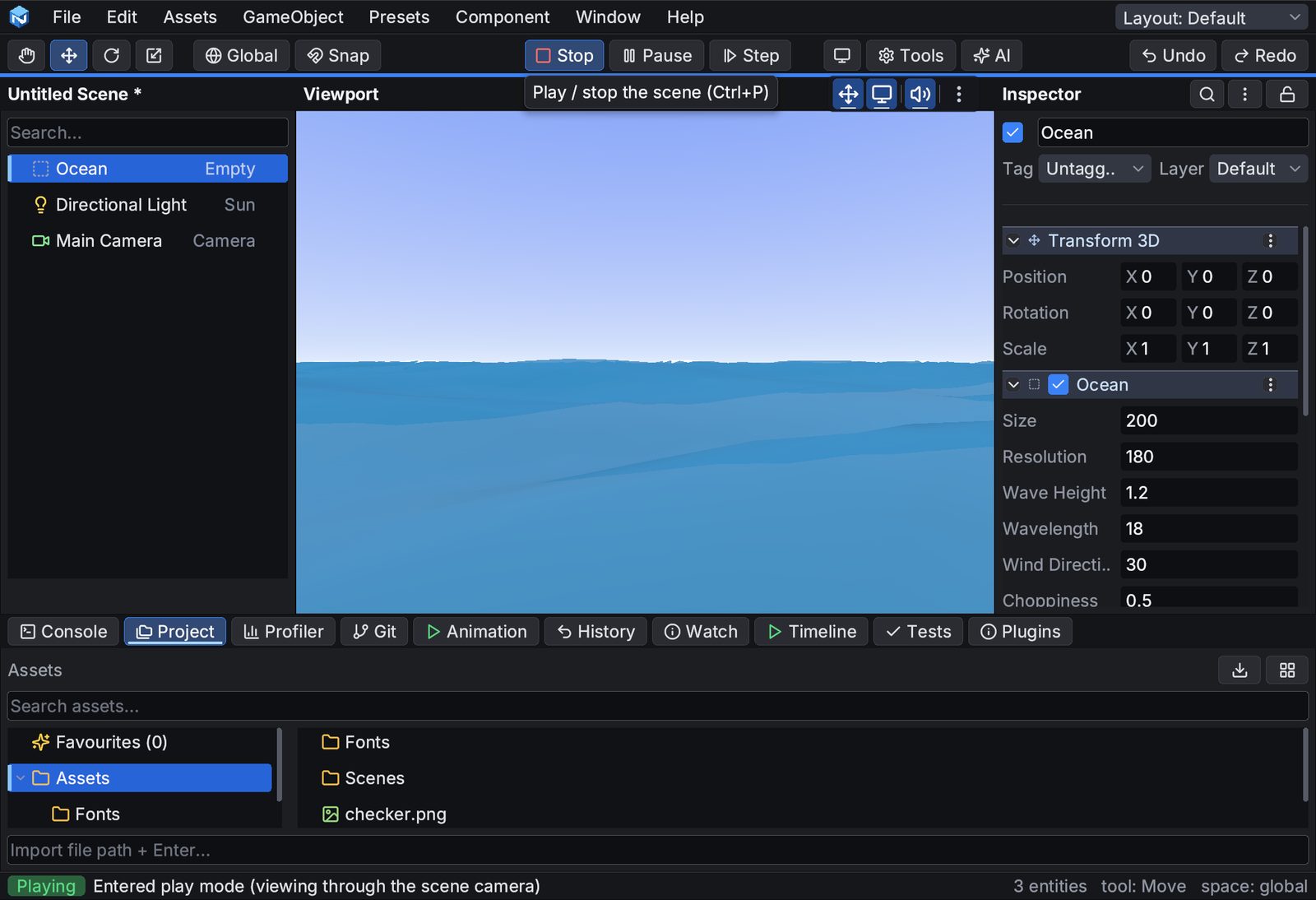
Ocean and weather
Waves, depth colour and a sky that follows the time of day.
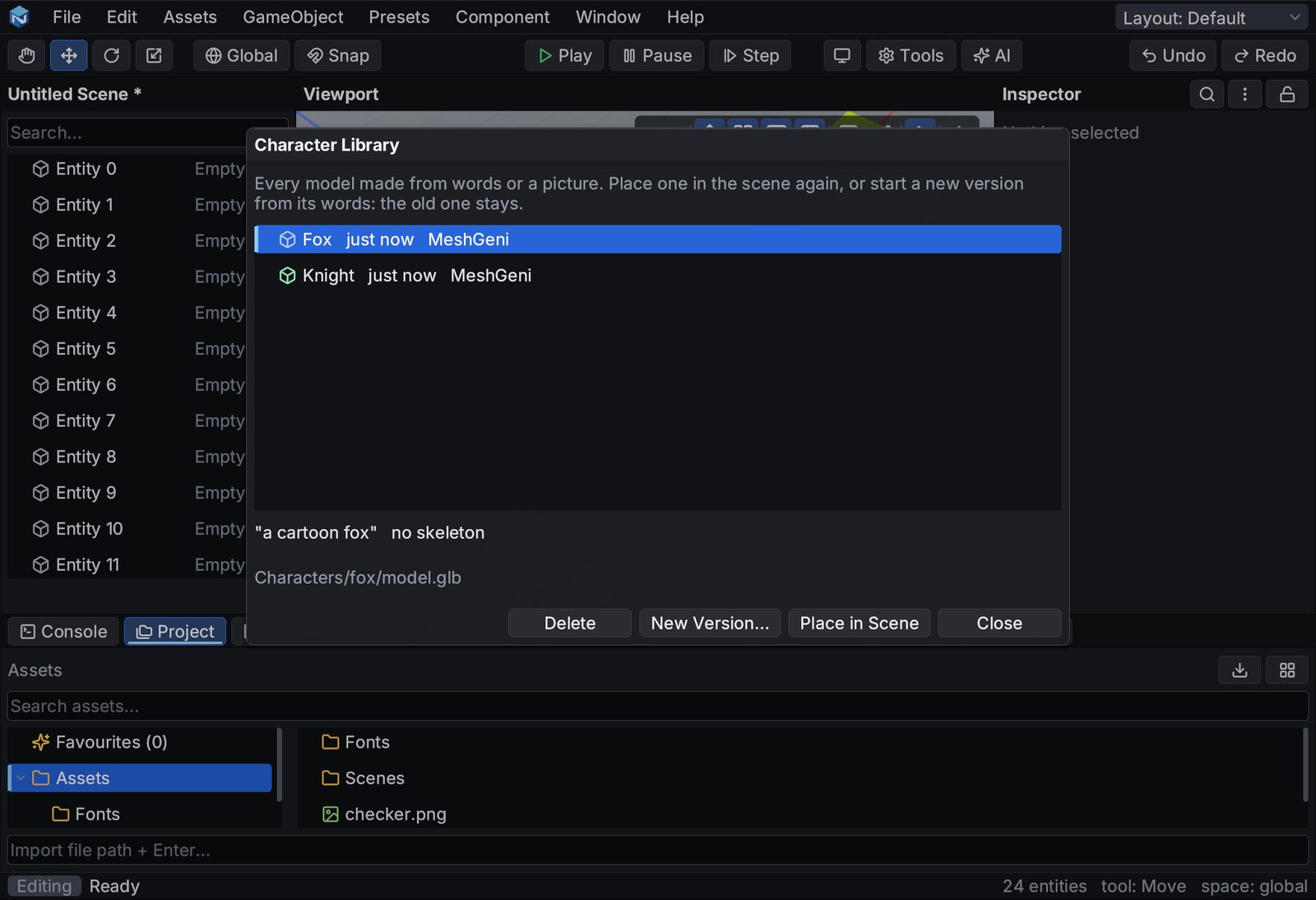
The character library
Every model the engine makes from words or a picture is kept in the project, with the words it was made from. Place it again, or start a new version from its words.
Make it with the agent
The AI agent
Ask for a scene, a game or a change; the agent plans it, does it step by step and checks its own work. Everything it does is one undo.
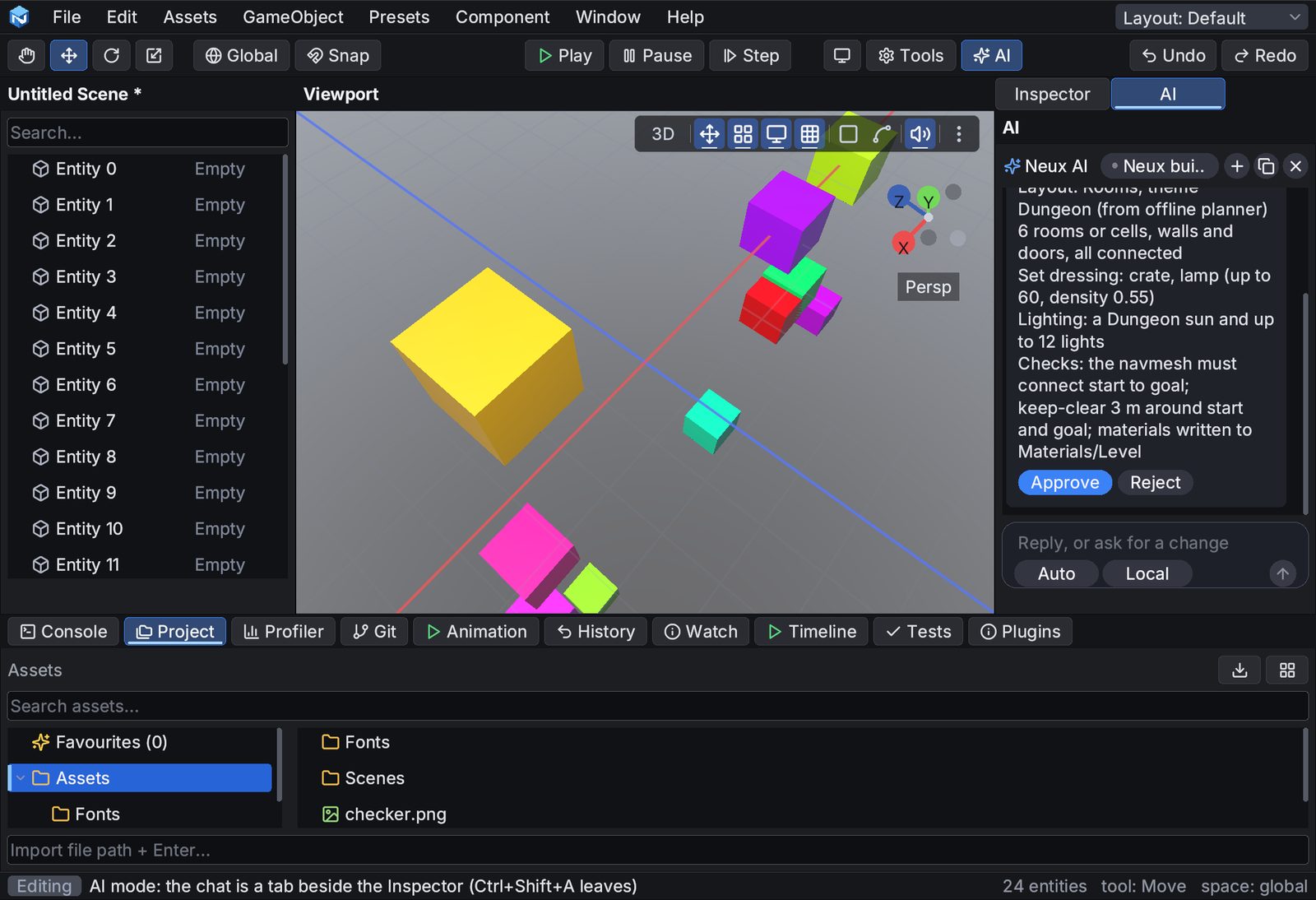
Effects
Particle effects built from modules, previewed live and saved as an asset.
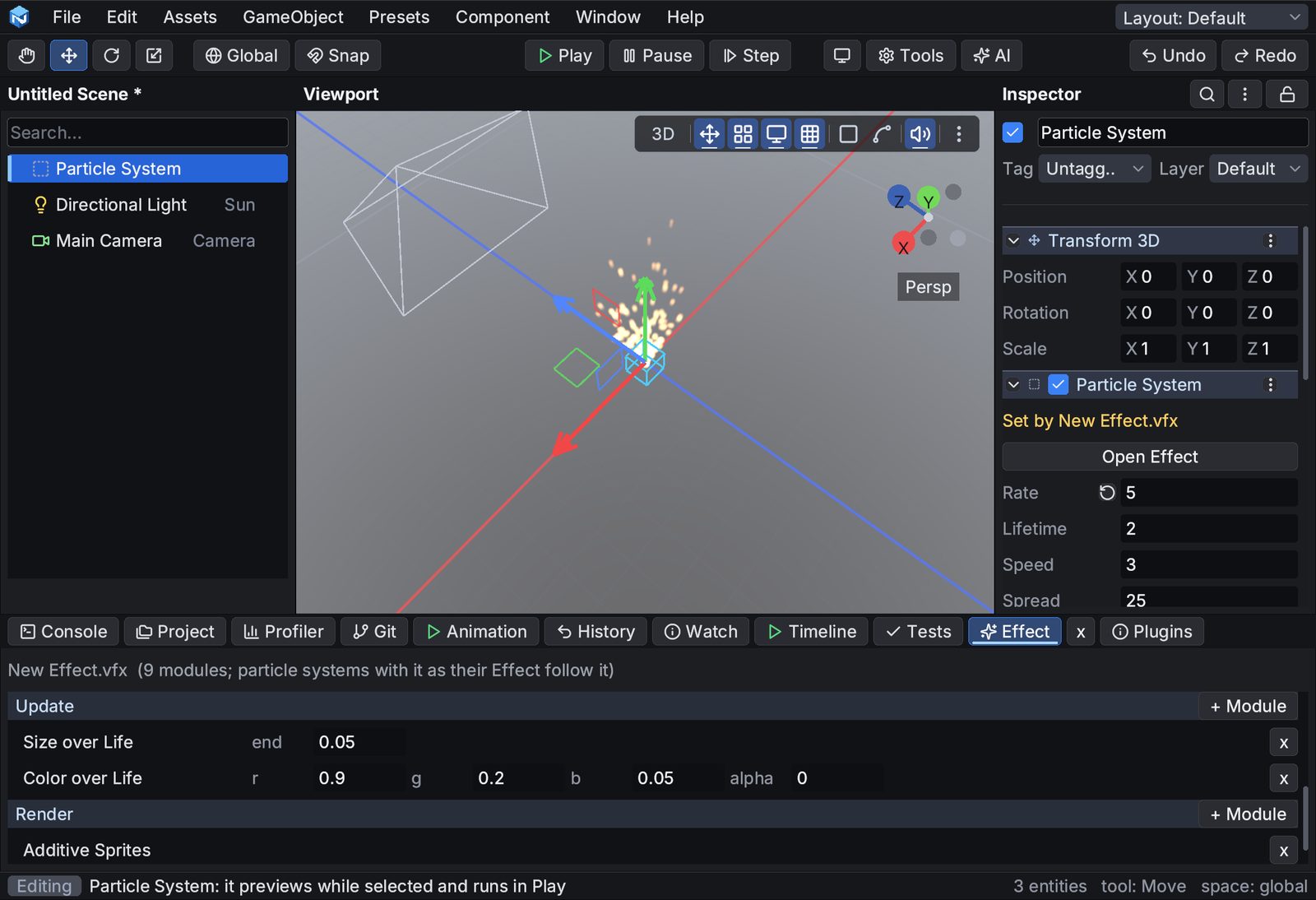
Shaders
A node graph for materials, or hand-written shaders.
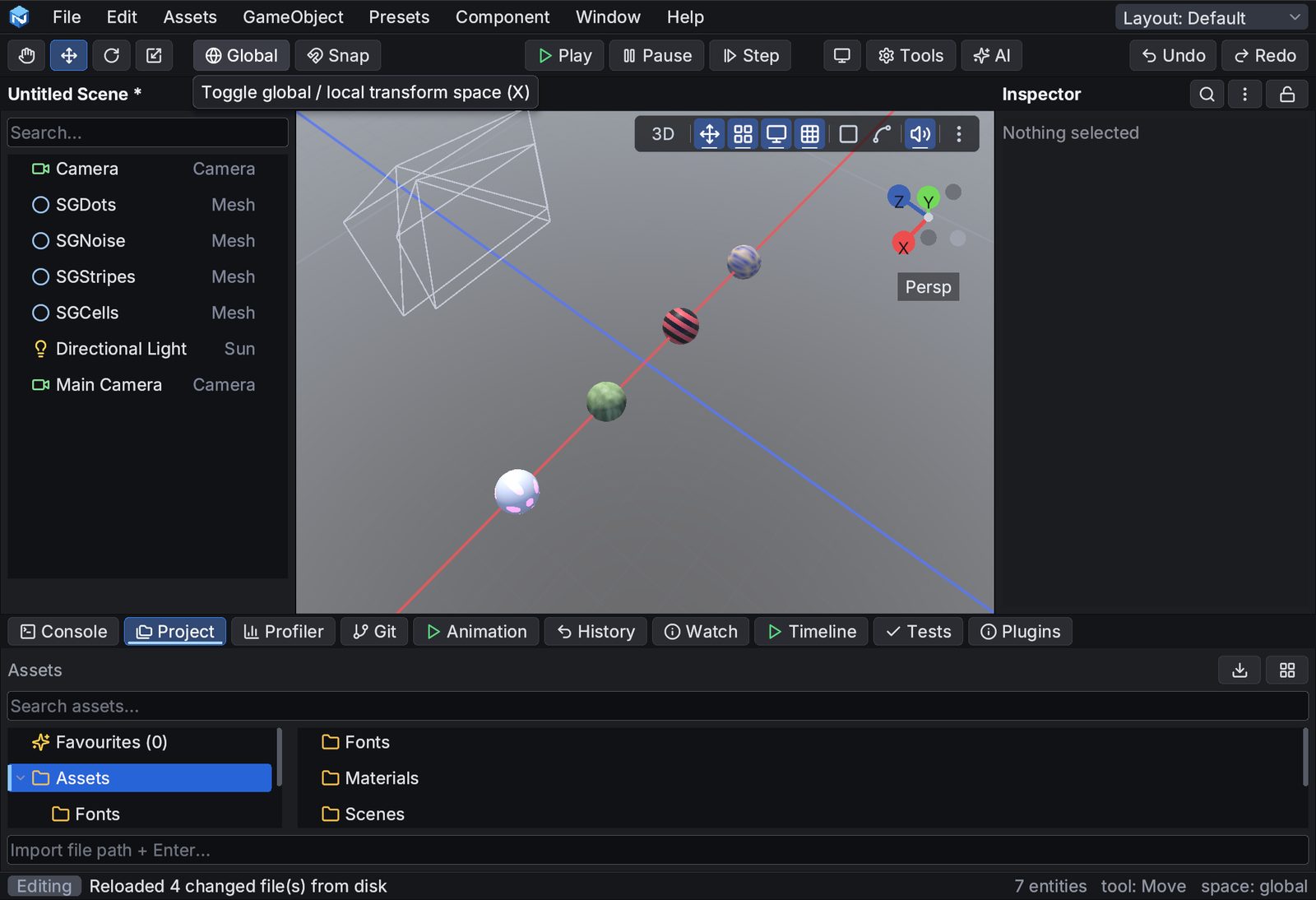
The editor
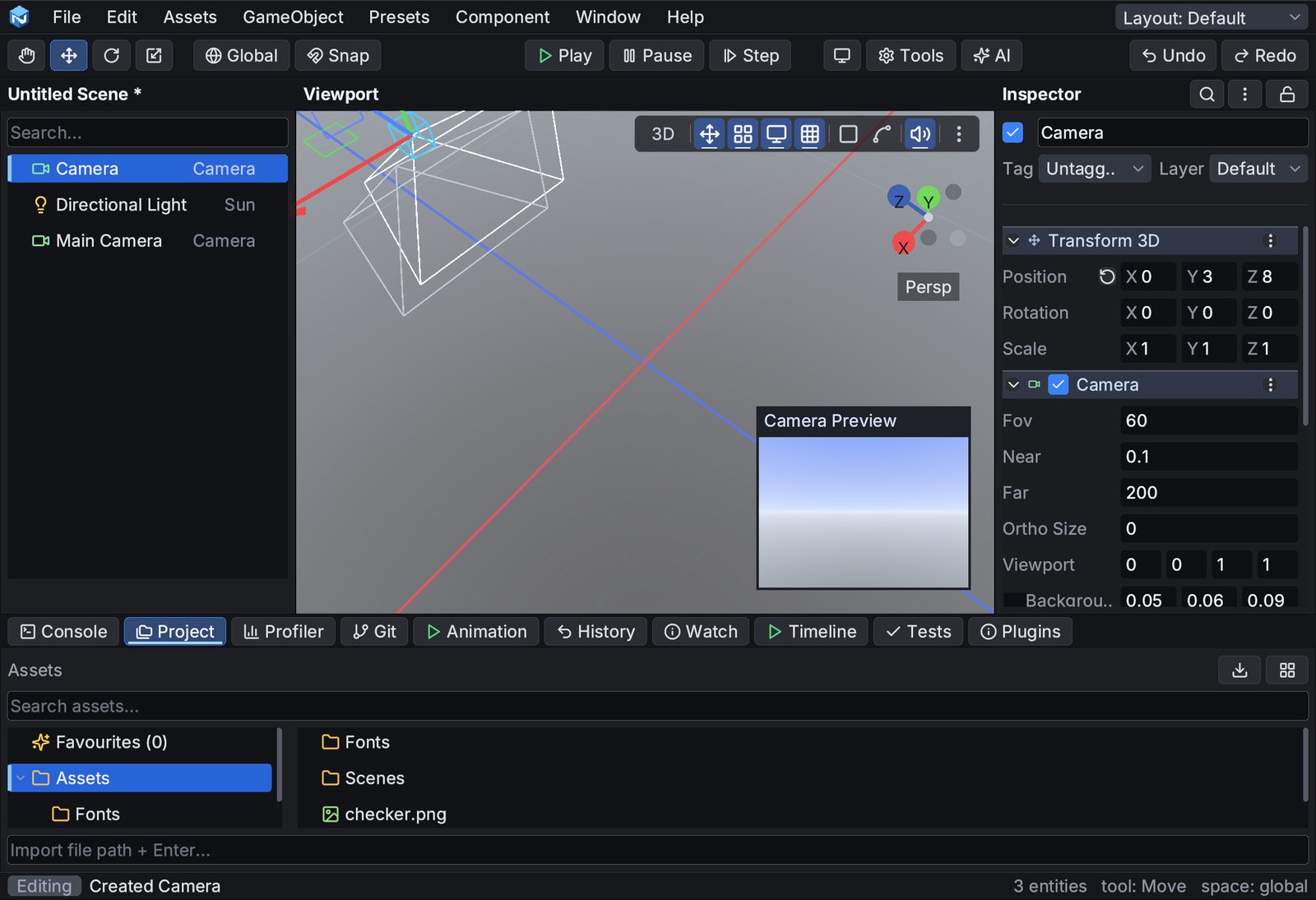
Cameras
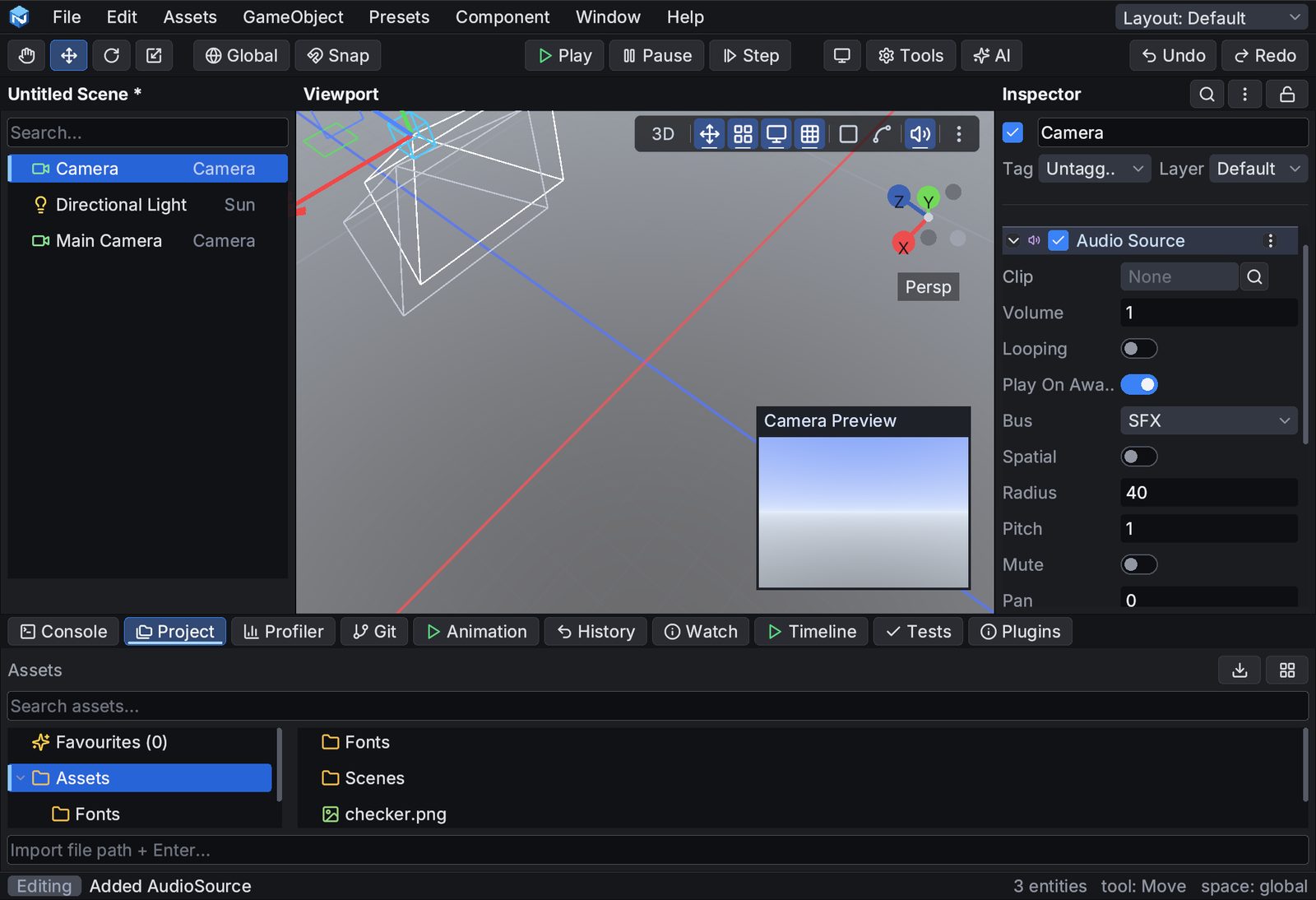
Field of view or a real lens (focal length and sensor), clip planes, roll, a clear mode and a depth for extra views; a camera's UI and render targets are picked from lists.
Audio sources
Bus from a list, mute, pan, a distance falloff, a start delay, a fade in, random pitch and a caption for the voice.
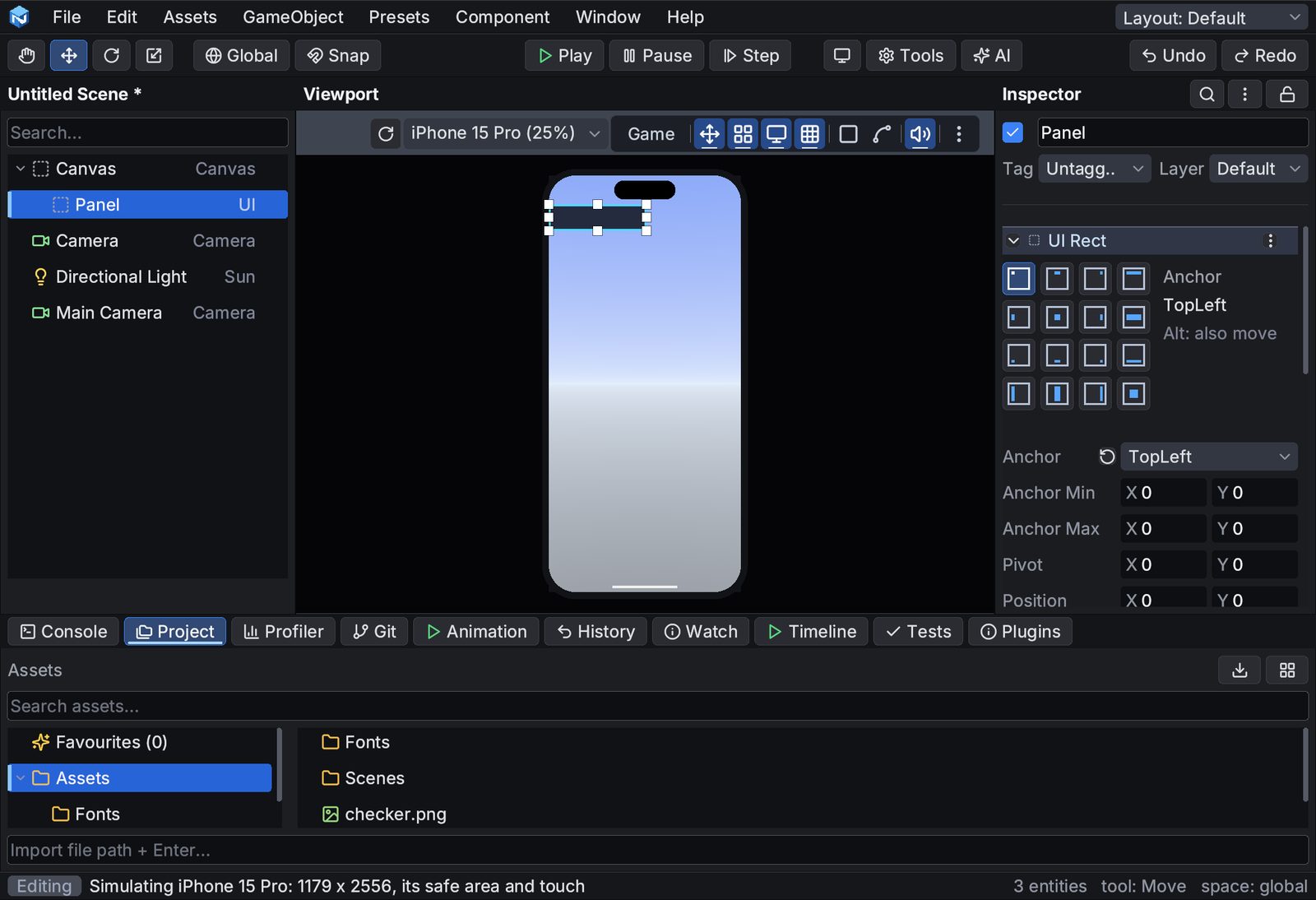
Edit as the phone sees it
Pick a device and lay out the UI at its size, zoomed out past the edges.
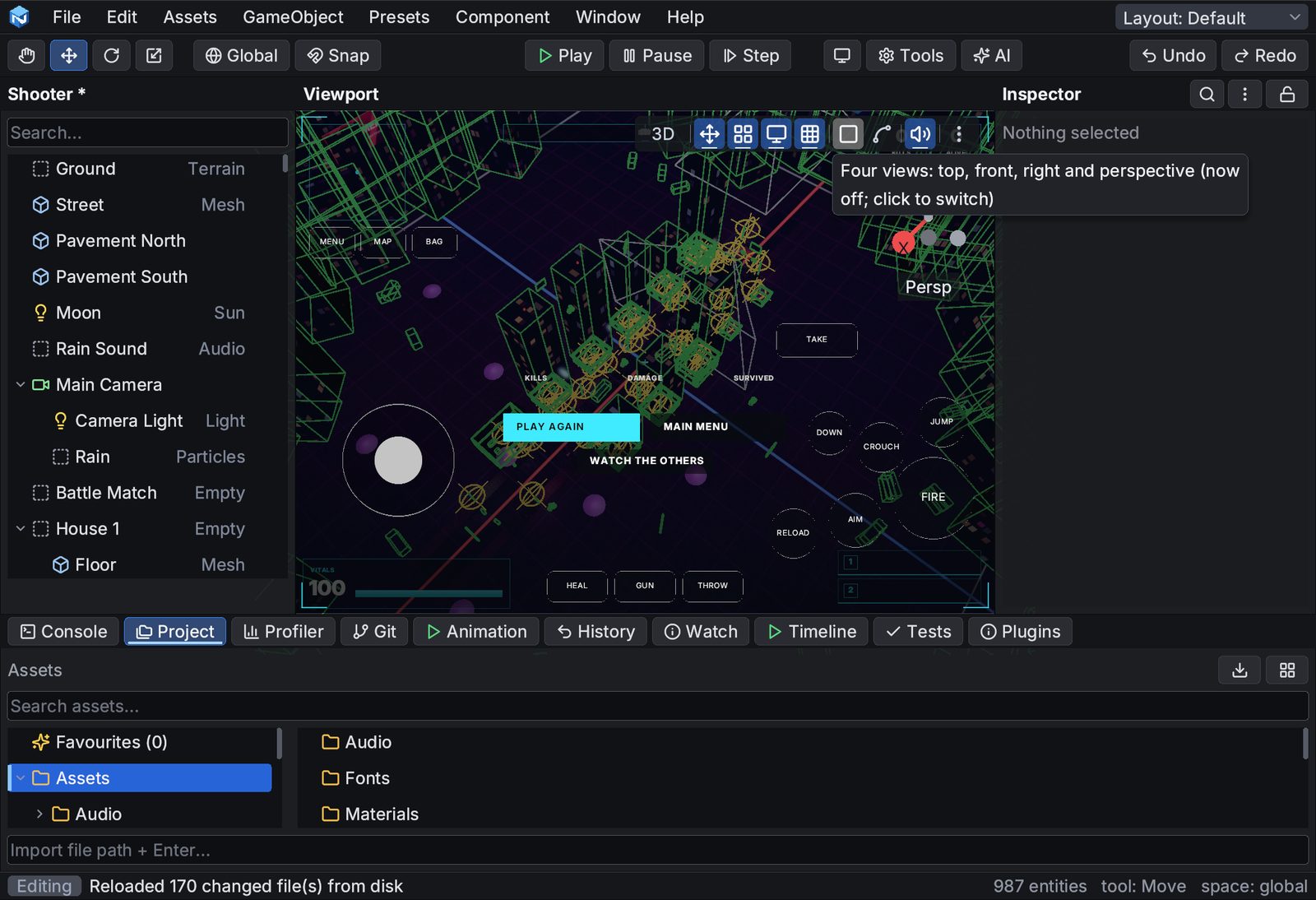
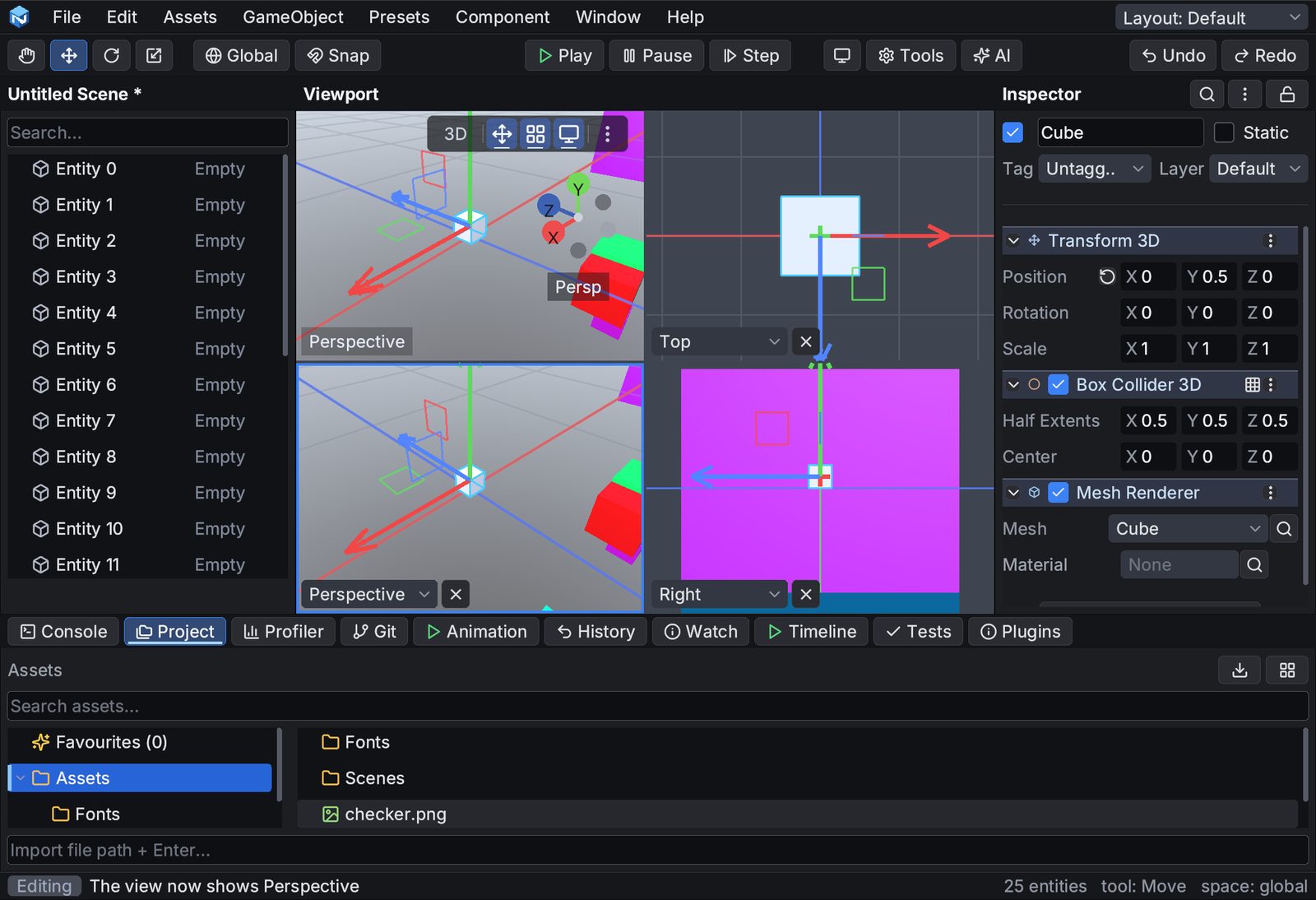
Four views
Top, front, right and perspective at once.
A code editor with IntelliSense
Completion, parameter hints and documentation, drawn from the engine's own API.
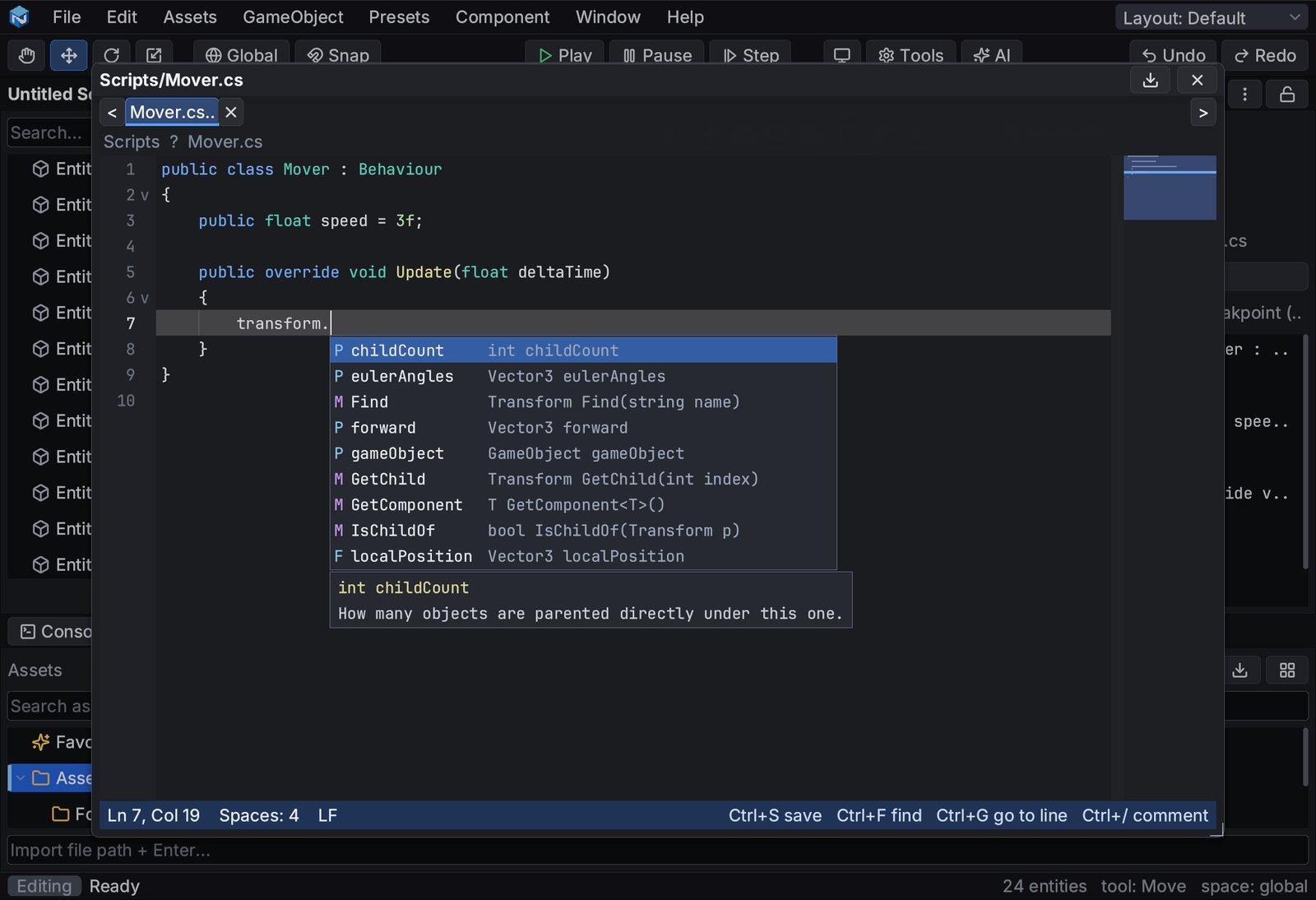
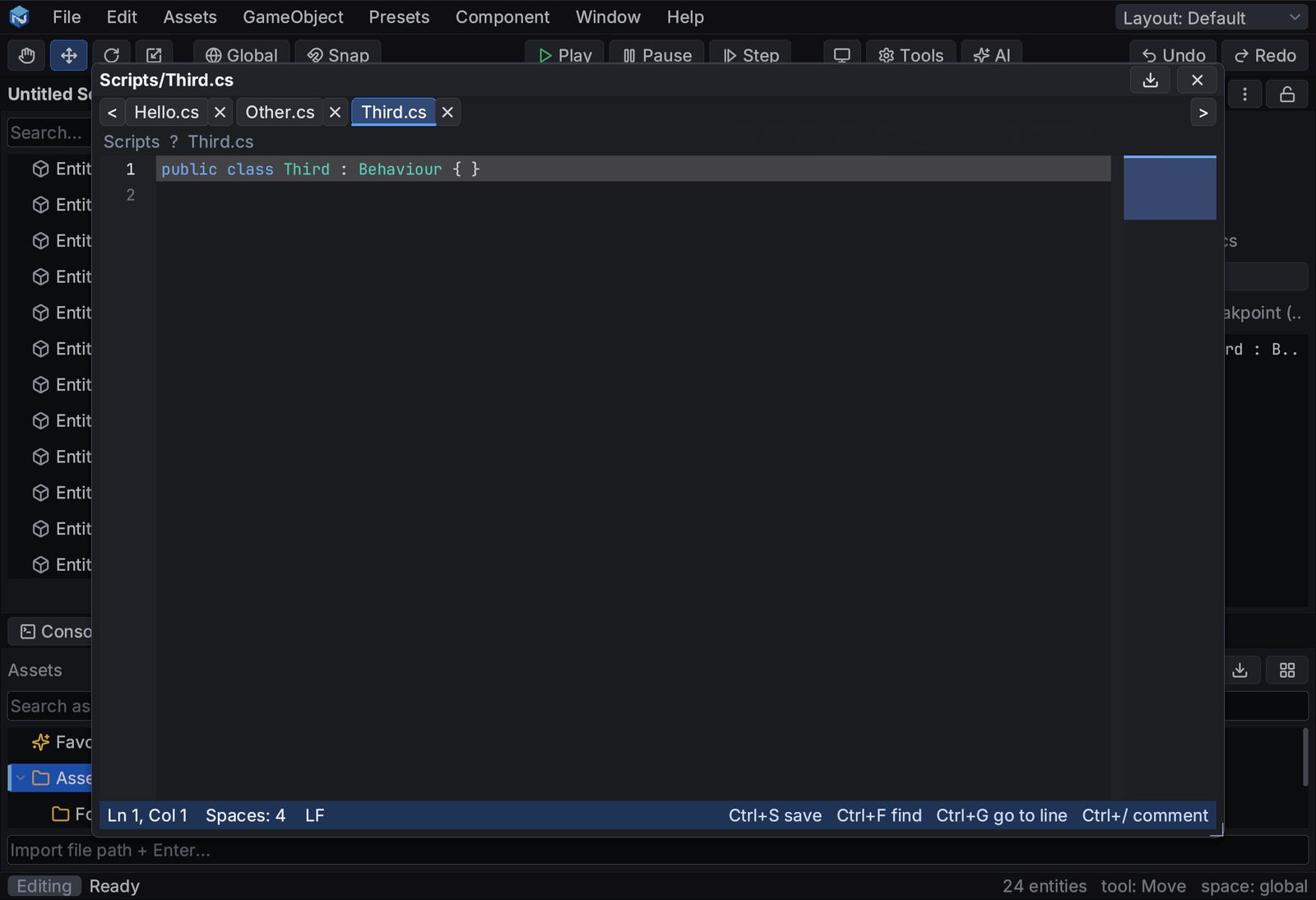
Code in a window of its own
Tabs that scroll, the path above the file, a minimap, and a button that opens it in a separate window you can switch to like any program.
Plugins and versions
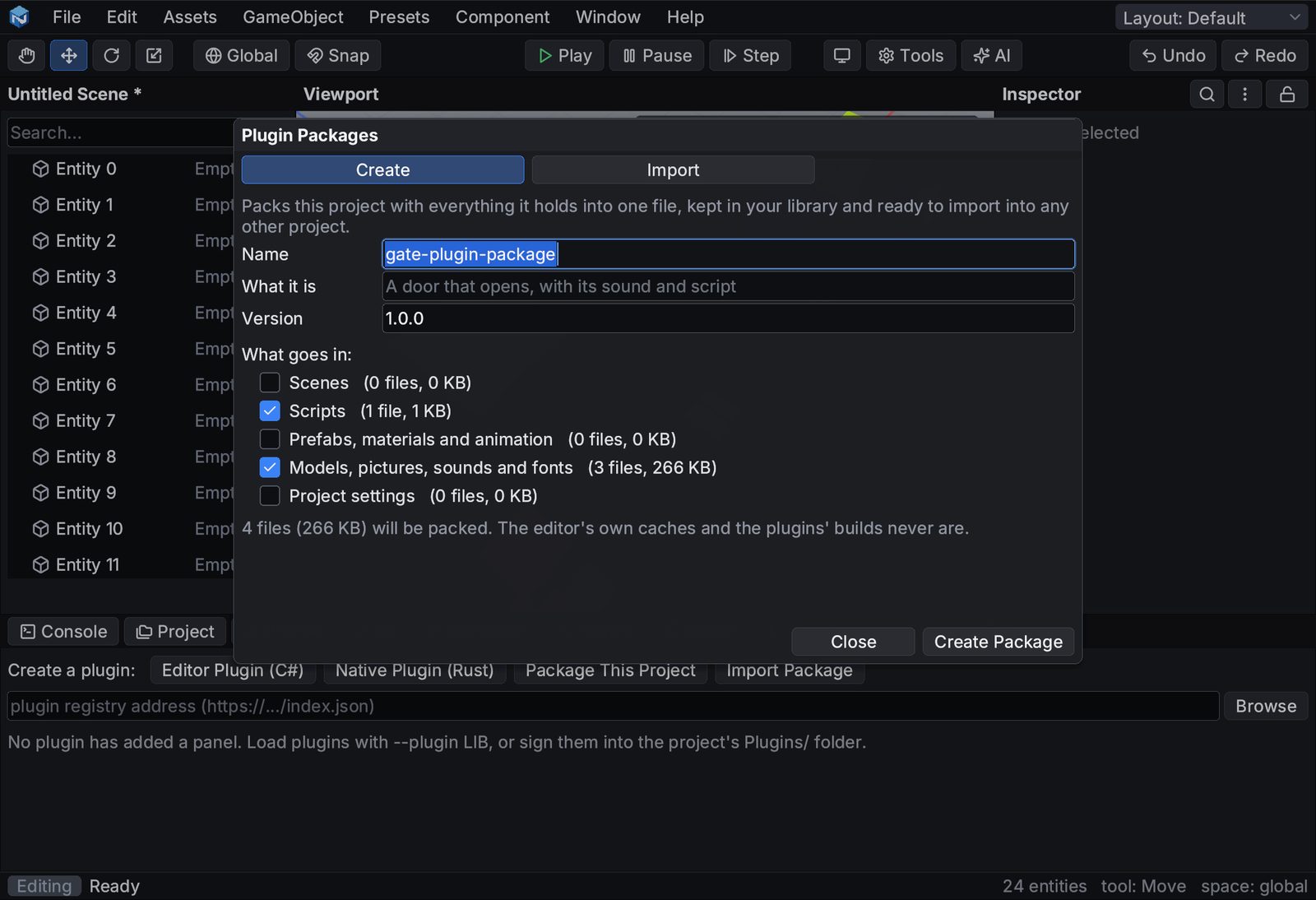
Package a project
Everything the project holds, in one file, kept in your library.
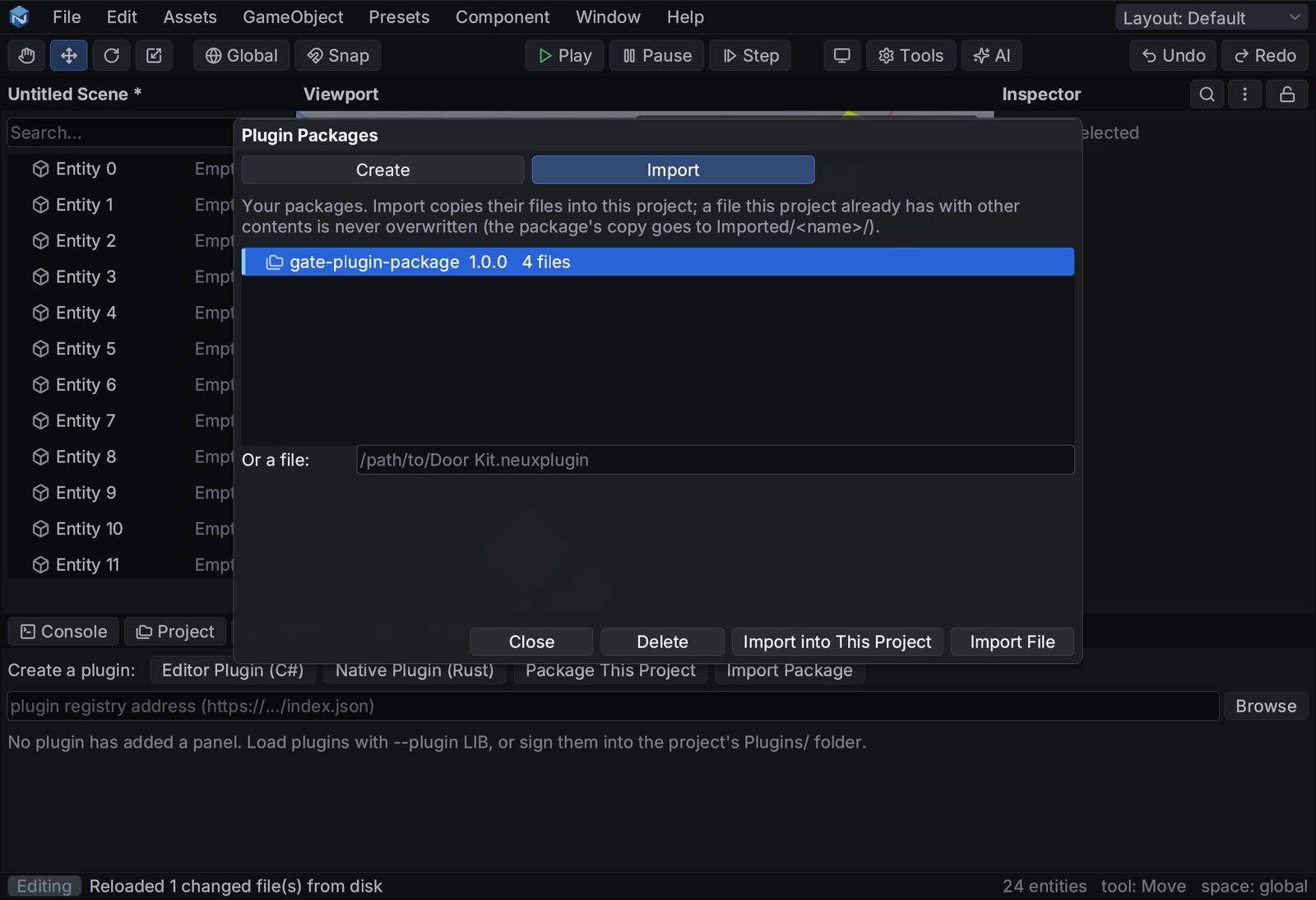
Import into another project
Nothing the project already has is overwritten.
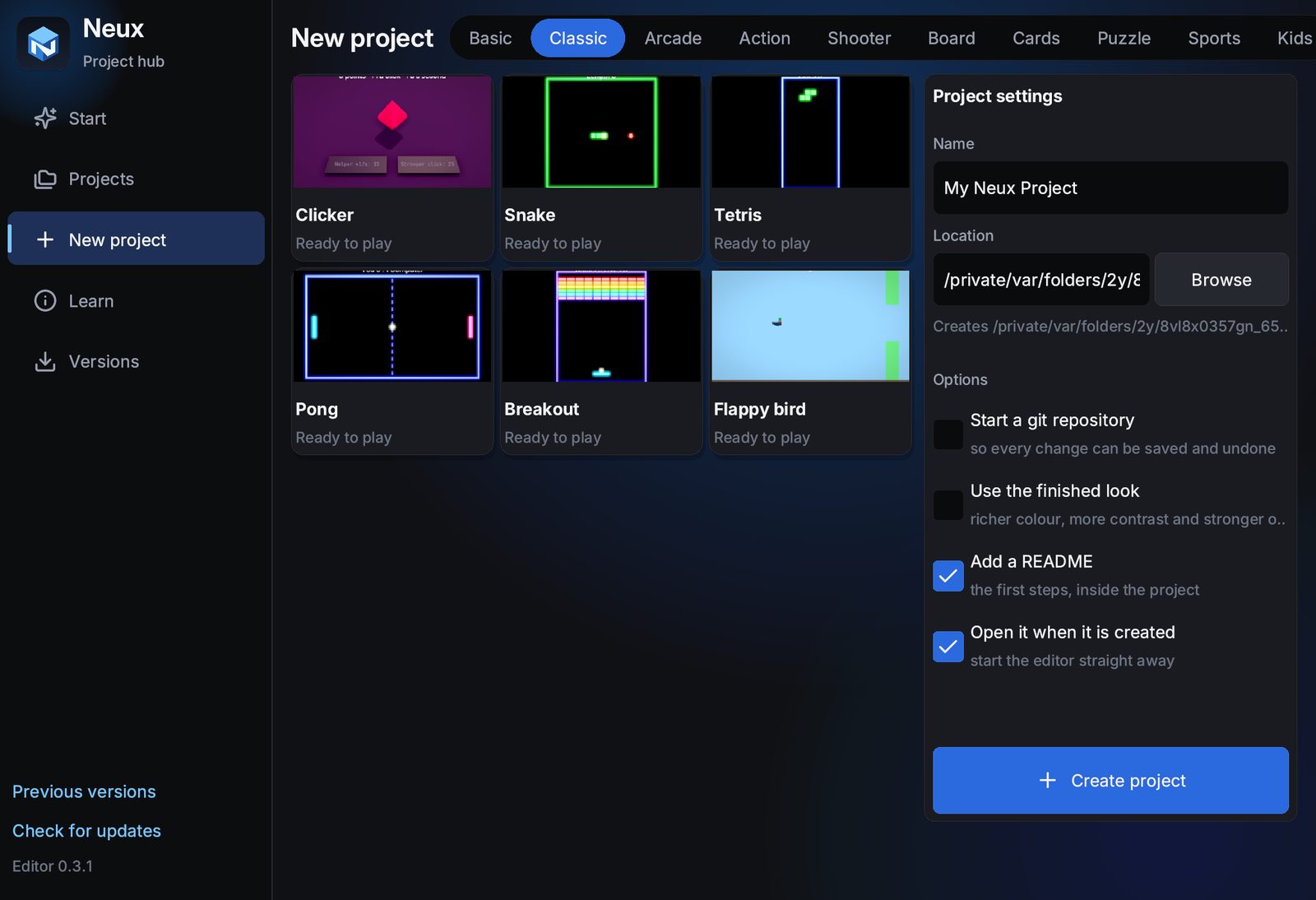
The project hub
Start from a sentence, a game or a character; open a recent project.
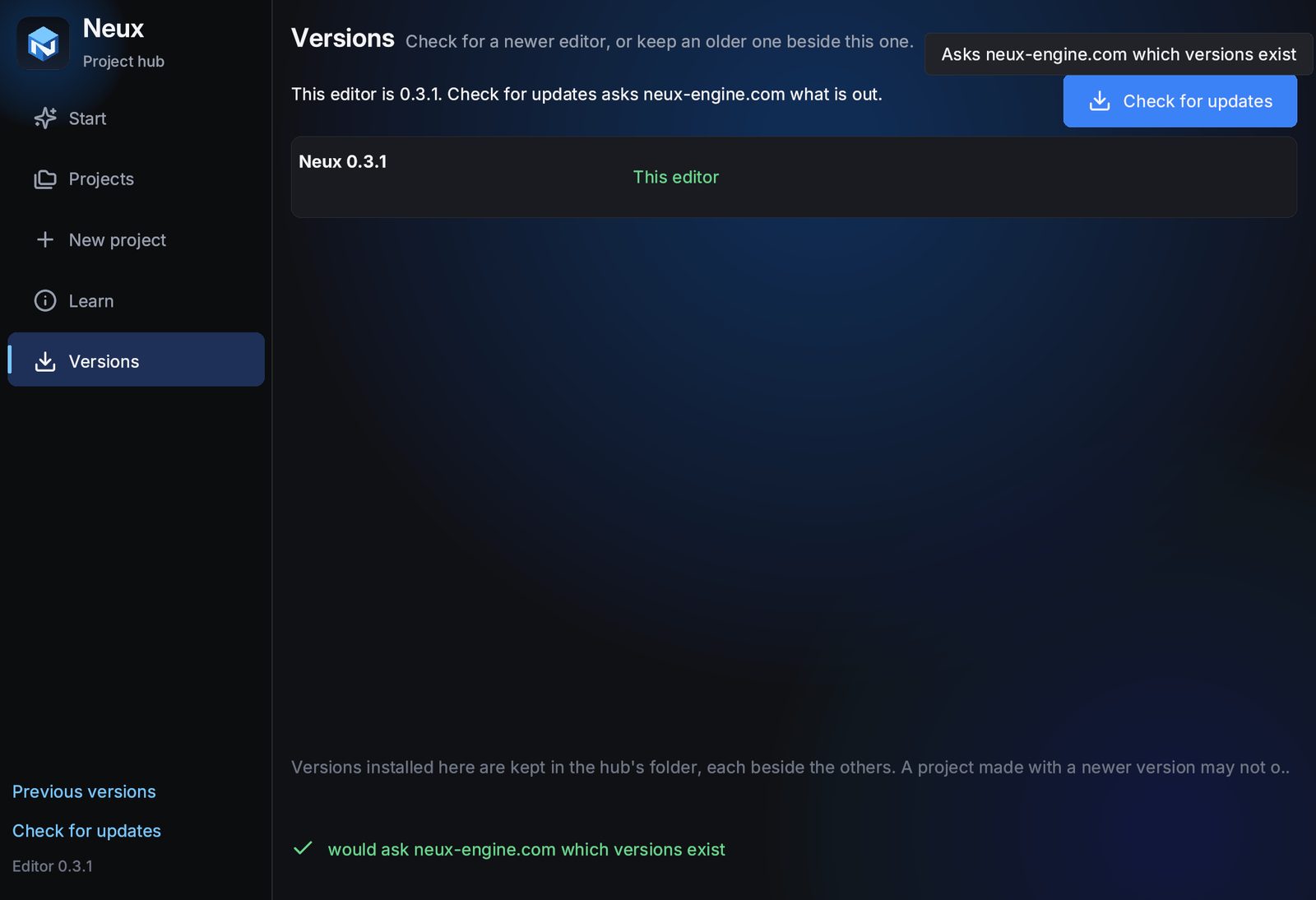
Versions
Check for a newer editor from the hub, and keep older versions beside it.