 Neux
Tutoriel : un menu pause
Échap arrête le jeu et affiche un panneau avec trois boutons : reprendre, recommencer ou quitter.
1. Construire le panneau
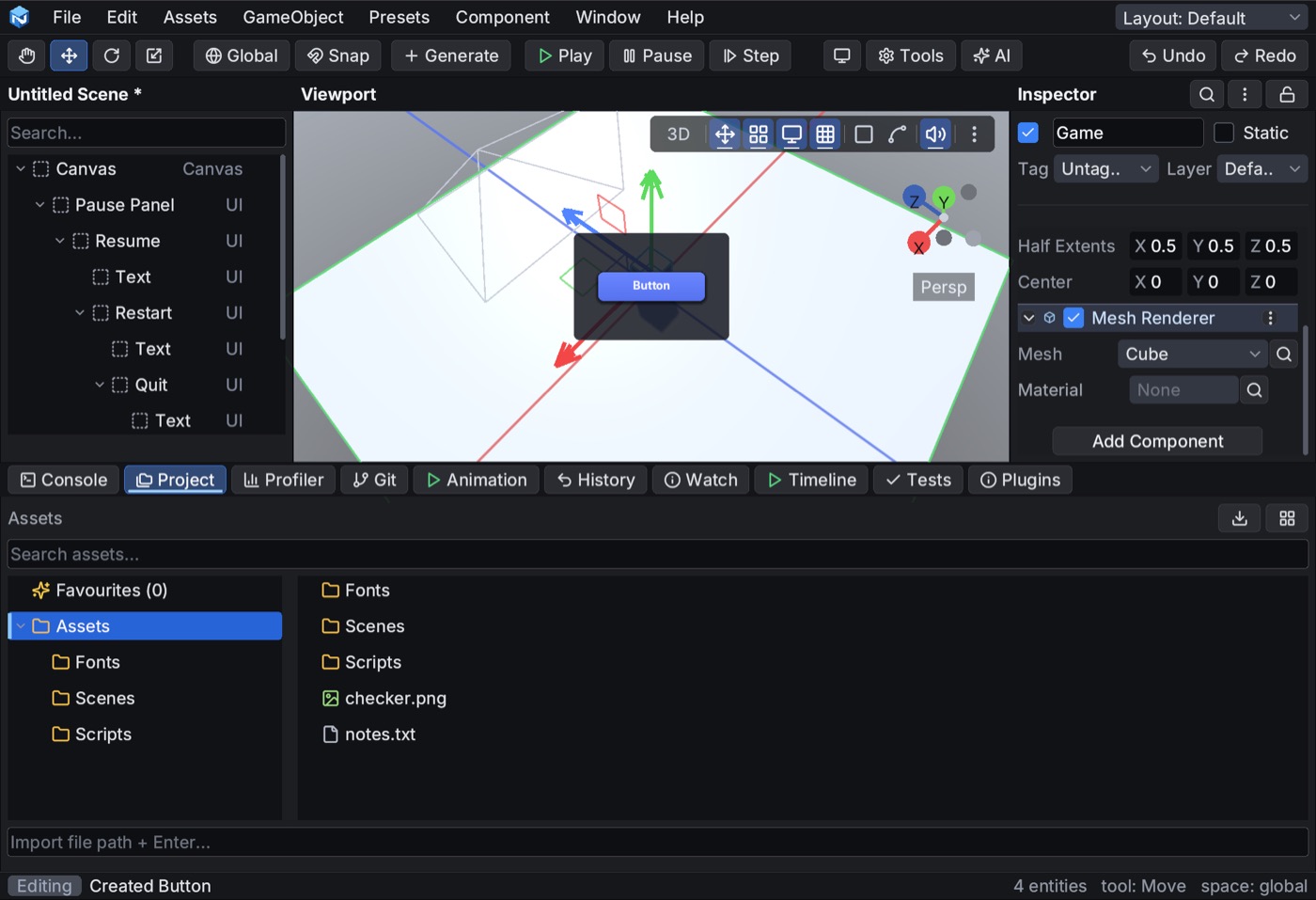
- Ajoutez un panel d'interface nommé
Pause Panel. - Ajoutez-y trois boutons. Dans l'Inspector, réglez leur action sur
resume,restartetquit.
2. Le script
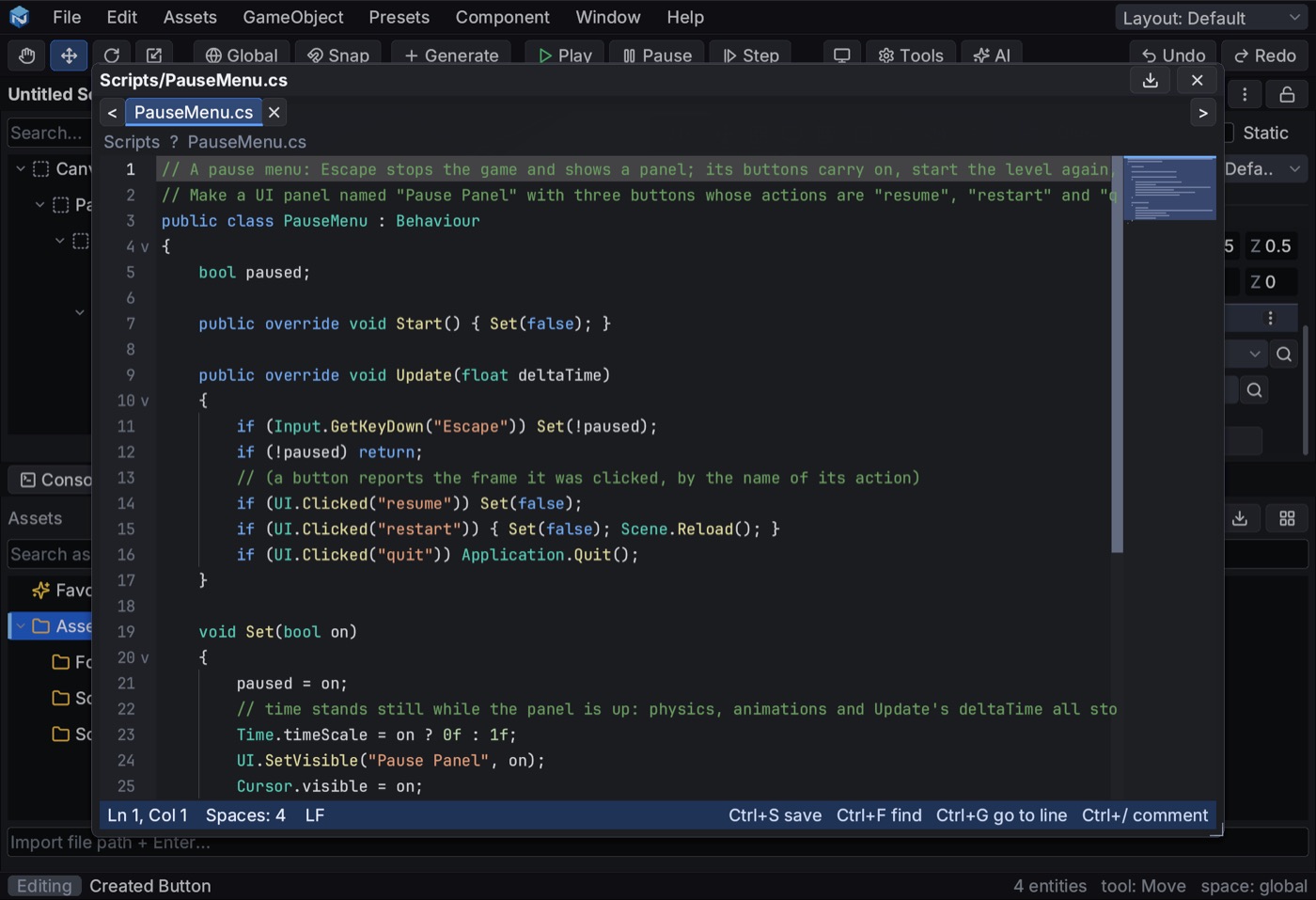
Scripts/PauseMenu.cs
public class PauseMenu : Behaviour
{
    bool paused;

    public override void Start() { Set(false); }

    public override void Update(float deltaTime)
    {
        if (Input.GetKeyDown("Escape")) Set(!paused);
        if (!paused) return;
        // (a button reports the frame it was clicked, by the name of its action)
        if (UI.Clicked("resume")) Set(false);
        if (UI.Clicked("restart")) { Set(false); Scene.Reload(); }
        if (UI.Clicked("quit")) Application.Quit();
    }

    void Set(bool on)
    {
        paused = on;
        // time stands still while the panel is up: physics, animations and Update's deltaTime all stop
        Time.timeScale = on ? 0f : 1f;
        UI.SetVisible("Pause Panel", on);
        Cursor.visible = on;
    }
}
Enregistrez-le sous Scripts/PauseMenu.cs et ajoutez-le à n'importe quel objet.
3. Comment ça marche
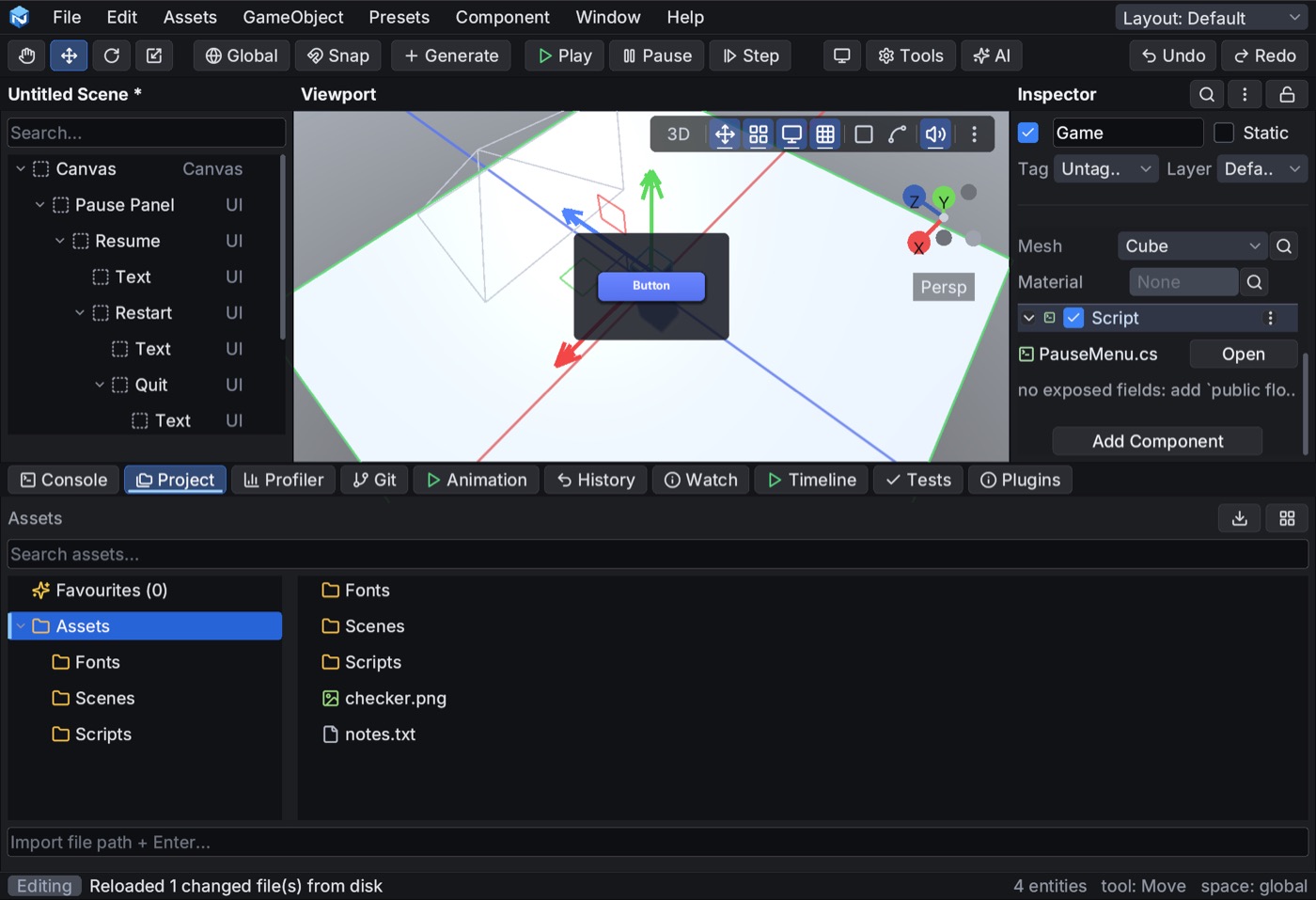
Time.timeScale = 0arrête le temps : la physique, l'animation etdeltaTimes'immobilisent.UI.Clicked("resume")est vrai l'image où un bouton ayant cette action a été cliqué.UI.SetVisibleaffiche ou masque le panneau, et le curseur apparaît tant qu'il est affiché.Scene.Reload()recommence le niveau ;Application.Quit()ferme le jeu.
4. Essayer
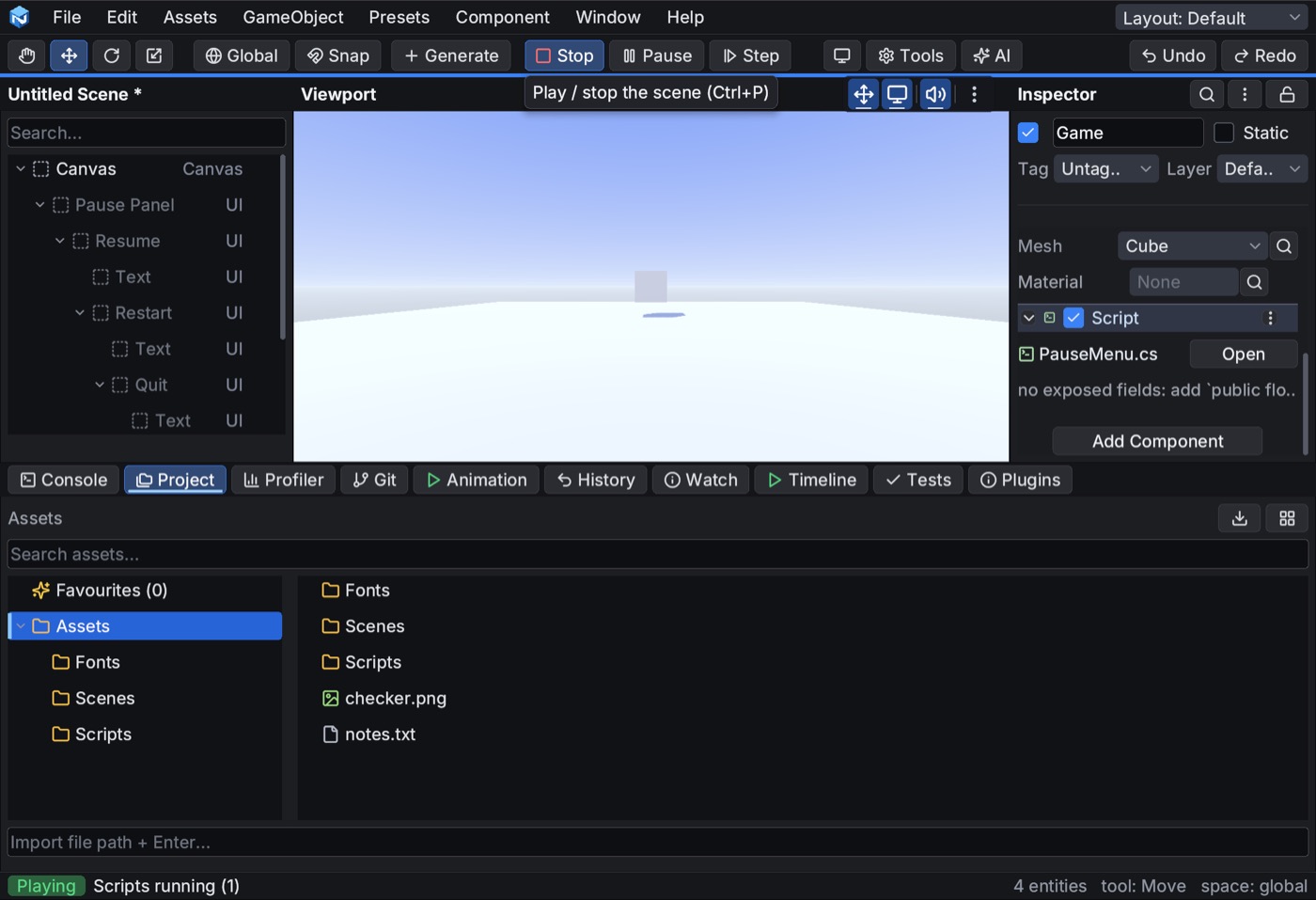
Appuyez sur PLAY, puis sur Échap. Le panneau apparaît et le jeu se fige ; resume continue au même instant.