 Neux
Tutoriel : une plateforme mobile
Une plateforme qui glisse entre deux points, attend à chaque bout et emporte ce qui se tient dessus.
1. Préparation
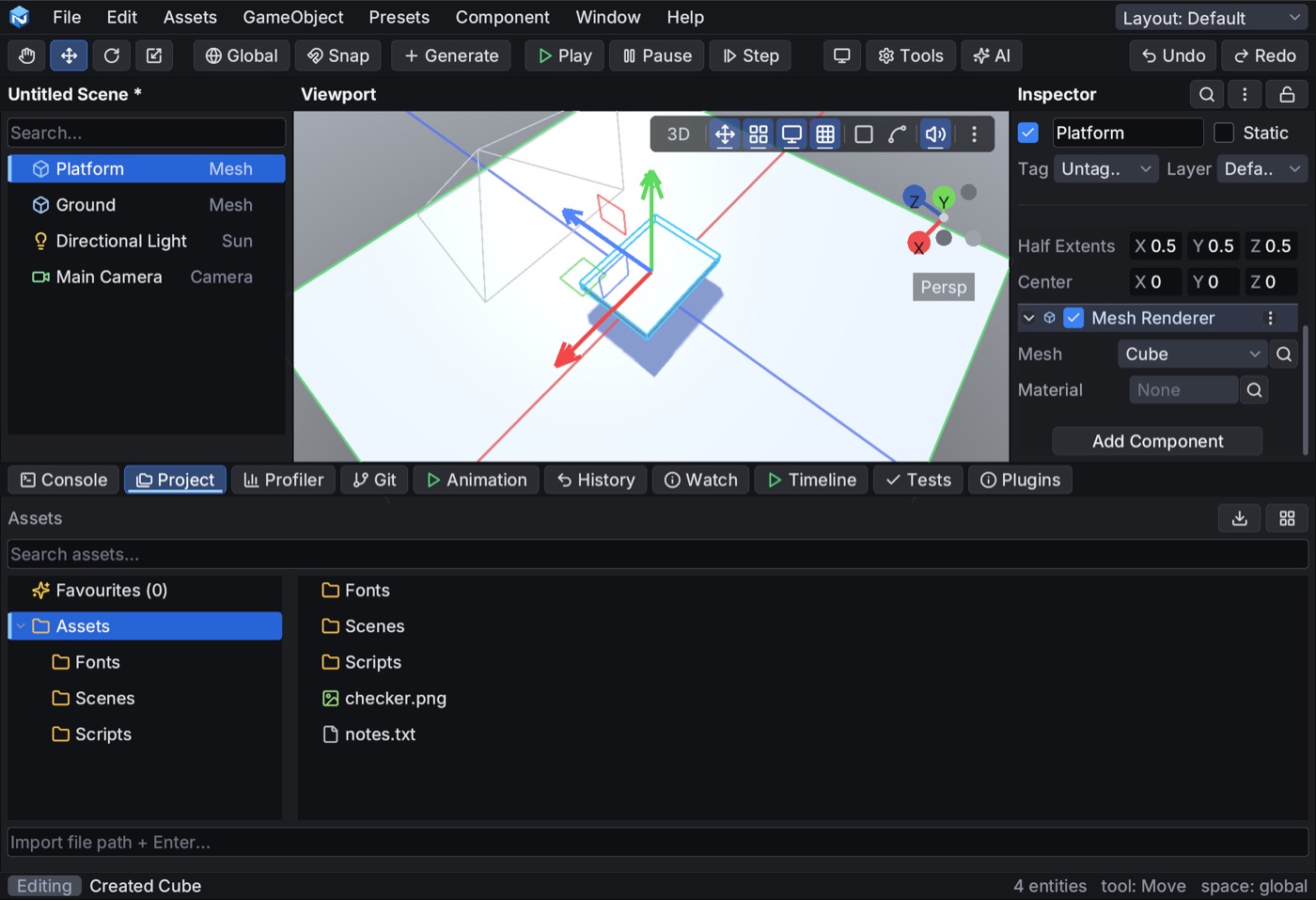
Faites un Cube plat avec un collider et placez-le là où il doit commencer. Rien d'autre n'est nécessaire.
2. Le script
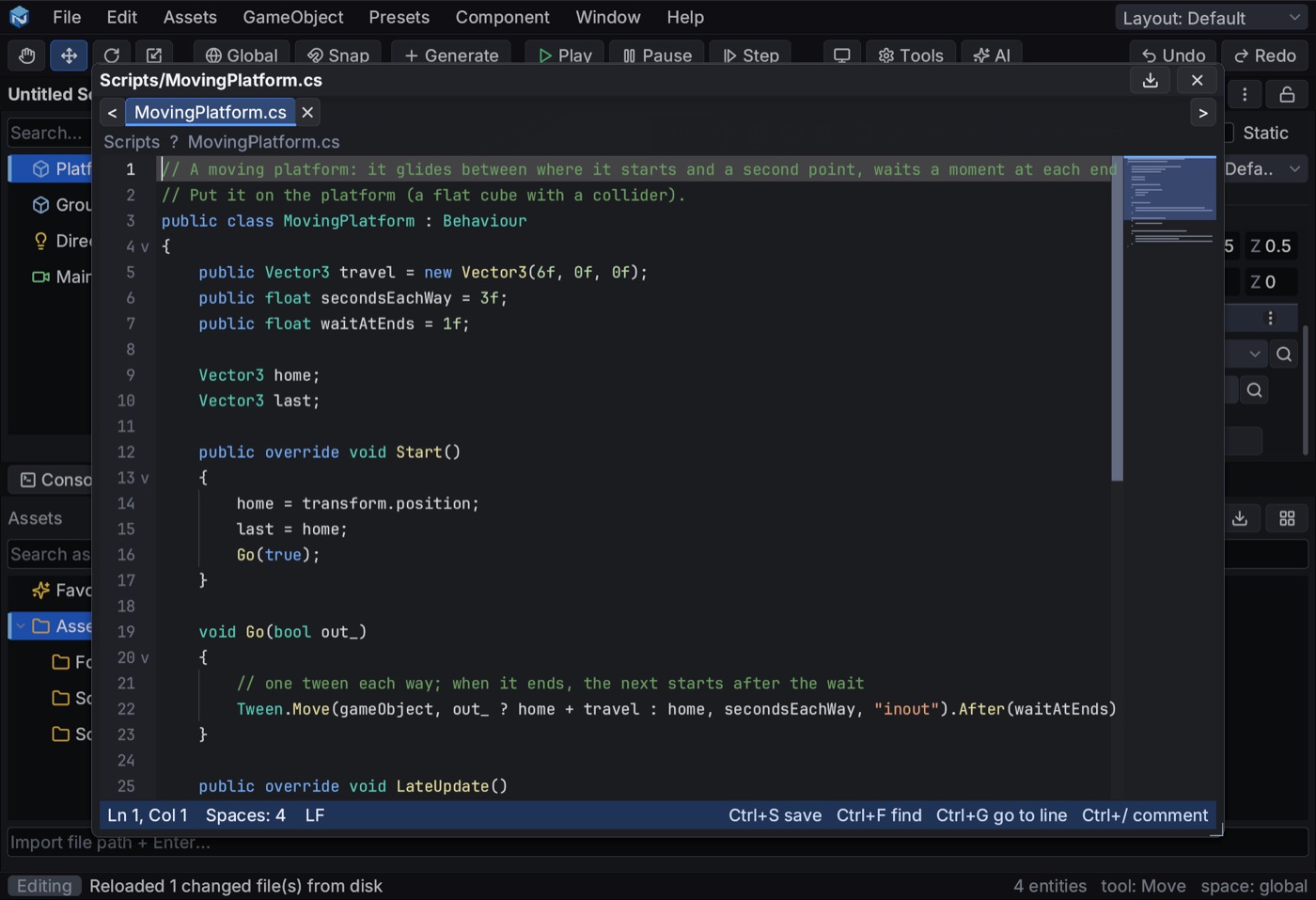
Scripts/MovingPlatform.cs
public class MovingPlatform : Behaviour
{
    public Vector3 travel = new Vector3(6f, 0f, 0f);
    public float secondsEachWay = 3f;
    public float waitAtEnds = 1f;

    Vector3 home;
    Vector3 last;

    public override void Start()
    {
        home = transform.position;
        last = home;
        Go(true);
    }

    void Go(bool out_)
    {
        // one tween each way; when it ends, the next starts after the wait
        Tween.Move(gameObject, out_ ? home + travel : home, secondsEachWay, "inout").After(waitAtEnds).Then(() => Go(!out_));
    }

    public override void LateUpdate()
    {
        last = transform.position;
    }

    public override void OnCollisionStay(GameObject other)
    {
        // whatever rests on the platform moves by what the platform moved this frame
        Vector3 moved = transform.position - last;
        if (other.transform.position.y > transform.position.y) other.transform.Translate(moved);
    }
}
Enregistrez-le sous Scripts/MovingPlatform.cs et ajoutez-le à la plateforme.
3. Comment ça marche
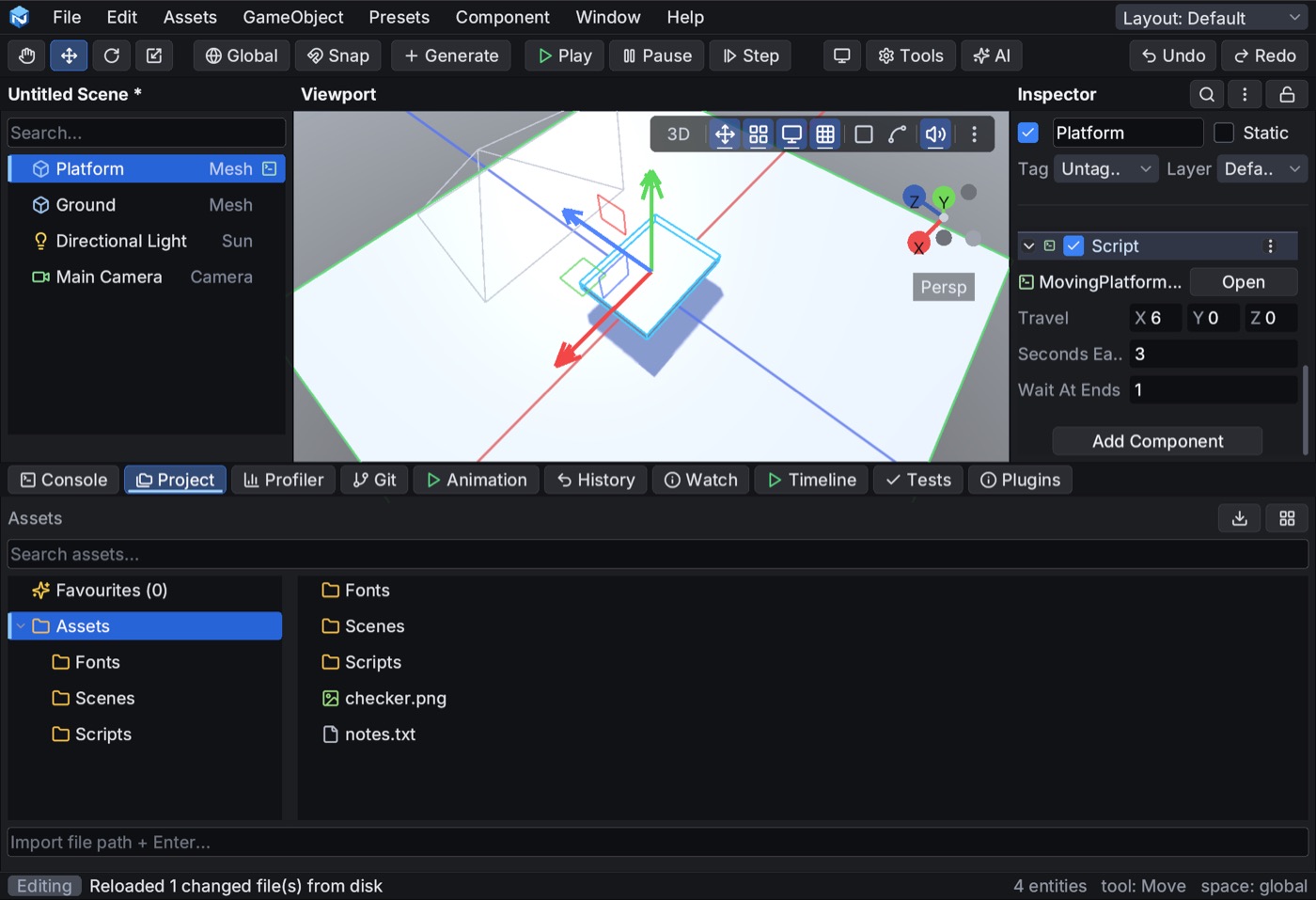
travelest le second point, mesuré depuis le départ : 6 unités sur x par défaut.Golance un tween ; quand il se termine,.Thenlance le suivant dans l'autre sens. C'est ainsi qu'on fait une boucle avec des tweens."inout"adoucit aux deux bouts : elle ralentit avant de s'arrêter.- Le transport : à chaque image,
LateUpdatemémorise où se trouvait la plateforme ;OnCollisionStaydéplace ce qui est dessus de la même distance.
4. Essayer
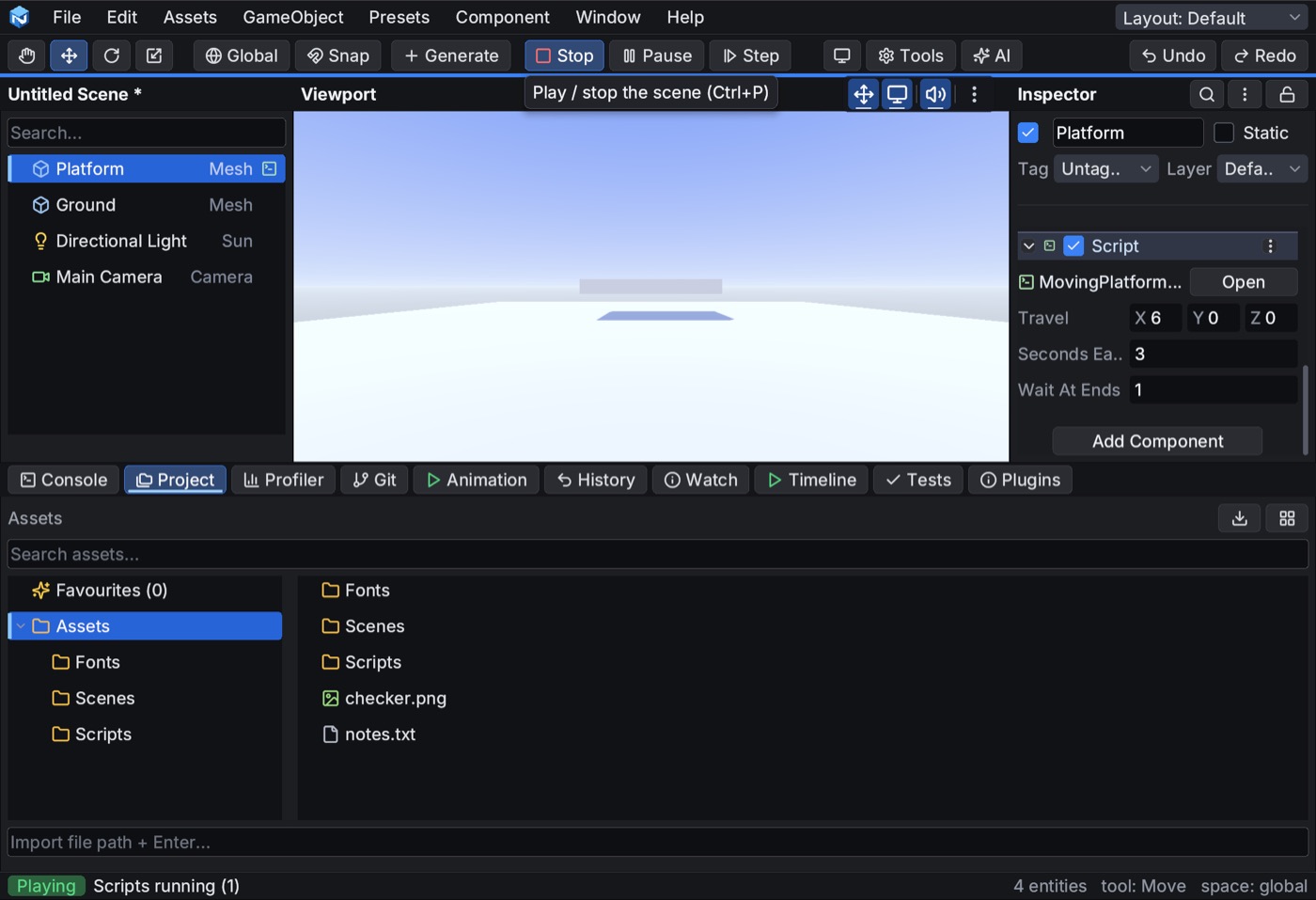
Appuyez sur PLAY et sautez dessus. Mettez travel à (0, 5, 0) pour un ascenseur, et changez waitAtEnds pour des arrêts plus longs.
Suite : points de contrôle.