 Neux
教程:移动平台
一块在两点之间滑动、在两端停留、并带着站在上面的东西一起走的平台。
1. 准备
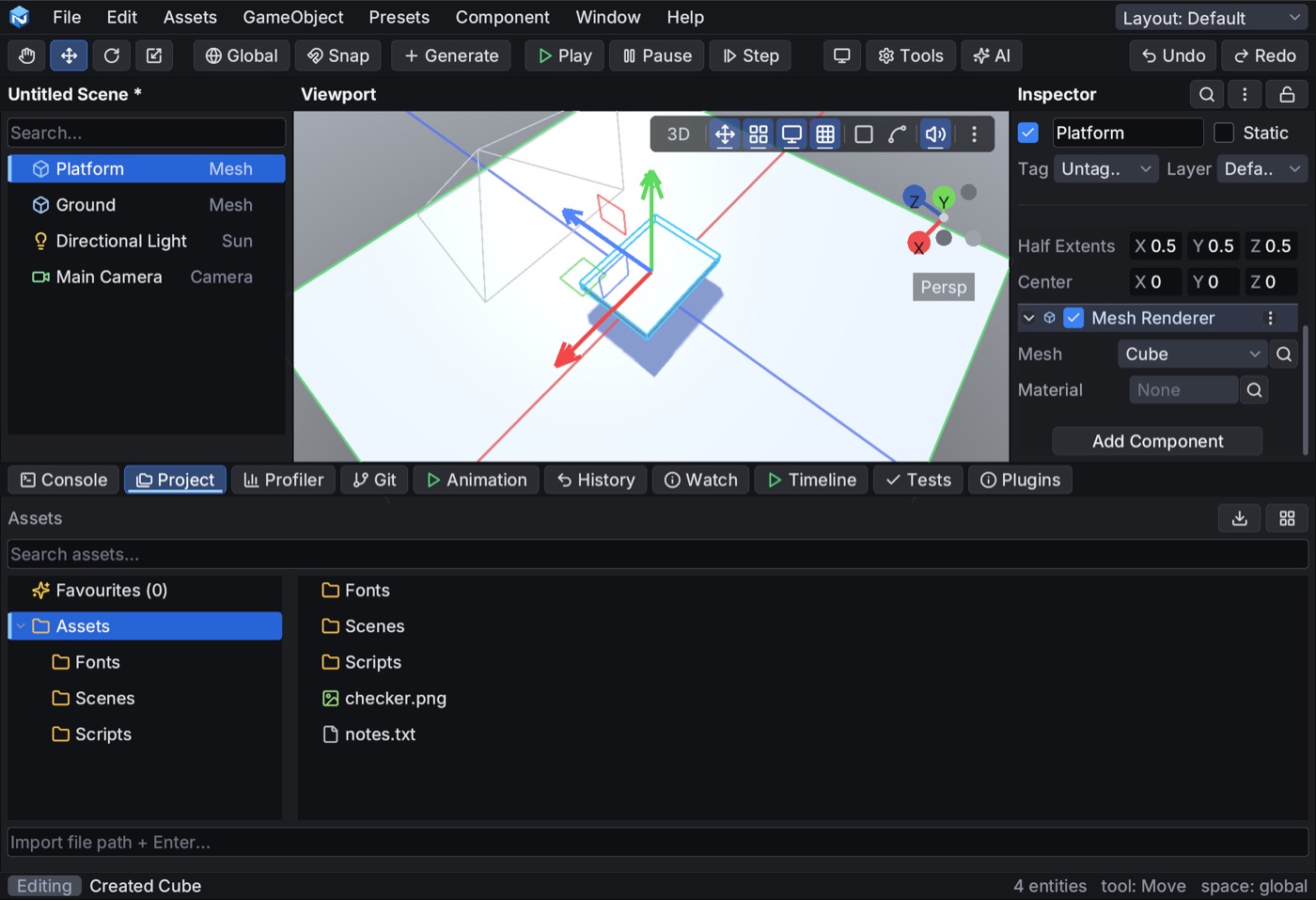
做一个带 collider 的扁 Cube,放在它应该开始的位置。不需要别的了。
2. 脚本
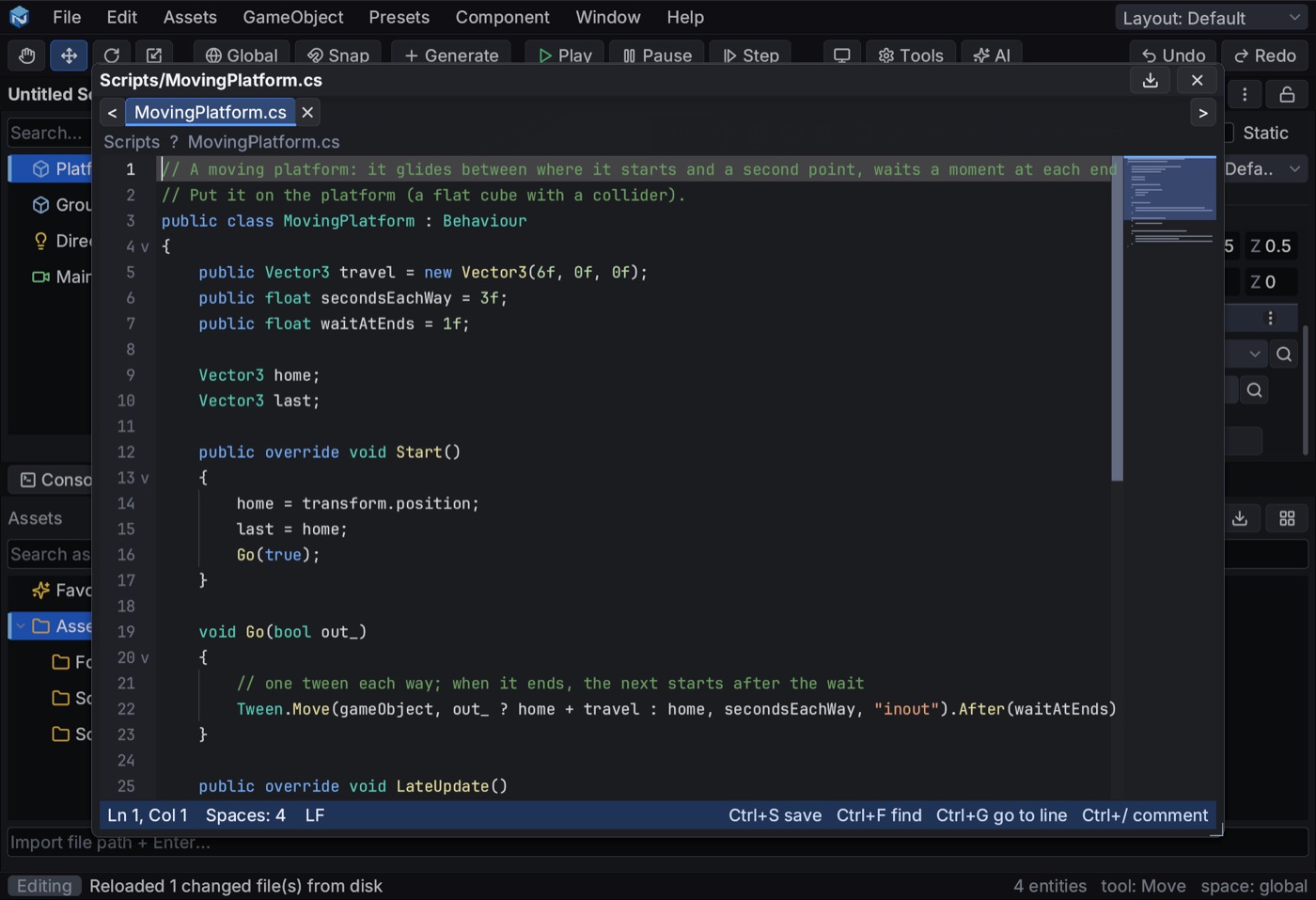
Scripts/MovingPlatform.cs
public class MovingPlatform : Behaviour
{
    public Vector3 travel = new Vector3(6f, 0f, 0f);
    public float secondsEachWay = 3f;
    public float waitAtEnds = 1f;

    Vector3 home;
    Vector3 last;

    public override void Start()
    {
        home = transform.position;
        last = home;
        Go(true);
    }

    void Go(bool out_)
    {
        // one tween each way; when it ends, the next starts after the wait
        Tween.Move(gameObject, out_ ? home + travel : home, secondsEachWay, "inout").After(waitAtEnds).Then(() => Go(!out_));
    }

    public override void LateUpdate()
    {
        last = transform.position;
    }

    public override void OnCollisionStay(GameObject other)
    {
        // whatever rests on the platform moves by what the platform moved this frame
        Vector3 moved = transform.position - last;
        if (other.transform.position.y > transform.position.y) other.transform.Translate(moved);
    }
}
保存为 Scripts/MovingPlatform.cs,加到平台上。
3. 工作原理
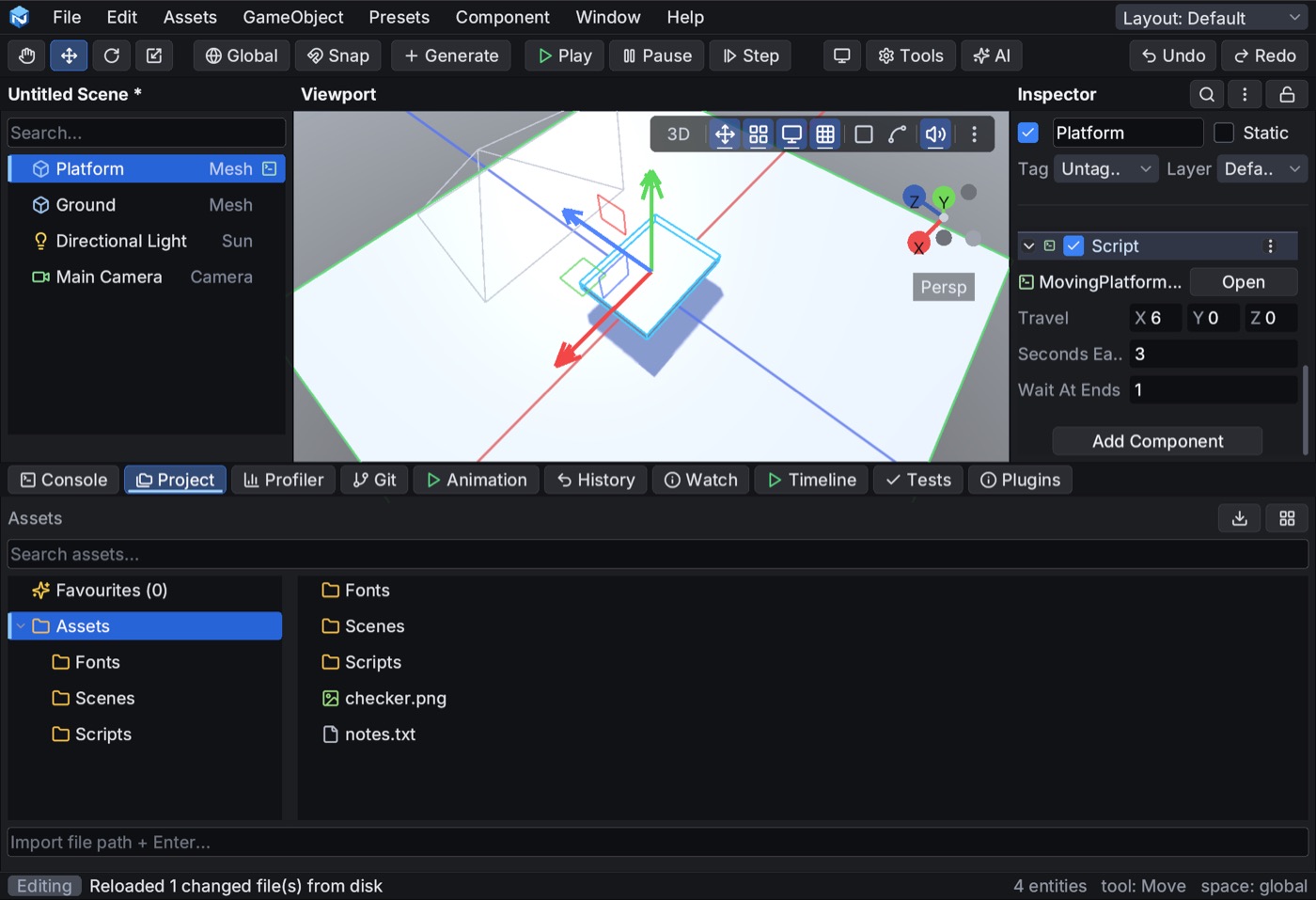
travel是第二个点,从起点开始量:默认沿 x 方向 6 个单位。Go启动一个补间;它结束时,.Then启动反方向的下一个。用补间做循环就是这样。"inout"在两端都做缓动,所以停下前会减速。- 载物:每帧
LateUpdate记住平台原来的位置;OnCollisionStay把站在上面的东西移动相同的量。
4. 试一试
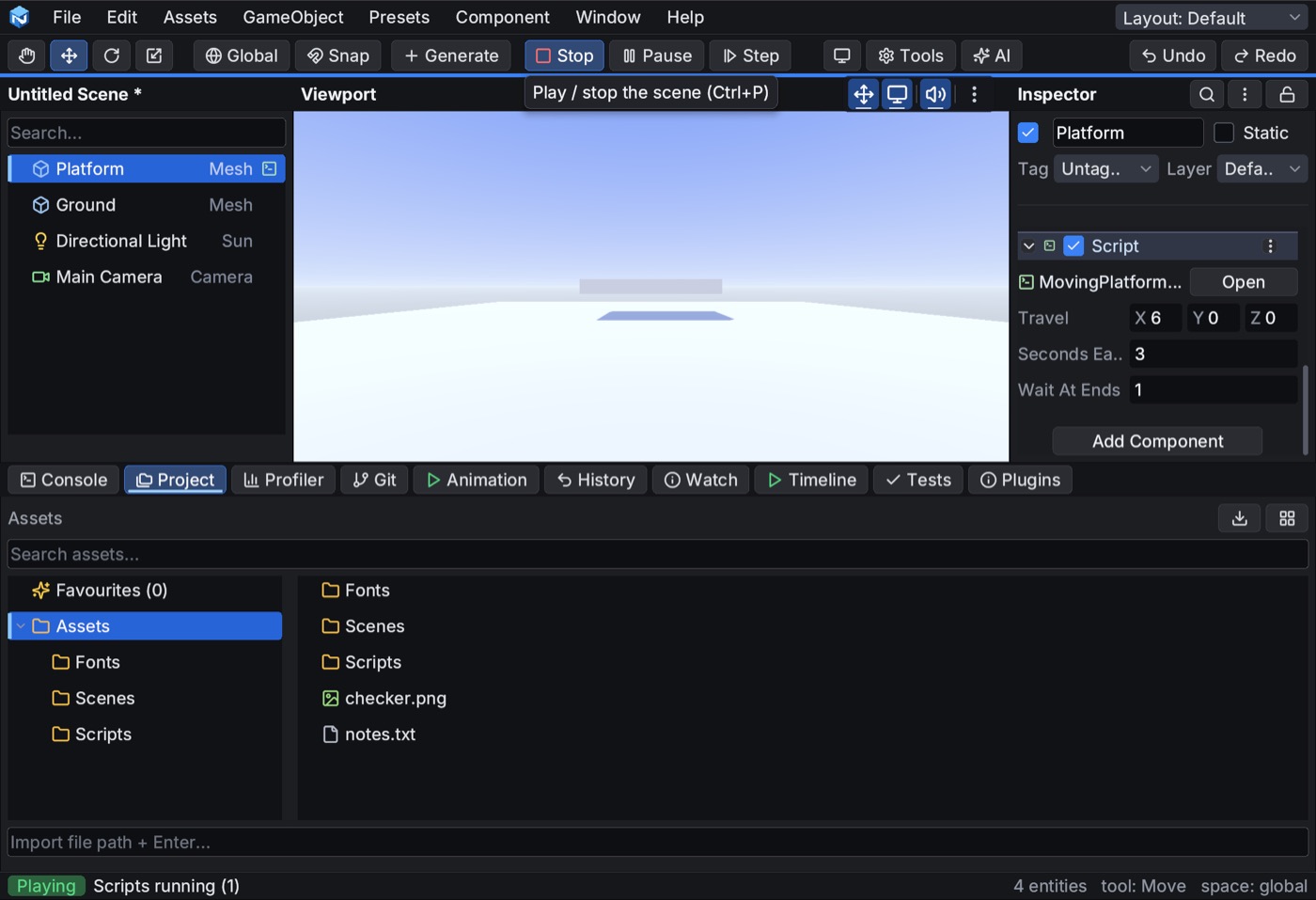
按 PLAY 跳上去。把 travel 设成 (0, 5, 0) 就成了电梯,改 waitAtEnds 可以停得更久。
下一步:检查点。