 Neux
教程:让玩家自选按键
一个操控菜单:玩家为 Jump 选择按键,选择会保存到下次,还有一个按钮可以恢复默认。
1. 搭建菜单
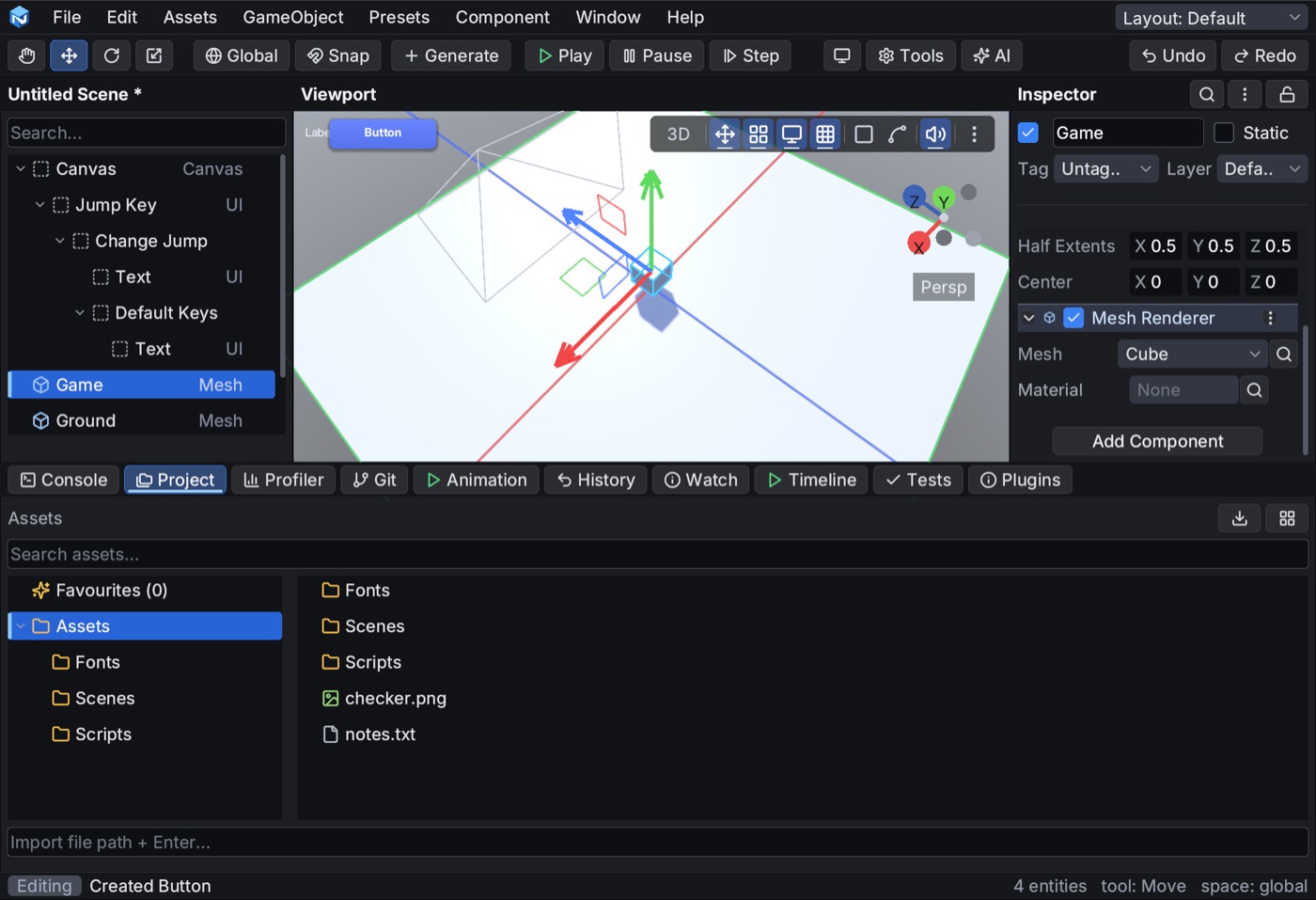
- 一个名为
Jump Key的界面文本显示当前按键。 - 两个按钮:一个 action 为
change jump,一个为default keys。
2. 脚本
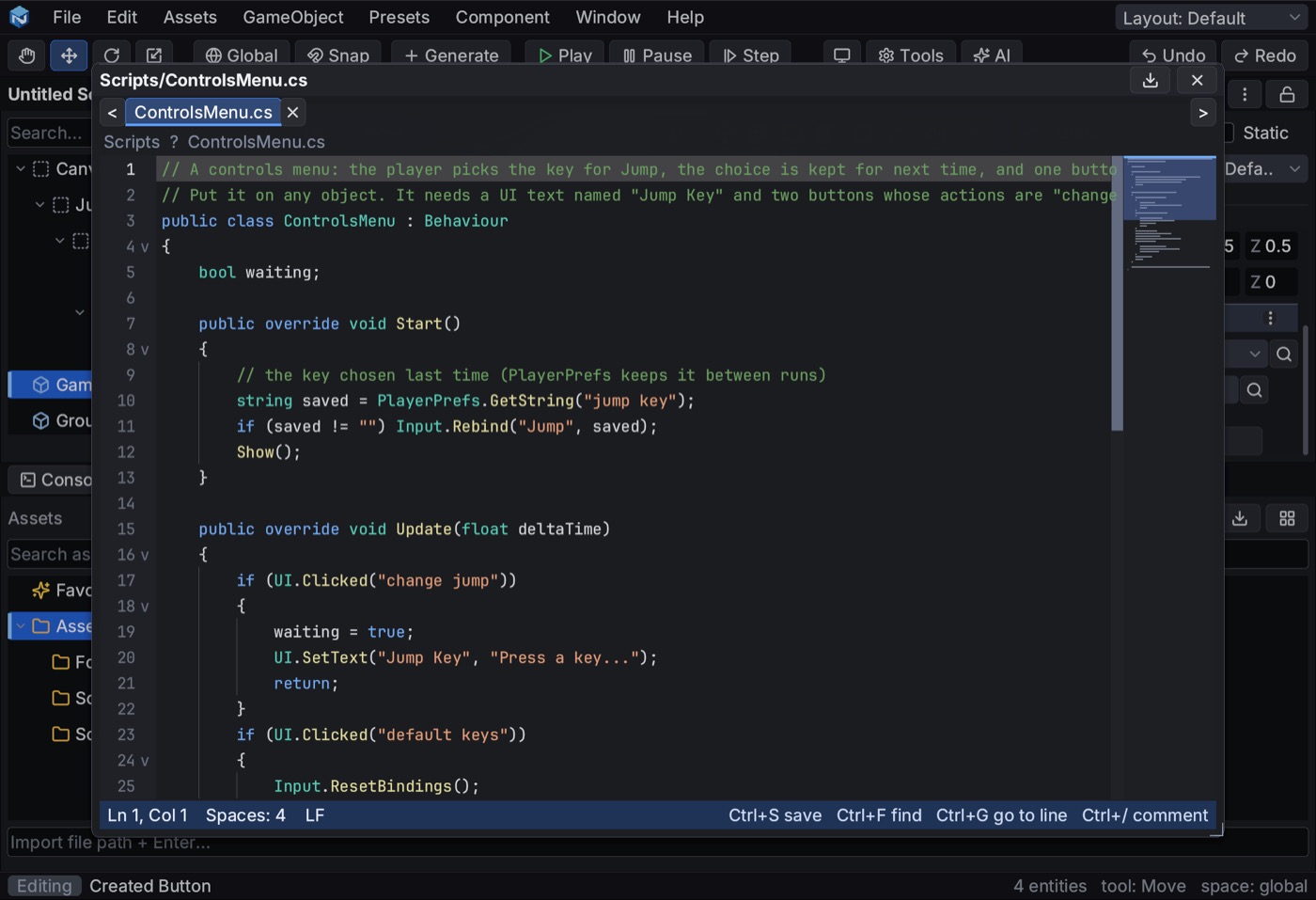
Scripts/ControlsMenu.cs
public class ControlsMenu : Behaviour
{
    bool waiting;

    public override void Start()
    {
        // the key chosen last time (PlayerPrefs keeps it between runs)
        string saved = PlayerPrefs.GetString("jump key");
        if (saved != "") Input.Rebind("Jump", saved);
        Show();
    }

    public override void Update(float deltaTime)
    {
        if (UI.Clicked("change jump"))
        {
            waiting = true;
            UI.SetText("Jump Key", "Press a key...");
            return;
        }
        if (UI.Clicked("default keys"))
        {
            Input.ResetBindings();
            PlayerPrefs.DeleteKey("jump key");
            waiting = false;
            Show();
        }
        if (!waiting) return;
        string key = Input.GetAnyKeyDown();
        if (key == null) return;
        // Escape gives up without changing anything
        if (key != "Escape")
        {
            Input.Rebind("Jump", key);
            PlayerPrefs.SetString("jump key", key);
            PlayerPrefs.Save();
        }
        waiting = false;
        Show();
    }

    void Show() { UI.SetText("Jump Key", "Jump: " + Input.GetBinding("Jump")); }
}
保存为 Scripts/ControlsMenu.cs,放在任意对象上。
3. 工作原理
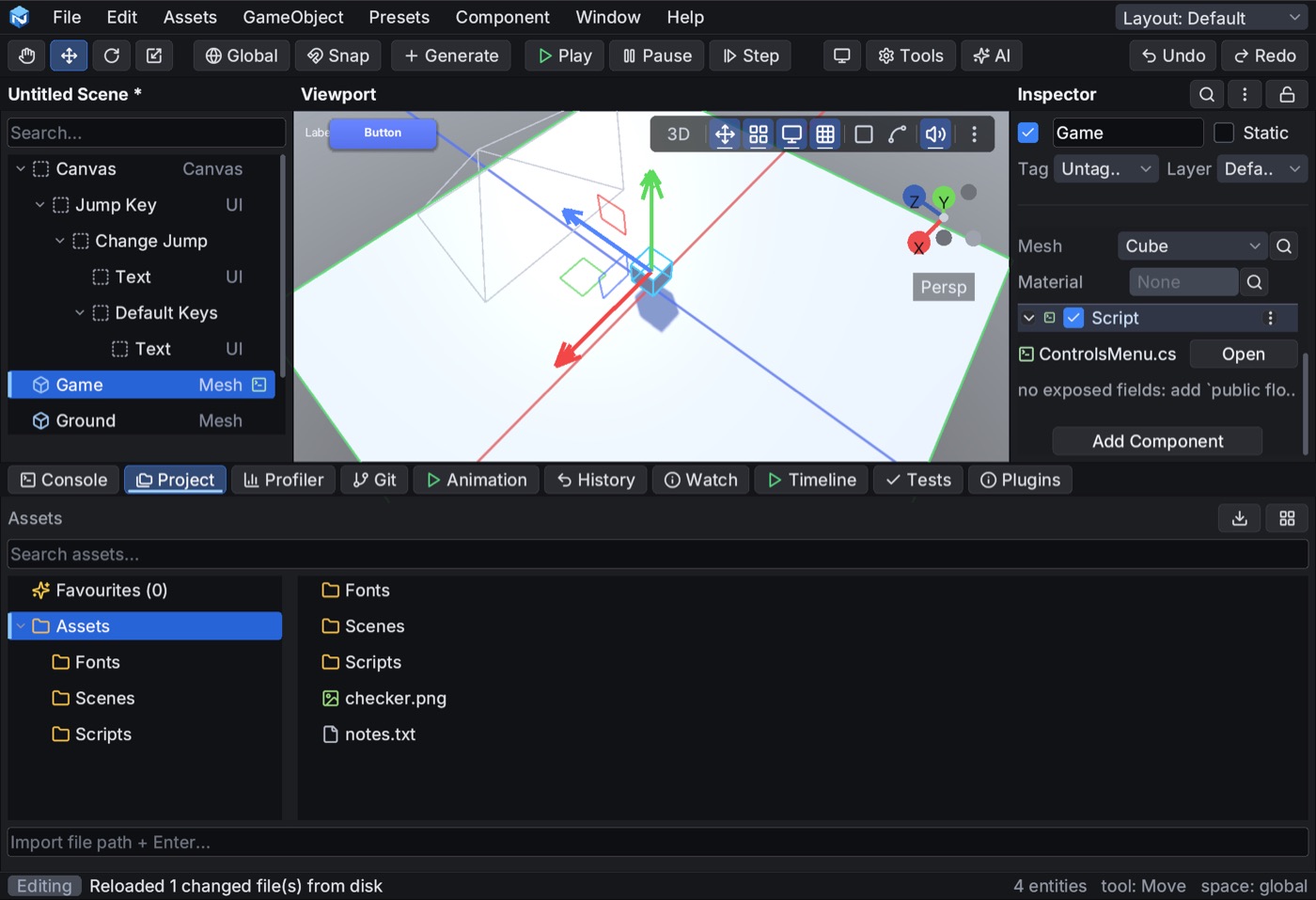
玩家按下 change jump,再按想要的键。脚本重新绑定 Jump 动作,并保存这个选择,下次游戏启动时依然有效。default keys 恢复标准绑定。其他脚本不必改动:它们仍然询问 Jump 动作,不管它在哪个键上。
整个项目的全局绑定在 Project Settings > input 中。
下一步:用一句话制作游戏。