 Neux
教程:生命值与伤害
为玩家或敌人加上生命值,配有血条,被击中时闪红光。
1. 准备
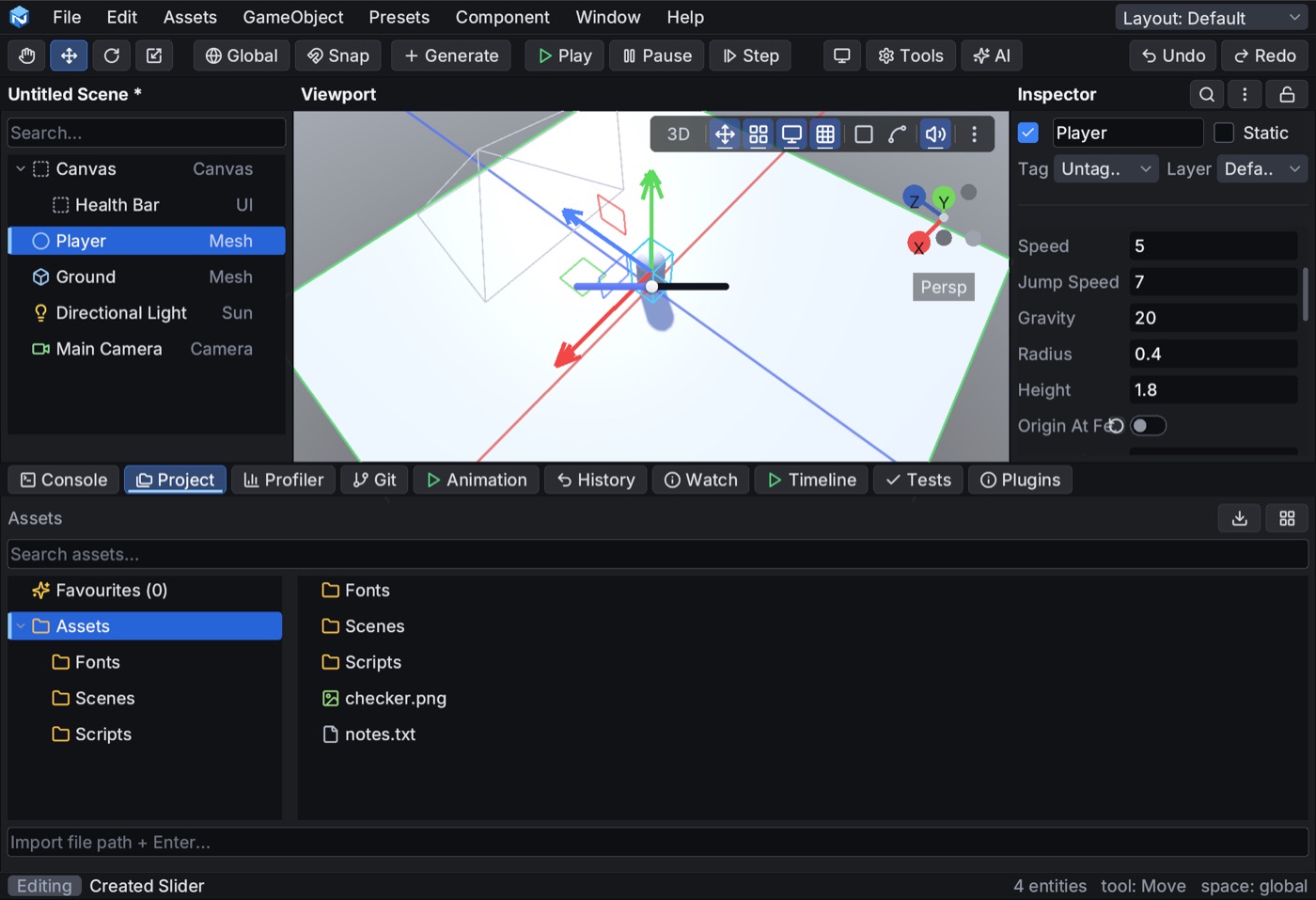
- 添加一个名为
Health Bar的界面 slider(GameObject > UI),显示玩家生命值。 - 把脚本放在玩家或敌人身上(敌人要关掉
showsOnBar,免得它们去动玩家的血条)。
2. 脚本
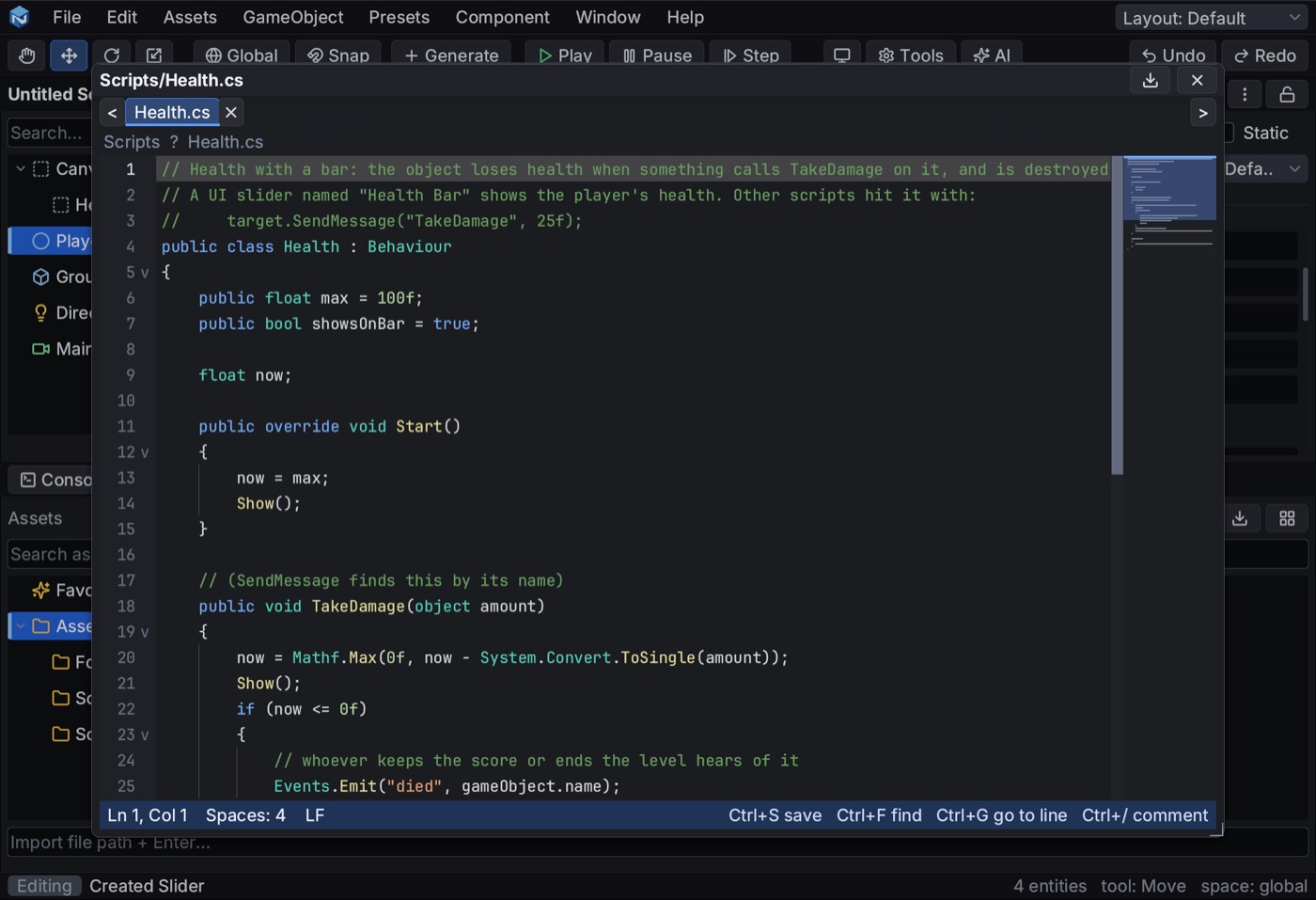
Scripts/Health.cs
public class Health : Behaviour
{
    public float max = 100f;
    public bool showsOnBar = true;

    float now;

    public override void Start()
    {
        now = max;
        Show();
    }

    // (SendMessage finds this by its name)
    public void TakeDamage(object amount)
    {
        now = Mathf.Max(0f, now - System.Convert.ToSingle(amount));
        Show();
        if (now <= 0f)
        {
            // whoever keeps the score or ends the level hears of it
            Events.Emit("died", gameObject.name);
            GameObject.Destroy(gameObject);
            return;
        }
        // a red flash that fades back
        Tween.Value(0f, 1f, 0.2f, t => gameObject.SetColor(Color.Lerp(Color.red, Color.white, t)));
    }

    void Show()
    {
        if (showsOnBar && UI.Exists("Health Bar")) UI.SetValue("Health Bar", now / max);
    }
}
保存为 Scripts/Health.cs。
3. 工作原理
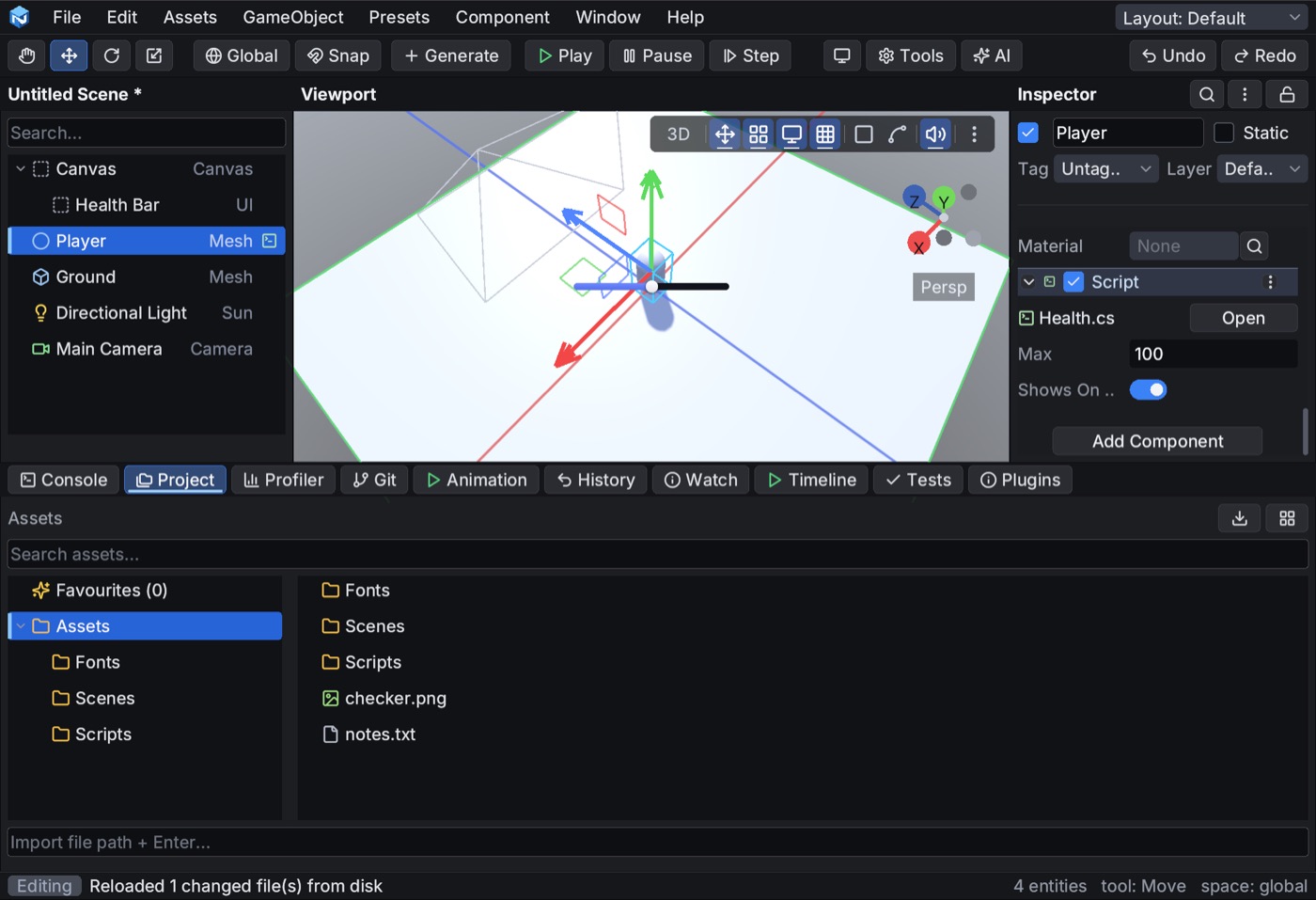
其他脚本伤害这个对象时,并不需要知道它是什么东西:
target.SendMessage("TakeDamage", 25f);SendMessage 按名字找到方法。子弹、爆炸桶和陷阱就是这样共用同一个生命值脚本的。
降到零时,脚本发出一个事件 died 并销毁对象。负责记分或结束关卡的脚本会监听它:见存档与最高分。
红色闪光是一个补间:Tween.Value 在 0.2 秒内把数值从 0 变到 1,回调函数据此混合颜色。
4. 试一试
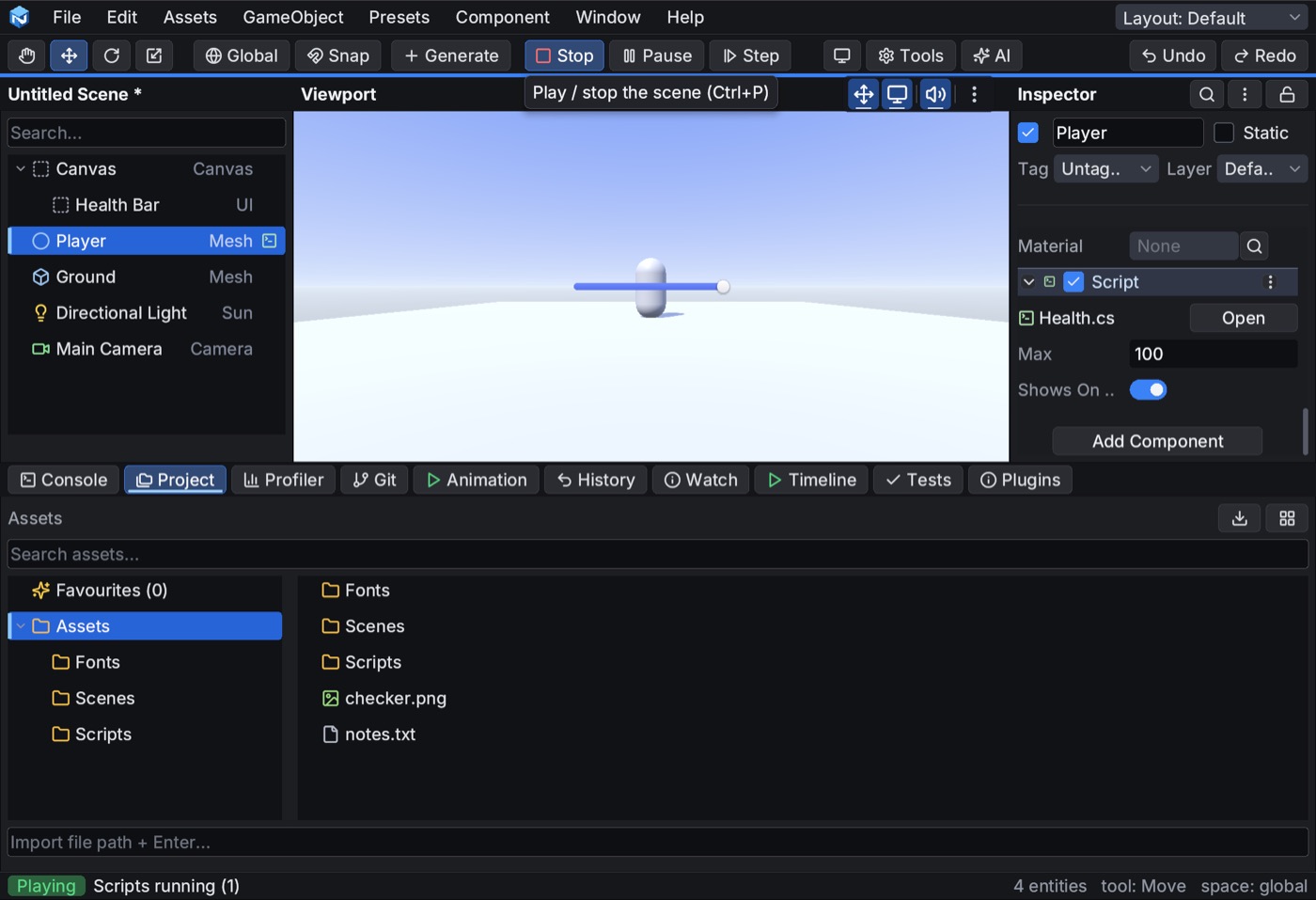
再加一个脚本,在按下某个键时调用 SendMessage("TakeDamage", 10f),看血条下降。
下一步:追击玩家的守卫。