 Neux
Tutorial: health and damage
Health for the player or an enemy, with a health bar and a red flash when hit.
1. Set up
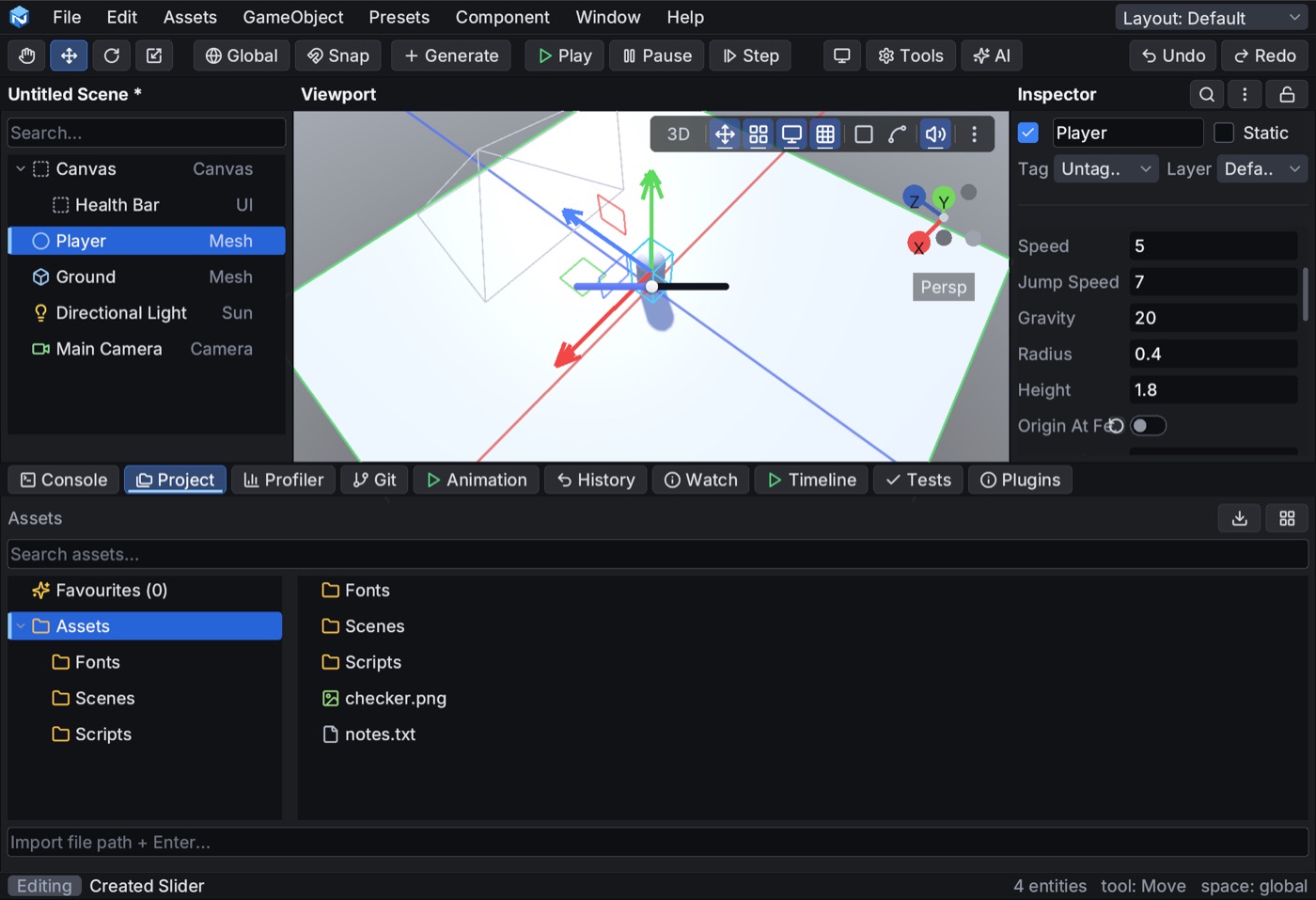
- Add a UI slider named
Health Bar(GameObject > UI) for the player's health. - Put the script on the player, or on an enemy (turn
showsOnBaroff for enemies so they do not move the player's bar).
2. The script
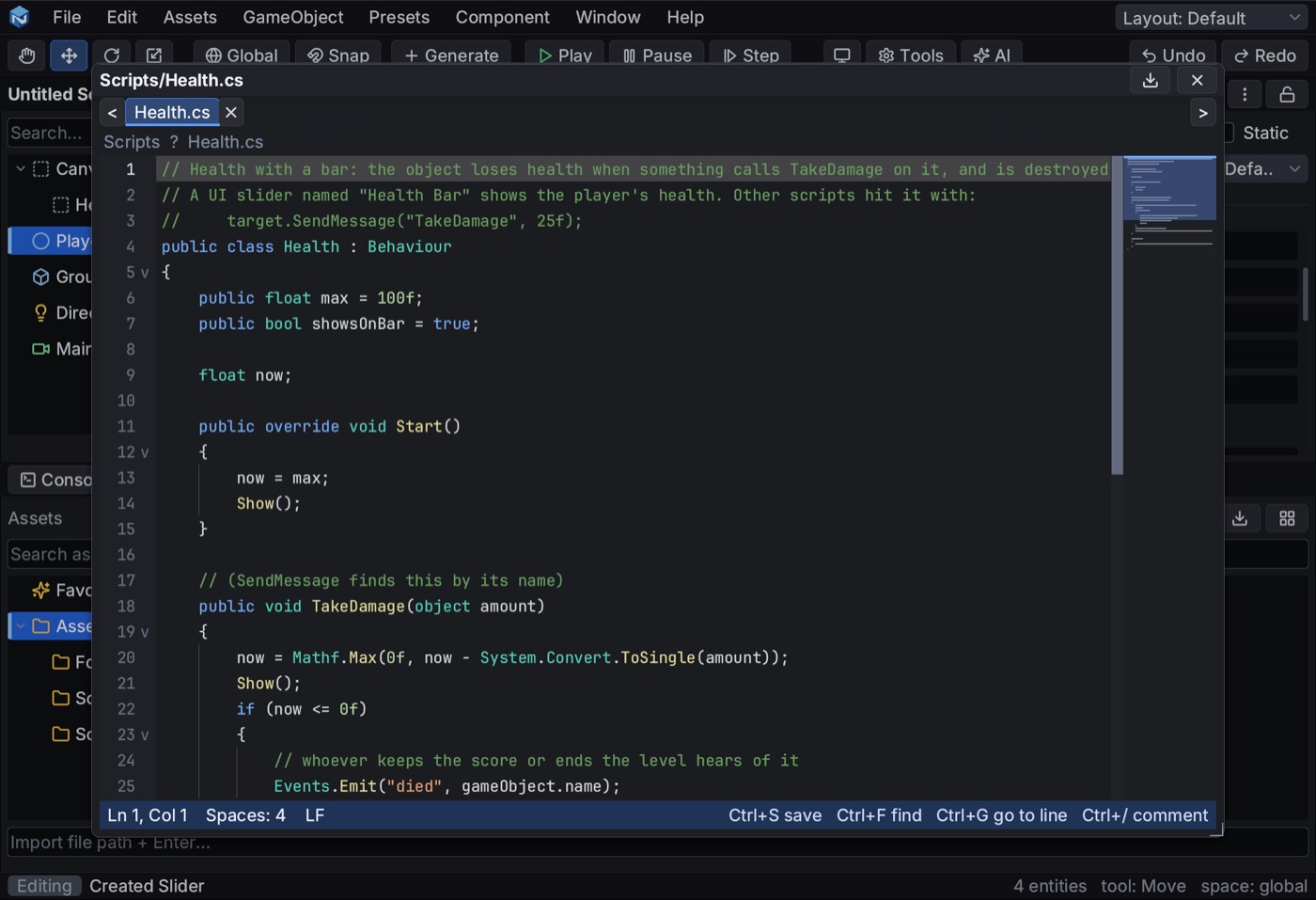
Scripts/Health.cs
public class Health : Behaviour
{
    public float max = 100f;
    public bool showsOnBar = true;

    float now;

    public override void Start()
    {
        now = max;
        Show();
    }

    // (SendMessage finds this by its name)
    public void TakeDamage(object amount)
    {
        now = Mathf.Max(0f, now - System.Convert.ToSingle(amount));
        Show();
        if (now <= 0f)
        {
            // whoever keeps the score or ends the level hears of it
            Events.Emit("died", gameObject.name);
            GameObject.Destroy(gameObject);
            return;
        }
        // a red flash that fades back
        Tween.Value(0f, 1f, 0.2f, t => gameObject.SetColor(Color.Lerp(Color.red, Color.white, t)));
    }

    void Show()
    {
        if (showsOnBar && UI.Exists("Health Bar")) UI.SetValue("Health Bar", now / max);
    }
}
Save it as Scripts/Health.cs.
3. How it works
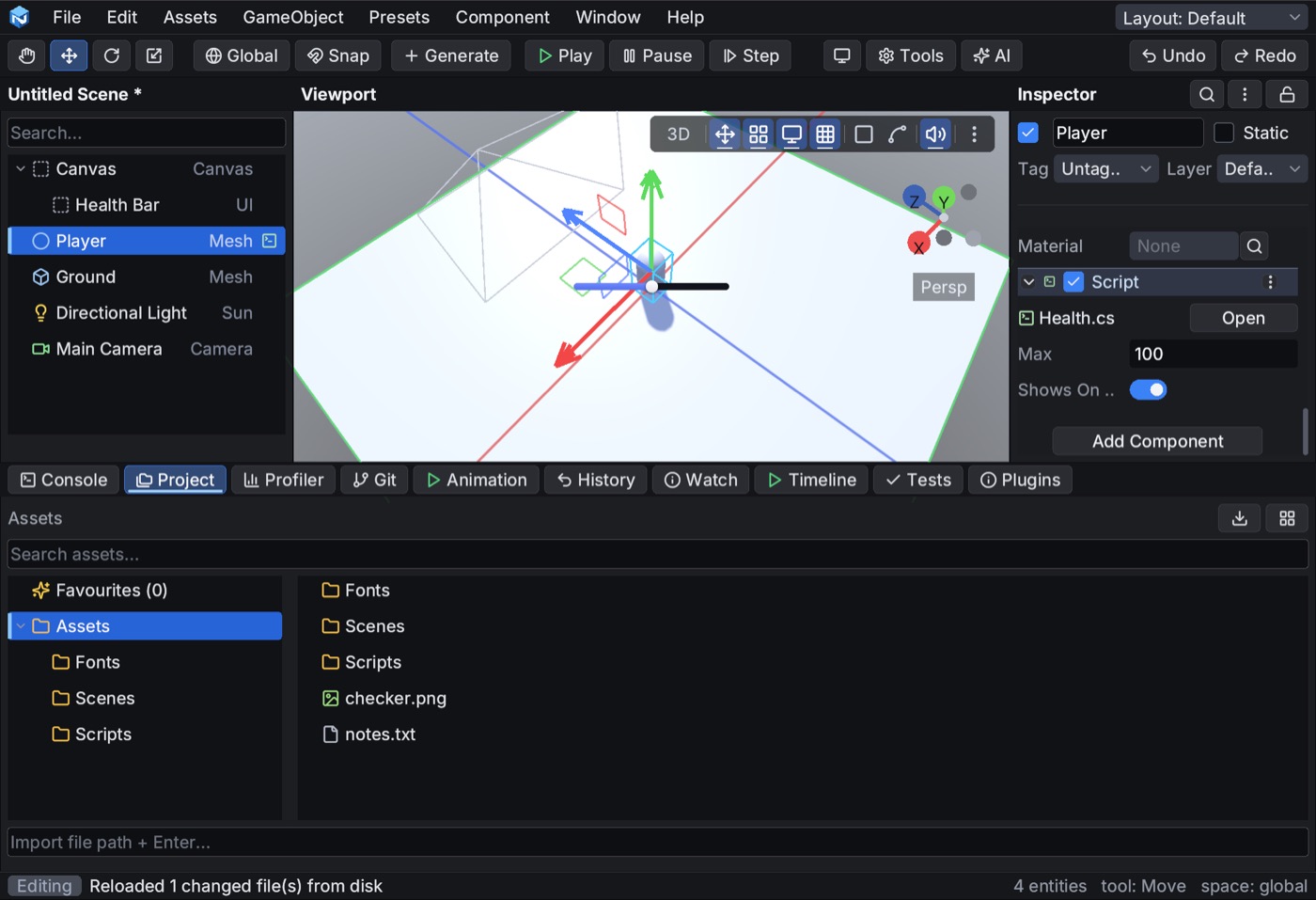
Other scripts hurt the object without knowing what kind of thing it is:
target.SendMessage("TakeDamage", 25f);SendMessage finds the method by its name. This is how bullets, barrels and traps work with the same health script.
At zero the script emits an event, died, and destroys the object. Whoever keeps the score or ends the level listens for it: see save and high score.
The red flash is a tween: Tween.Value runs a number from 0 to 1 over 0.2 seconds and the callback blends the colour.
4. Try it
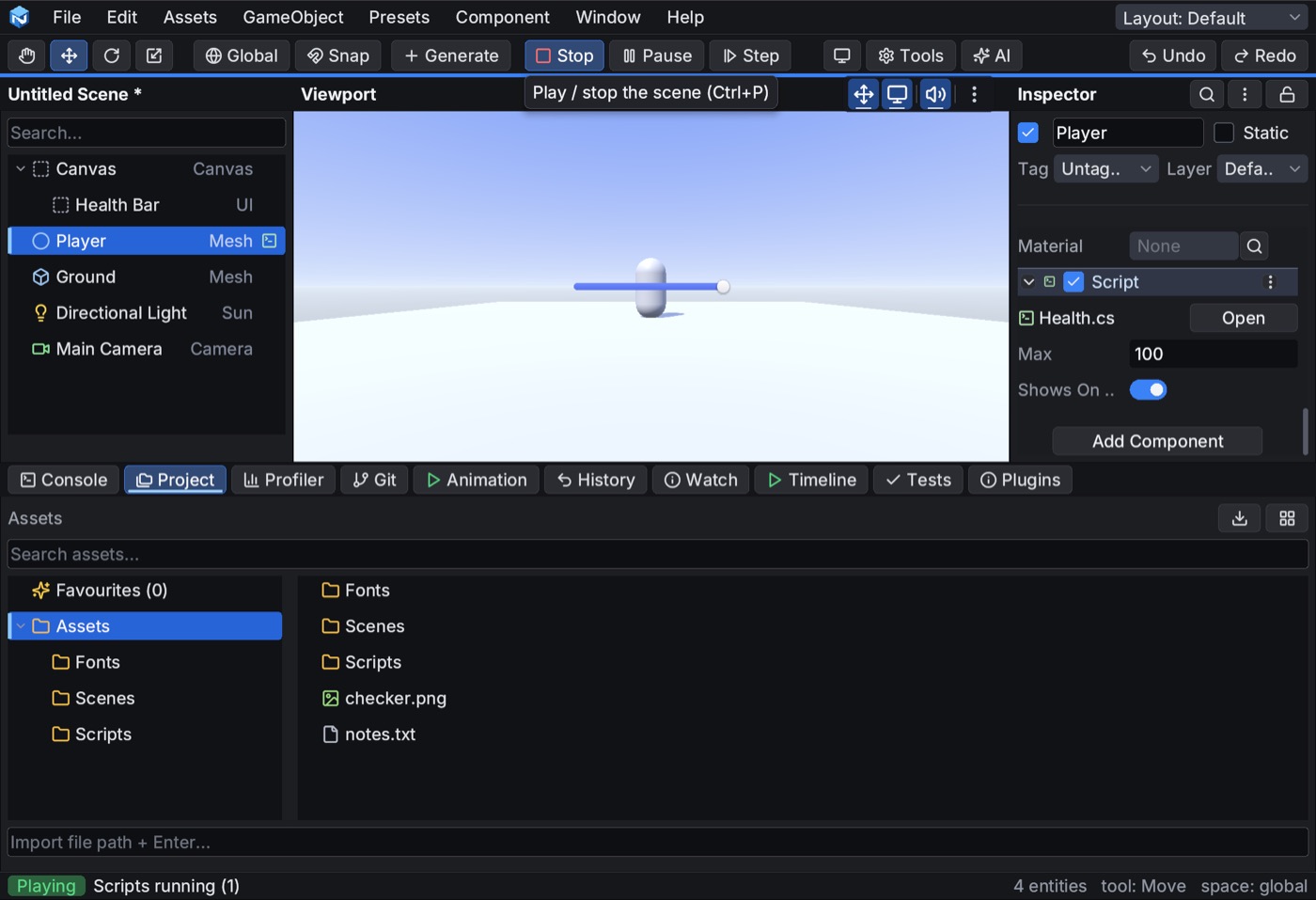
Add a second script that calls SendMessage("TakeDamage", 10f) when you press a key, and watch the bar drop.