 Neux
Tutorial: build a scene from Presets
The Presets menu puts finished things into the scene. Each is made of ordinary objects, so you can change anything afterwards.
1. A bedroom in four clicks
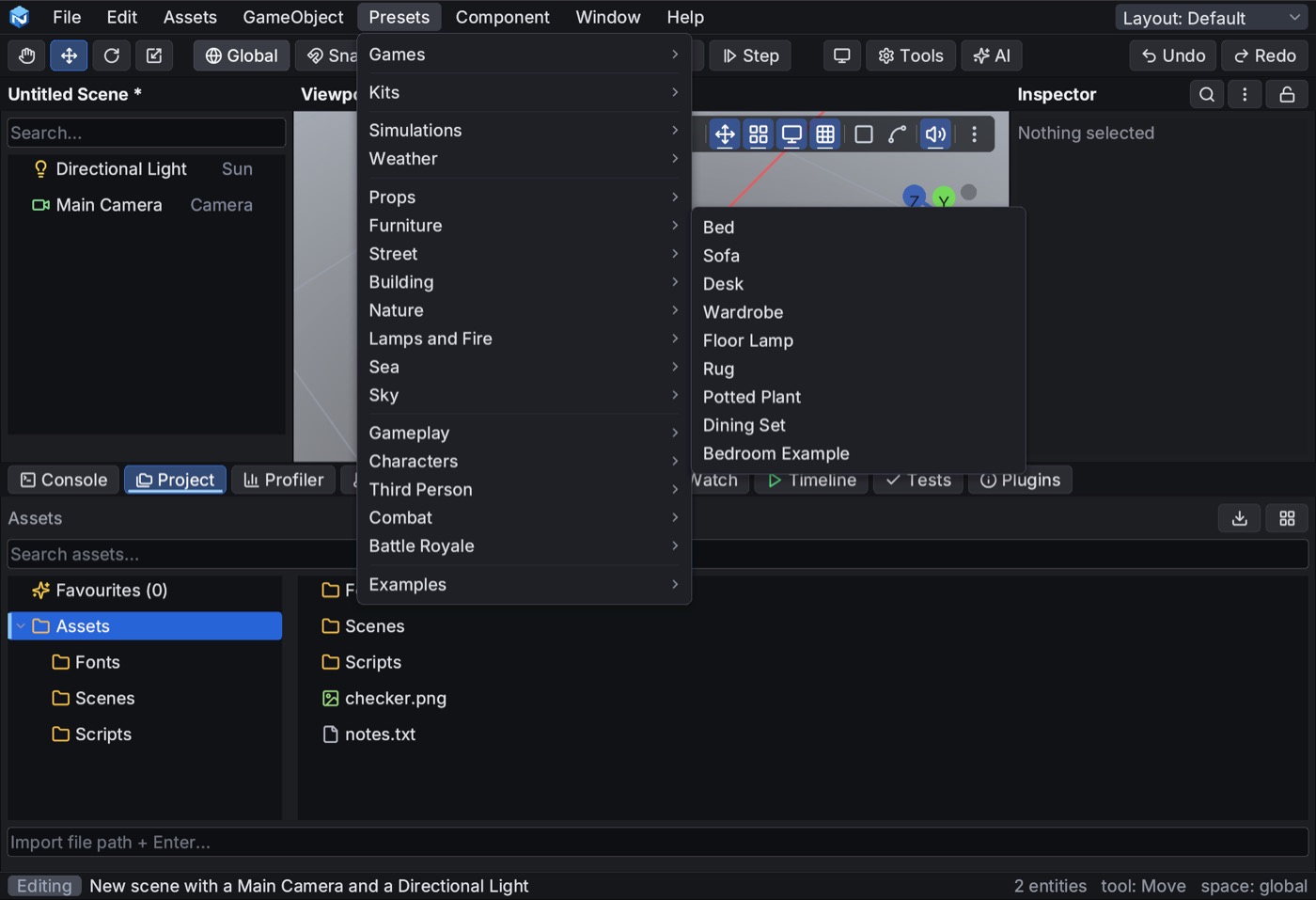
- Start a 3D Starter project.
- Open Presets > Furniture and add the bedroom: bed, wardrobe, desk, rug and more, already arranged.
- Select any piece and move it with W; every piece is just an object.
2. Outside
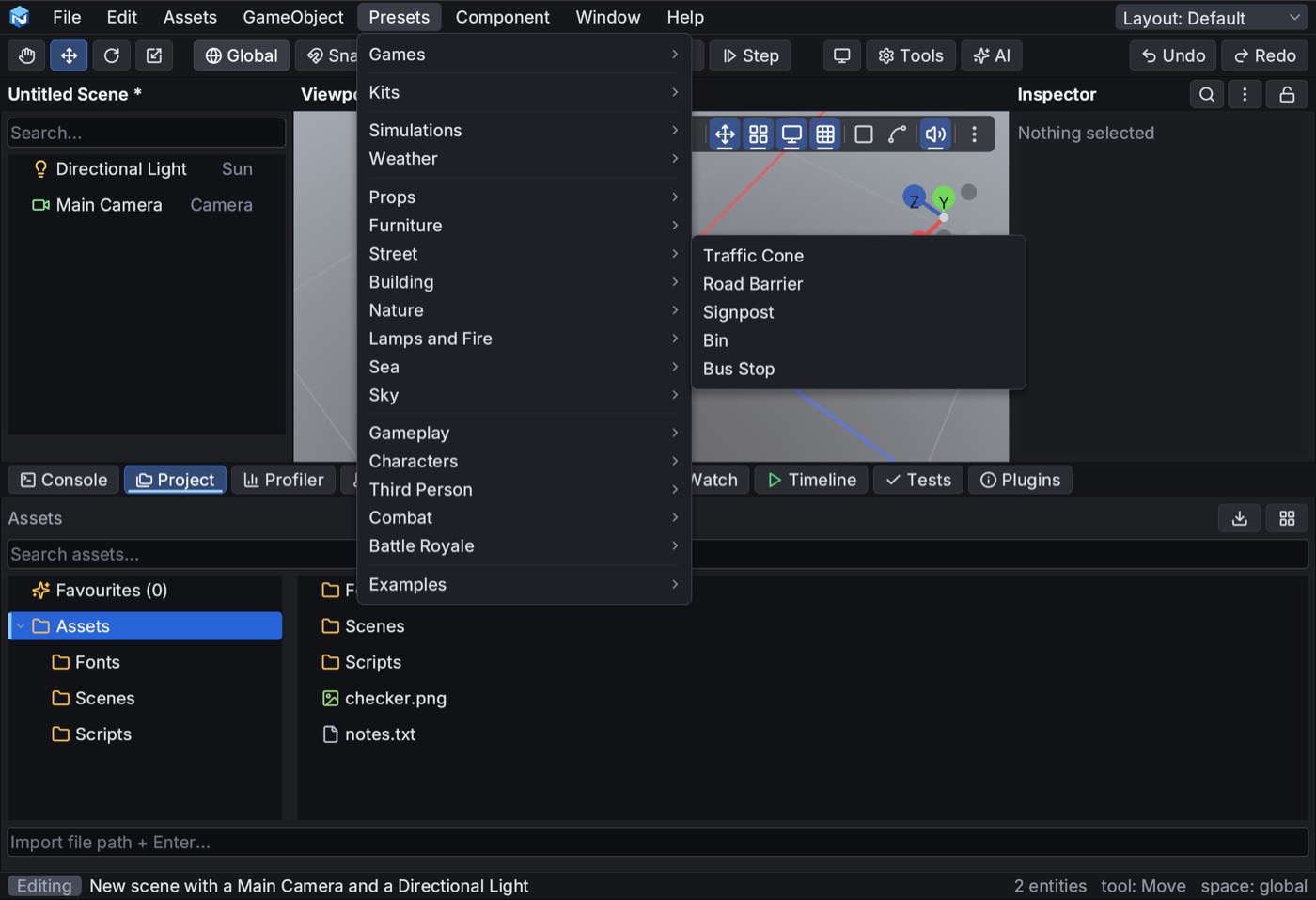
- Presets > Street: cone, barrier, signpost, bin, bus stop.
- Presets > Building and Nature for houses, trees and rocks.
- Presets > Sky and Sea for the background and water.
- Lamps and Fire for torches and street lamps.
3. Weather and effects
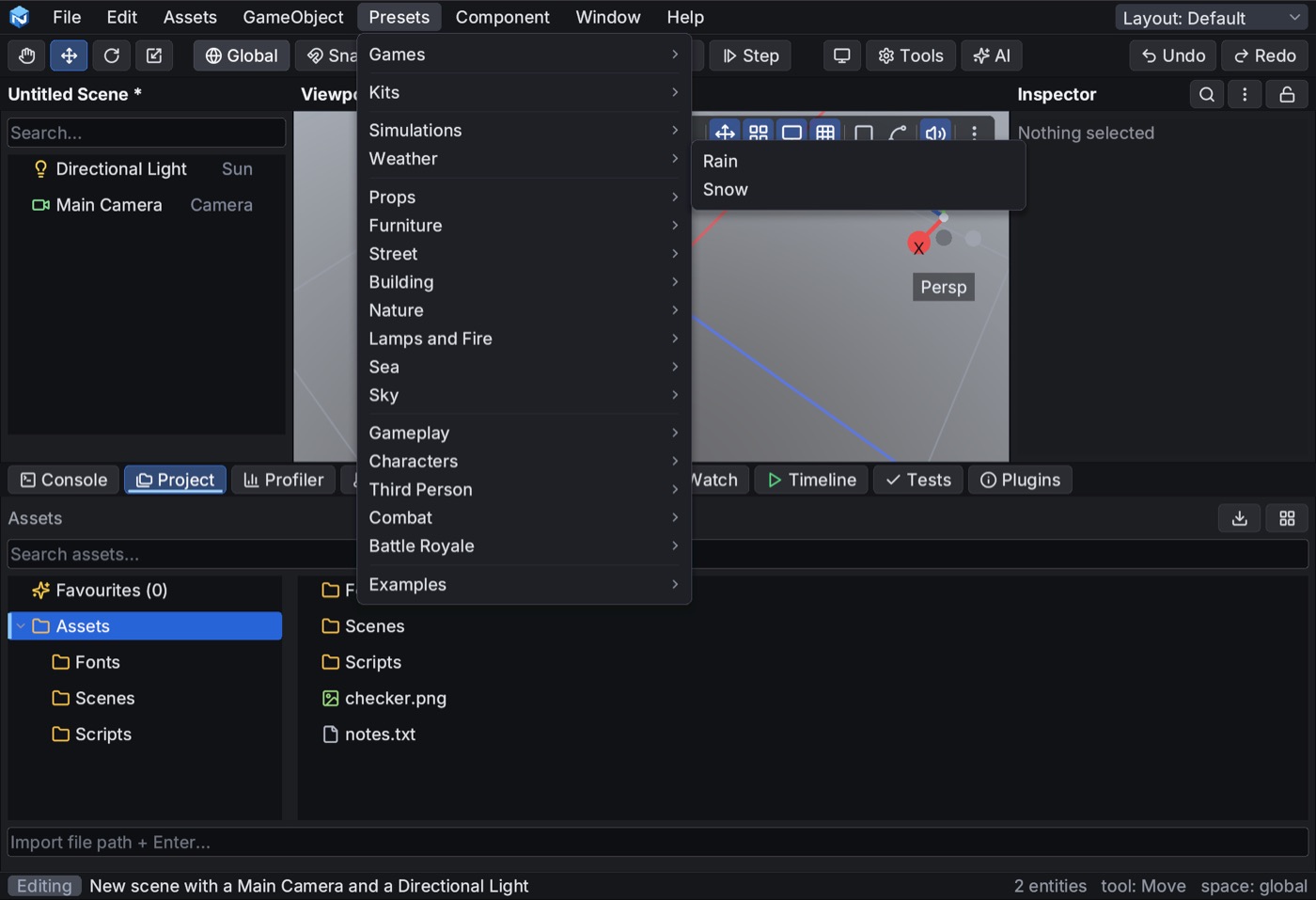
Presets > Weather adds rain or snow. Presets > Simulations has breakable crates, ropes, water, jelly, smoke and fire.
4. Things with behaviour
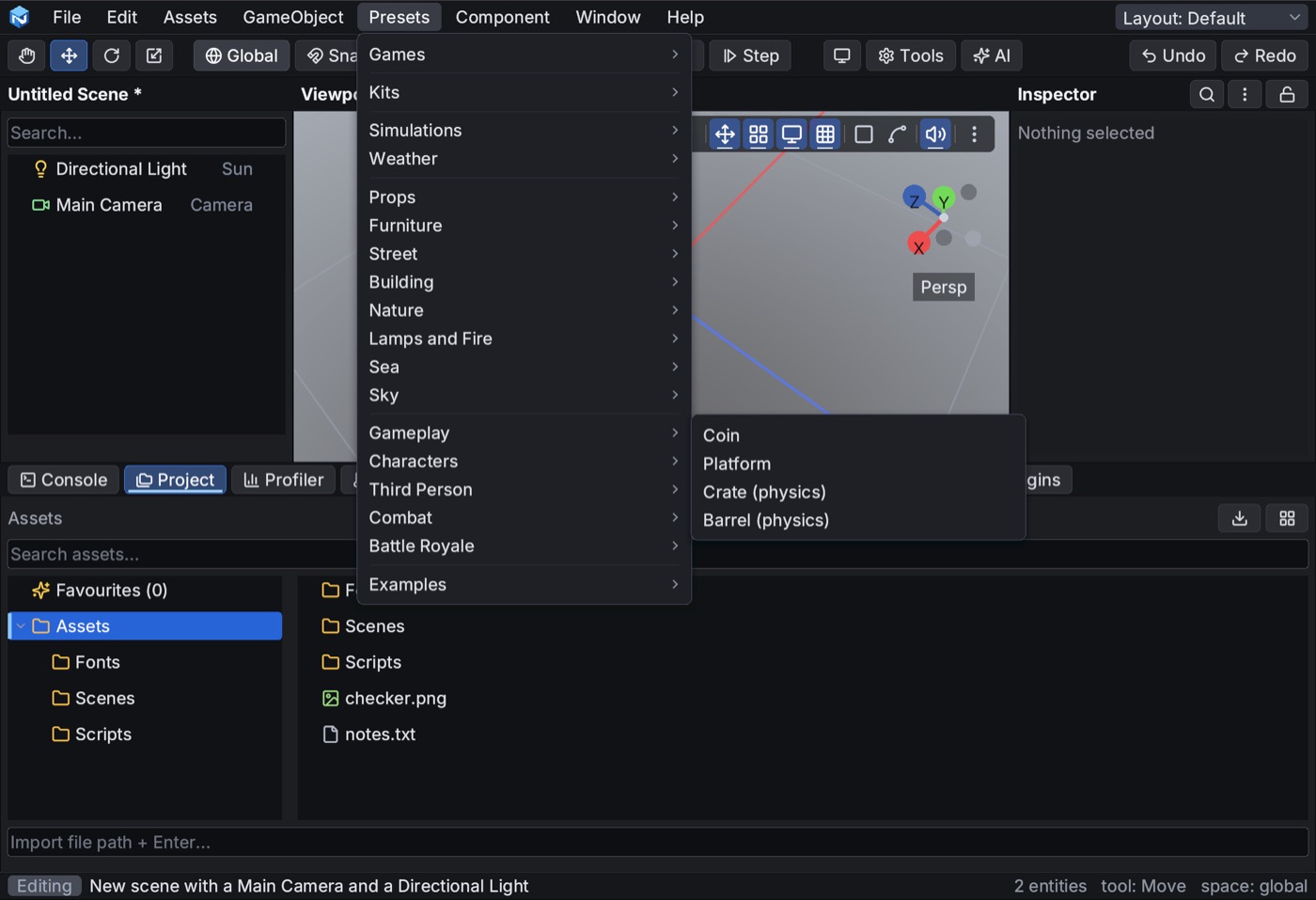
- Gameplay: coins and platforms.
- Characters and Third Person: a player with a camera.
- Combat: enemies, weapons, pickups.
- Examples: small whole scenes to take apart and learn from.
5. Whole games
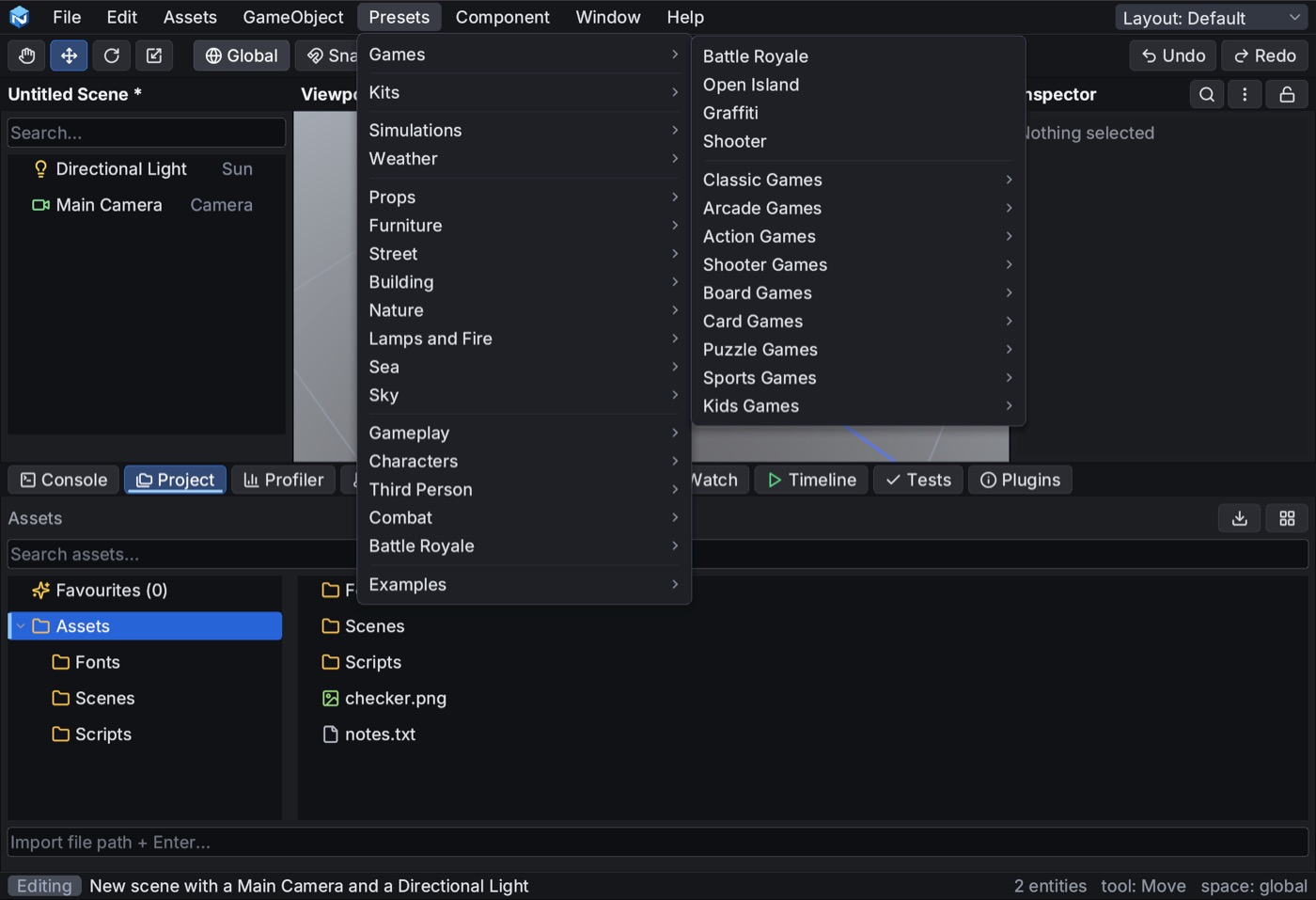
Presets > Games holds 57 complete small games, from Classic and Arcade to Board, Cards, Puzzle, Sports and Kids. The hub's New project page offers the same ones. Add one, press PLAY, then open its objects to see how it is made.
Next: make a character move, the first script.