 Neux
Tutorial: a door that opens by itself
A sliding door that opens when the player comes near and closes behind them. It teaches triggers and tweens.
1. Set up
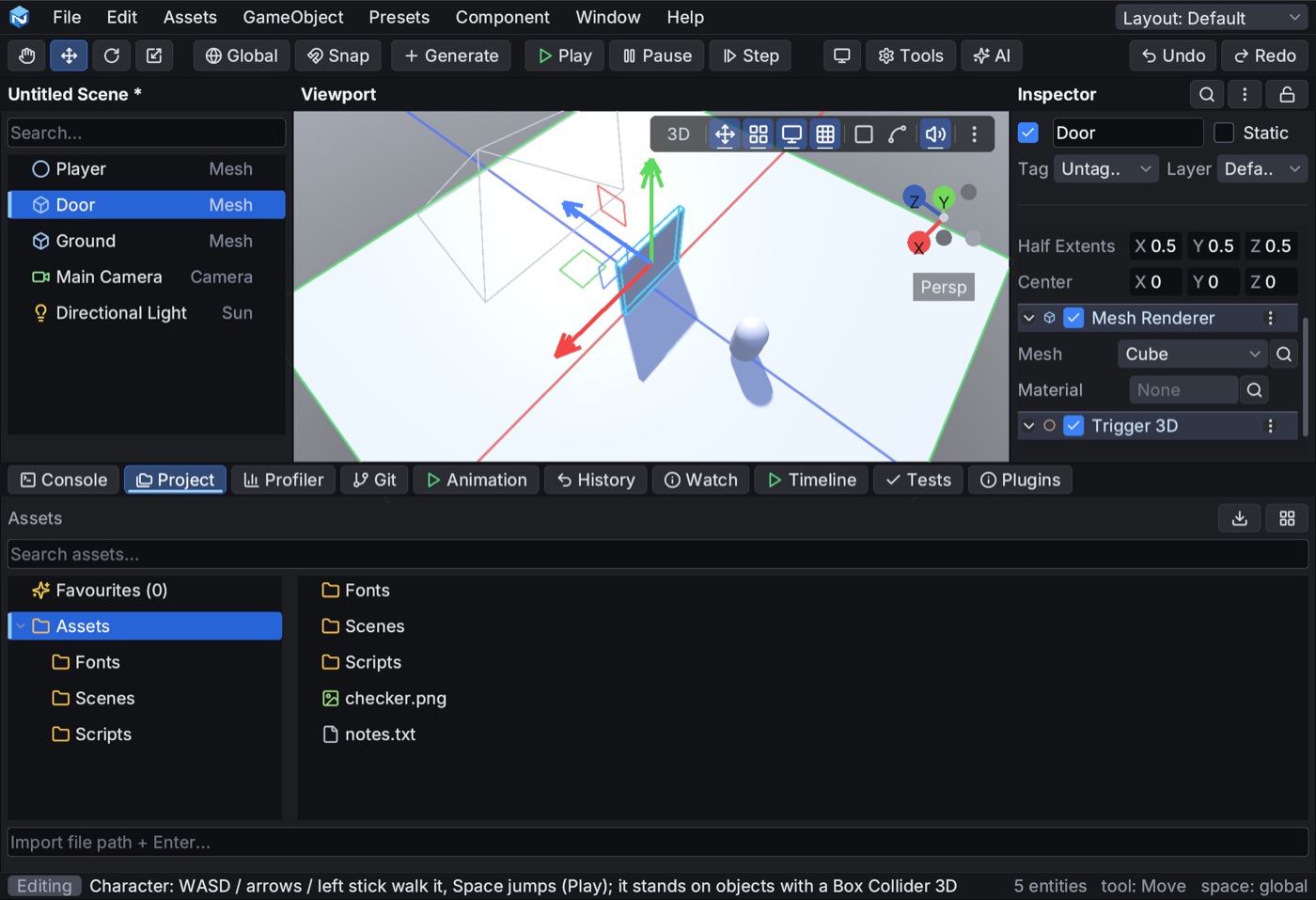
- Make a door: a flat tall Cube with a collider.
- Make sure the player has the tag
Player(see Collect coins). - Add a Trigger3D to the door and make it big enough to reach where the player stands in front of it. (Or put the trigger on a second, invisible box in front of the door.)
2. The script
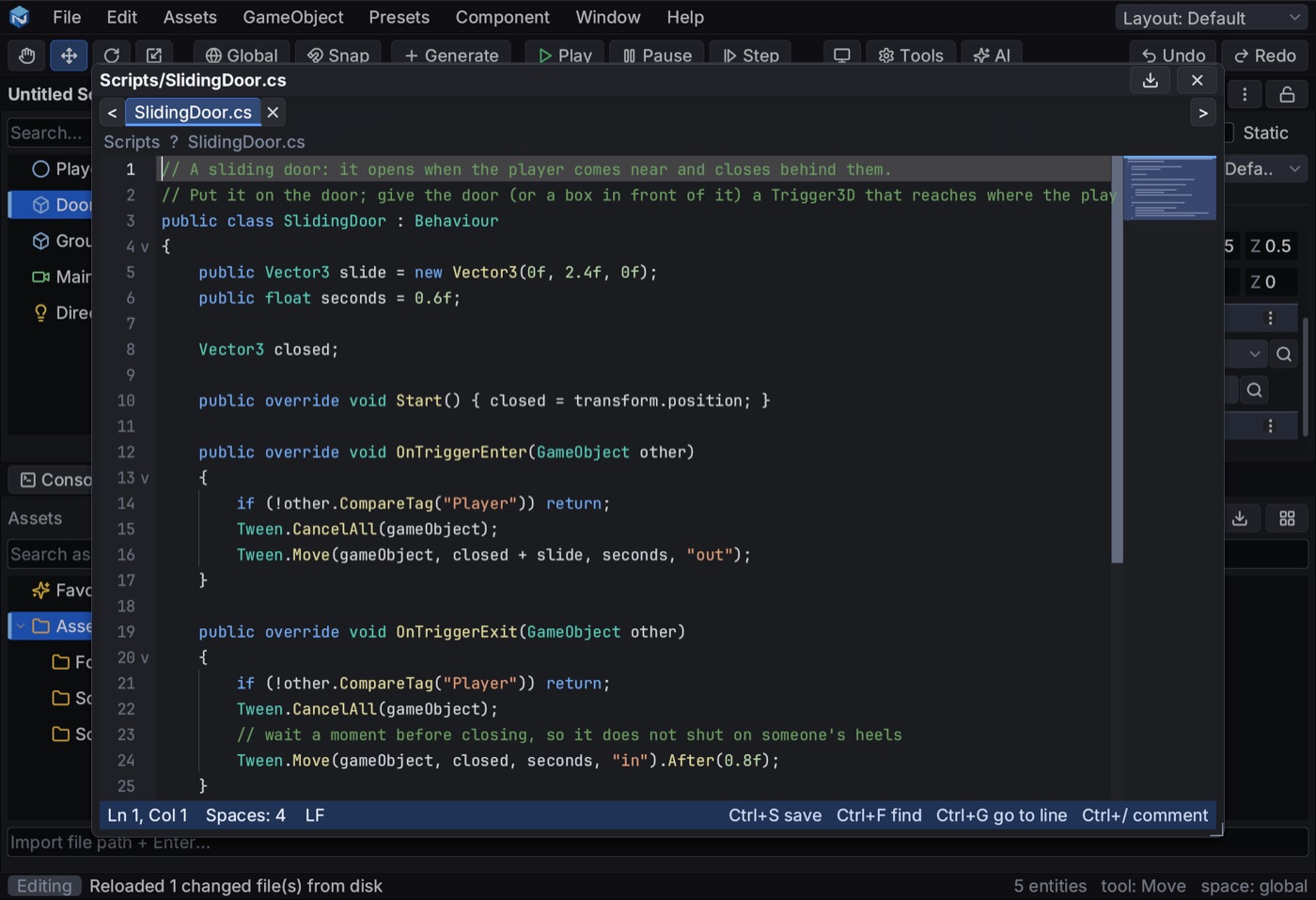
Scripts/SlidingDoor.cs
public class SlidingDoor : Behaviour
{
    public Vector3 slide = new Vector3(0f, 2.4f, 0f);
    public float seconds = 0.6f;

    Vector3 closed;

    public override void Start() { closed = transform.position; }

    public override void OnTriggerEnter(GameObject other)
    {
        if (!other.CompareTag("Player")) return;
        Tween.CancelAll(gameObject);
        Tween.Move(gameObject, closed + slide, seconds, "out");
    }

    public override void OnTriggerExit(GameObject other)
    {
        if (!other.CompareTag("Player")) return;
        Tween.CancelAll(gameObject);
        // wait a moment before closing, so it does not shut on someone's heels
        Tween.Move(gameObject, closed, seconds, "in").After(0.8f);
    }
}
Save it as Scripts/SlidingDoor.cs and add it to the door.
3. How it works
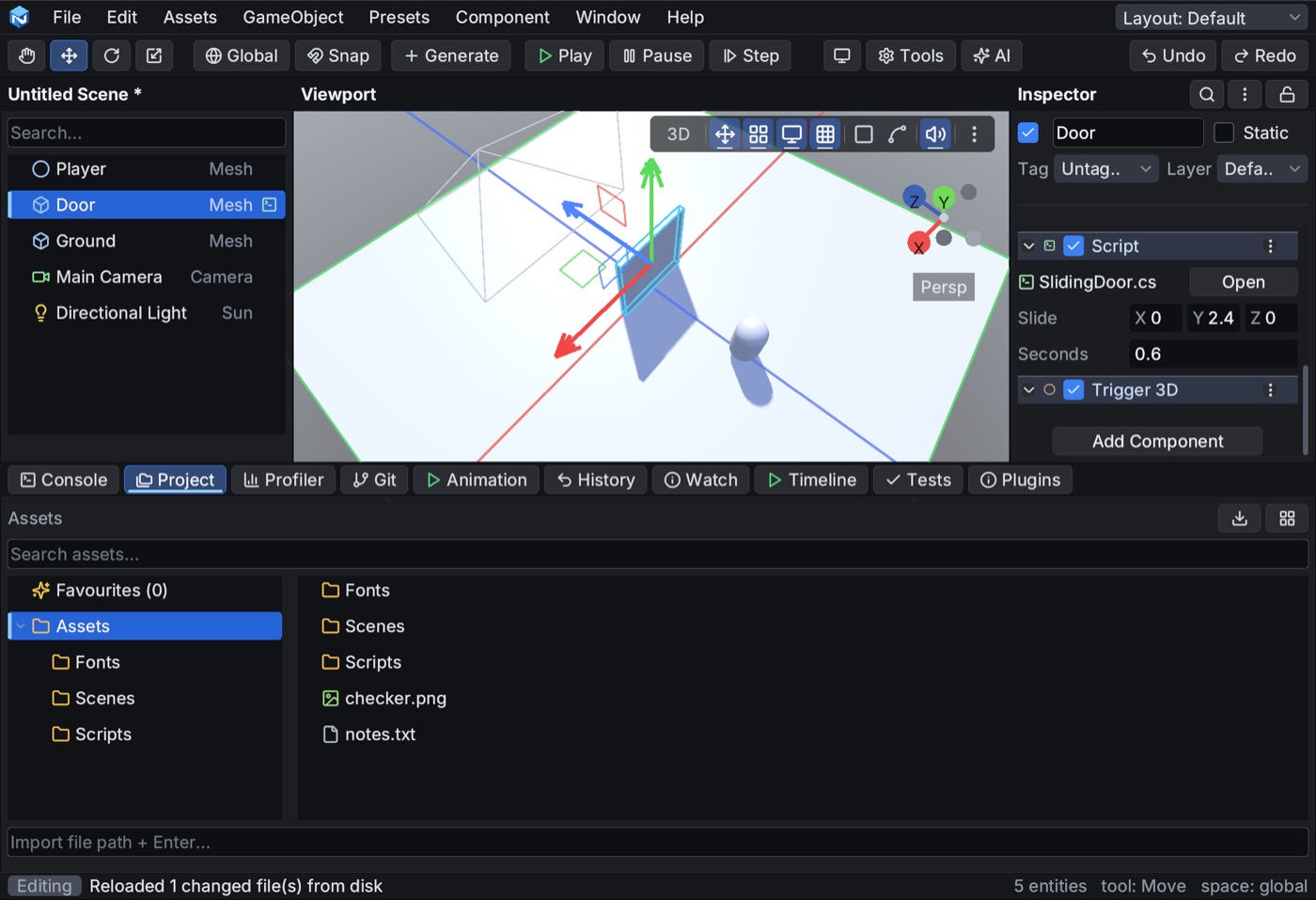
OnTriggerEnterandOnTriggerExitare called when something walks into and out of the trigger. The script ignores everything except the player.Tween.Moveslides the door smoothly to a new place inseconds."out"and"in"are easing styles: fast start or slow start..After(0.8f)waits before the closing slide, so the door does not shut on someone's heels.slideis how far it moves: up 2.4 units by default. Change it to(2.4, 0, 0)for a door that slides sideways.
4. Try it
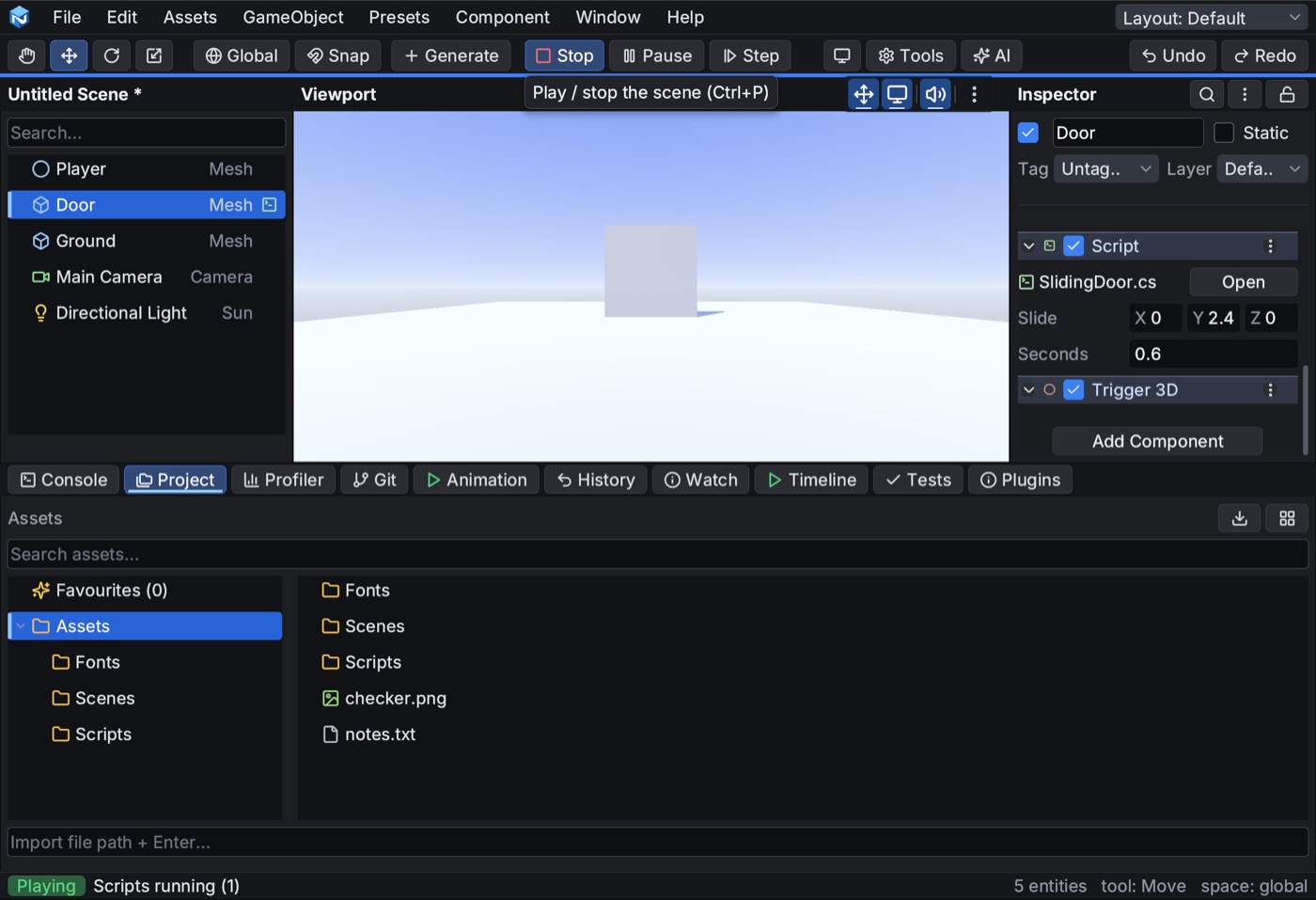
Press PLAY and walk to the door. Change seconds in the Inspector for a faster or slower door.
Next: a moving platform.