 Neux
Tutorial: play a video on a screen
Put a video on a TV in your scene, or in the UI.
1. Prepare the video
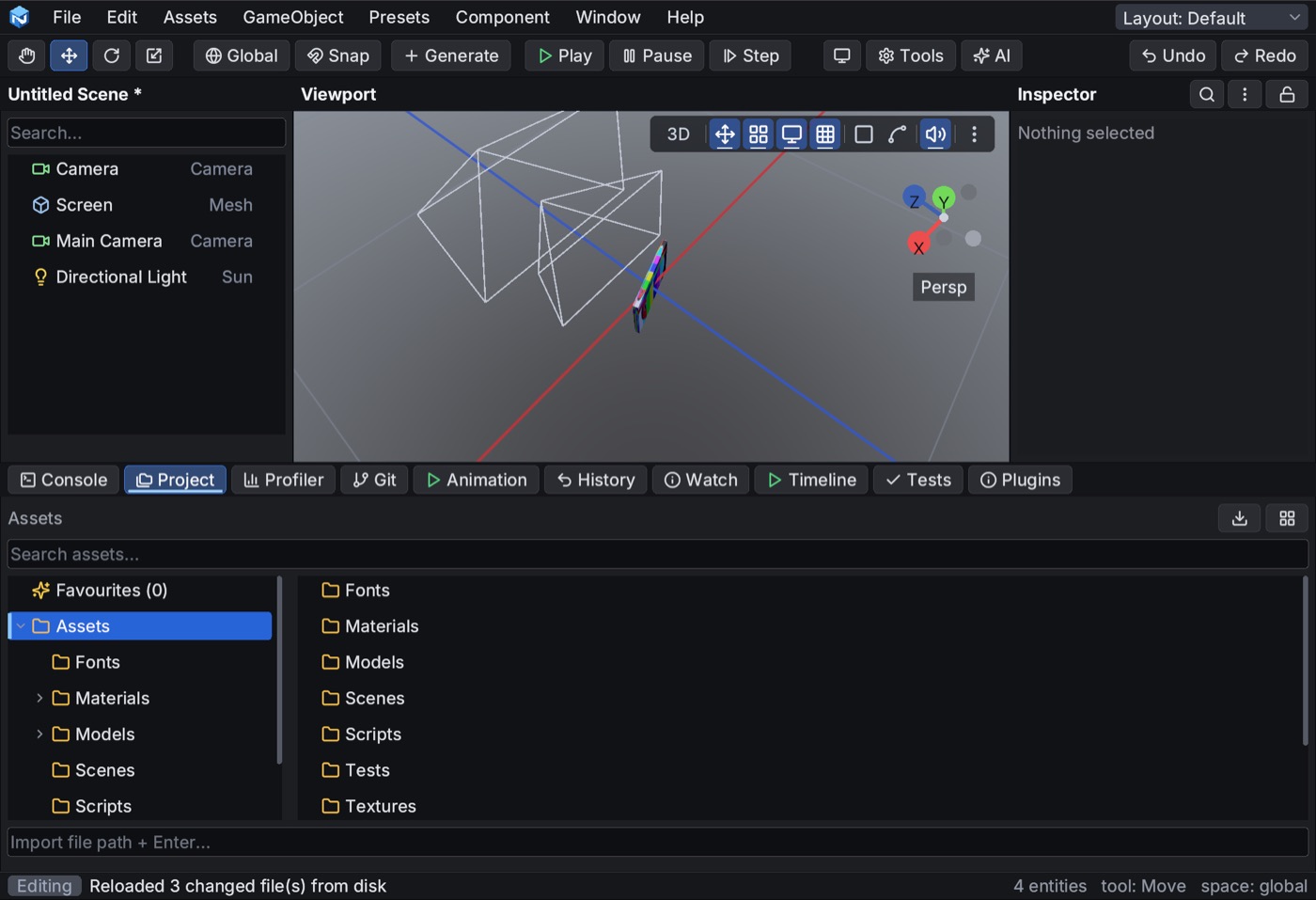
The player takes H.264 video with AAC sound in an MP4 (constant frame rate). Re-encode anything else with:
ffmpeg -i in.mov -c:v libx264 -pix_fmt yuv420p -c:a aac out.mp4Put the file in your project's folder, for example Video/intro.mp4.
2. Add the player
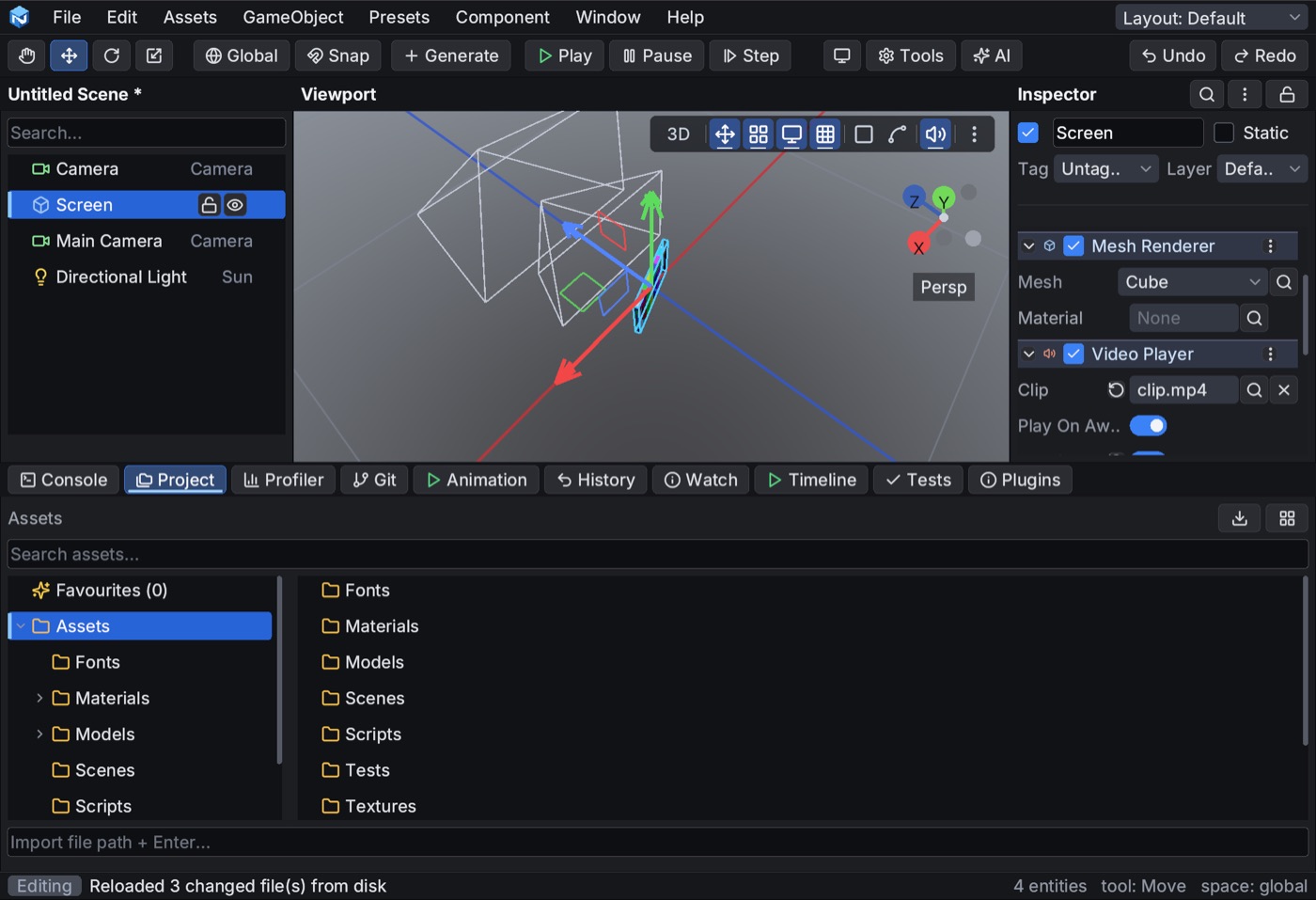
- Make a flat Cube for the screen.
- Add Component > Rendering > VideoPlayer.
- Set
clipto your file.
With on_object on (the default) the picture becomes the cube's own material. play_on_awake starts it with the game; looping, speed and volume do what they say.
3. In the UI
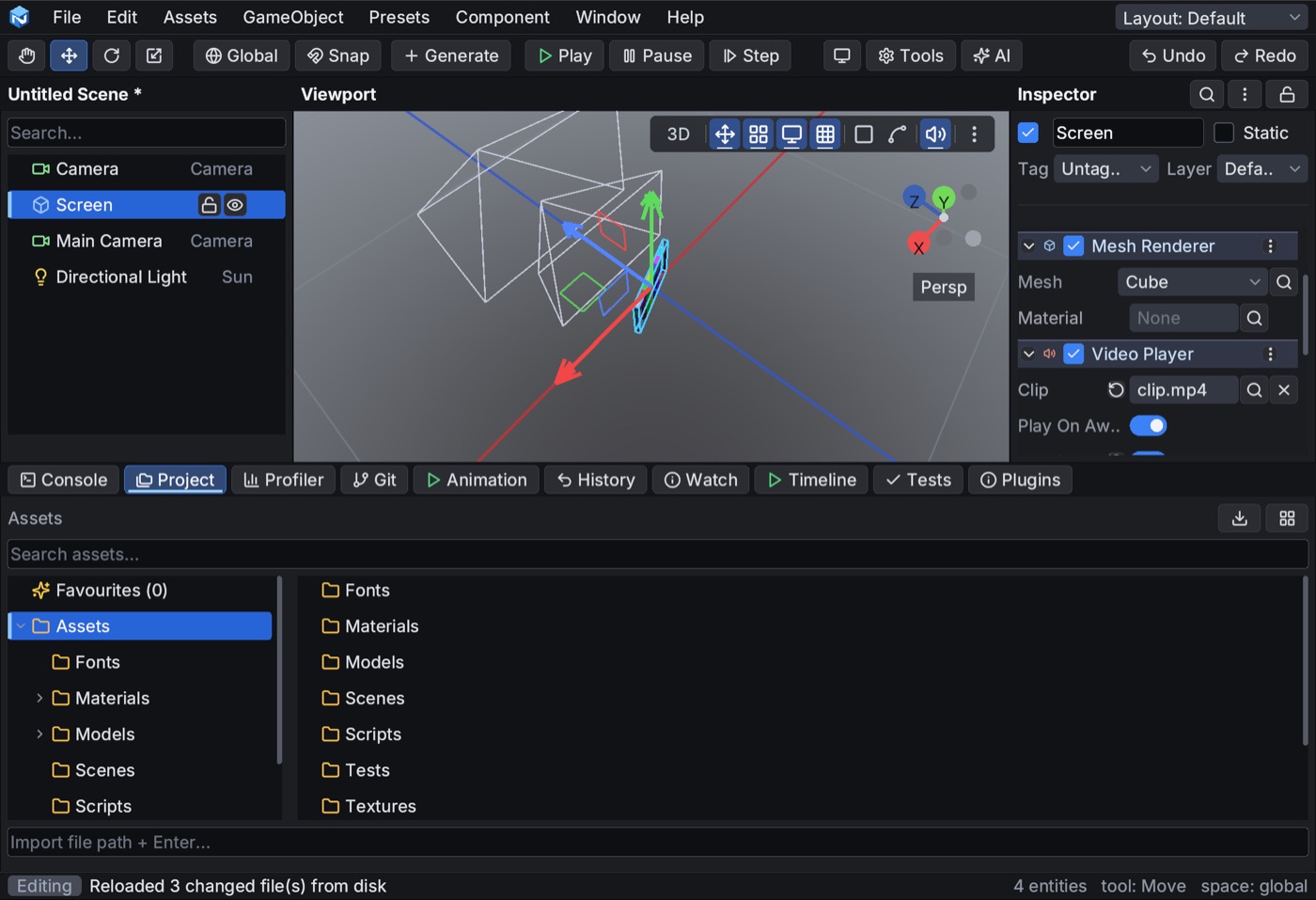
The picture is also a texture named render:<target>: a UI image can use it as its picture, for a video behind a menu.
4. From a script
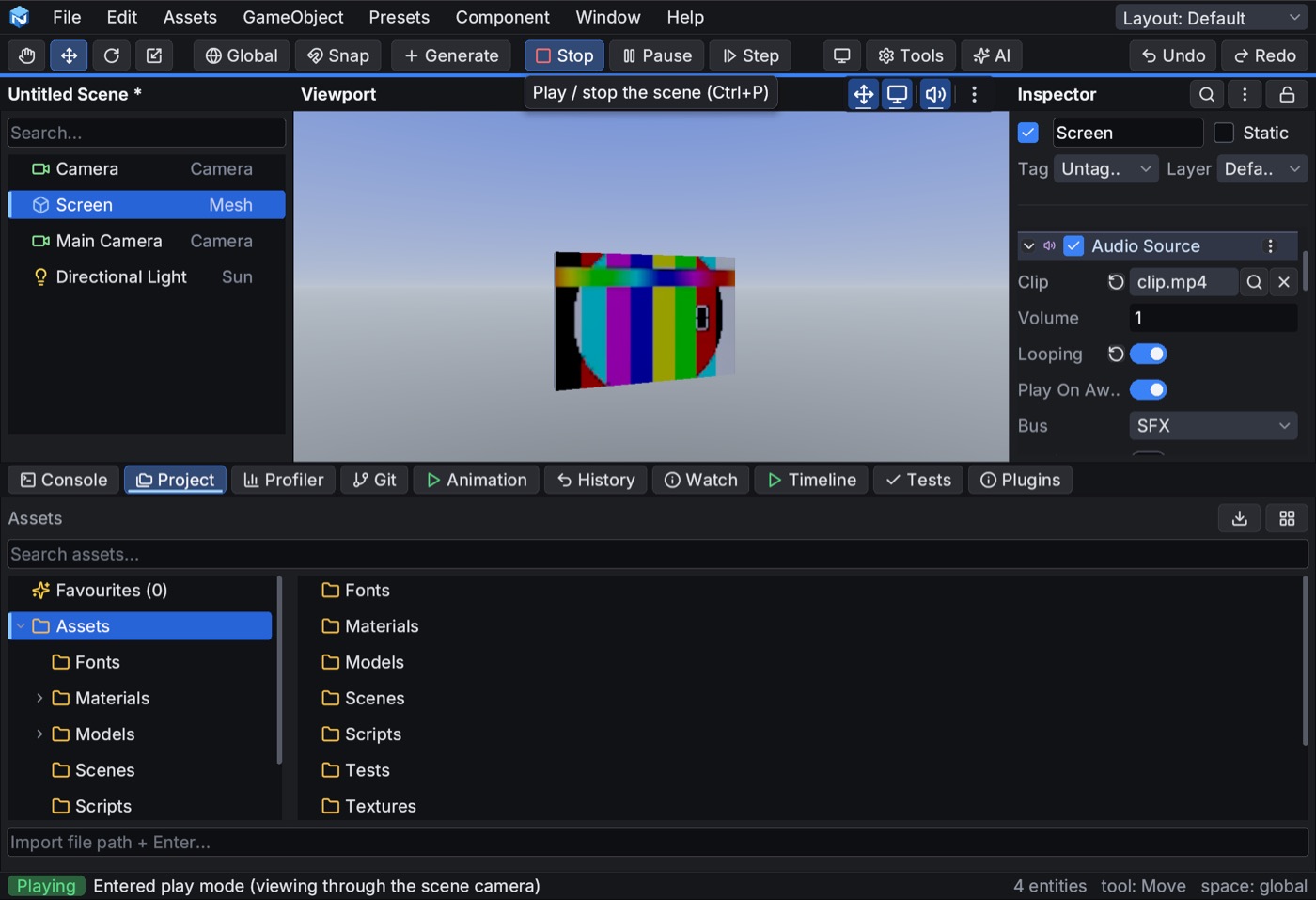
playing (set it false to pause, true to play) and time (seconds; set it to jump) are ordinary component fields, so a script can pause the video or skip to a moment.
On the web the browser's own video decoder is used, so any format the browser plays works.
Next: write a shader.