 Neux
Tutorial: make a level or a game from a sentence
The engine can build a scene or a small game from what you type, with no AI model and no internet needed for most requests. It finds real models, sizes them, stands them on the ground and checks that the result plays.
1. From the hub
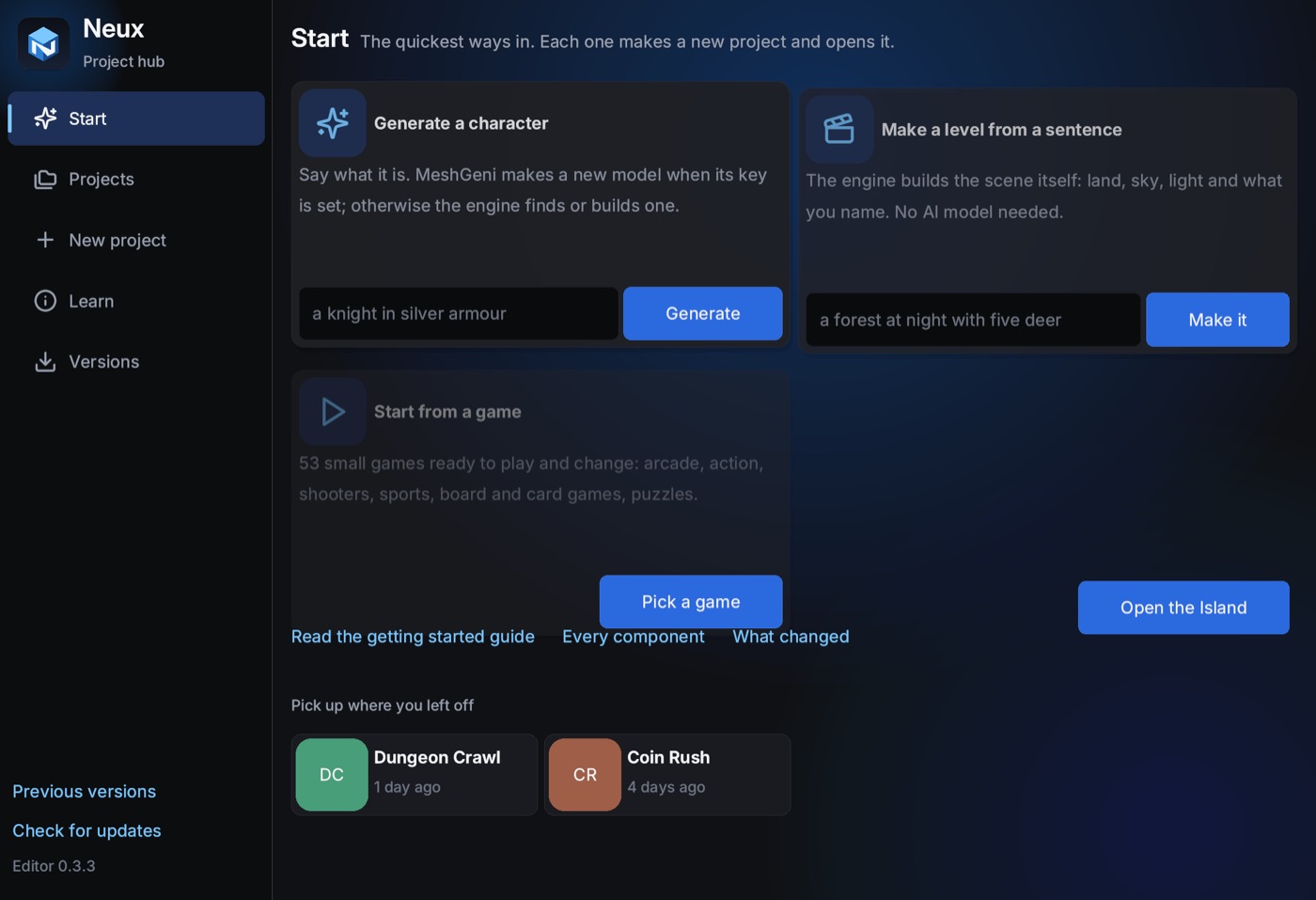
On the hub's Start row:
- Generate a character: type "a knight in silver armour".
- Make a level from a sentence: type "a forest at night with five deer".
2. From the editor
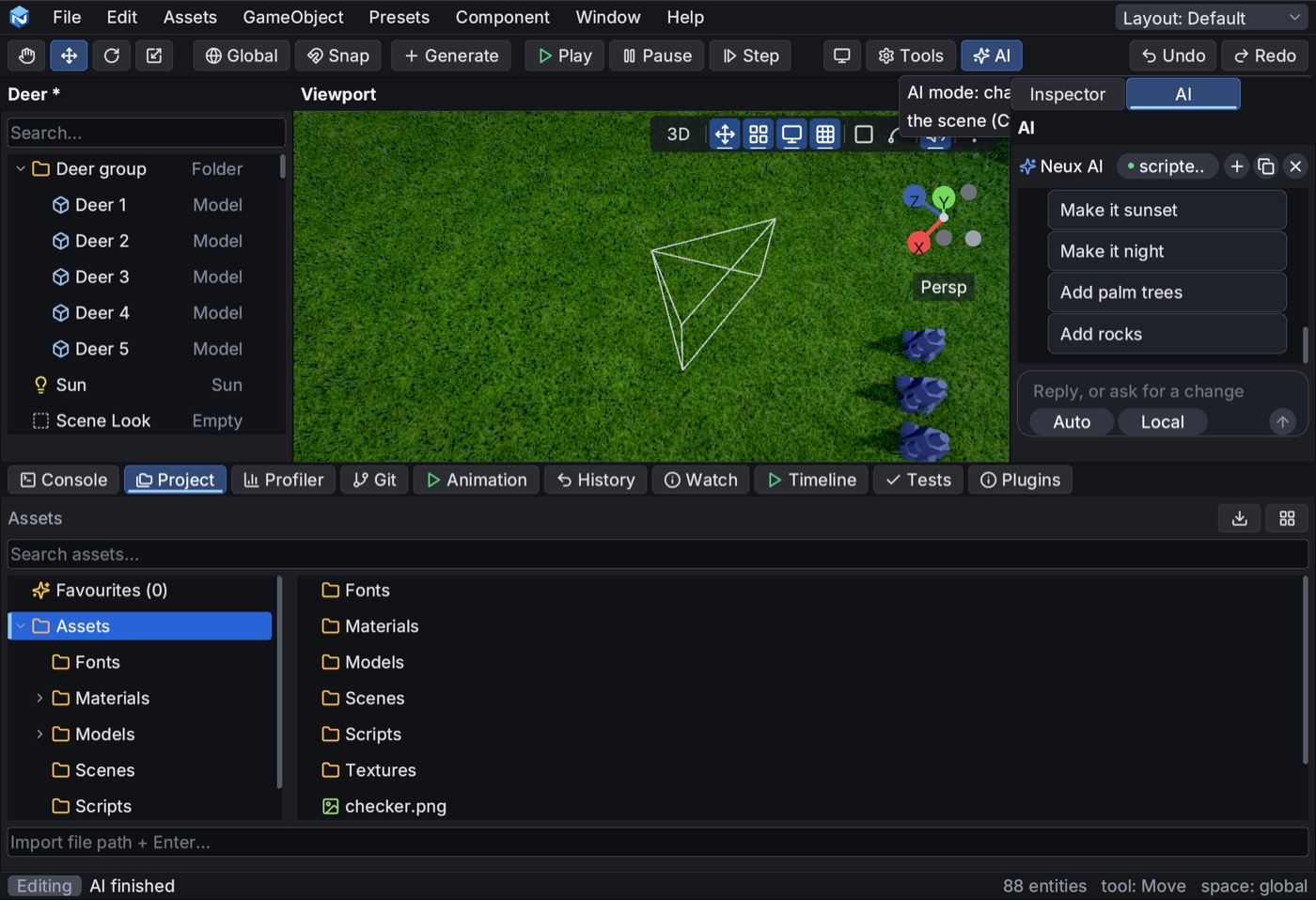
Click AI in the toolbar and type the same kind of sentence. You can write in English or Arabic. Ask for changes the same way: "add a campfire", "make it rain", "move the deer to the left".
3. Small games
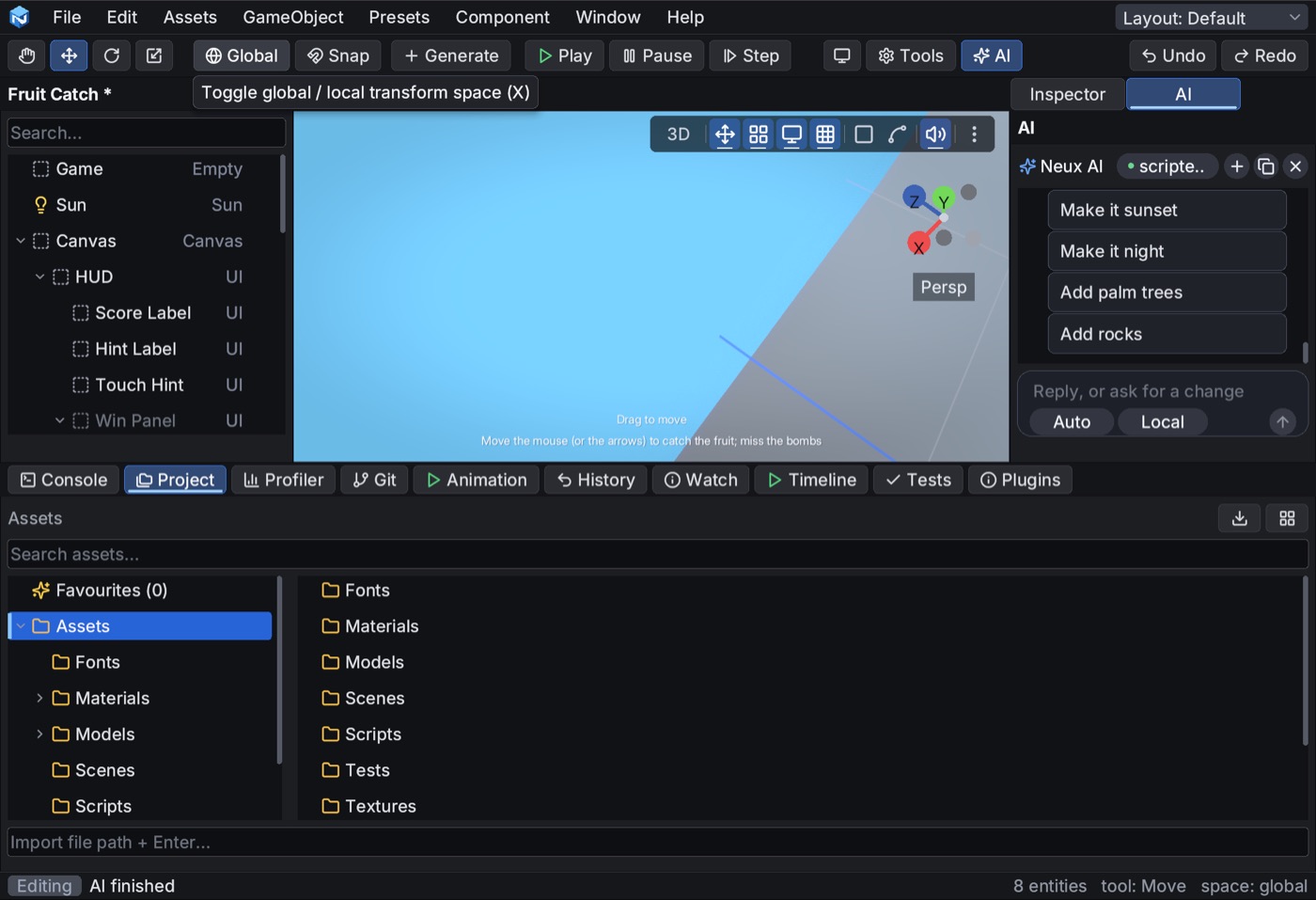
Ask for a game: "a game where you catch falling fruit and avoid bombs". The engine writes it in the game language: a small description of the things, what they do and how you win. It also writes tests for it and plays it before calling it ready. You will find 57 ready-made games in Presets > Games too.
4. Take it from there
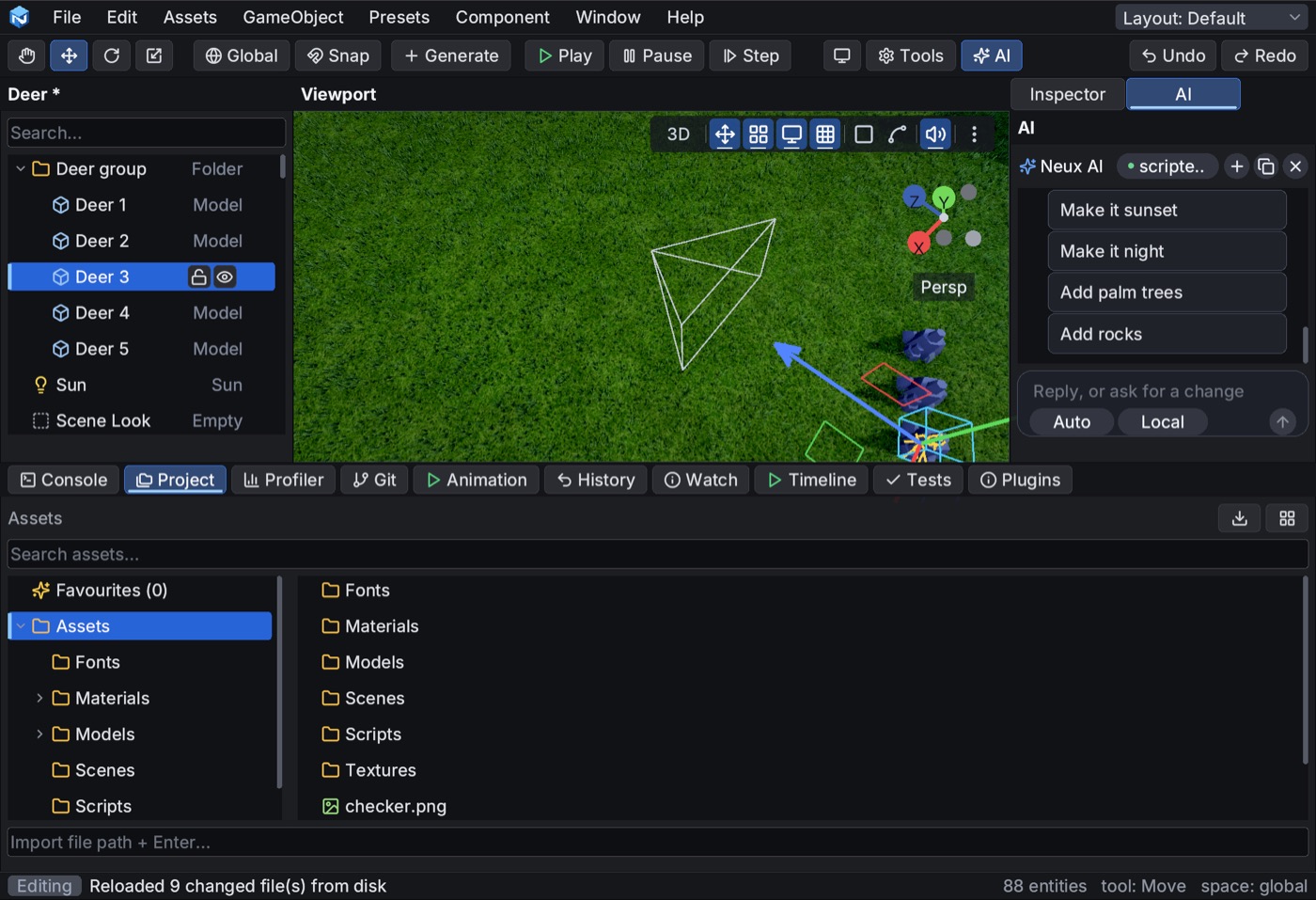
Everything the engine builds is made of ordinary objects, so open them and change them. The Director page explains what it can build and how it checks its work.
Next: put a video on a screen.