 Neux
Tutorial: objects, parents and prefabs
Everything in a scene is an object with components. In ten minutes you will build a small thing from several objects and save it so you can use it again.
1. Build a lamp post
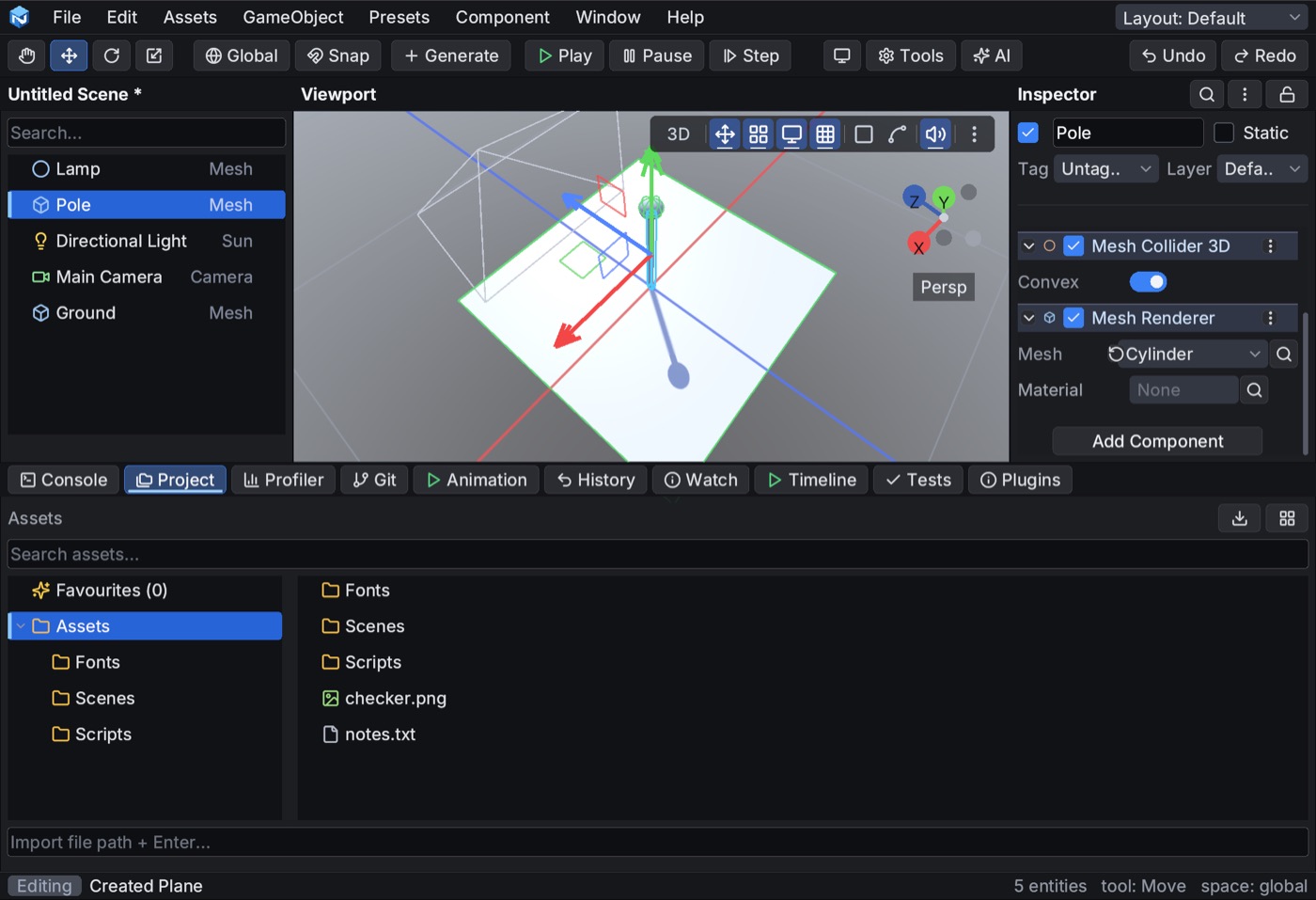
- Add a Cylinder (GameObject > 3D Object), stretch it tall and thin with the scale tool (R): this is the pole.
- Add a Sphere, shrink it and move it to the top: the lamp.
- Select the lamp and give it a bright colour in its material.
2. Parent them
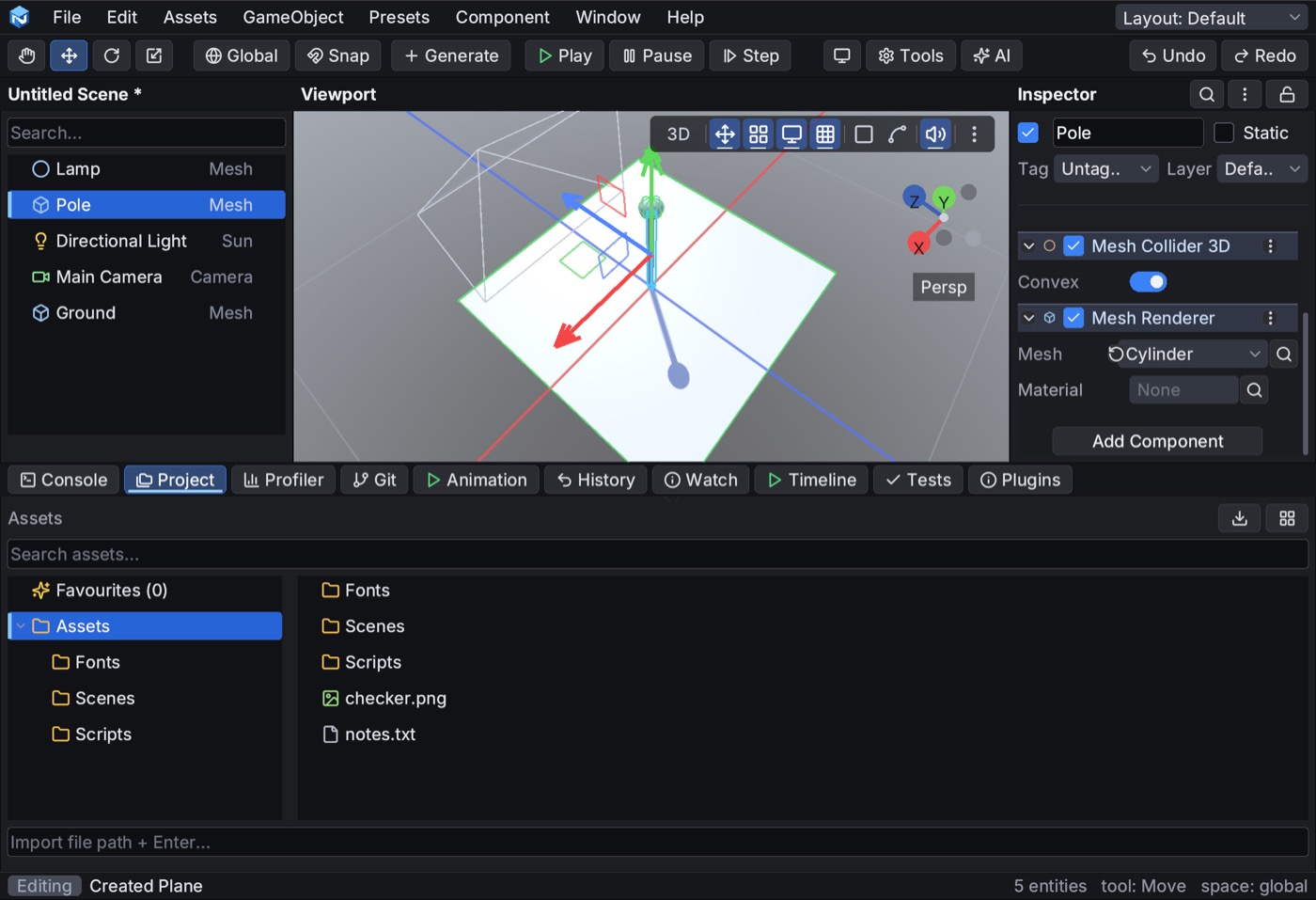
In the Hierarchy, drag the sphere onto the cylinder. The sphere is now a child: move or rotate the pole and the lamp follows. Right-click for more, and make a folder when the list gets long.
3. Name things
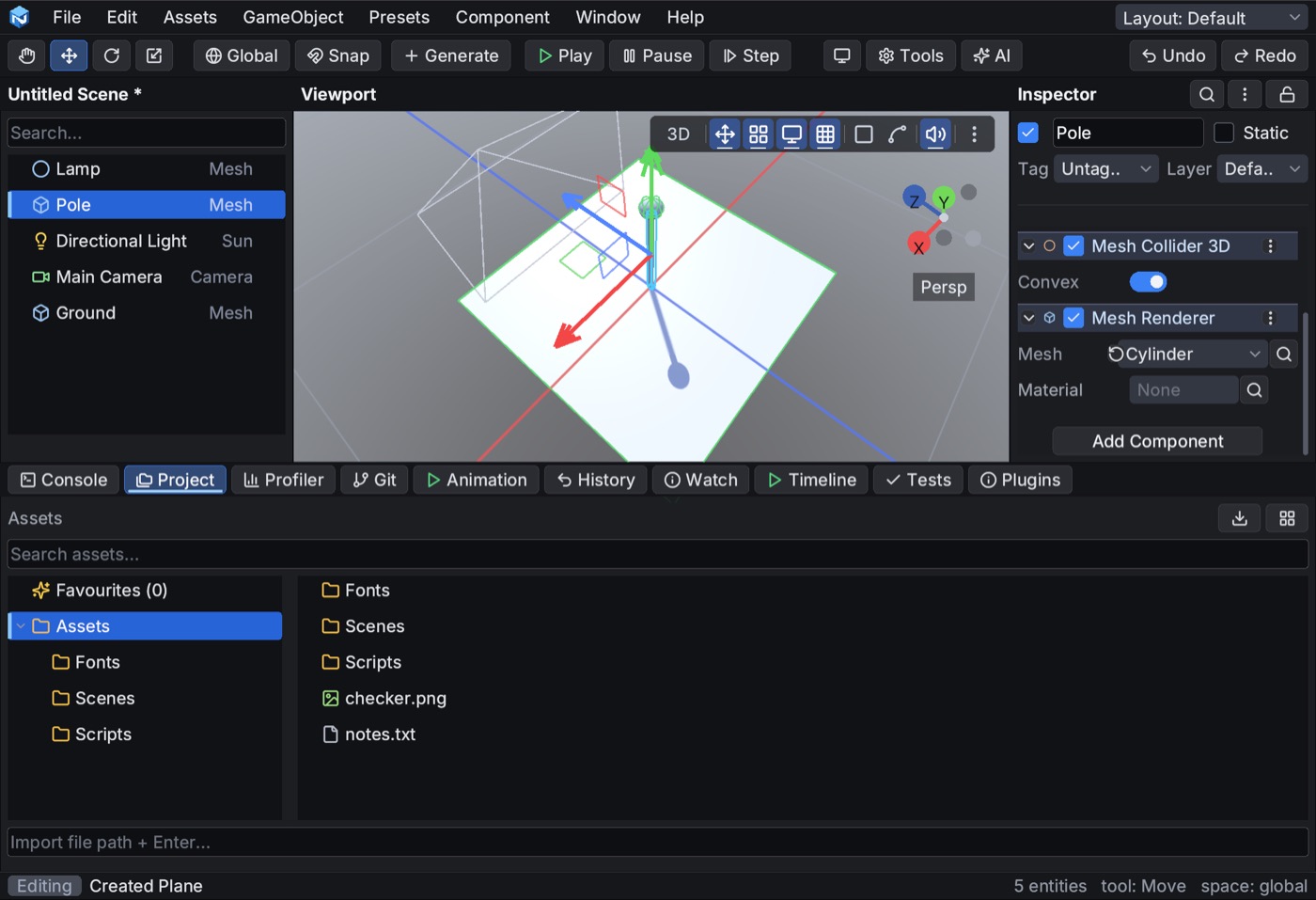
Select an object and press F2 to rename it. Clear names matter later, because scripts find objects by name (GameObject.Find("Post 1")).
4. Save it as a prefab
Select the pole (the parent) and drag it from the Hierarchy into the Project panel. That saves it as a prefab: a reusable template.
- Drag the prefab into the scene again and again to place copies.
- Scripts can make one too:
GameObject.Instantiate("Prefabs/LampPost.prefab", position).
5. Light it
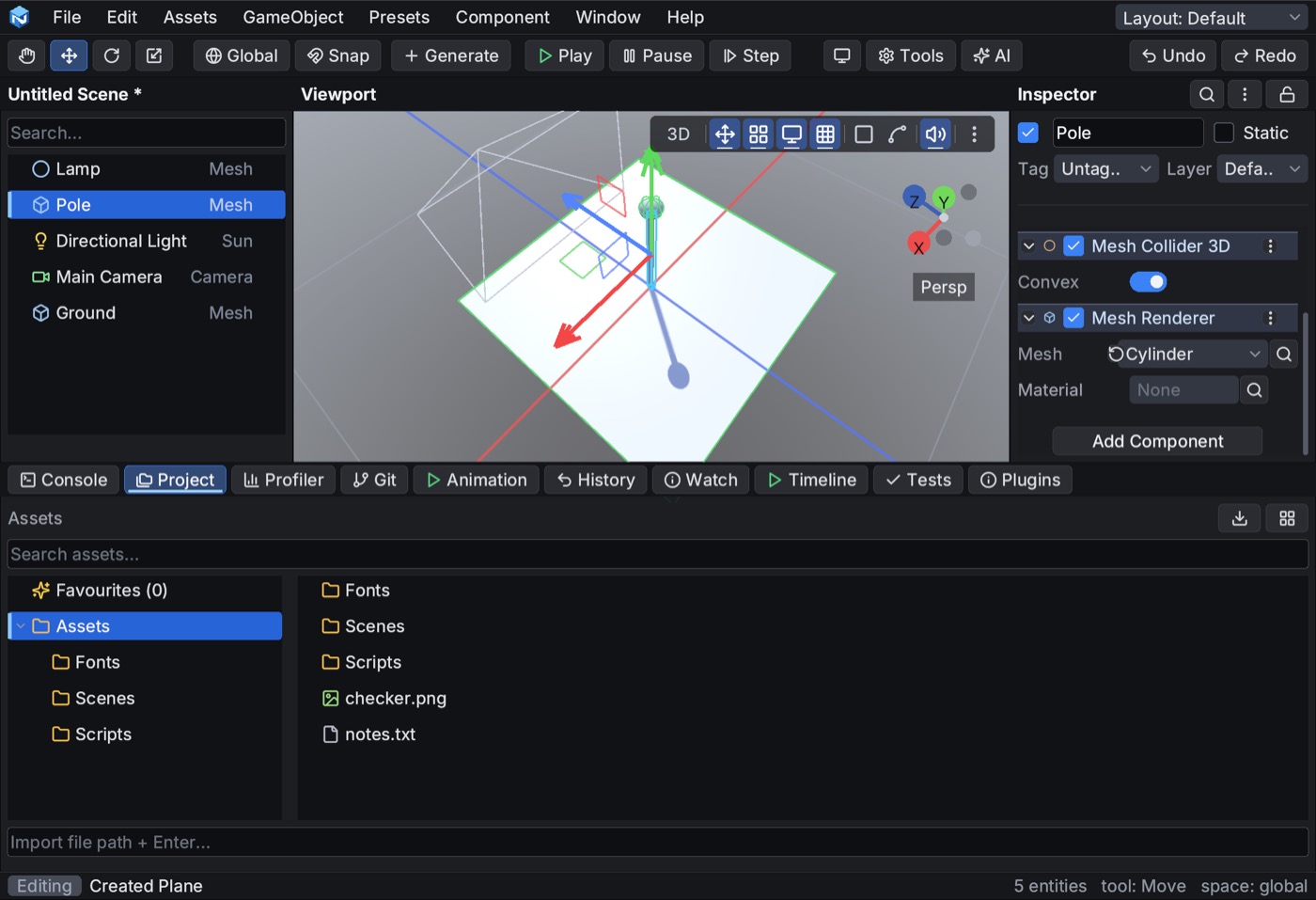
Add a PointLight (Add Component, category Lighting) to the lamp. Its size field makes the light soft instead of pin-sharp. For a rectangular panel light, add an AreaLight.
6. Try it
Press PLAY; nothing moves yet, which is the point: a scene is just objects. The next tutorials add behaviour with scripts.
Next: furnish a room from Presets.