 Neux
Tutorial: keys, chests and "press E to use"
Three small scripts that work together: the player presses E near something usable, a key is picked up, and a chest opens only for whoever holds its key.
1. The player: press E
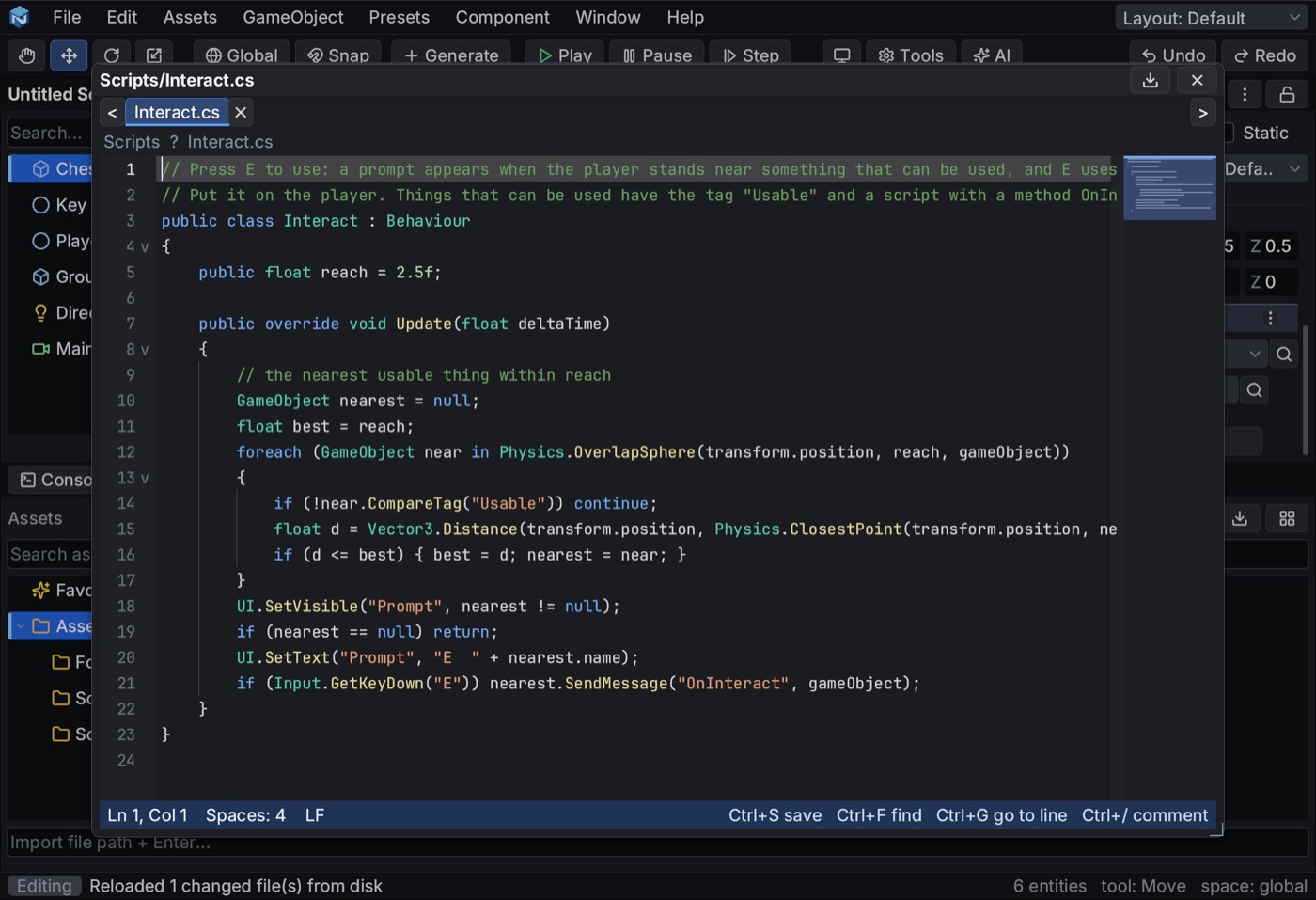
Put this on the player. Anything usable has the tag Usable and a method OnInteract. A UI text named Prompt shows "Press E".
Scripts/Interact.cs
public class Interact : Behaviour
{
    public float reach = 2.5f;

    public override void Update(float deltaTime)
    {
        // the nearest usable thing within reach
        GameObject nearest = null;
        float best = reach;
        foreach (GameObject near in Physics.OverlapSphere(transform.position, reach, gameObject))
        {
            if (!near.CompareTag("Usable")) continue;
            float d = Vector3.Distance(transform.position, Physics.ClosestPoint(transform.position, near));
            if (d <= best) { best = d; nearest = near; }
        }
        UI.SetVisible("Prompt", nearest != null);
        if (nearest == null) return;
        UI.SetText("Prompt", "E  " + nearest.name);
        if (Input.GetKeyDown("E")) nearest.SendMessage("OnInteract", gameObject);
    }
}
2. The key
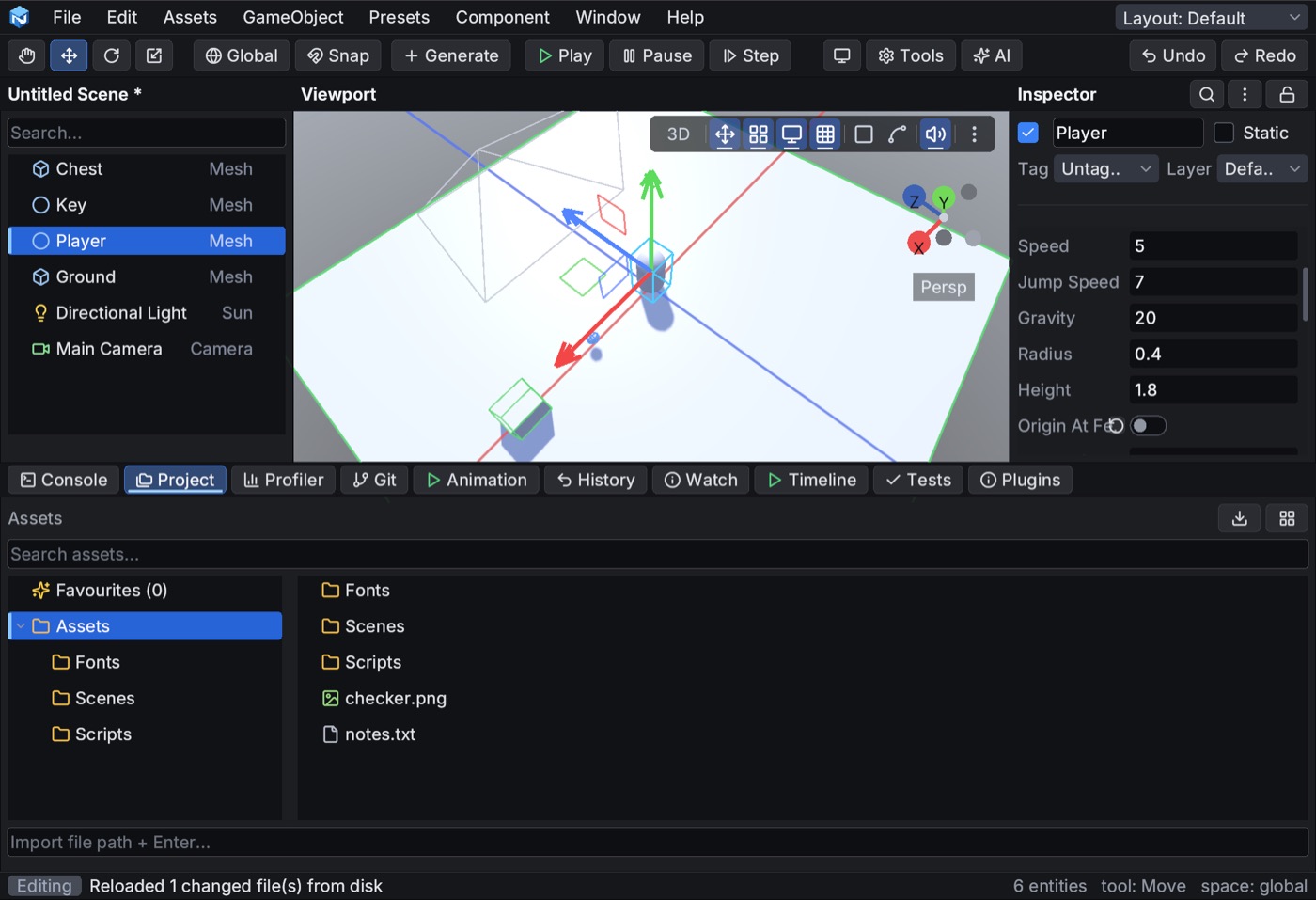
Put it on the key, with a Trigger3D; the player needs the tag Player.
Scripts/Key.cs
public class Key : Behaviour
{
    public string item = "brass key";

    public override void OnTriggerEnter(GameObject other)
    {
        if (!other.CompareTag("Player")) return;
        Inventory.Add(item);
        Audio.Play("Audio/pickup.wav");
        GameObject.Destroy(gameObject);
    }
}
3. The locked chest
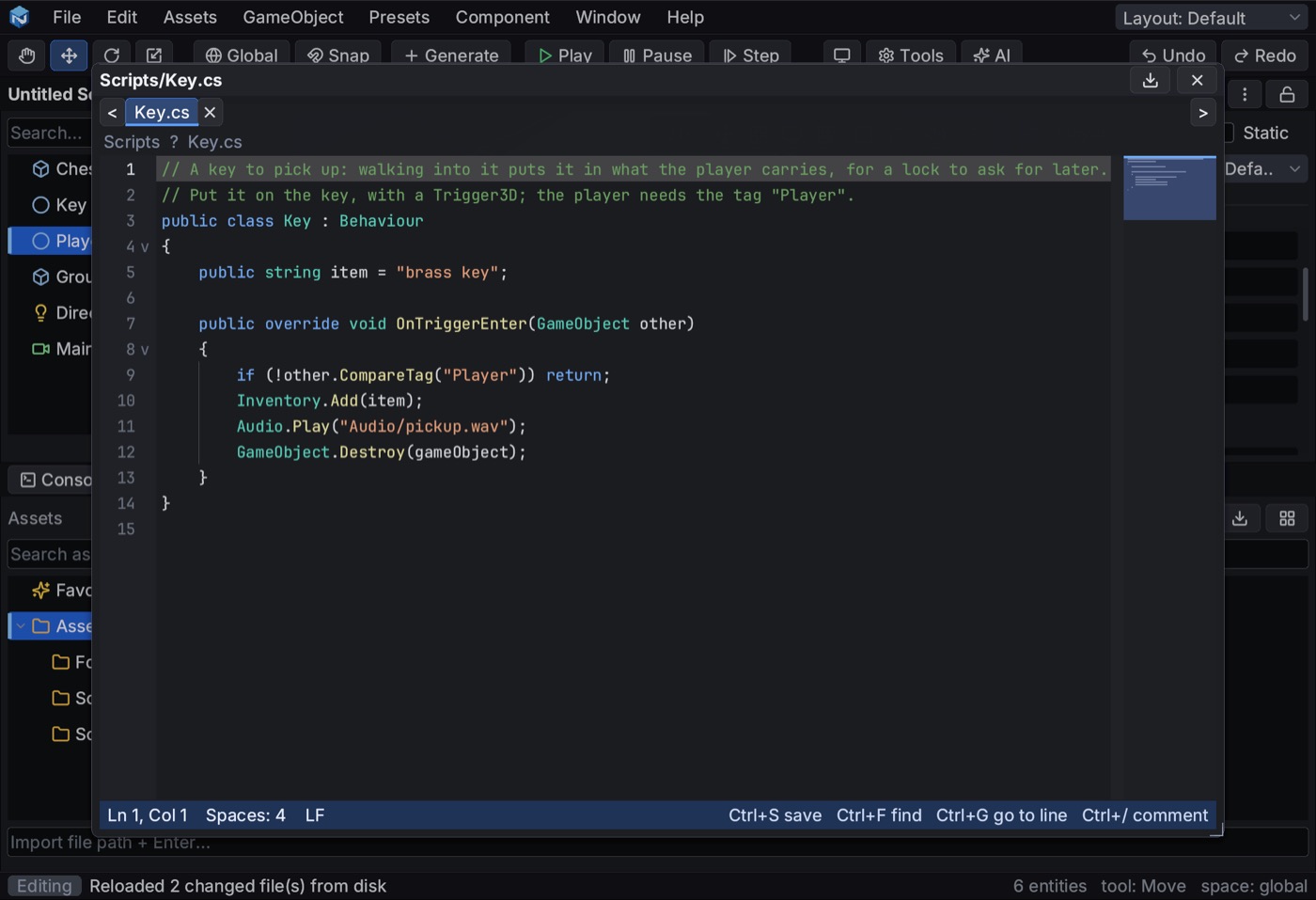
Put it on the chest's lid and give the lid the tag Usable; the script above calls OnInteract when E is pressed beside it.
Scripts/LockedChest.cs
public class LockedChest : Behaviour
{
    public string needs = "brass key";
    public Vector3 openAngle = new Vector3(-70f, 0f, 0f);

    bool open;

    // (the Interact script calls this by its name)
    public void OnInteract(object who)
    {
        if (open) return;
        if (!Inventory.Take(needs))
        {
            // locked: a small shake says no
            Vector3 rest = transform.position;
            Tween.Move(gameObject, rest + new Vector3(0.05f, 0f, 0f), 0.05f).Then(() => Tween.Move(gameObject, rest, 0.05f));
            return;
        }
        open = true;
        Tween.Rotate(gameObject, transform.rotation + openAngle, 0.8f, "out");
        Events.Emit("scored", 50);
    }
}
4. How they fit
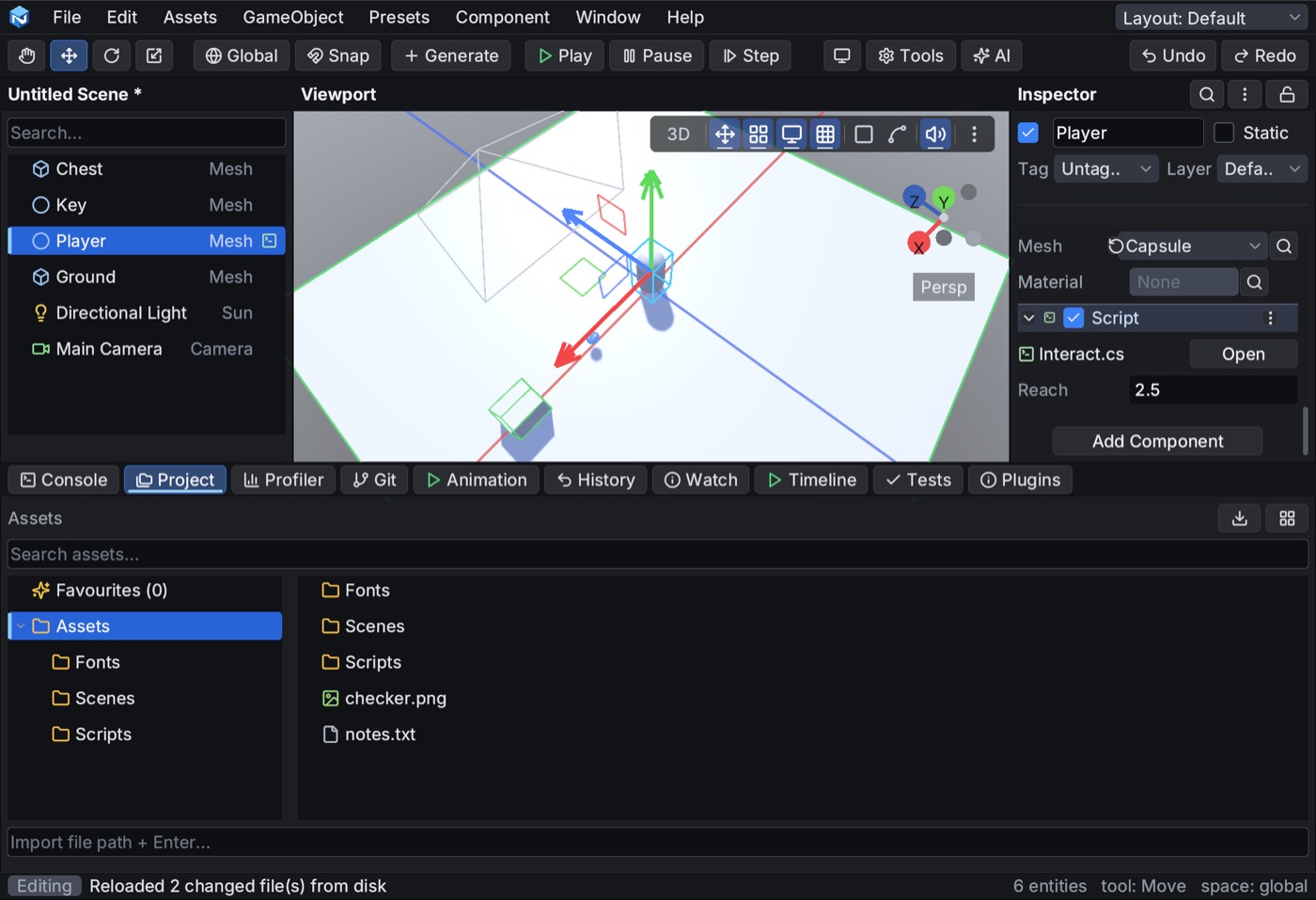
- The player script looks for the nearest
Usableobject within reach and calls itsOnInteract. It knows nothing about chests. - The key adds an item to what the player carries (the same Inventory used for coins in Collect coins).
- The chest asks the inventory for its key and opens, or shakes its lid at anyone else.
New kinds of usable things (a lever, a switch, a door) are just a tag and an OnInteract method.
Next: click to move.