 Neux
Tutorial: the way out: loading the next level
Stepping into the exit loads the next level in the background while a bar fills, then shows it when it is ready.
1. Set up
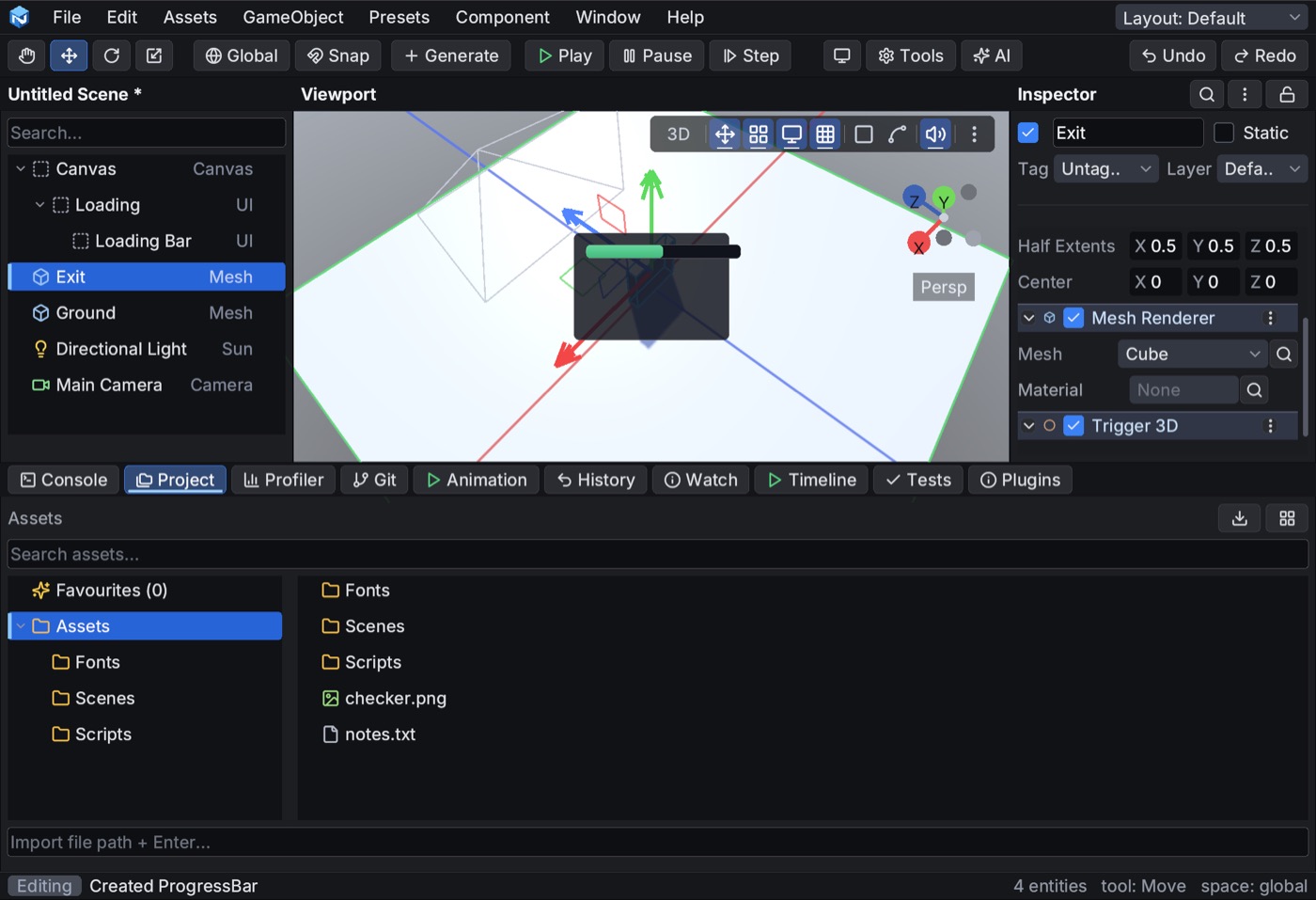
- Put the script on an object with a Trigger3D at the end of the level.
- Add a UI panel named
Loadingwith a progress bar namedLoading Bar. - In File > Build Settings, add both levels to the scene list.
2. The script
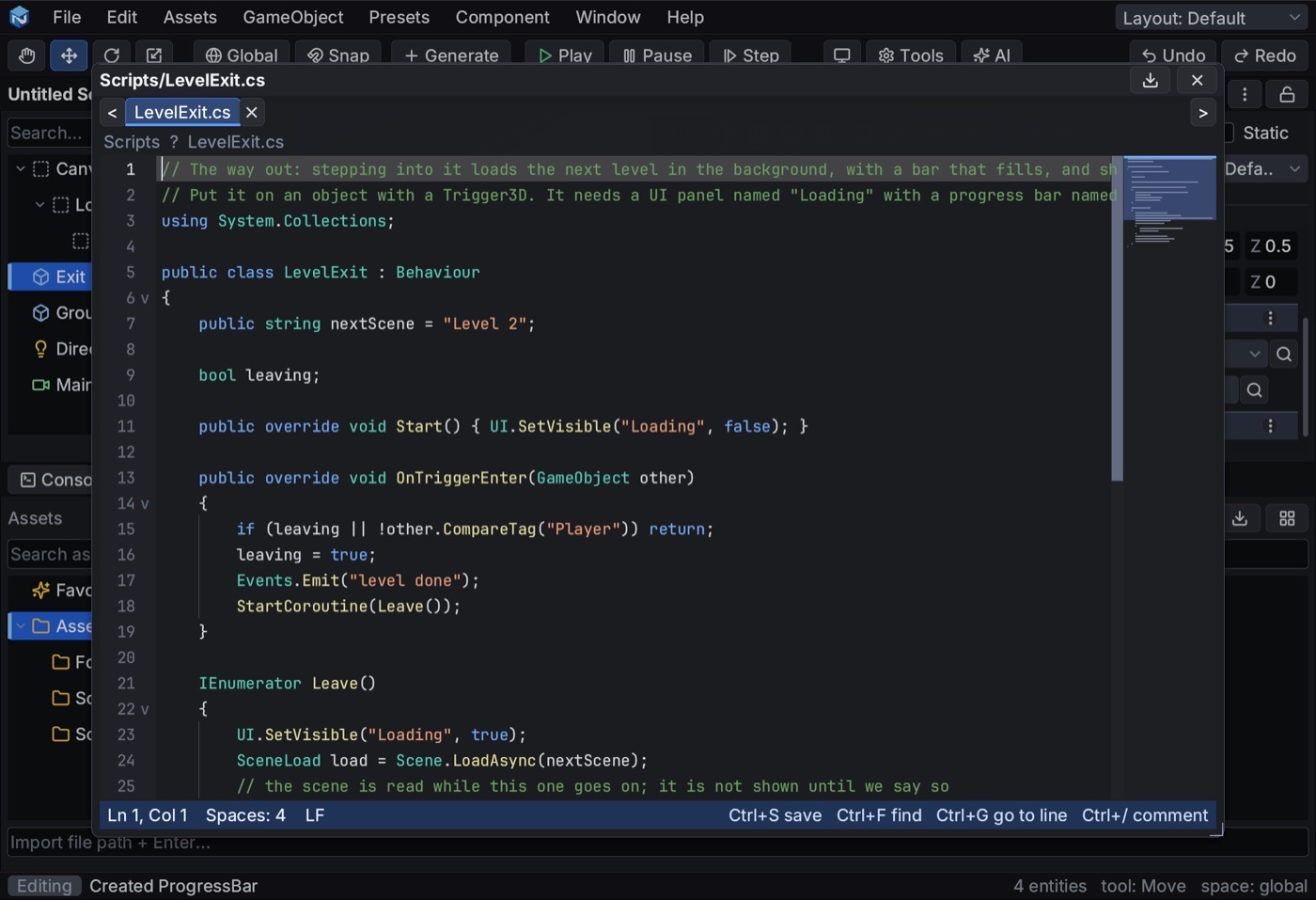
Scripts/LevelExit.cs
using System.Collections;

public class LevelExit : Behaviour
{
    public string nextScene = "Level 2";

    bool leaving;

    public override void Start() { UI.SetVisible("Loading", false); }

    public override void OnTriggerEnter(GameObject other)
    {
        if (leaving || !other.CompareTag("Player")) return;
        leaving = true;
        Events.Emit("level done");
        StartCoroutine(Leave());
    }

    IEnumerator Leave()
    {
        UI.SetVisible("Loading", true);
        SceneLoad load = Scene.LoadAsync(nextScene);
        // the scene is read while this one goes on; it is not shown until we say so
        load.allowSceneActivation = false;
        while (load.progress < 0.9f)
        {
            UI.SetValue("Loading Bar", load.progress);
            yield return null;
        }
        UI.SetValue("Loading Bar", 1f);
        yield return new WaitForSeconds(0.3f);
        load.allowSceneActivation = true;
    }
}
Save it as Scripts/LevelExit.cs.
3. How it works
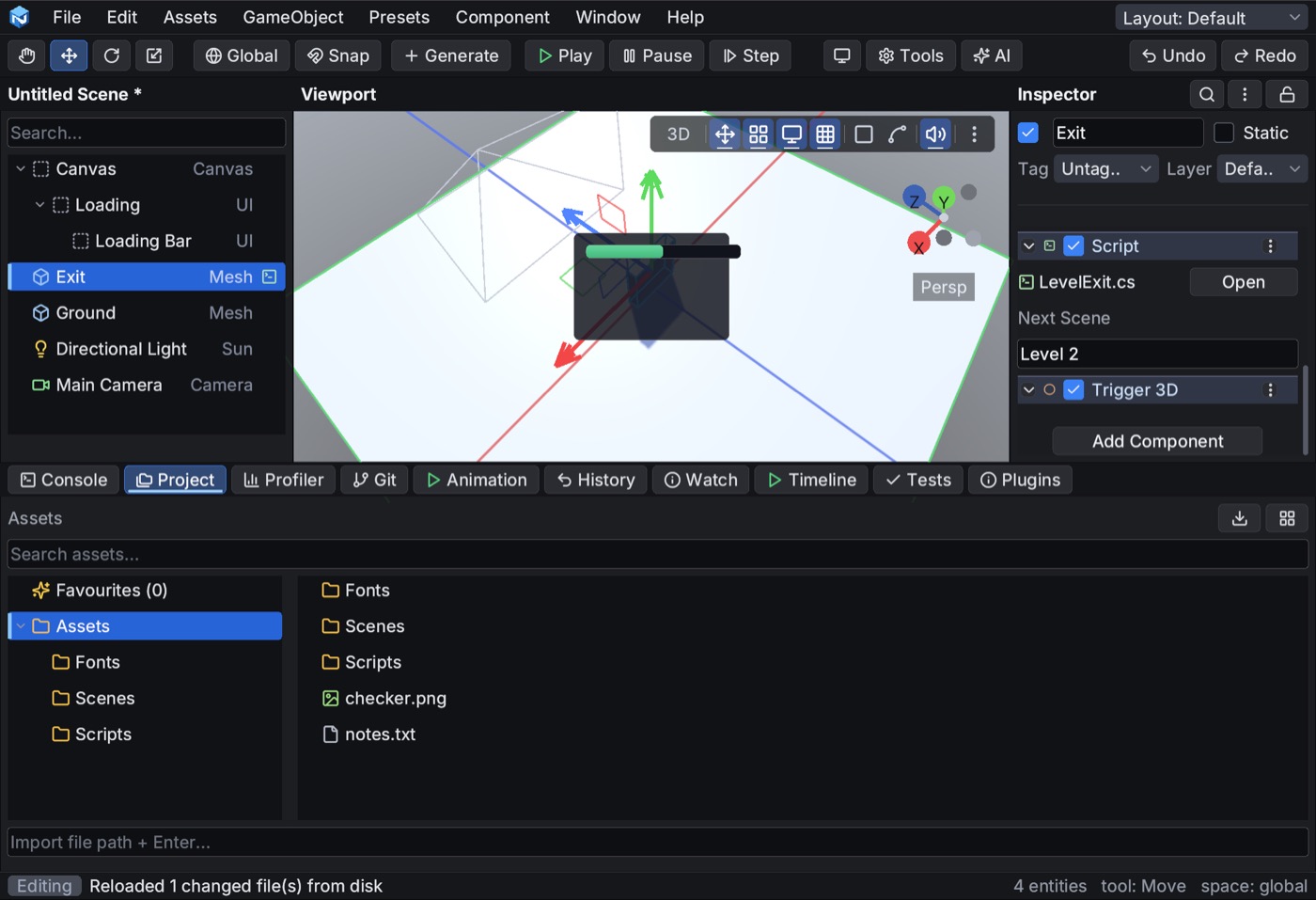
Loading in the background means the game does not freeze while the next level loads: the bar shows progress, and the new level appears when it is ready. Set the name of the next level in the Inspector.
Next: a controls menu.