 Neux
Tutorial: a countdown timer
The level has so many seconds. A text shows them, turns red near the end, and the level restarts at zero.
1. Set up
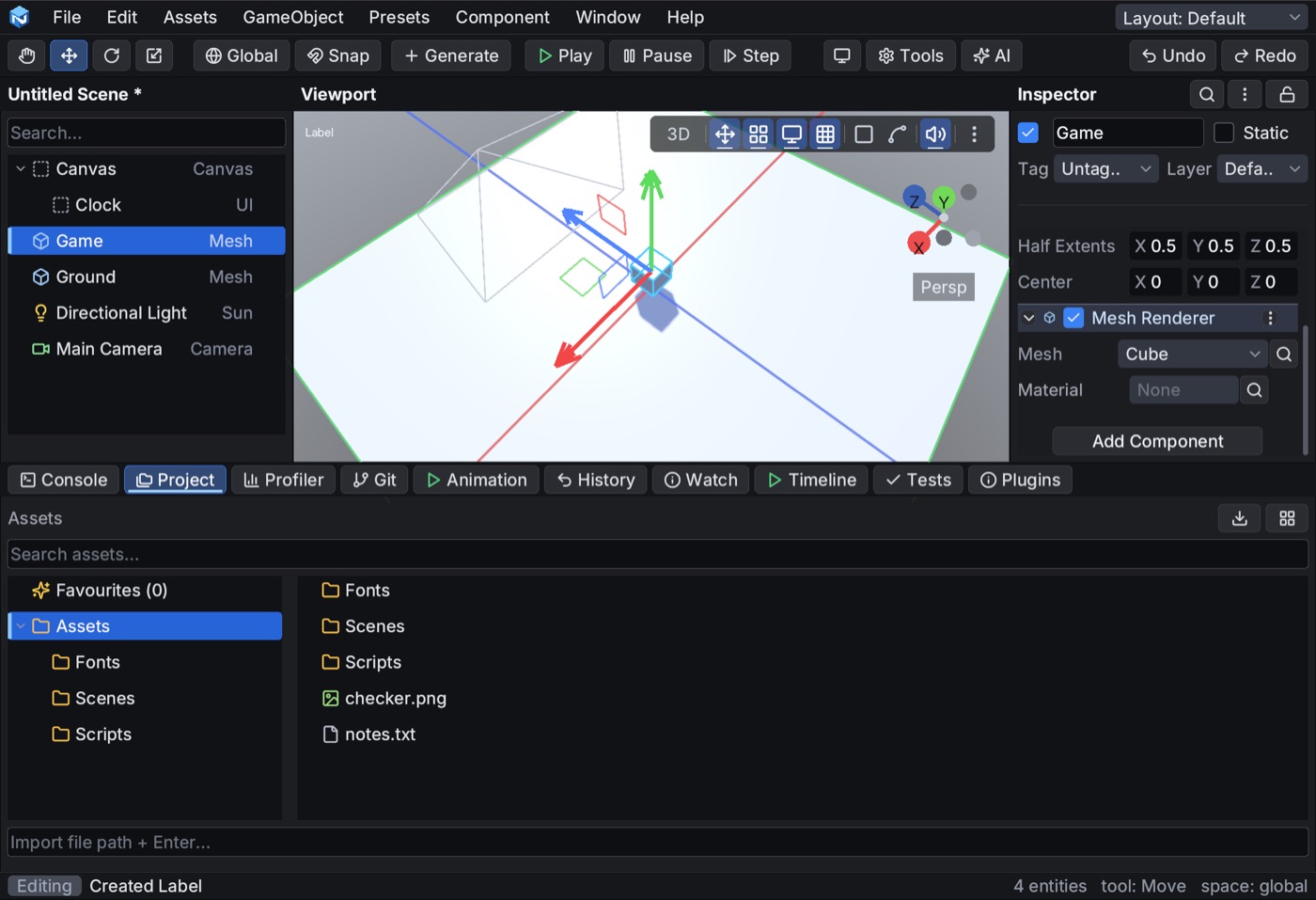
Add a UI text named Clock. Put the script on any object.
2. The script
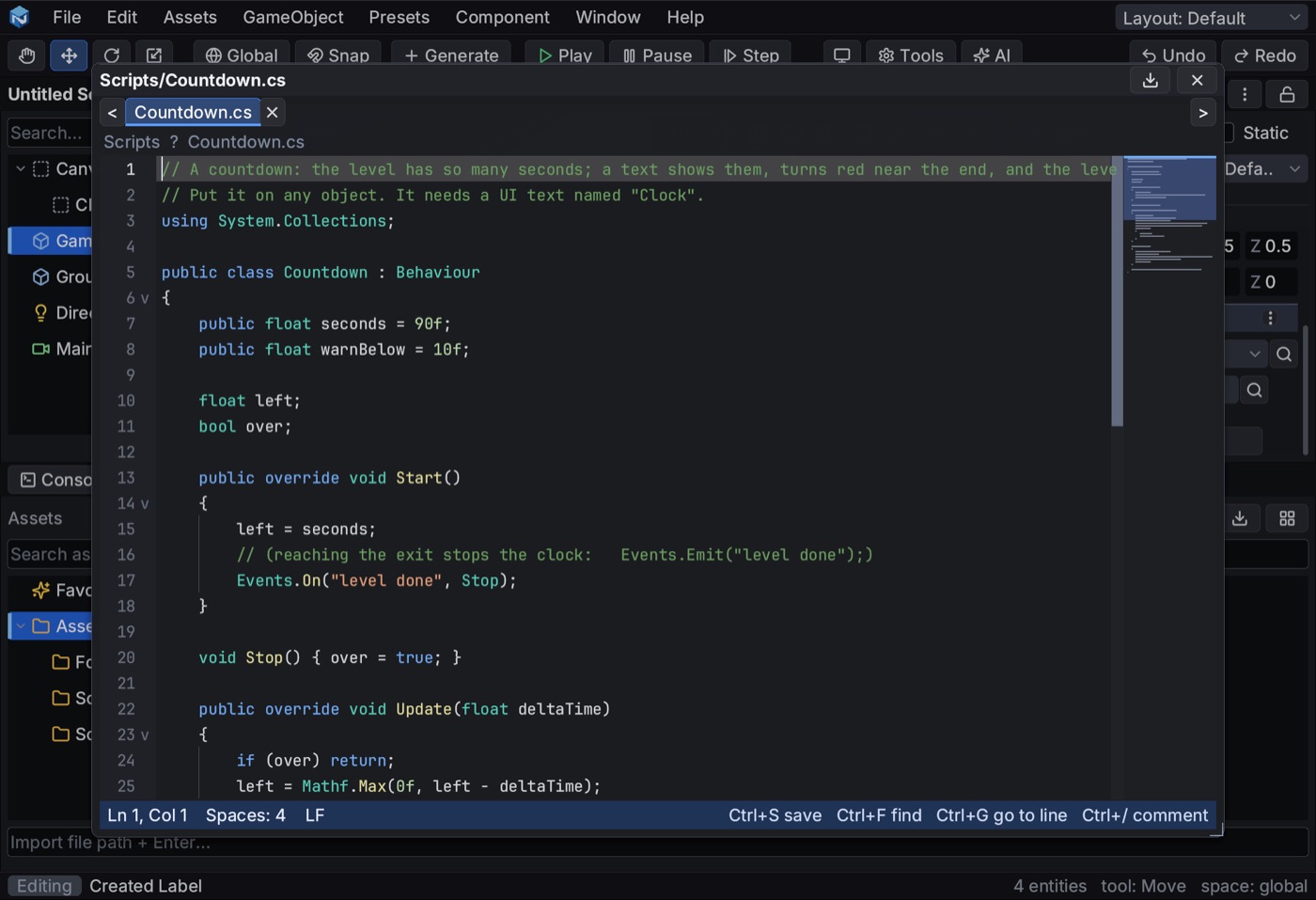
Scripts/Countdown.cs
using System.Collections;

public class Countdown : Behaviour
{
    public float seconds = 90f;
    public float warnBelow = 10f;

    float left;
    bool over;

    public override void Start()
    {
        left = seconds;
        // (reaching the exit stops the clock:   Events.Emit("level done");)
        Events.On("level done", Stop);
    }

    void Stop() { over = true; }

    public override void Update(float deltaTime)
    {
        if (over) return;
        left = Mathf.Max(0f, left - deltaTime);
        int whole = Mathf.CeilToInt(left);
        UI.SetText("Clock", (whole / 60) + ":" + (whole % 60).ToString("00"));
        UI.SetColor("Clock", left < warnBelow ? Color.red : Color.white);
        if (left <= 0f)
        {
            over = true;
            StartCoroutine(Again());
        }
    }

    IEnumerator Again()
    {
        UI.SetText("Clock", "Time is up");
        Events.Emit("time up");
        // (real seconds: the wait still ends if something has stopped the game's time)
        yield return new WaitForSecondsRealtime(2f);
        Scene.Reload();
    }

    public override void OnDestroy() { Events.Off("level done", Stop); }
}
Save it as Scripts/Countdown.cs.
3. How it works
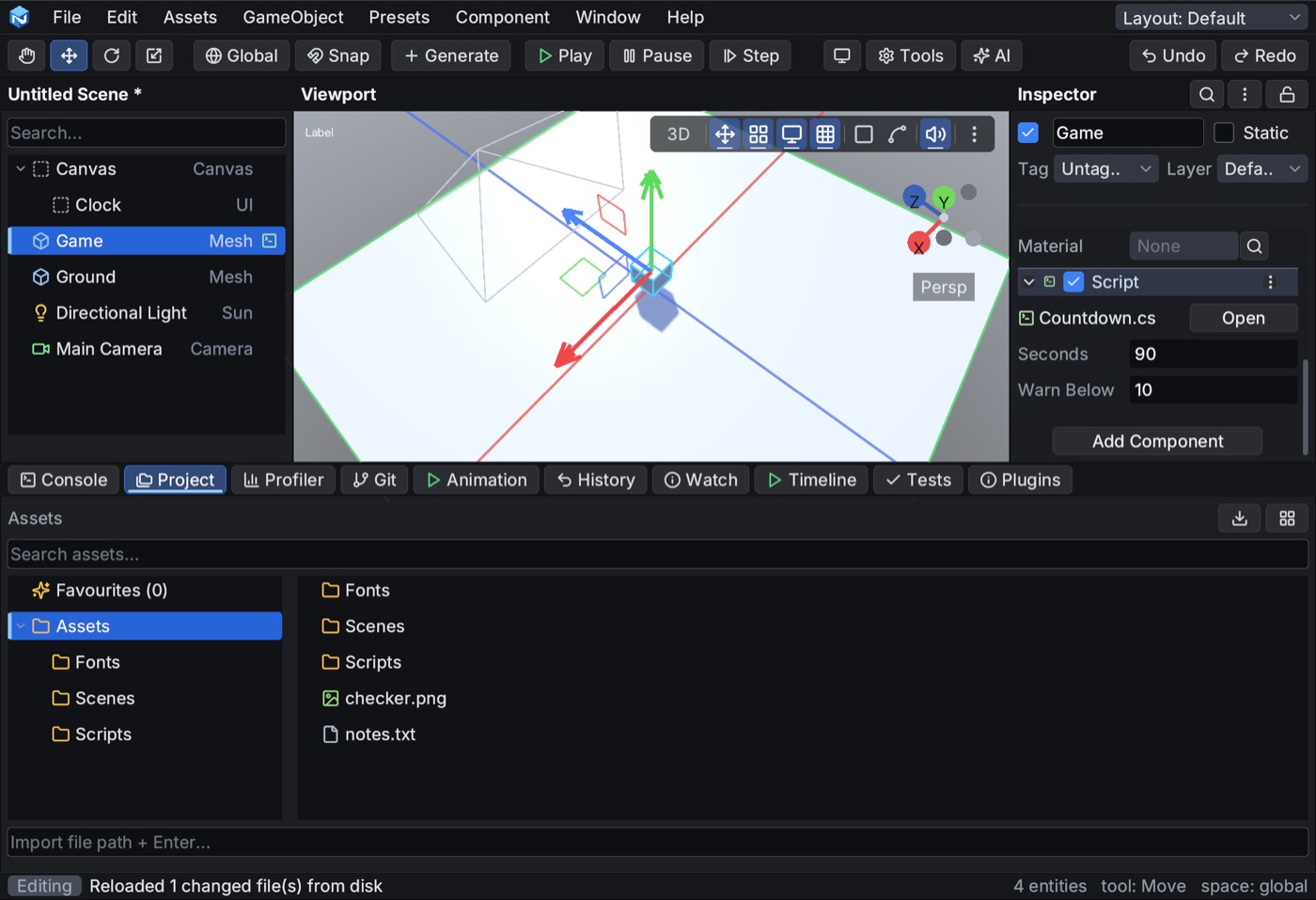
The script subtracts deltaTime from the time left every frame and writes it as minutes and seconds. Below warnBelow seconds the text turns red. At zero it shows "Time is up", emits a time up event for other scripts, waits two real seconds and reloads the level. Change seconds and warnBelow in the Inspector. When the player reaches the exit, Events.Emit("level done") stops the clock (the level exit script does this).
Because deltaTime is zero while the game is paused (pause menu), the clock stops too.
4. Variations
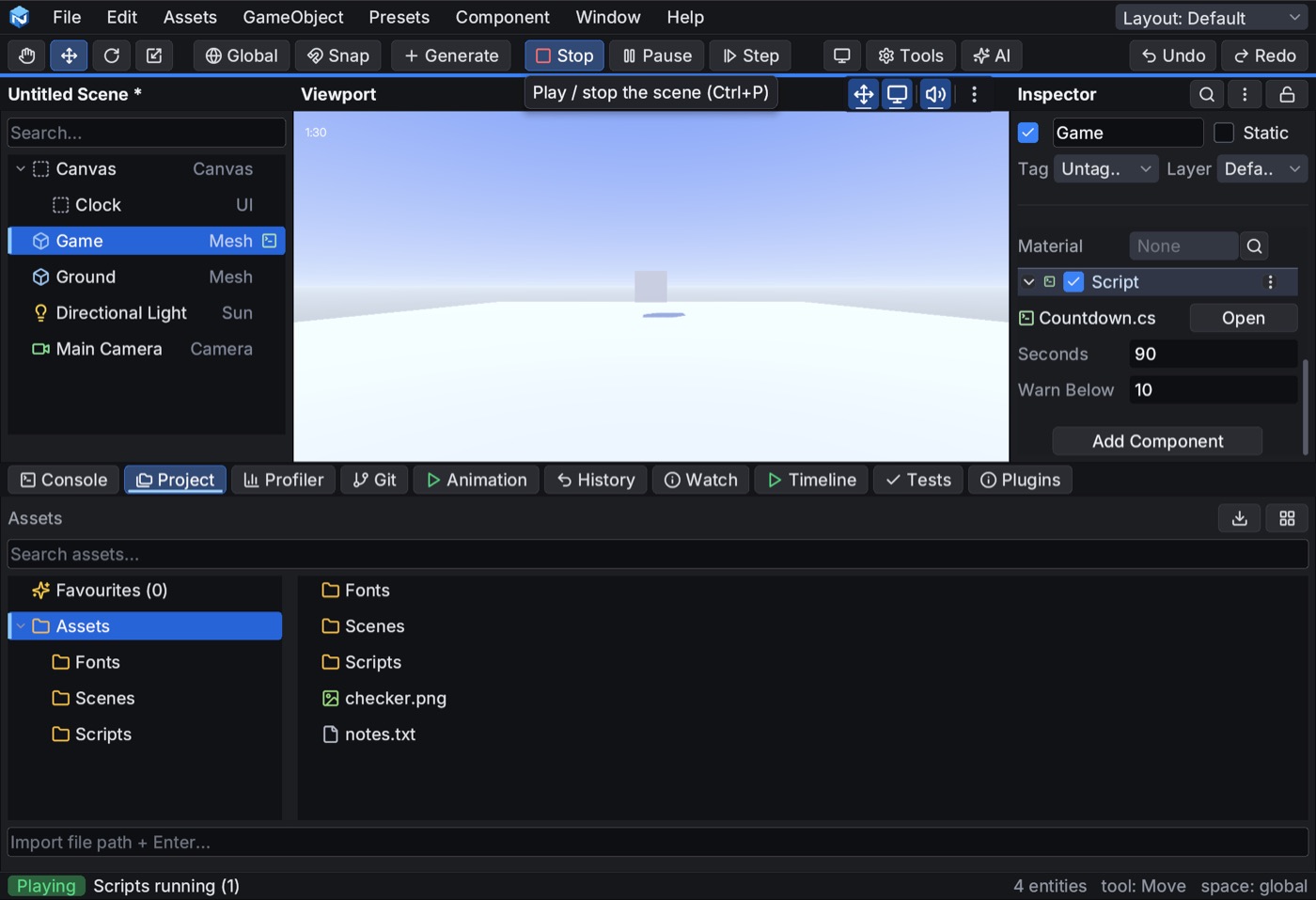
The script already emits time up: listen for it with Events.On("time up", ...) to show a game-over screen instead of waiting for the reload.
Next: a pause menu.