 Neux
Tutorial: waves of enemies or crates
Spawn a few more things each wave, a little faster each time, until the last wave.
1. Set up
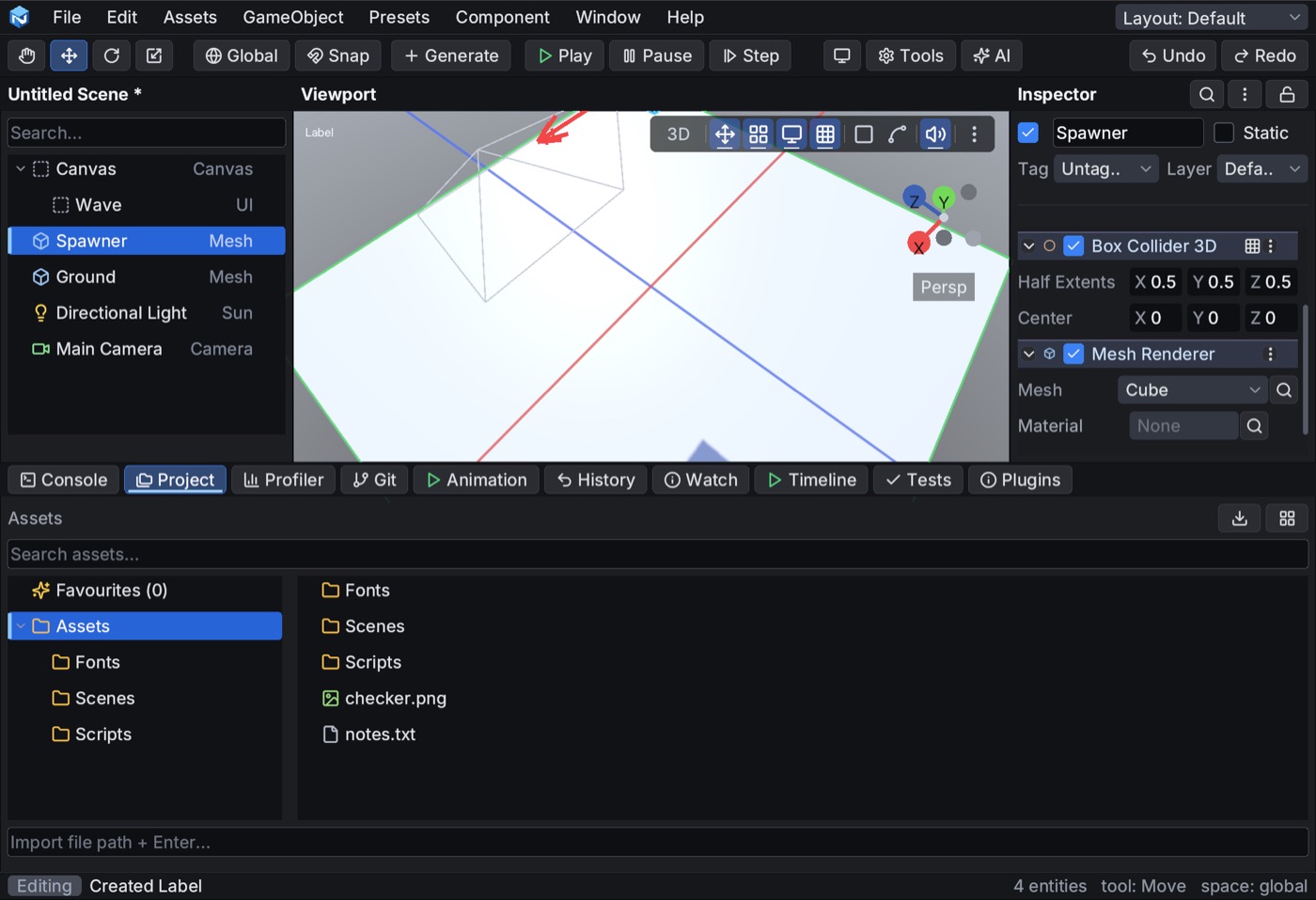
Put the script on an empty object above the area where things should fall. Add a UI text named Wave.
2. The script
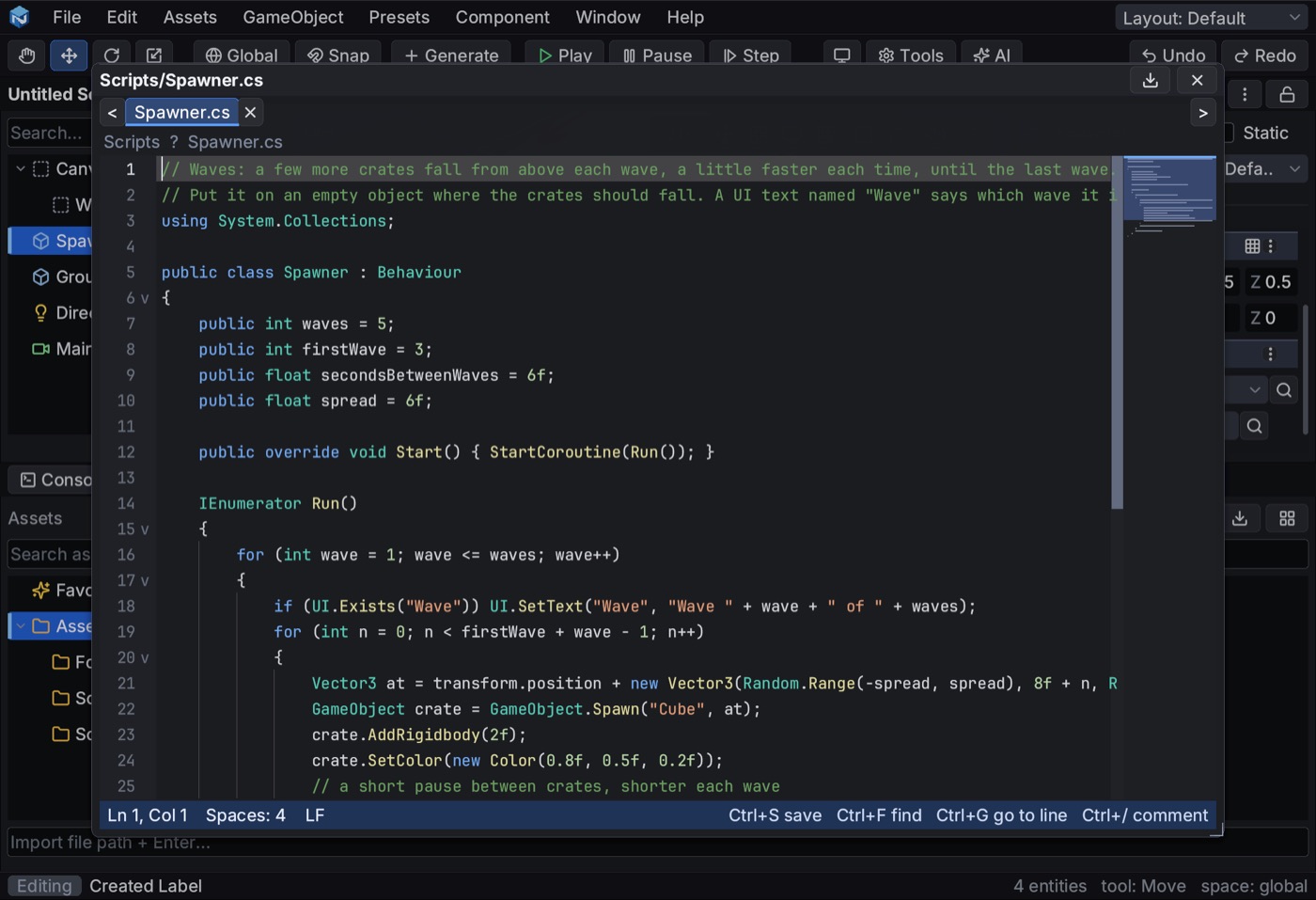
Scripts/Spawner.cs
using System.Collections;

public class Spawner : Behaviour
{
    public int waves = 5;
    public int firstWave = 3;
    public float secondsBetweenWaves = 6f;
    public float spread = 6f;

    public override void Start() { StartCoroutine(Run()); }

    IEnumerator Run()
    {
        for (int wave = 1; wave <= waves; wave++)
        {
            if (UI.Exists("Wave")) UI.SetText("Wave", "Wave " + wave + " of " + waves);
            for (int n = 0; n < firstWave + wave - 1; n++)
            {
                Vector3 at = transform.position + new Vector3(Random.Range(-spread, spread), 8f + n, Random.Range(-spread, spread));
                GameObject crate = GameObject.Spawn("Cube", at);
                crate.AddRigidbody(2f);
                crate.SetColor(new Color(0.8f, 0.5f, 0.2f));
                // a short pause between crates, shorter each wave
                yield return new WaitForSeconds(Mathf.Max(0.1f, 0.5f - wave * 0.07f));
            }
            yield return new WaitForSeconds(secondsBetweenWaves);
        }
        Events.Emit("waves done");
    }
}
Save it as Scripts/Spawner.cs.
3. How it works
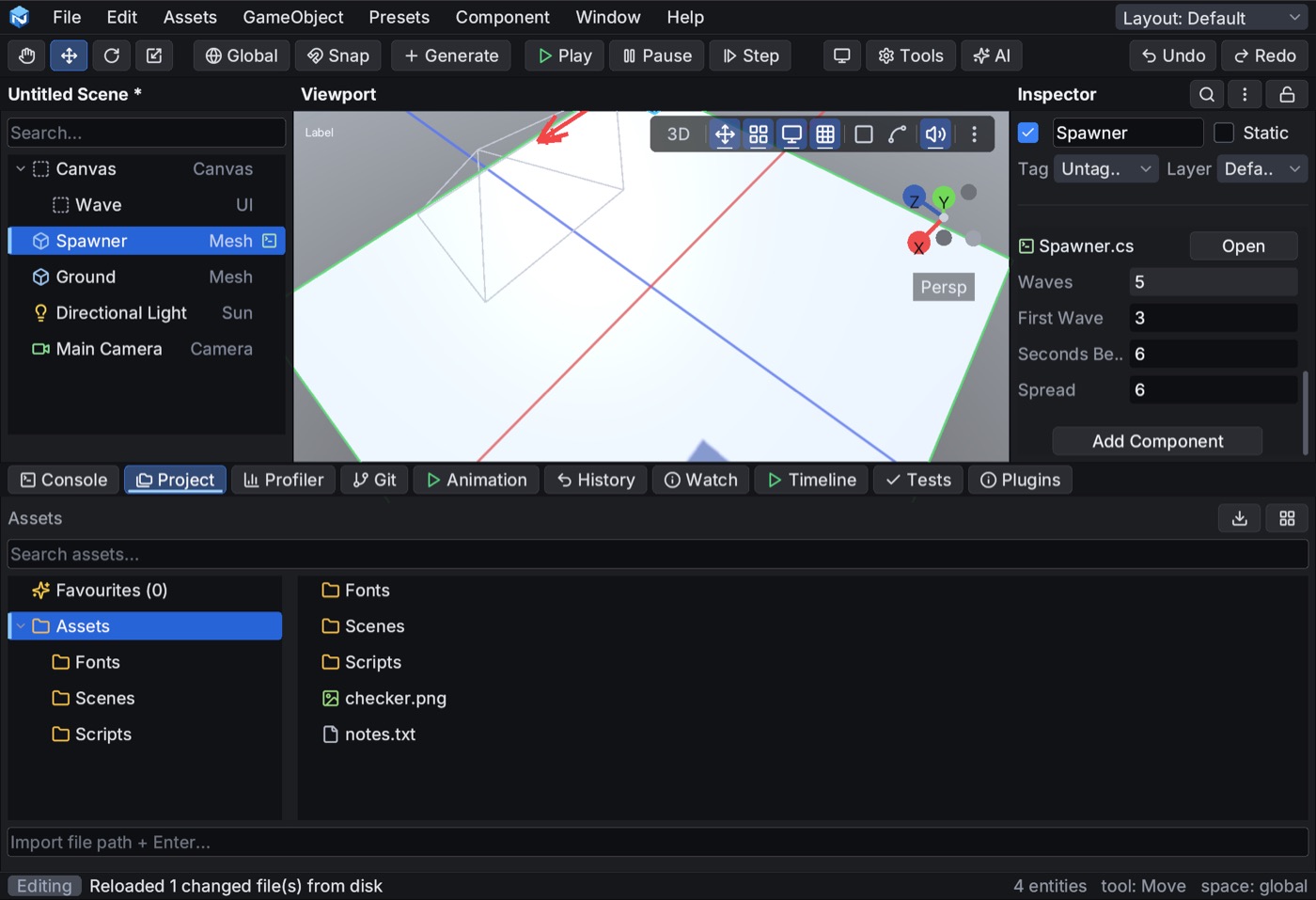
StartCoroutine(Run())starts a routine that can wait:yield return new WaitForSeconds(...)pauses it without freezing the game.- Each wave creates
firstWave + wave - 1crates at random places above the spawner, withGameObject.Spawn, and gives them a rigid body so they fall. - The pause between crates shrinks each wave:
Mathf.Max(0.1f, 0.5f - wave * 0.07f). - At the end the script emits an event,
waves done. A level script can listen withEvents.On("waves done", ...)and show a win screen.
4. Make them enemies
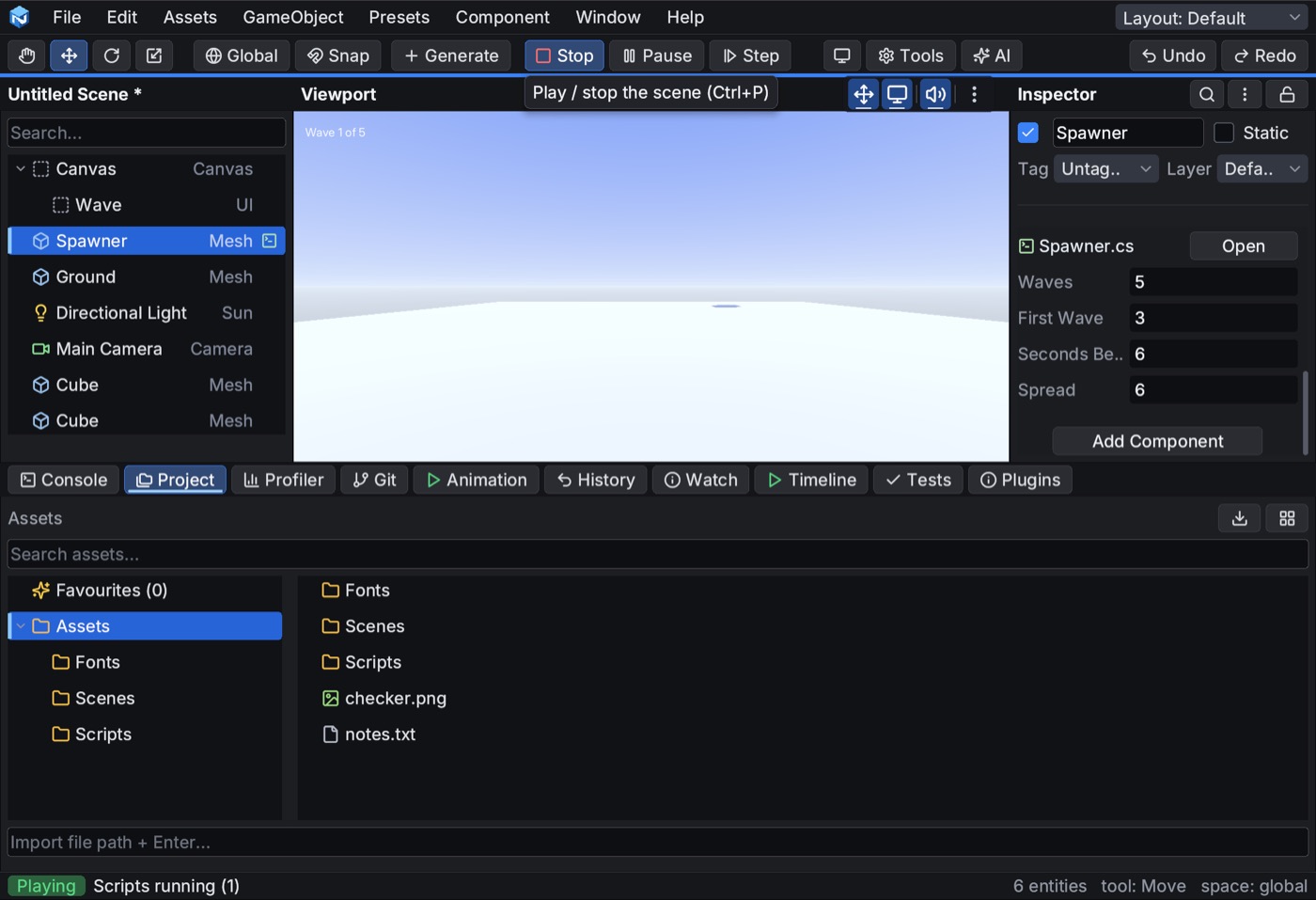
Change GameObject.Spawn("Cube", at) to GameObject.Instantiate("Prefabs/Enemy.prefab", at), using a prefab of a guard.
Next: press E to use things.