 Neux
Tutorial: write a shader by hand
A material can take its look from a short WGSL function you write.
1. Make the file
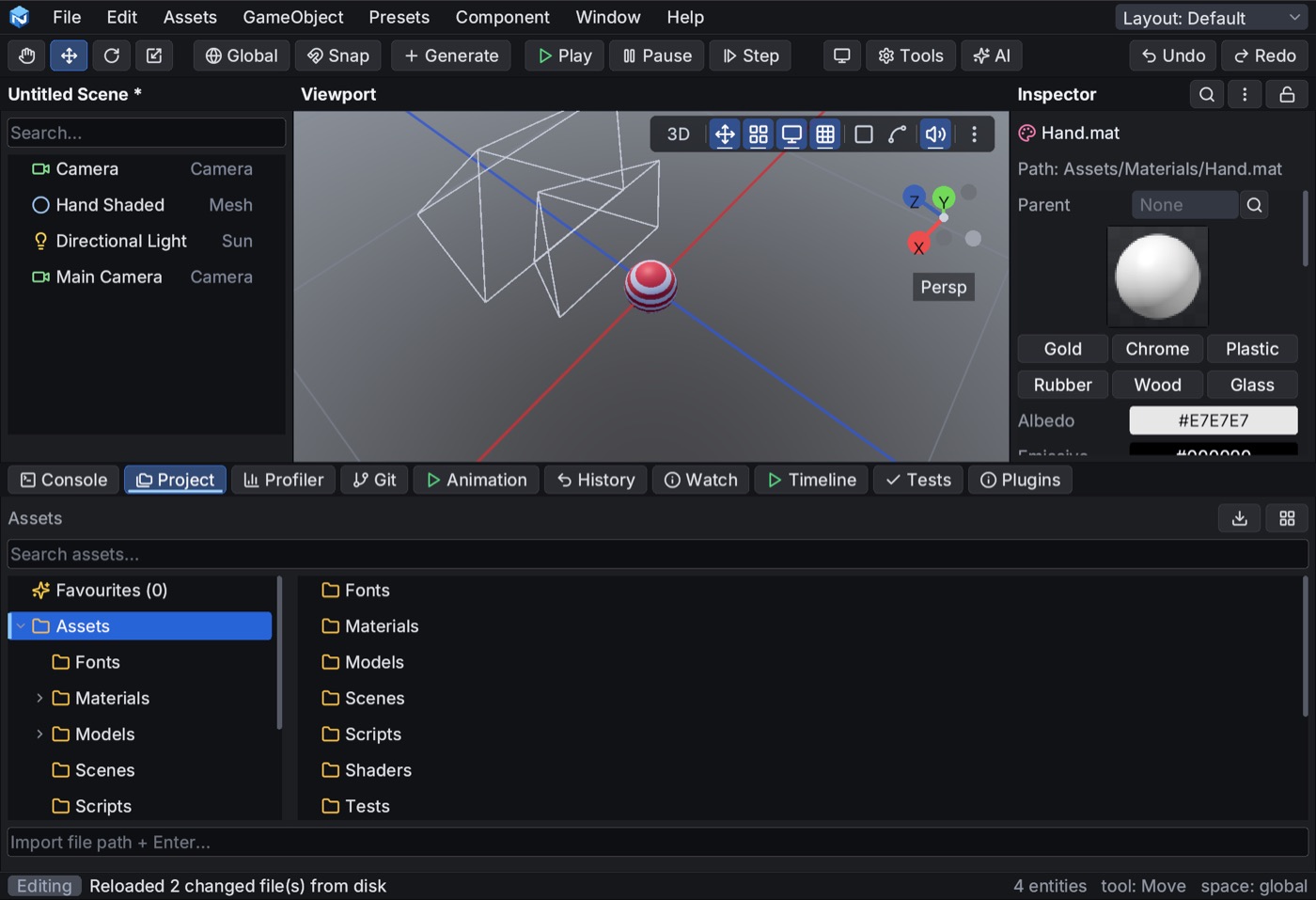
- Select an object and its material in the Inspector.
- Press NEW SHADER FILE. Neux makes
Shaders/<Material>.wgslfrom a starter and opens it in the code editor.
2. What you write
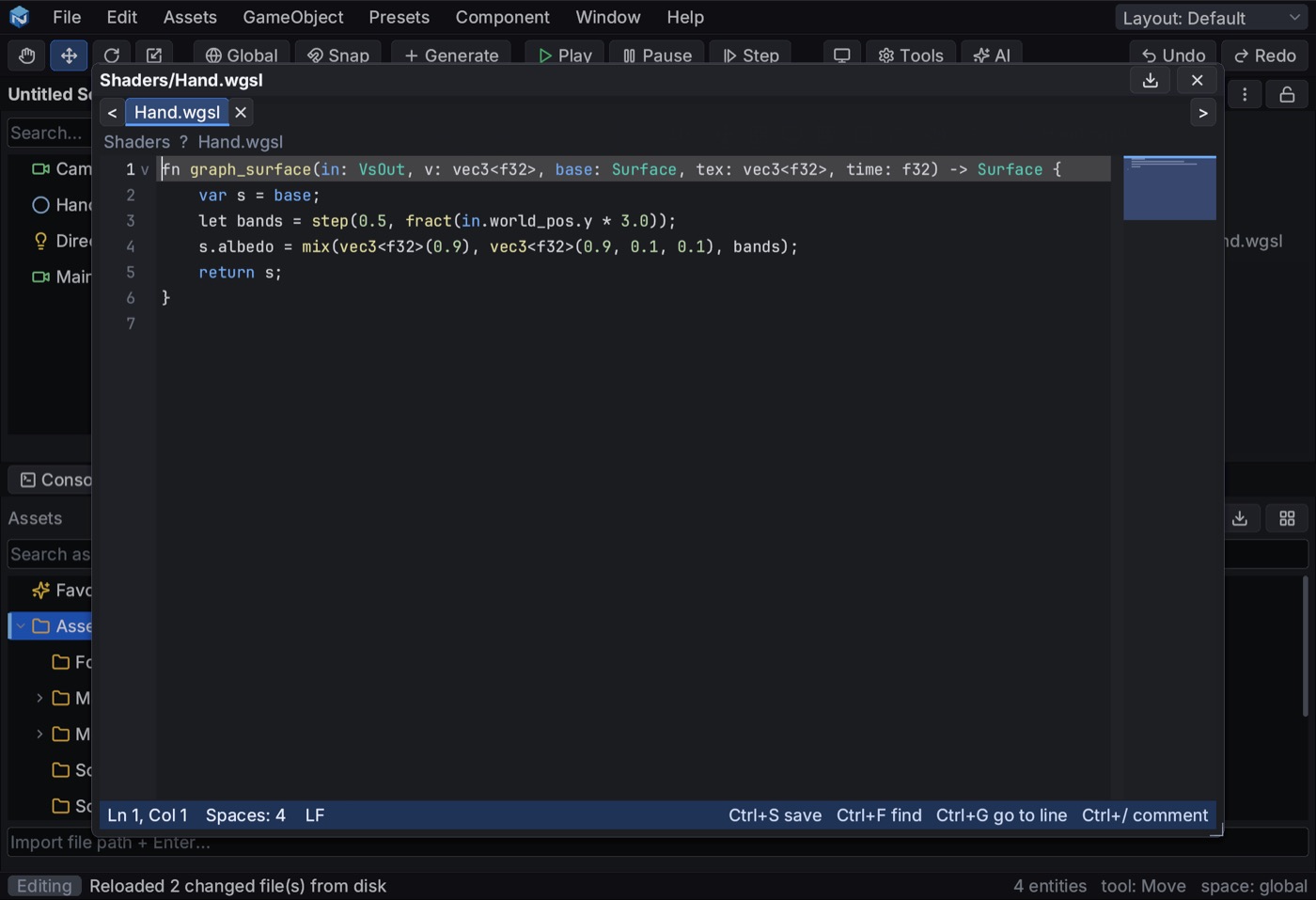
The file has one function:
fn graph_surface(in: VsOut, v: vec3<f32>, base: Surface, tex: vec3<f32>, time: f32) -> Surfaceinis the pixel: its position, normal and texture coordinates.baseis what the material would be without your code (colour, shininess, metallic...). You return it changed.timeis seconds since the start, so you can animate.
3. A pulsing glow
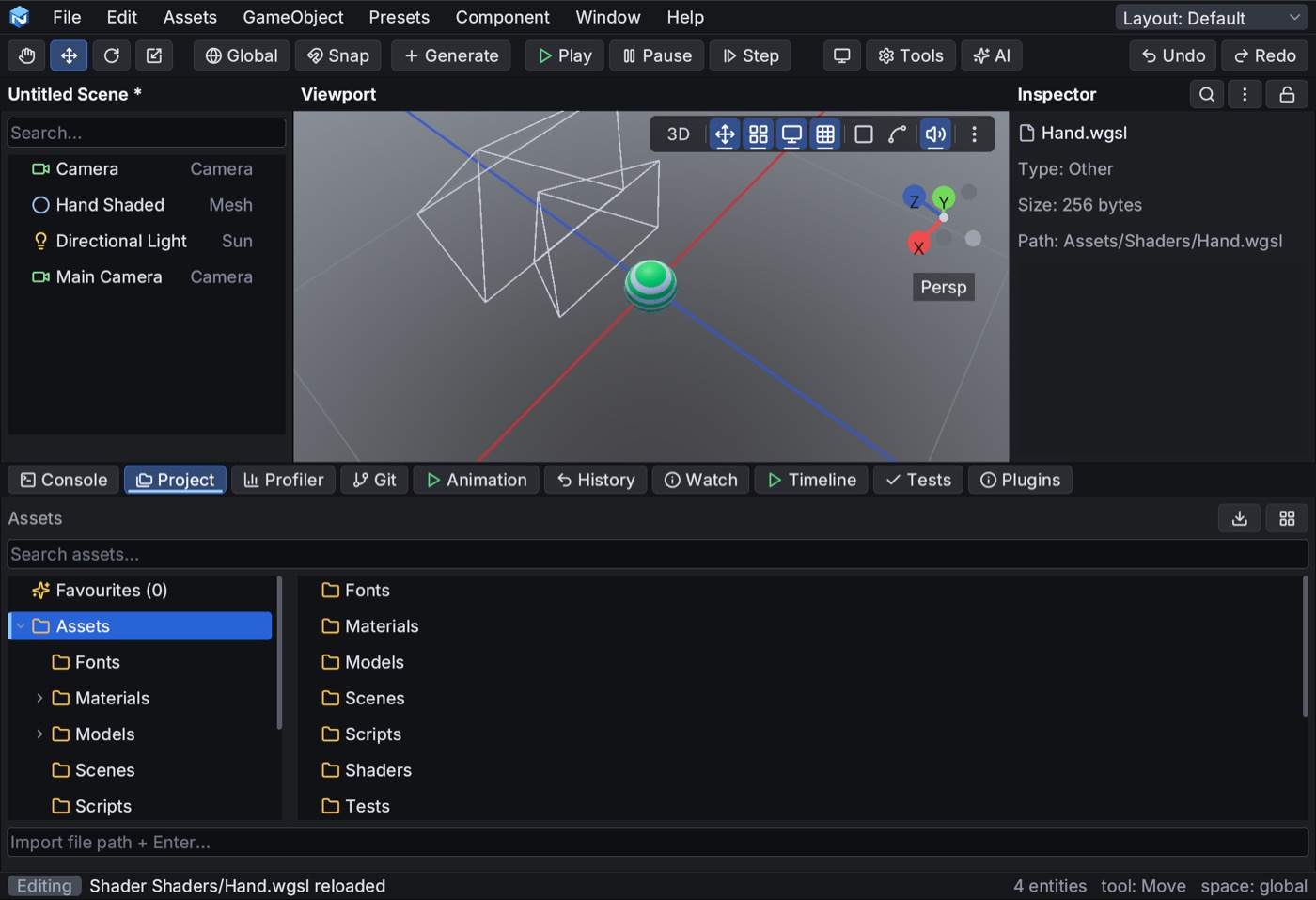
fn graph_surface(in: VsOut, v: vec3<f32>, base: Surface, tex: vec3<f32>, time: f32) -> Surface {
    var s = base;
    let pulse = 0.5 + 0.5 * sin(time * 3.0);
    s.emissive = vec3<f32>(1.0, 0.3, 0.1) * pulse;
    return s;
}
Save the file: the material updates within a third of a second. A mistake is written to the Console with its line, and the material keeps its normal look until you fix it.
4. More
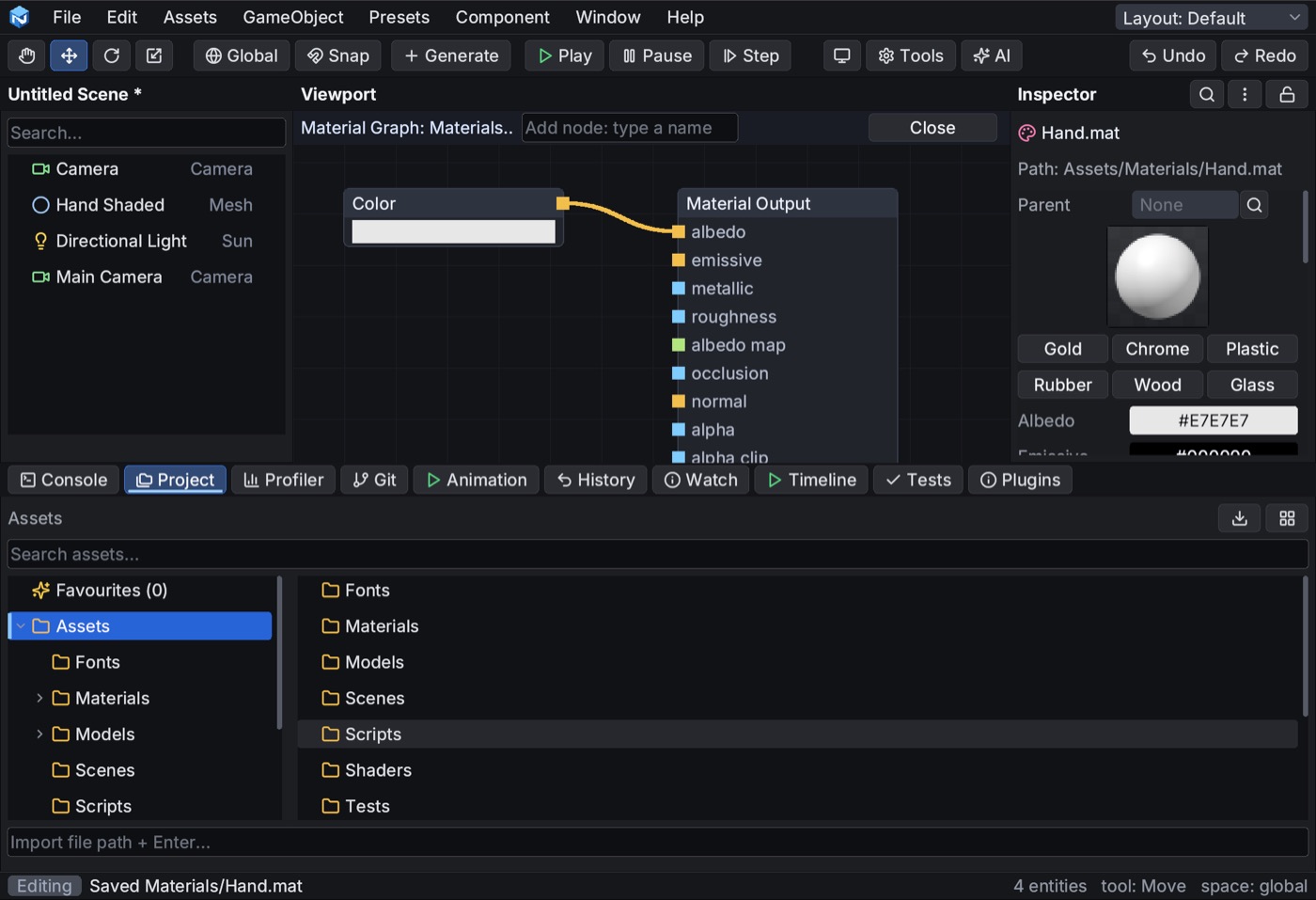
Helpers such as value_noise(vec3) are available; the shader reference lists everything. Prefer nodes? The Shader graph window builds materials without code.
Next: host a game for friends.