 Neux
Tutorial: checkpoints and respawning
The player goes back to the last checkpoint they touched when they fall off the world.
1. Set up
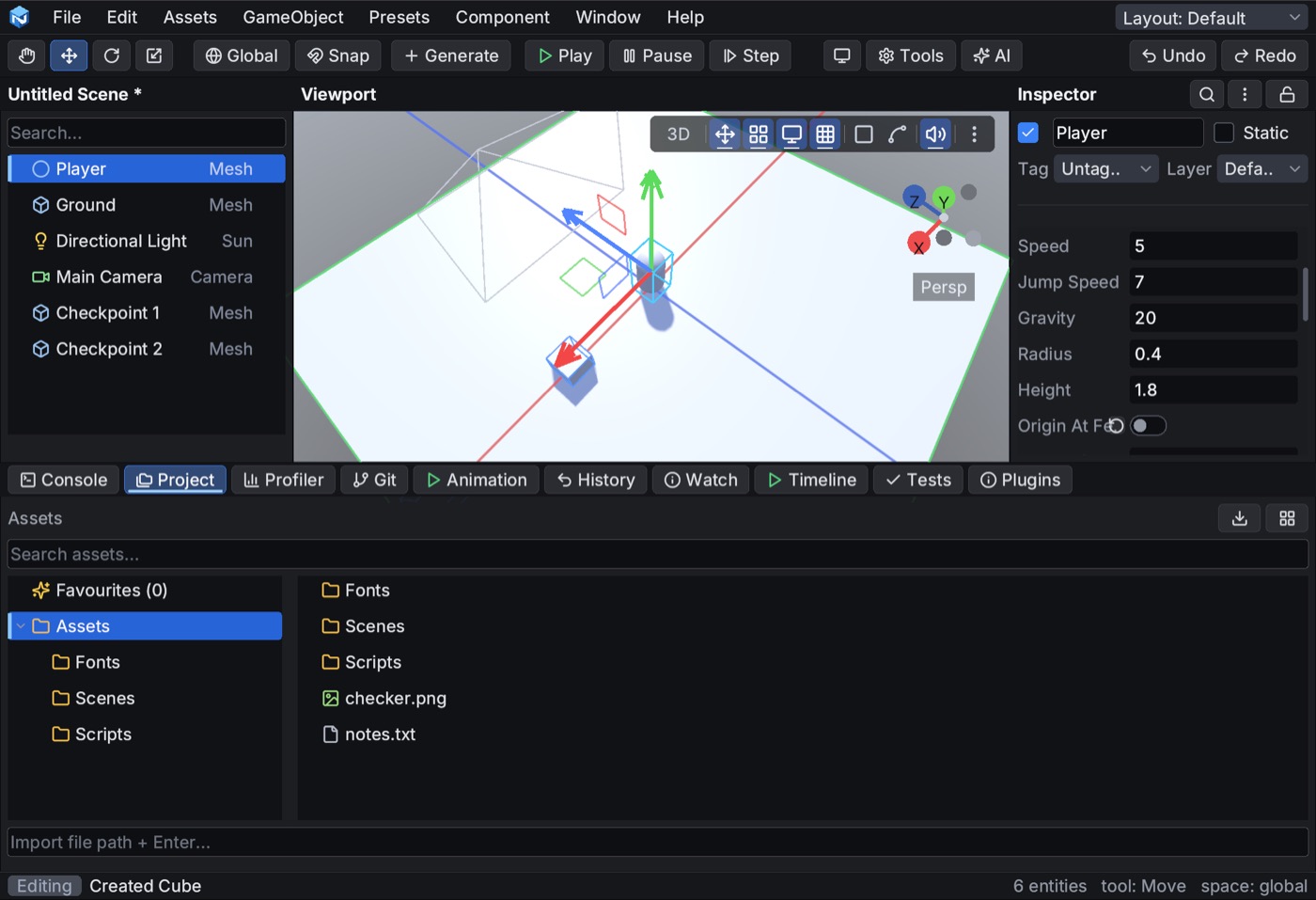
- Put the script on the player.
- Make a few checkpoints: small objects with a Trigger3D and the tag
Checkpoint. - Make sure there is somewhere to fall: a platform level with gaps.
2. The script
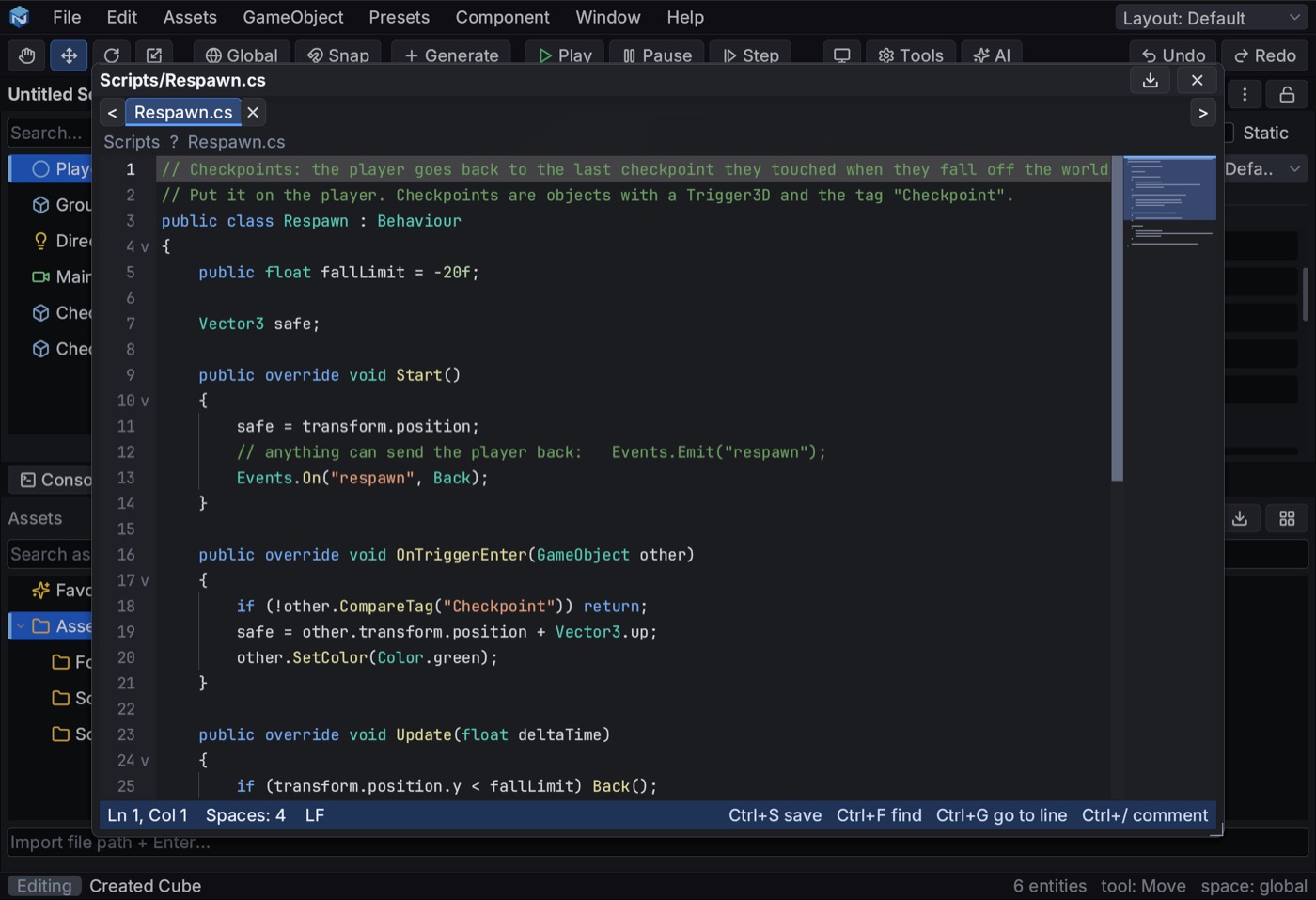
Scripts/Respawn.cs
public class Respawn : Behaviour
{
    public float fallLimit = -20f;

    Vector3 safe;

    public override void Start()
    {
        safe = transform.position;
        // anything can send the player back:   Events.Emit("respawn");
        Events.On("respawn", Back);
    }

    public override void OnTriggerEnter(GameObject other)
    {
        if (!other.CompareTag("Checkpoint")) return;
        safe = other.transform.position + Vector3.up;
        other.SetColor(Color.green);
    }

    public override void Update(float deltaTime)
    {
        if (transform.position.y < fallLimit) Back();
    }

    void Back()
    {
        transform.position = safe;
        if (gameObject.rigidbody.exists) gameObject.rigidbody.velocity = Vector3.zero;
        Camera.Shake(0.2f, 0.3f);
    }

    public override void OnDestroy() { Events.Off("respawn", Back); }
}
Save it as Scripts/Respawn.cs.
3. How it works
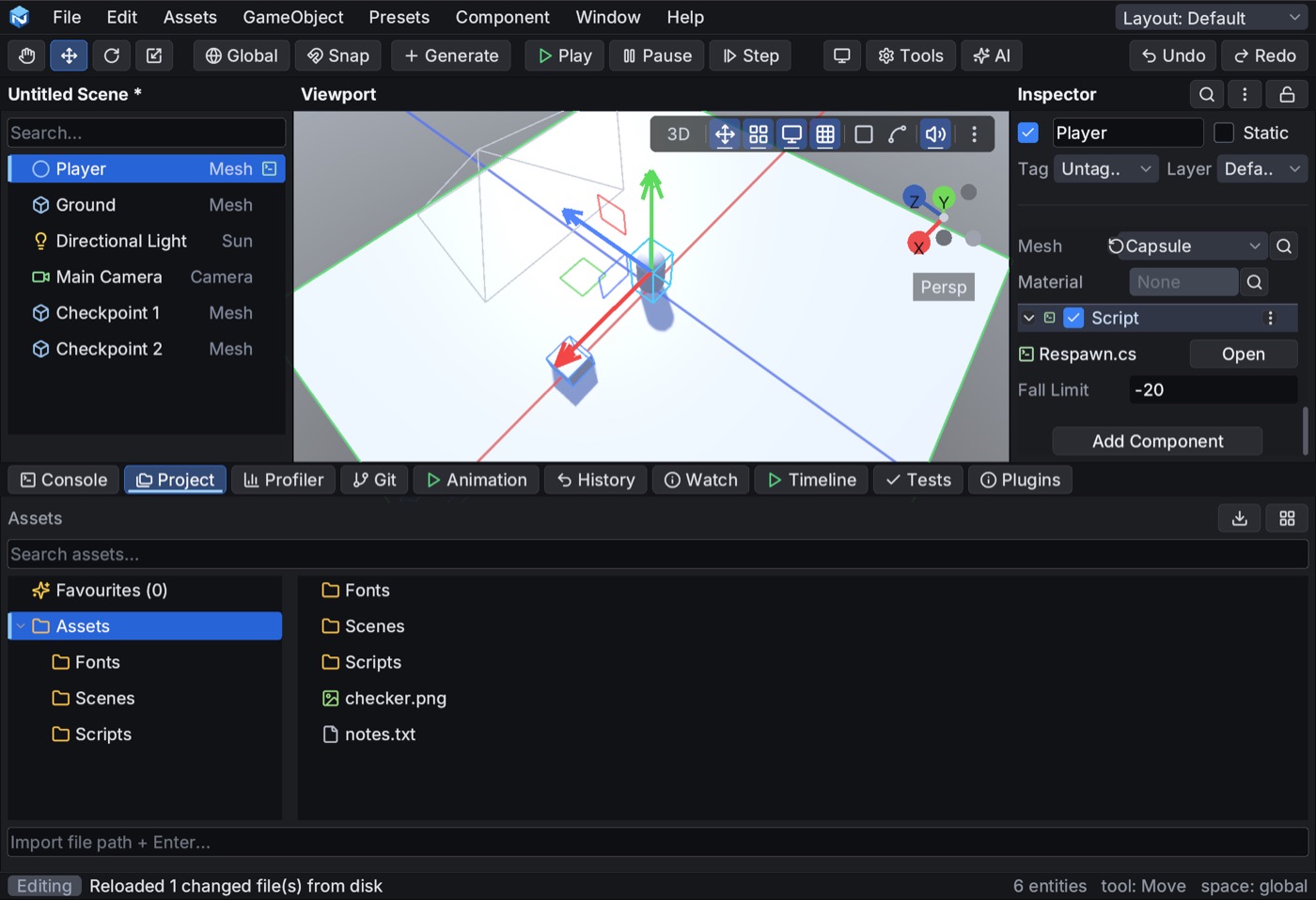
safeis where the player goes back to. It starts as the spot where the game began, and each checkpoint touched moves it (the checkpoint also turns green).fallLimit: below this height the player is sent back.Events.On("respawn", Back)lets any other script send the player back:Events.Emit("respawn"). A trap or enemy can use it without knowing about this script. See health for the same idea.OnDestroystops listening, which prevents calls to a dead object.
4. Try it
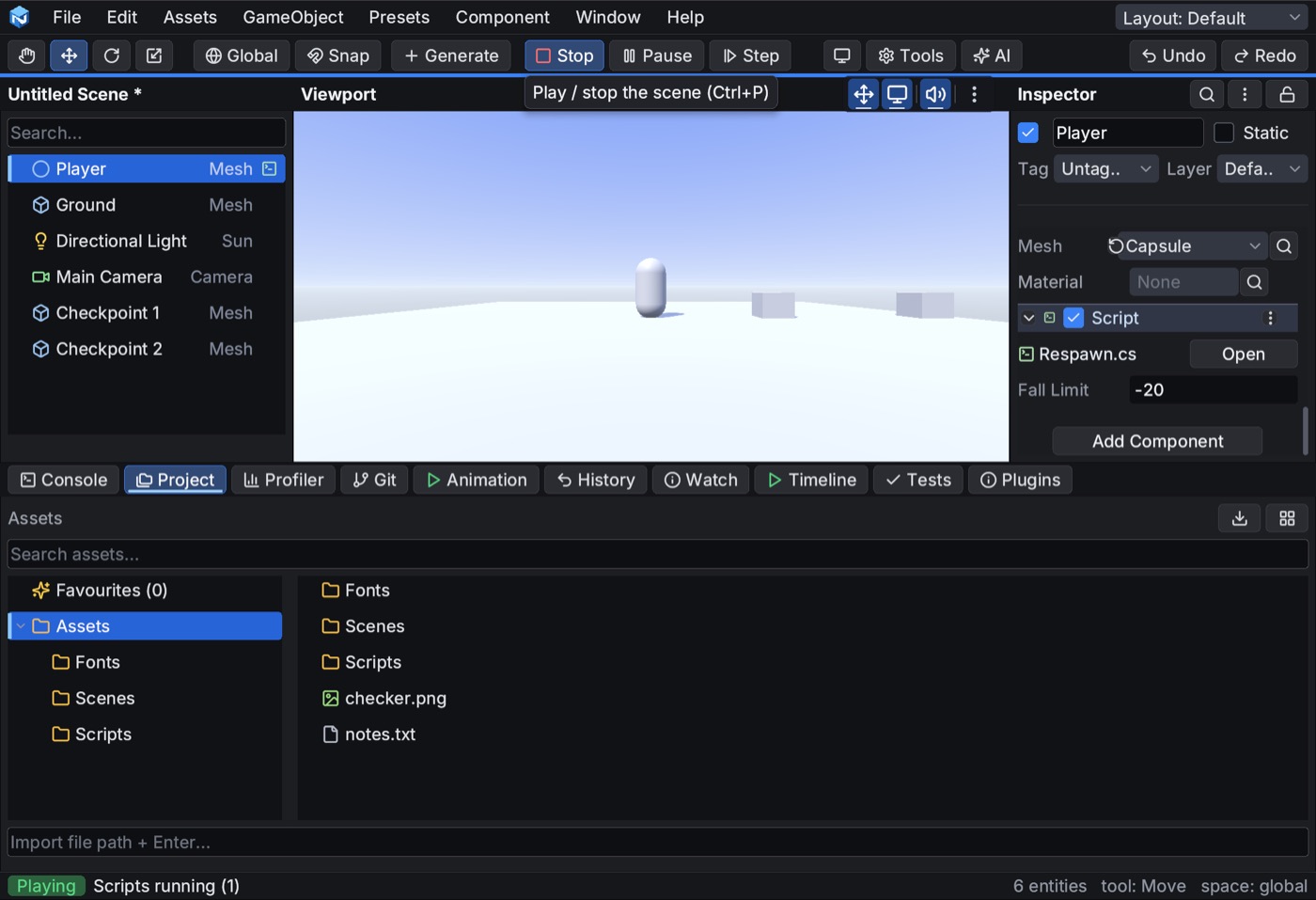
Walk to a checkpoint, then jump off the edge: you return to the checkpoint, not the start.
Next: health and damage.