 Neux
Tutorial: build and share your game
1. Try it on this computer
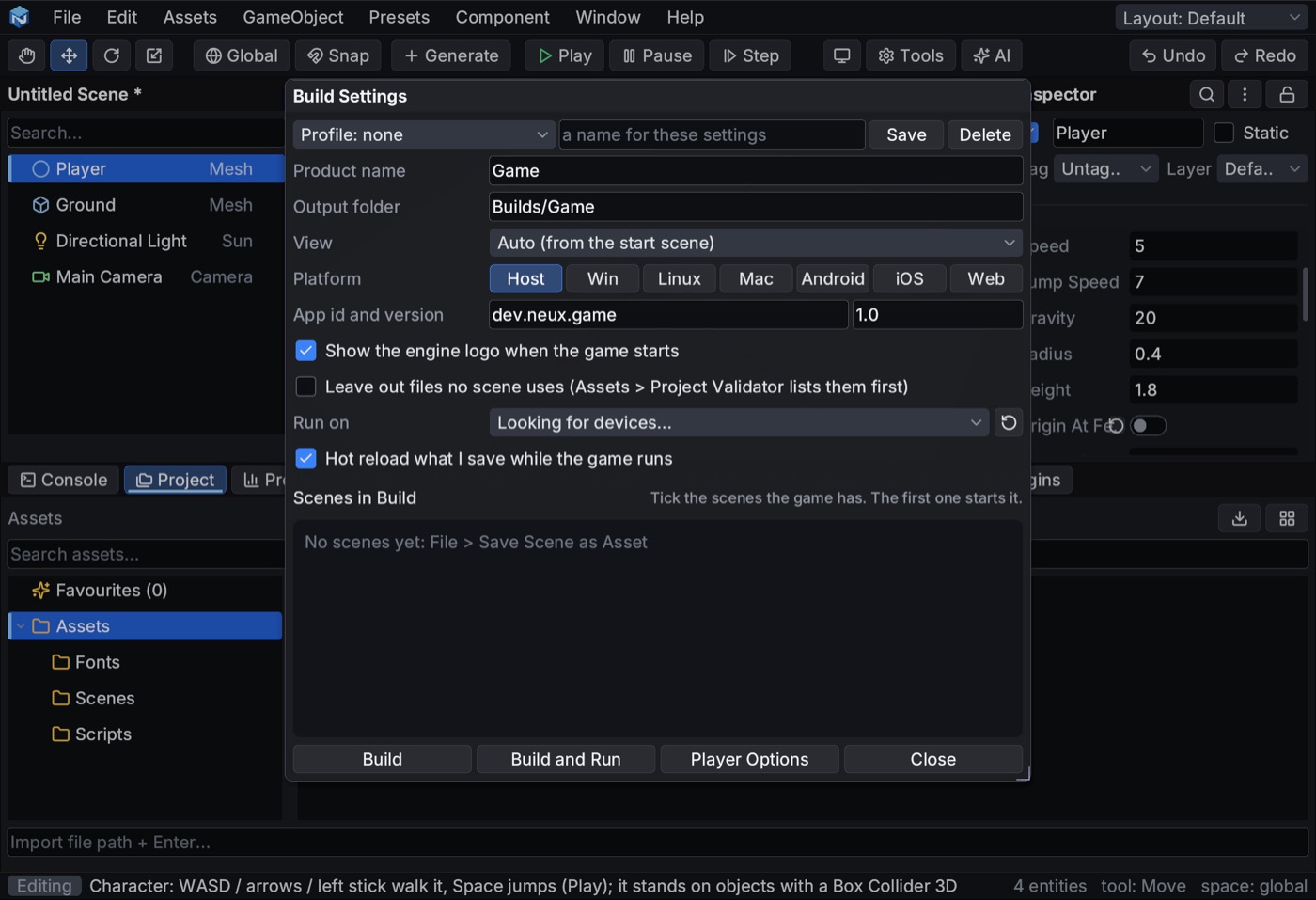
File > Build and Run (Ctrl+B) builds the game for the computer you are on and starts it in its own window. That is the quickest way to see what a player will see.
2. Choose what to build
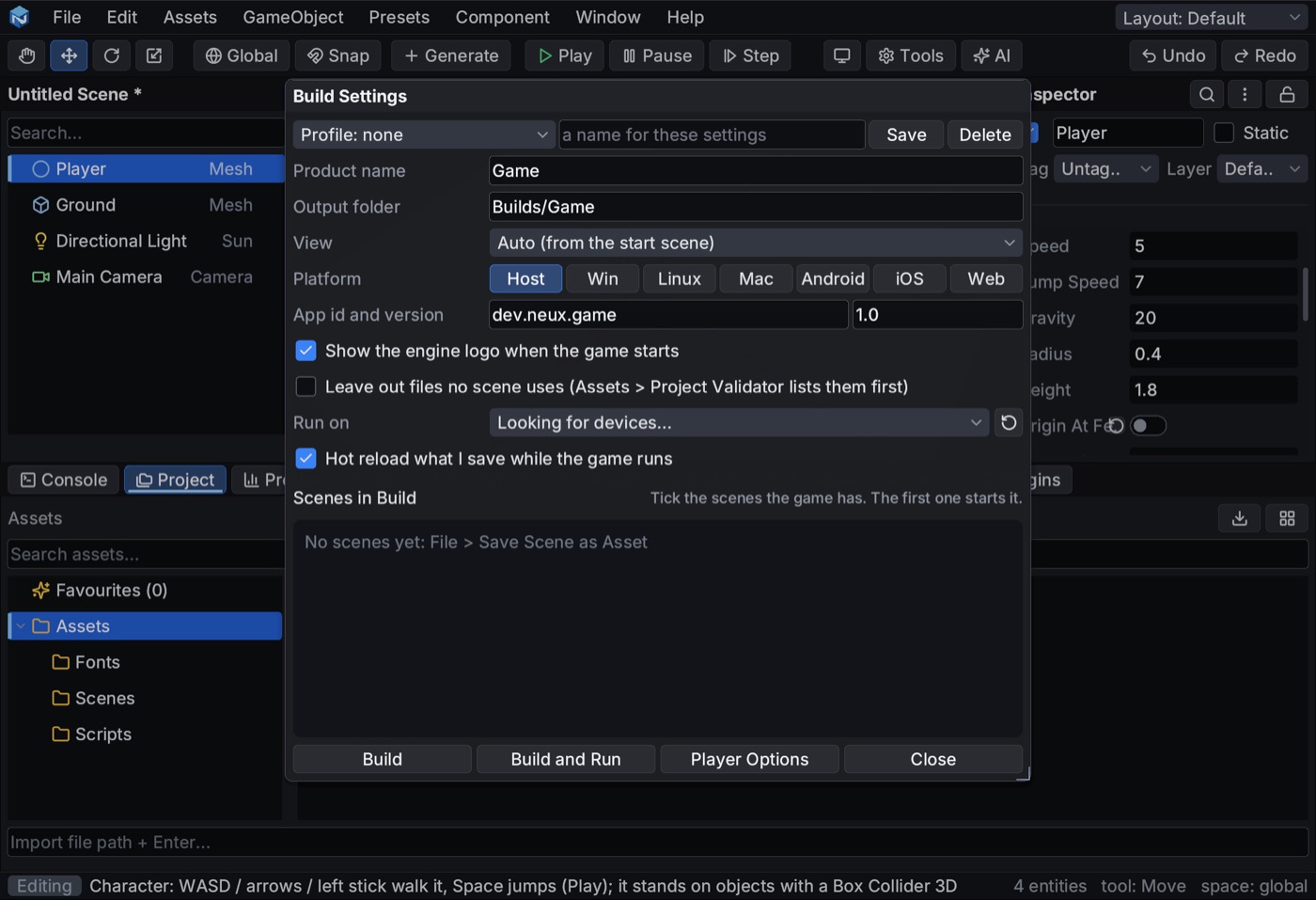
Open File > Build Settings:
- Tick the scenes that belong in the game. The first one is where it starts.
- Pick a platform: Windows, macOS, Linux, the web, iPhone or Android. The download includes the pieces needed for the other platforms, so you can build for Windows from a Mac.
- Set the product name and other player options, then press Build.
3. Send it to people
- Windows, macOS, Linux: send the folder or a zip of it.
- Web: upload the built folder to any web host; it plays in the browser.
- iPhone and Android: see Platforms for what each needs (Xcode for iPhone, the Android tools for Android).
4. Try it with friends
Edit > Play Options can start several players at once for a multiplayer test, and Playing online explains hosting a game and joining by a code.
Build options for every platform are in Platforms, and the same builds can be made from a terminal with the command line.