 Neux
Tutorial: animate a character from its movement
A walking character should look like it walks. A short script tells the character's Animator how fast it moves, whether it stands on the ground and when it jumps.
Start from the walking character.
1. Set up
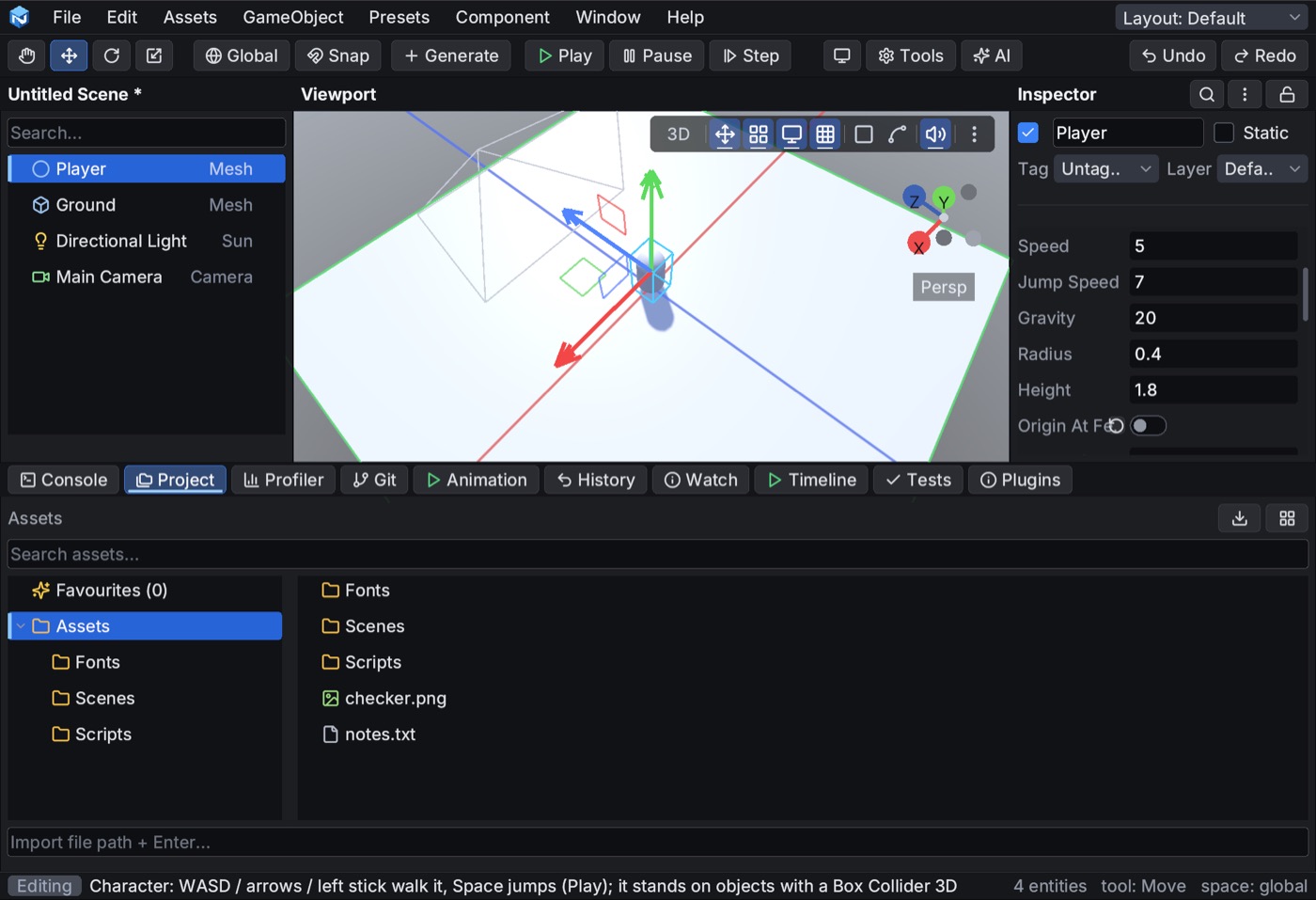
- The character needs a CharacterController and an Animator.
- Open the Animator window and give its controller three parameters: a float
Speed, a boolGroundedand a triggerJump. - Make states for idle, walk and jump and connect them with transitions that use those parameters (a blend tree on
Speedblends idle into walk smoothly).
2. The script
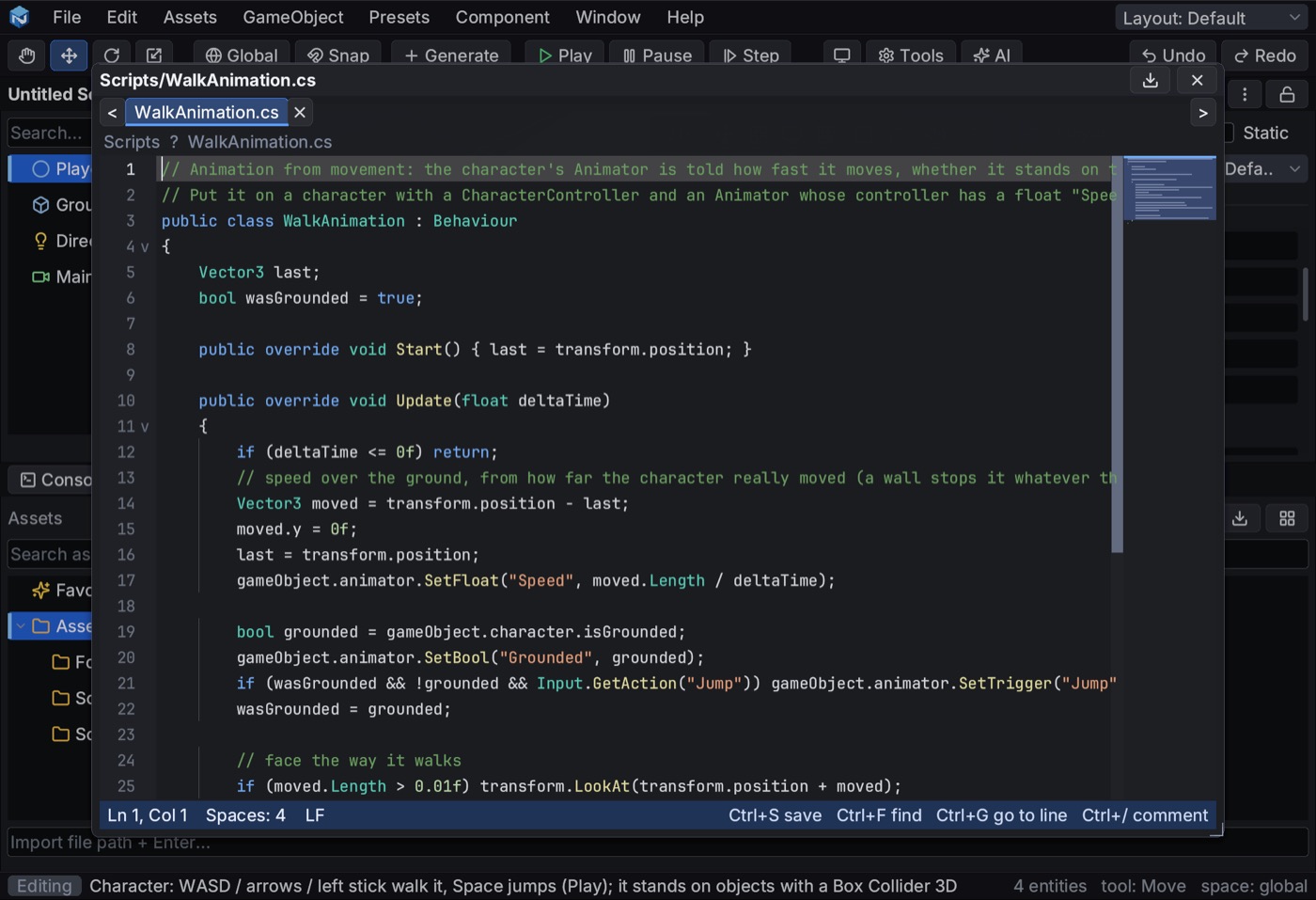
Scripts/WalkAnimation.cs
public class WalkAnimation : Behaviour
{
    Vector3 last;
    bool wasGrounded = true;

    public override void Start() { last = transform.position; }

    public override void Update(float deltaTime)
    {
        if (deltaTime <= 0f) return;
        // speed over the ground, from how far the character really moved (a wall stops it whatever the stick says)
        Vector3 moved = transform.position - last;
        moved.y = 0f;
        last = transform.position;
        gameObject.animator.SetFloat("Speed", moved.Length / deltaTime);

        bool grounded = gameObject.character.isGrounded;
        gameObject.animator.SetBool("Grounded", grounded);
        if (wasGrounded && !grounded && Input.GetAction("Jump")) gameObject.animator.SetTrigger("Jump");
        wasGrounded = grounded;

        // face the way it walks
        if (moved.Length > 0.01f) transform.LookAt(transform.position + moved);
    }
}
Save it as Scripts/WalkAnimation.cs and add it to the character.
3. How it works
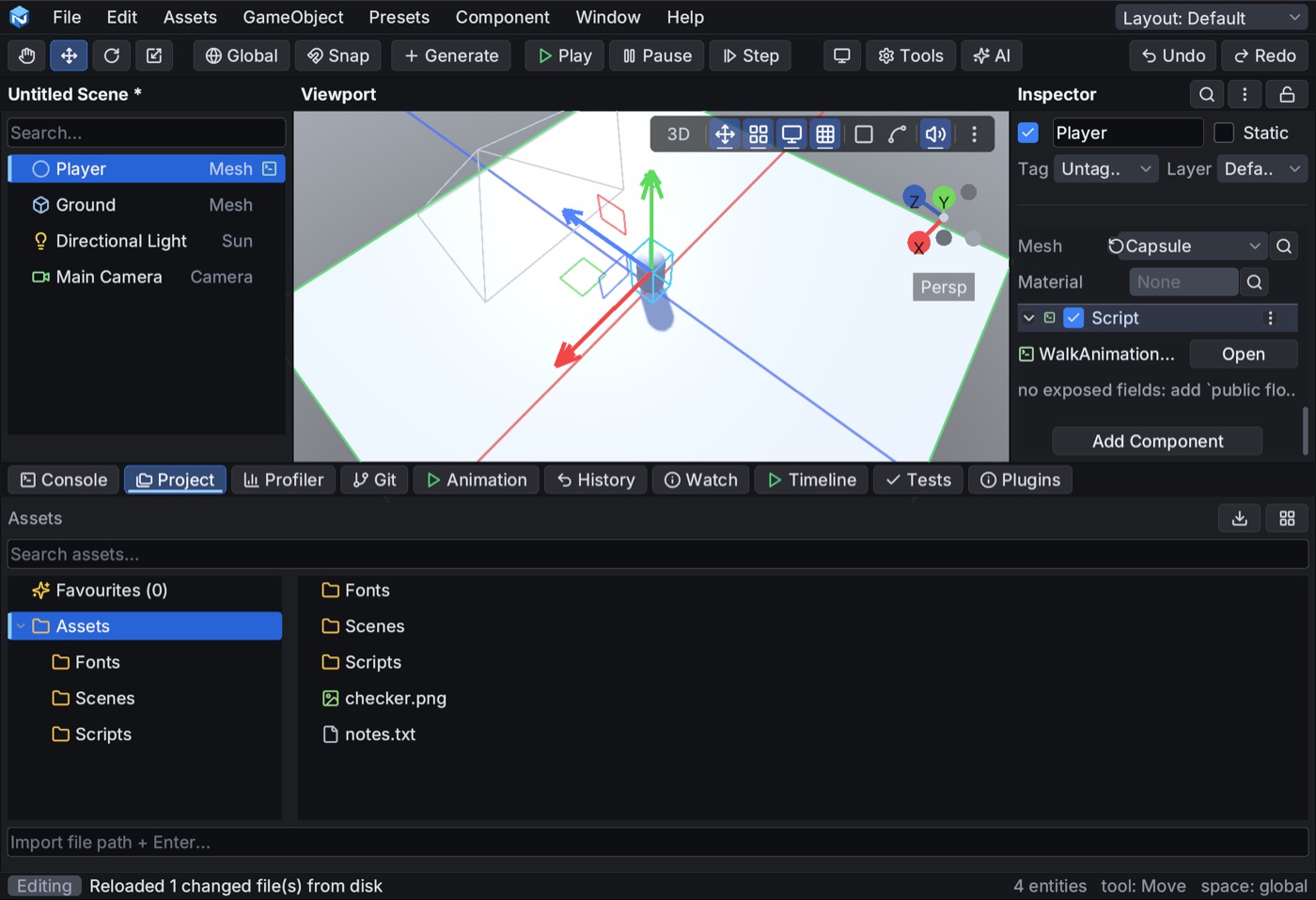
Each frame the script works out how fast the character really moved over the ground (so a wall that stops it reads as standing still, whatever the stick says), and passes three facts to the Animator: that speed, whether it is on the ground, and a jump trigger when it leaves the ground after Space. It also turns the character to face the way it walks. The Animator decides which clip to show. That split is the important idea: scripts say what is happening, the Animator says what it looks like.
4. Try it
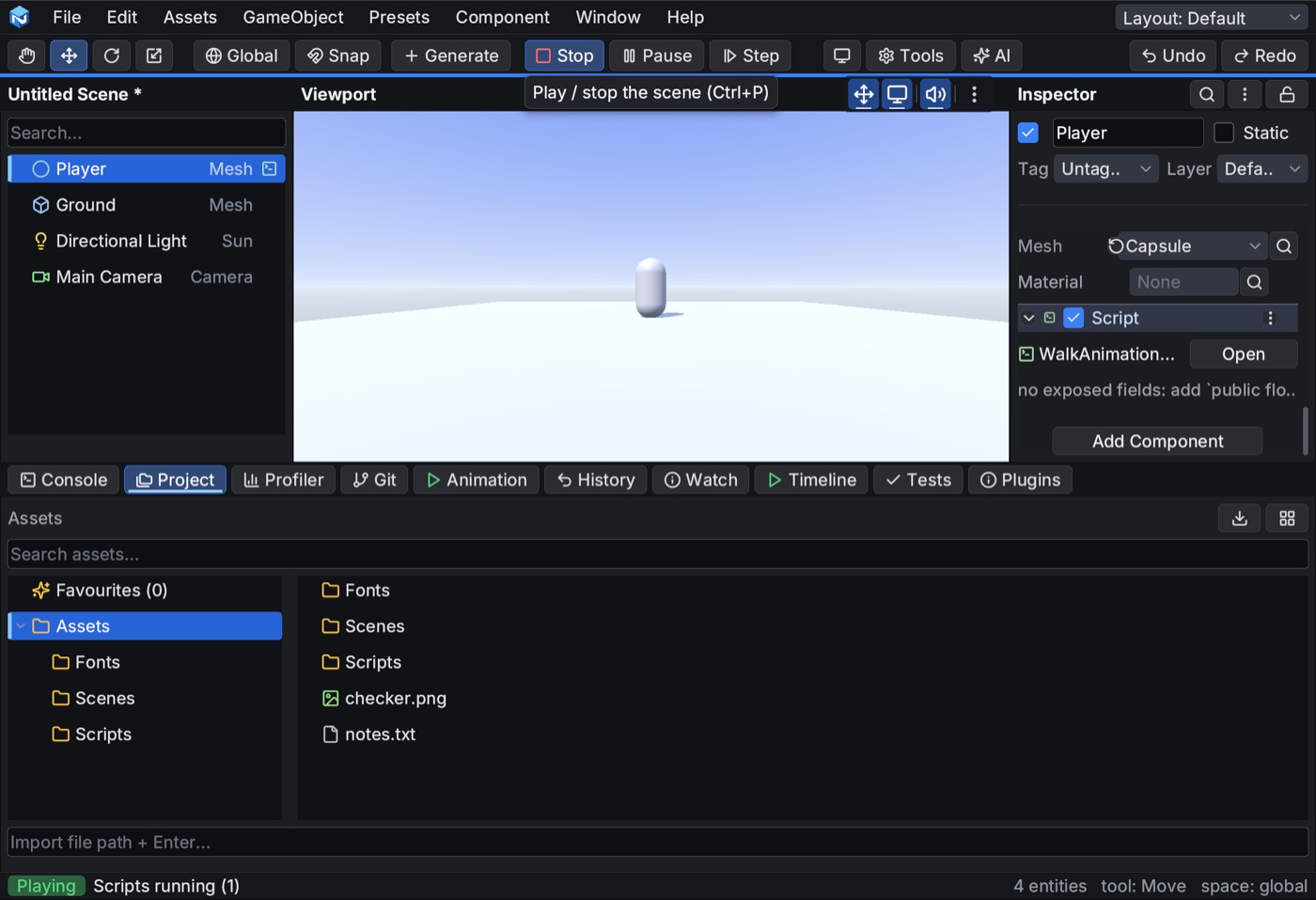
Press PLAY and walk and jump. If the character slides without moving its legs, check that Speed is connected to the walk state in the Animator window.