 Neux
Tutorial: collect coins
You will make coins that spin and disappear when the player touches them, and a score that counts them. Start from the project of the last tutorial, with a capsule that has PlayerWalk.
1. Tell the game who the player is
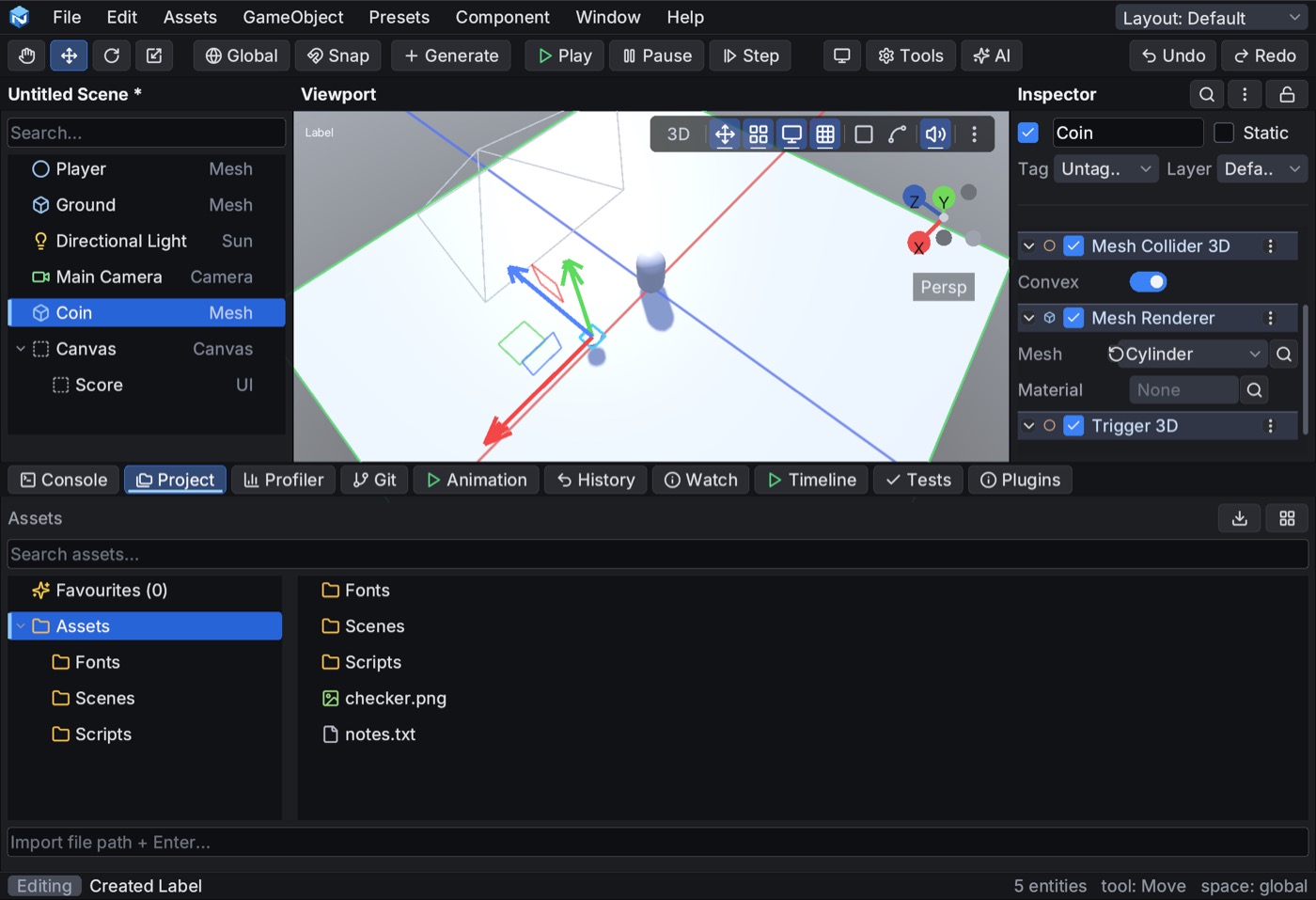
Select the capsule. In the Inspector set its Tag to Player. The coin script only reacts to objects with this tag.
2. Make a coin
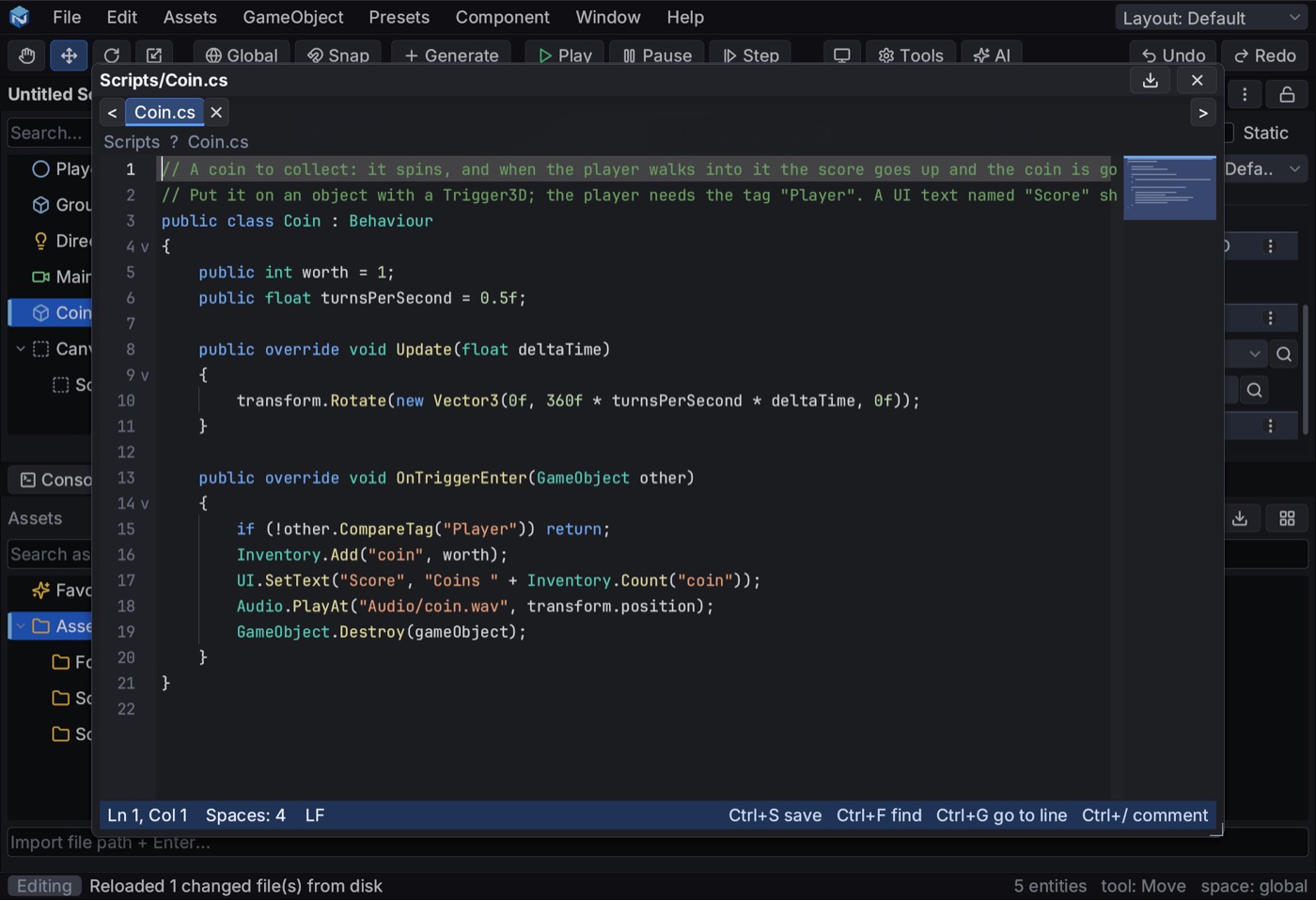
- Add a Cylinder or Sphere from GameObject > 3D Object, squash it into a coin shape and name it
Coin. - Add a Trigger3D component. A trigger is an area that notices things entering it but does not stop them.
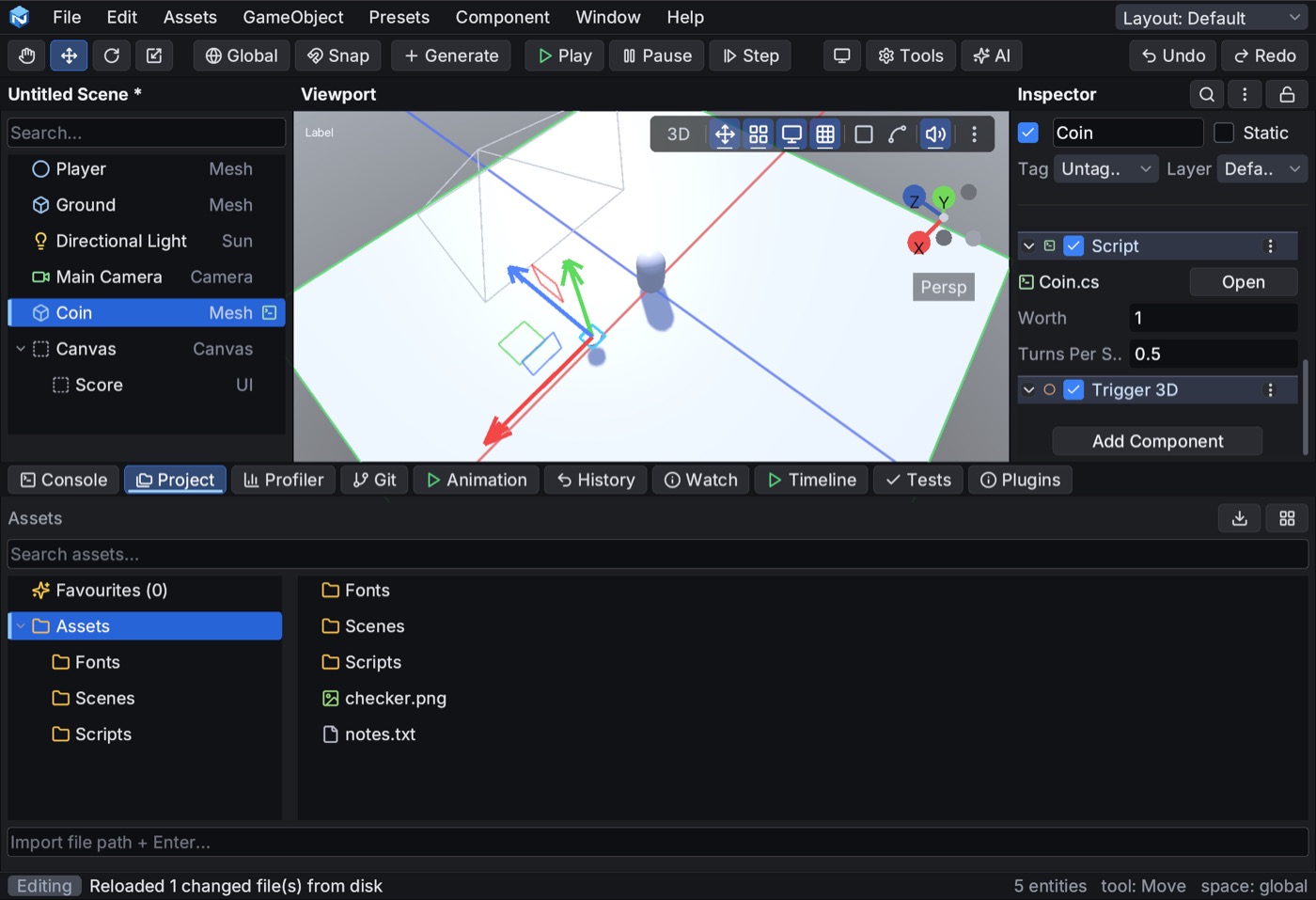
- Create a script
Coinwith the content below and add it to the coin.
public class Coin : Behaviour
{
    public int worth = 1;
    public float turnsPerSecond = 0.5f;

    public override void Update(float deltaTime)
    {
        transform.Rotate(new Vector3(0f, 360f * turnsPerSecond * deltaTime, 0f));
    }

    public override void OnTriggerEnter(GameObject other)
    {
        if (!other.CompareTag("Player")) return;
        Inventory.Add("coin", worth);
        UI.SetText("Score", "Coins " + Inventory.Count("coin"));
        GameObject.Destroy(gameObject);
    }
}
The cookbook's version also plays a sound with Audio.PlayAt; add a sound file to Audio/ and that line if you want one.
3. Show the score
Add a UI text object (GameObject > UI) and name it Score. The script finds it by that name.
4. Copy the coin
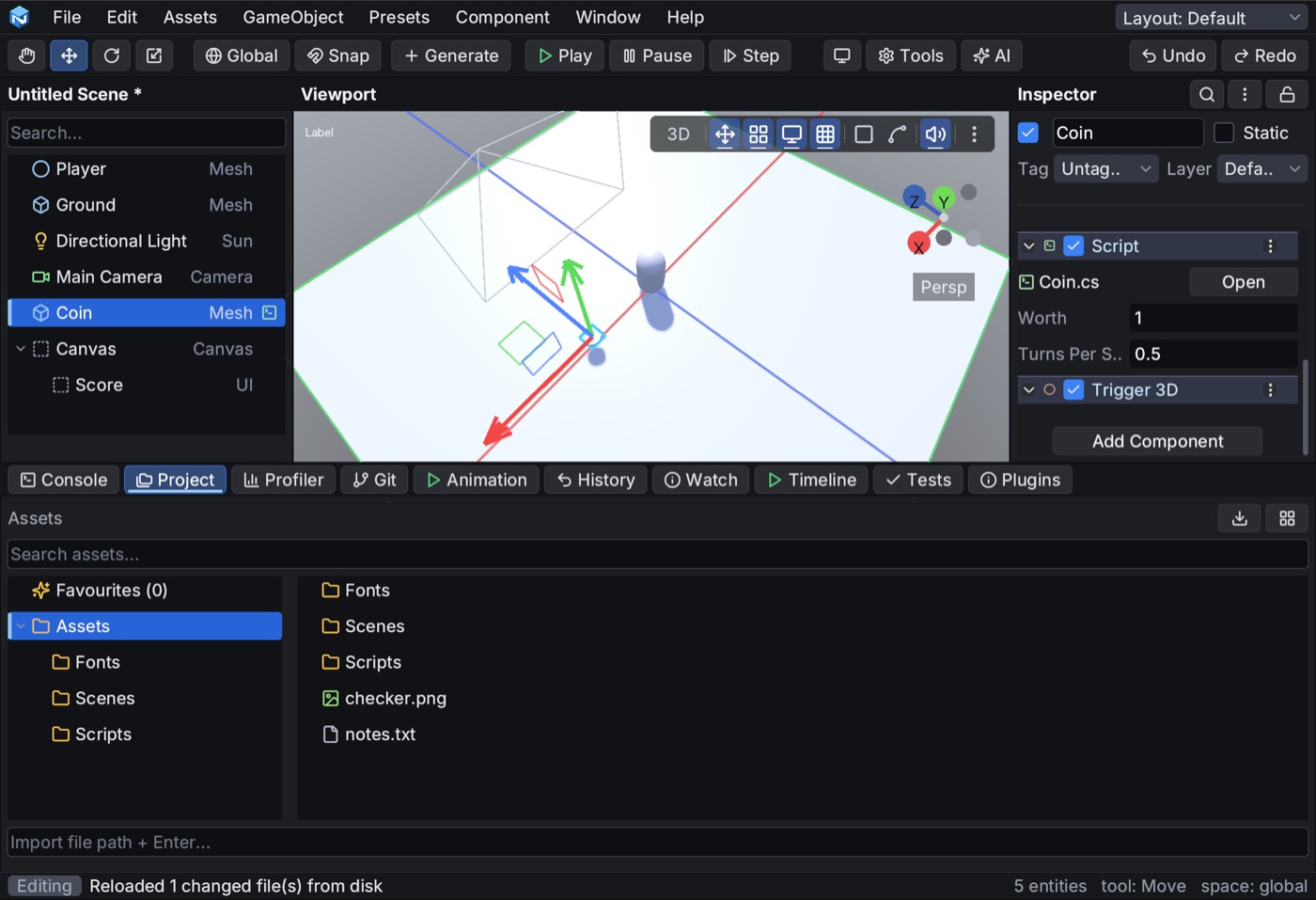
Select the coin and duplicate it (Ctrl+D), then move the copies around the level. Each one is its own coin, and they all use the same script.
5. Play
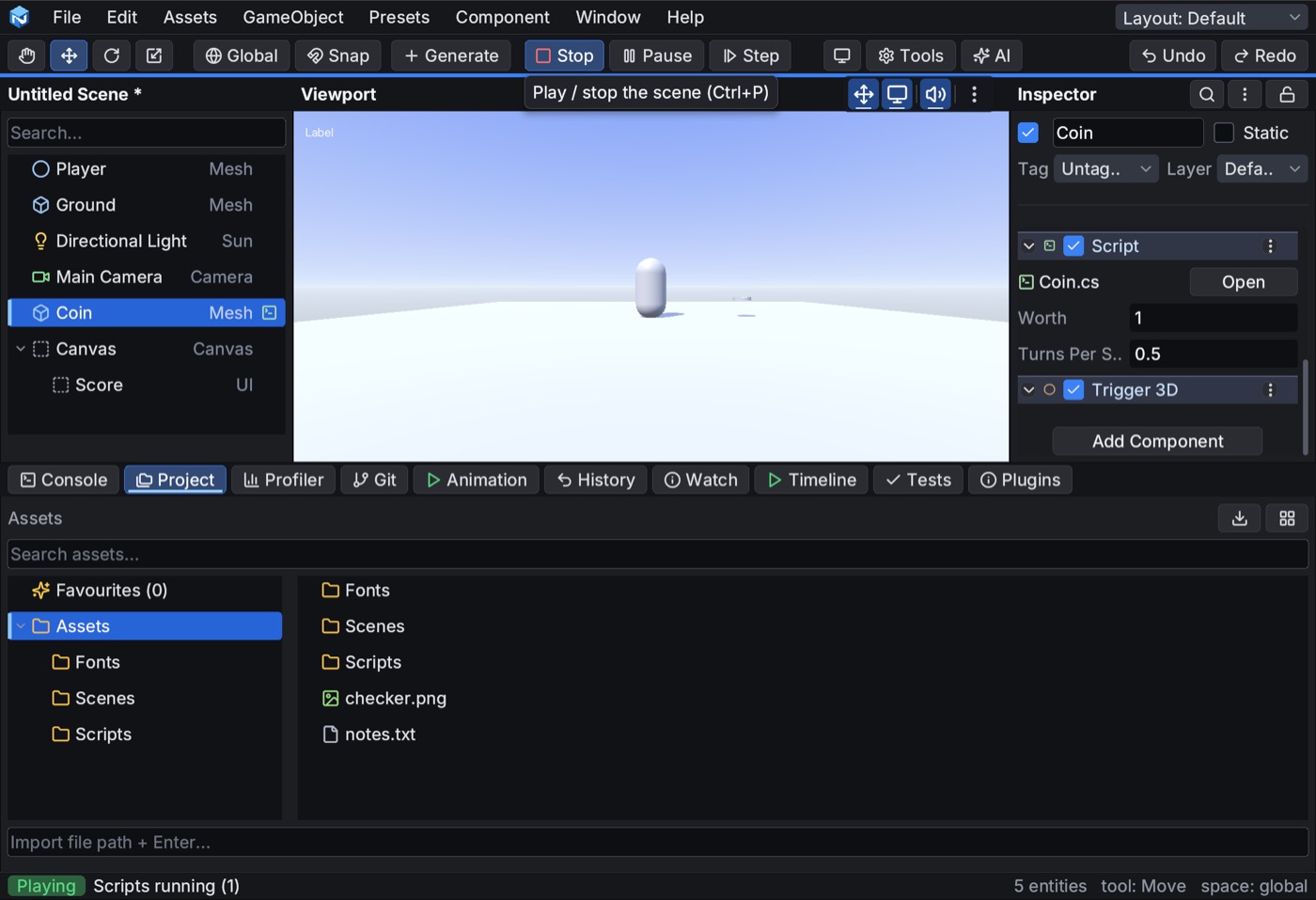
Walk into the coins: they vanish and the score goes up. To see how the engine keeps a score across scenes or saves it to a file, read the save slots and high score scripts in the cookbook.
Next: a door that opens by itself.