 Neux
Tutorial: a moving platform
A platform that glides between two points, waits at each end and carries whatever stands on it.
1. Set up
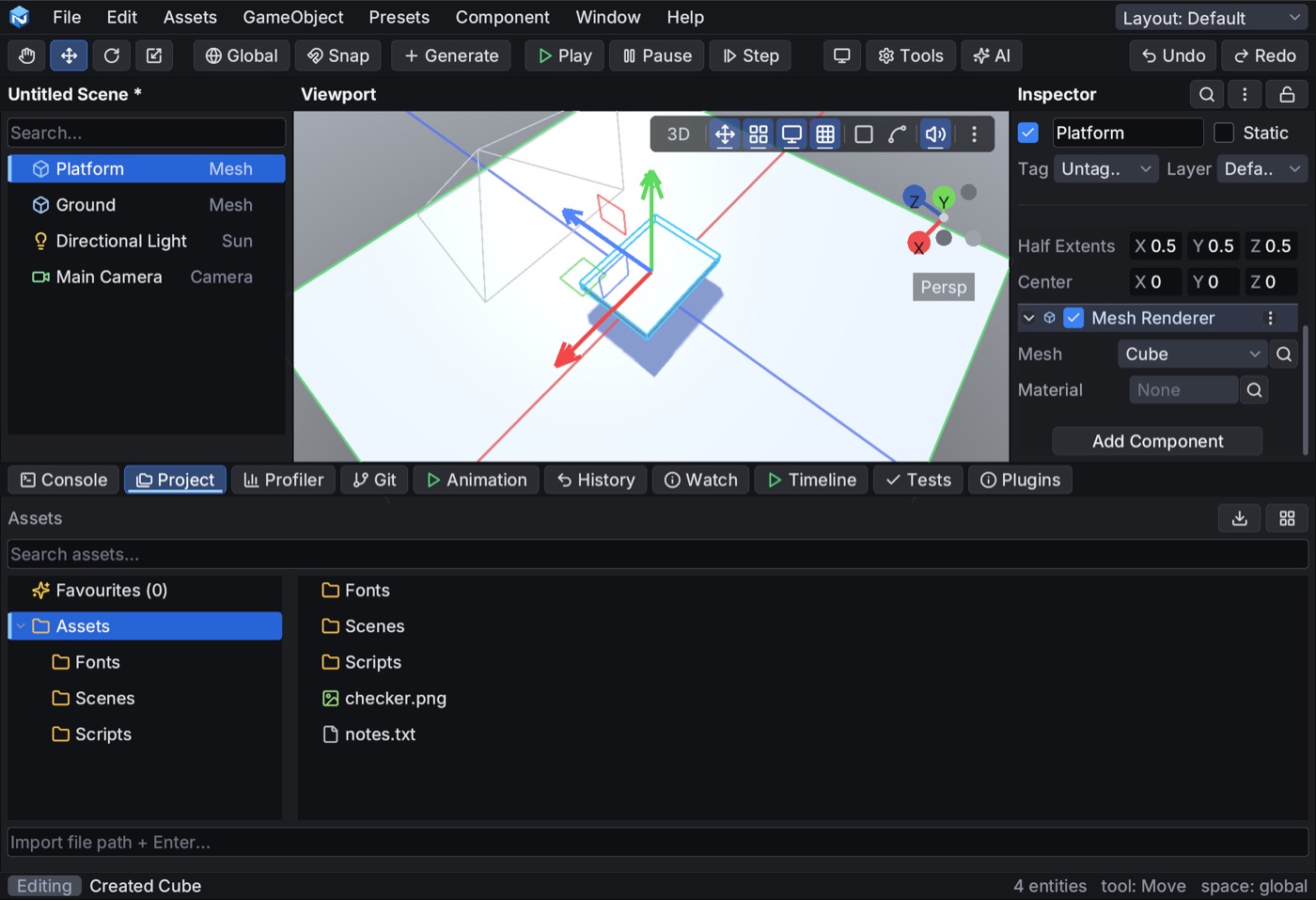
Make a flat Cube with a collider and place it where it should start. Nothing else is needed.
2. The script
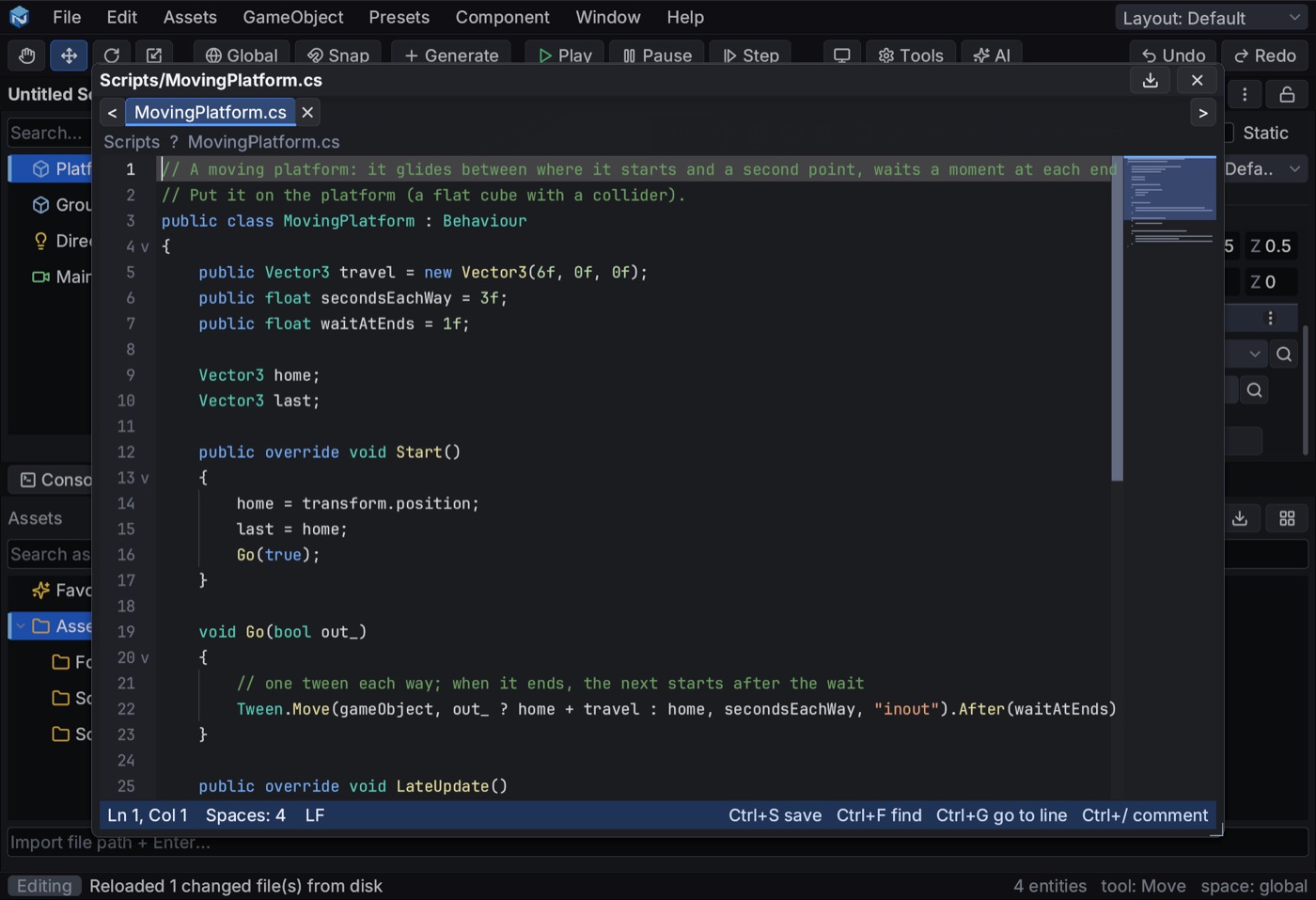
Scripts/MovingPlatform.cs
public class MovingPlatform : Behaviour
{
    public Vector3 travel = new Vector3(6f, 0f, 0f);
    public float secondsEachWay = 3f;
    public float waitAtEnds = 1f;

    Vector3 home;
    Vector3 last;

    public override void Start()
    {
        home = transform.position;
        last = home;
        Go(true);
    }

    void Go(bool out_)
    {
        // one tween each way; when it ends, the next starts after the wait
        Tween.Move(gameObject, out_ ? home + travel : home, secondsEachWay, "inout").After(waitAtEnds).Then(() => Go(!out_));
    }

    public override void LateUpdate()
    {
        last = transform.position;
    }

    public override void OnCollisionStay(GameObject other)
    {
        // whatever rests on the platform moves by what the platform moved this frame
        Vector3 moved = transform.position - last;
        if (other.transform.position.y > transform.position.y) other.transform.Translate(moved);
    }
}
Save it as Scripts/MovingPlatform.cs and add it to the platform.
3. How it works
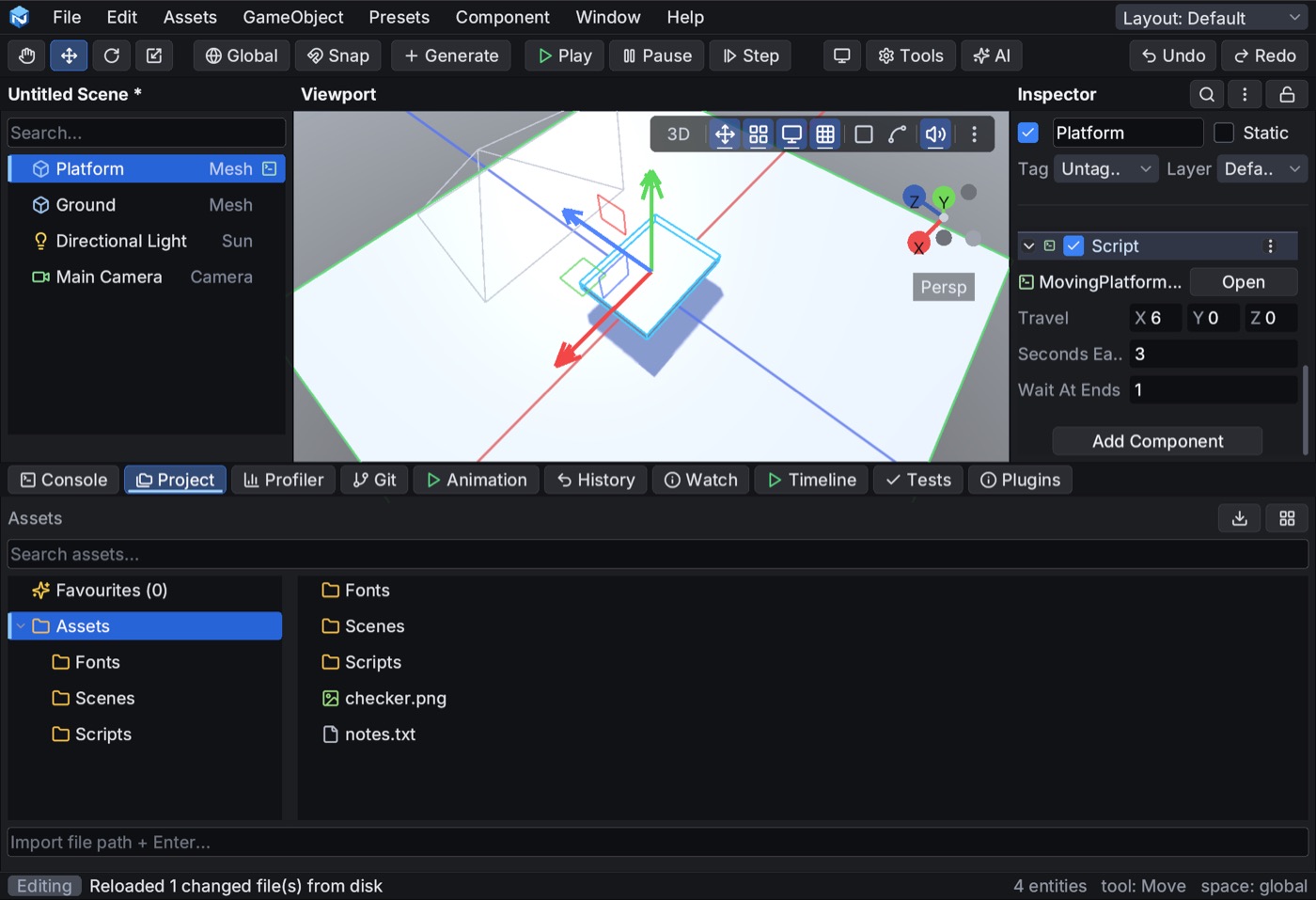
travelis the second point, measured from where it starts: 6 units along x by default.Gostarts one tween; when it ends,.Thenstarts the next one the other way. That is how a loop is made from tweens."inout"eases at both ends, so it slows down before stopping.- Carrying: each frame,
LateUpdateremembers where the platform was;OnCollisionStaymoves whatever stands on it by the same amount.
4. Try it
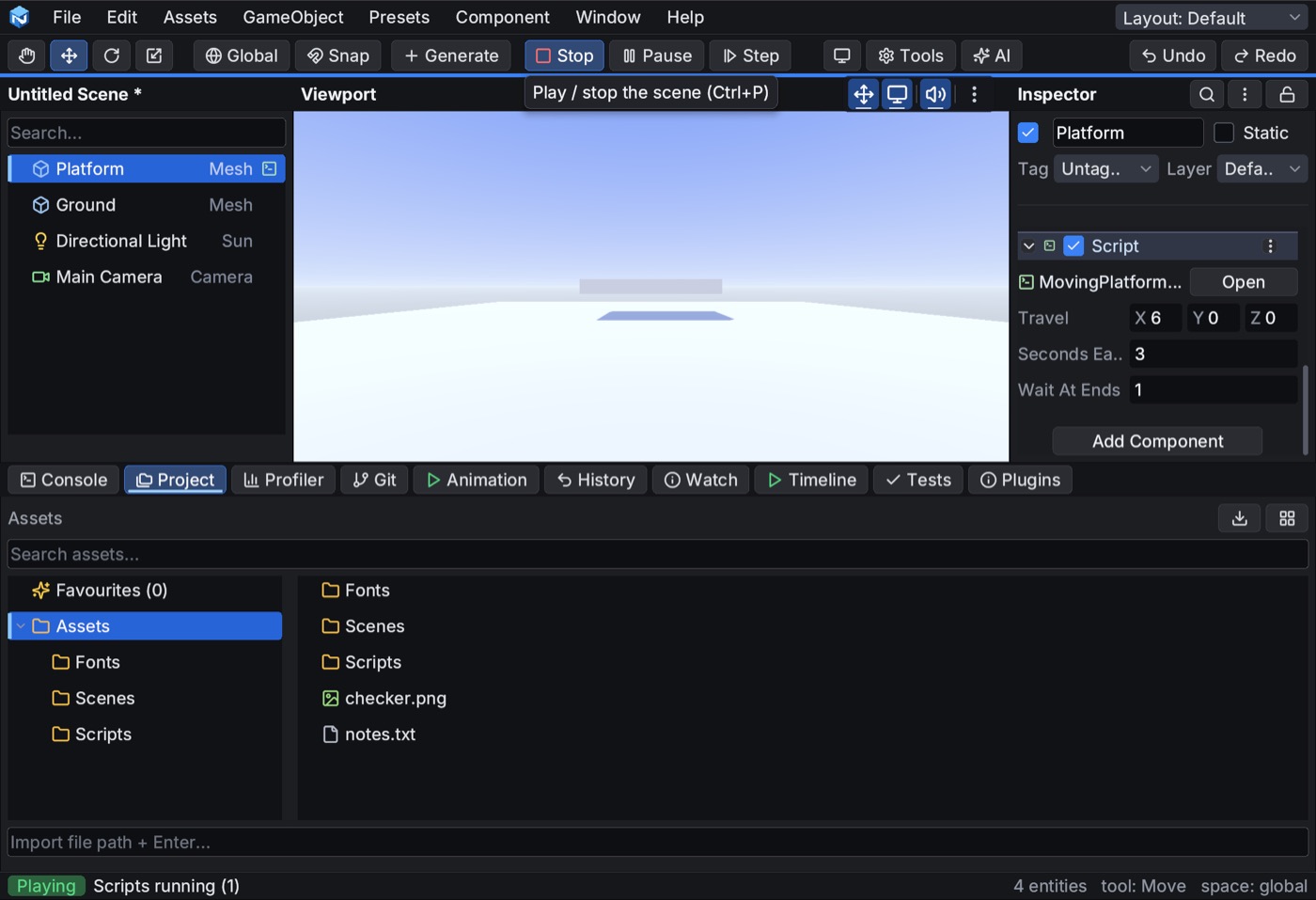
Press PLAY and jump on. Set travel to (0, 5, 0) for a lift, and change waitAtEnds for longer stops.
Next: checkpoints.