 Neux
Tutorial: ask the AI to build a scene
The agent builds and changes your scene from a sentence. Without any setup the Director answers what it understands; connecting a model lets it handle everything else.
1. Without a model
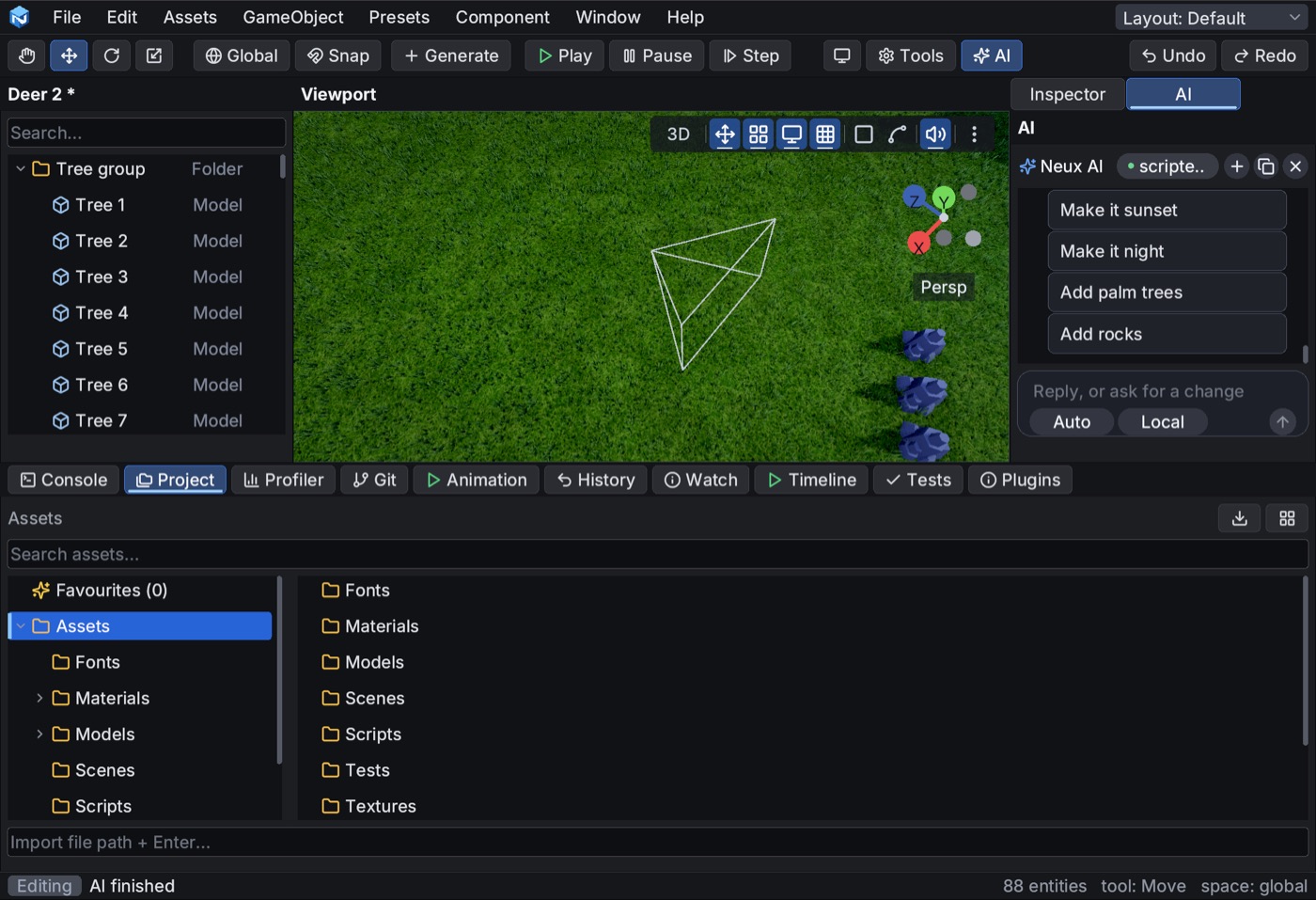
- Open a project and click AI in the toolbar.
- Type what you want, for example a forest at night with five deer. The Director builds it with no AI model and no internet connection for most requests of this kind.
- Ask for changes the same way: add something, change the light, move things.
You can also start from the hub: Make a level from a sentence and Generate a character are on its Start row.
2. With a model
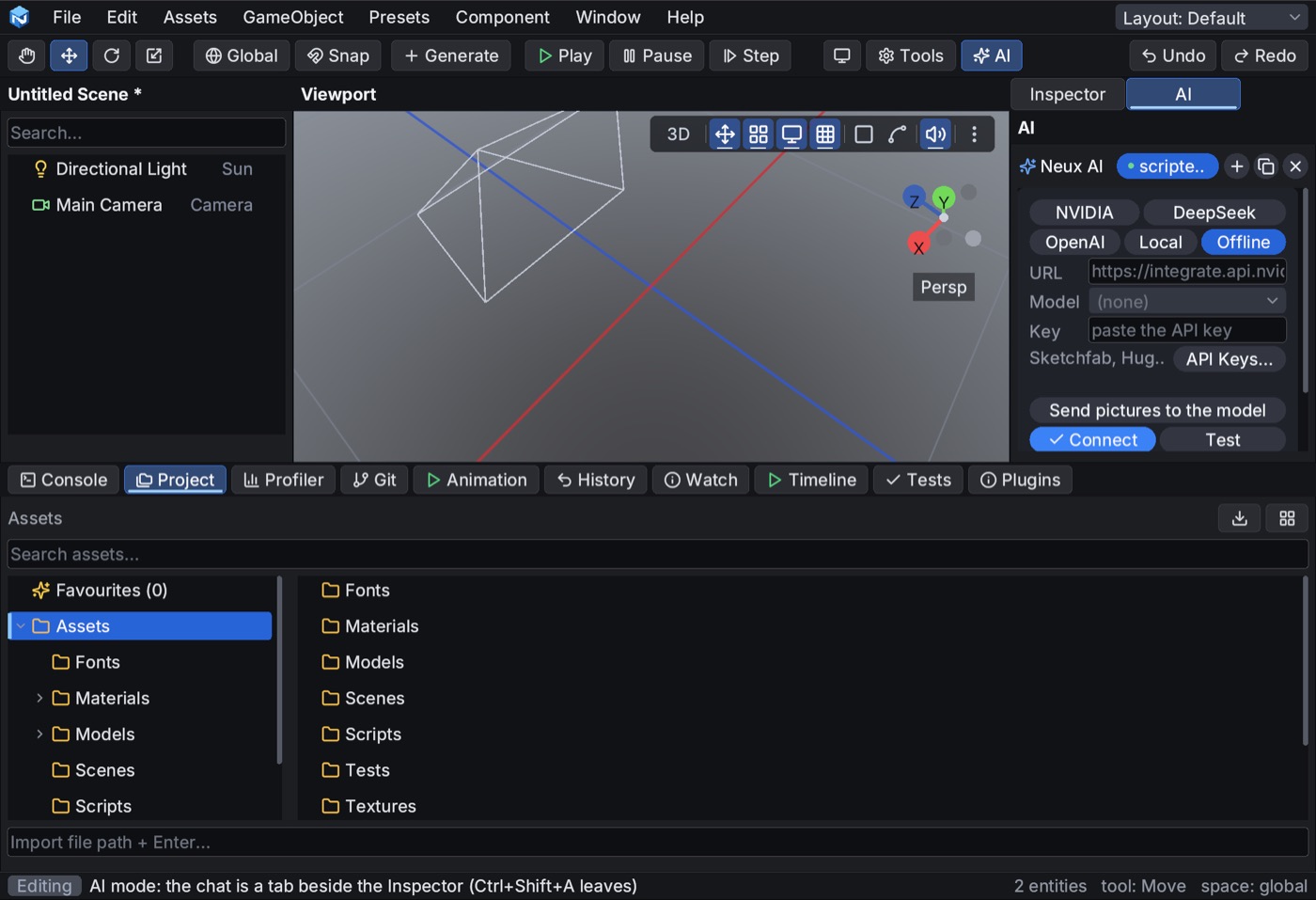
For everything the Director does not understand:
- Click MODEL in the AI panel.
- Pick DeepSeek, OpenAI, NVIDIA or a local Ollama.
- Paste your key and press CONNECT. Keys are kept in your system's keychain, never in the project.
3. Approve, and take it back
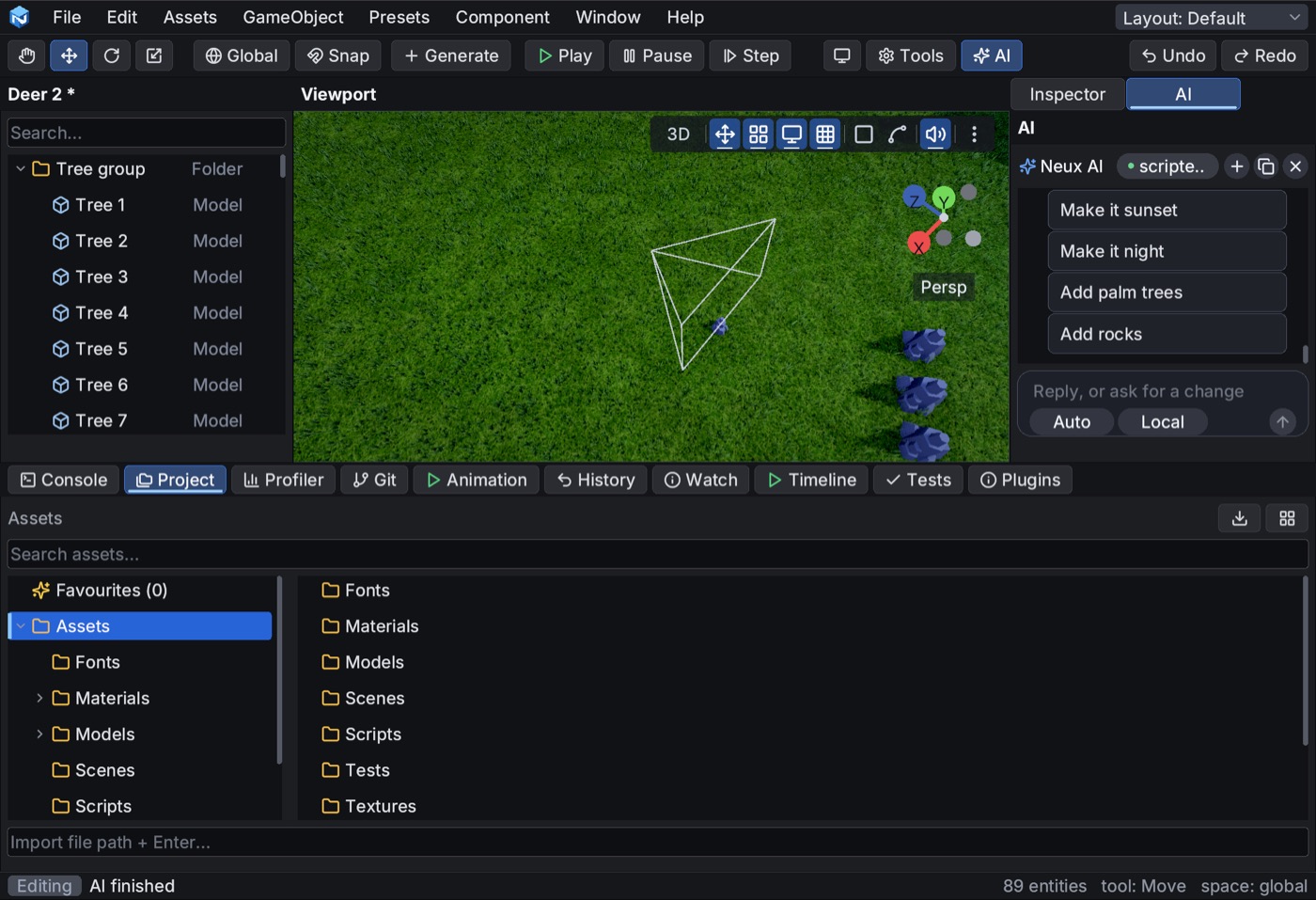
The agent shows its plan, and you approve it before it runs. Every step appears as a card. If you do not like the result, UNDO ALL takes the whole run back.
Read The AI agent and The Director for everything they can do. Next: make a game from a sentence.