 Neux
Tutorial: saving the game and keeping a high score
Two scripts: one saves and loads the whole game with F5 and F9, one remembers your best score.
1. Save slots
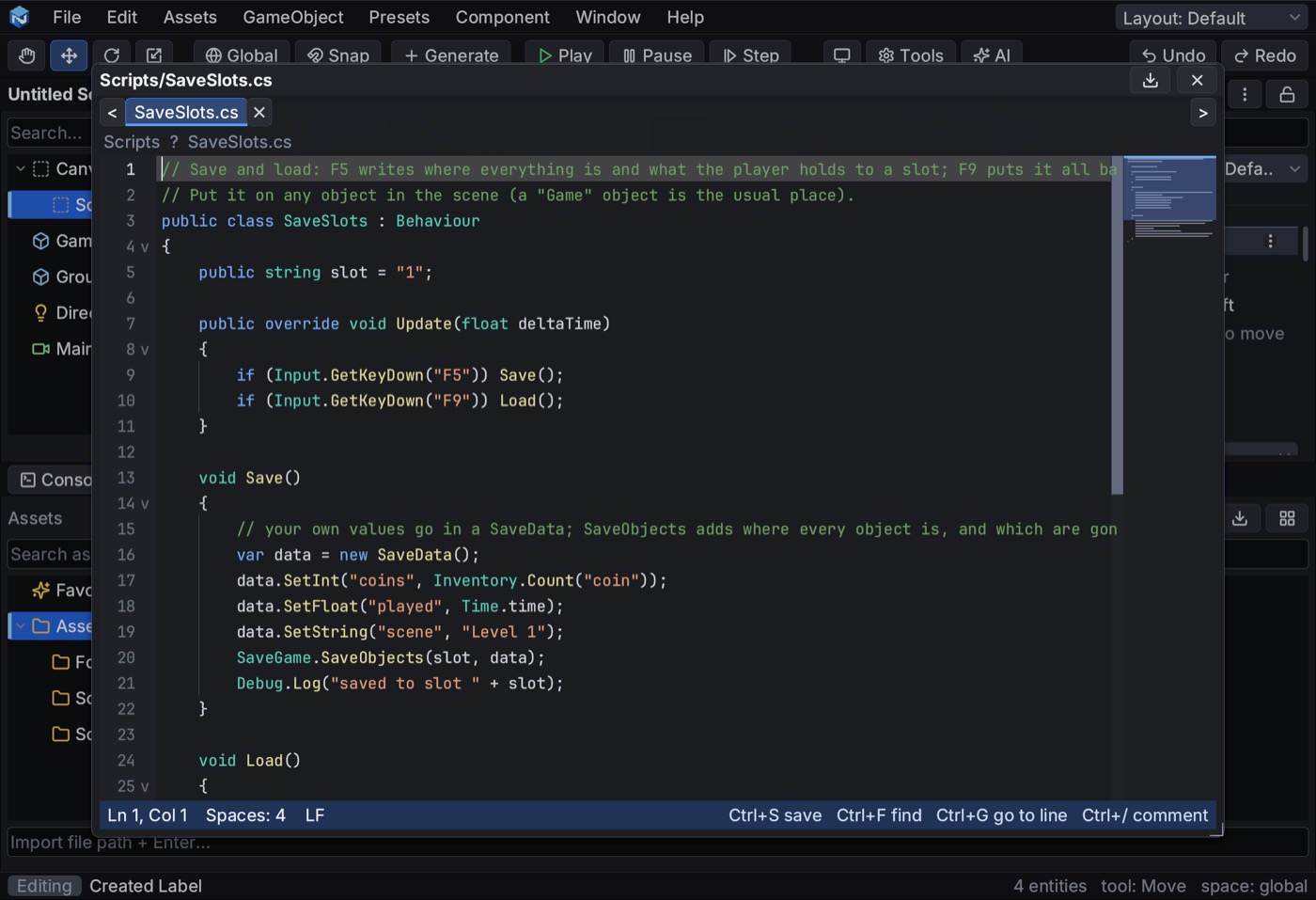
Put it on any object in the scene (a Game object is the usual place).
Scripts/SaveSlots.cs
public class SaveSlots : Behaviour
{
    public string slot = "1";

    public override void Update(float deltaTime)
    {
        if (Input.GetKeyDown("F5")) Save();
        if (Input.GetKeyDown("F9")) Load();
    }

    void Save()
    {
        // your own values go in a SaveData; SaveObjects adds where every object is, and which are gone
        var data = new SaveData();
        data.SetInt("coins", Inventory.Count("coin"));
        data.SetFloat("played", Time.time);
        data.SetString("scene", "Level 1");
        SaveGame.SaveObjects(slot, data);
        Debug.Log("saved to slot " + slot);
    }

    void Load()
    {
        if (!SaveGame.Exists(slot)) { Debug.LogWarning("slot " + slot + " is empty"); return; }
        // the objects go back to where they were, and your values come back
        SaveData data = SaveGame.LoadObjects(slot);
        Inventory.Clear();
        Inventory.Add("coin", data.GetInt("coins"));
        if (UI.Exists("Score")) UI.SetText("Score", "Coins " + Inventory.Count("coin"));
        Debug.Log("loaded slot " + slot + ", saved " + SaveGame.SavedAt(slot));
    }
}
SaveObjects writes where every object is and which are gone, plus the values you put in a SaveData (here the coins, the time played and the level name). LoadObjects puts it all back. Use different slot names for several save files.
2. A high score
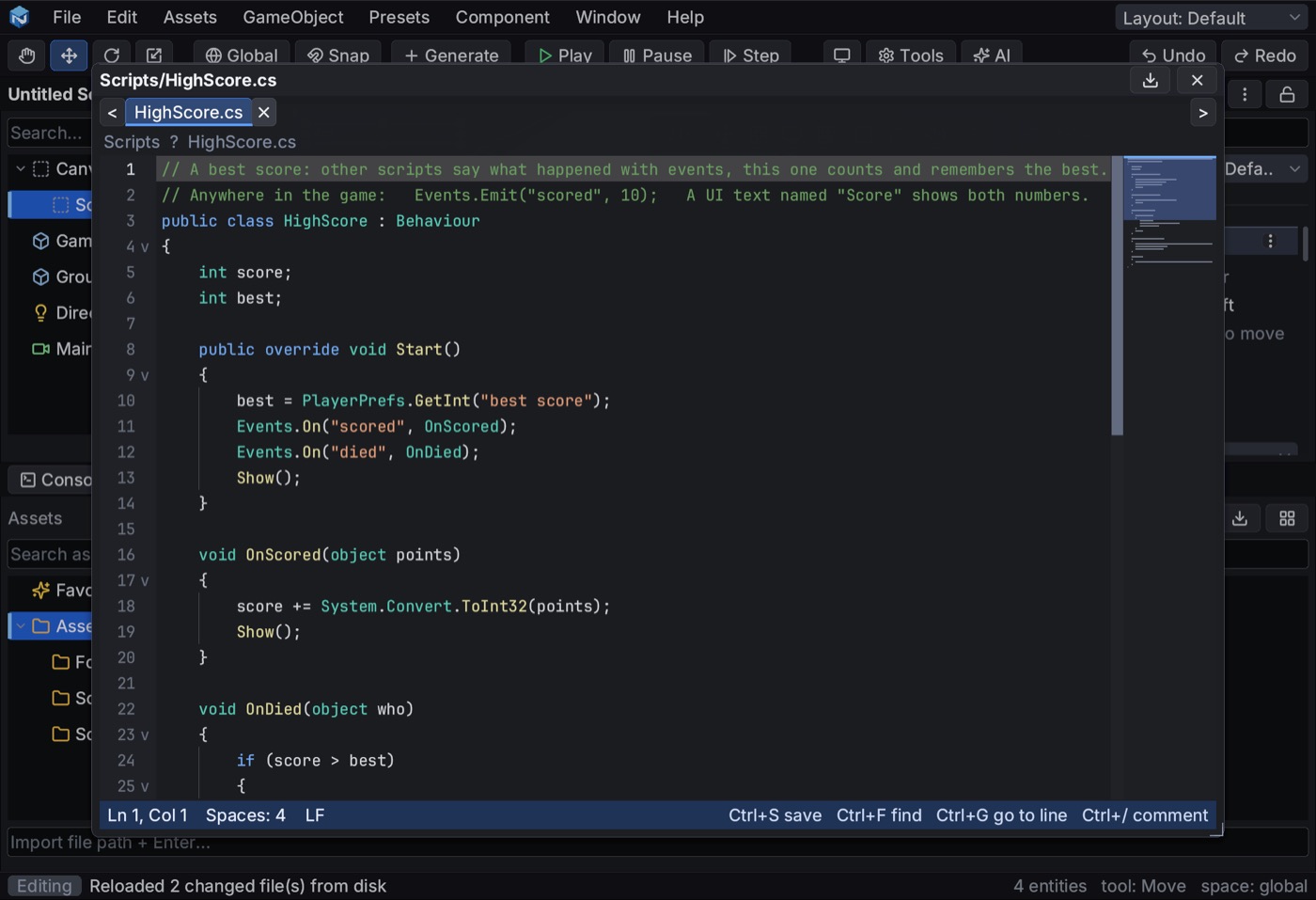
Other scripts report what happened with events; this one counts and remembers.
Scripts/HighScore.cs
public class HighScore : Behaviour
{
    int score;
    int best;

    public override void Start()
    {
        best = PlayerPrefs.GetInt("best score");
        Events.On("scored", OnScored);
        Events.On("died", OnDied);
        Show();
    }

    void OnScored(object points)
    {
        score += System.Convert.ToInt32(points);
        Show();
    }

    void OnDied(object who)
    {
        if (score > best)
        {
            best = score;
            PlayerPrefs.SetInt("best score", best);
            PlayerPrefs.Save();
        }
        Show();
    }

    public override void OnDestroy()
    {
        // (a script that listens stops listening when it goes: the handler would be called on a dead object)
        Events.Off("scored", OnScored);
        Events.Off("died", OnDied);
    }

    void Show()
    {
        if (UI.Exists("Score")) UI.SetText("Score", "Score " + score + "   Best " + best);
    }
}
Anywhere in your game, say what happened:
Events.Emit("scored", 10);The script adds it up, and when something emits died (the health script does) it compares with the best and saves it with PlayerPrefs, which survives closing the game. A UI text named Score shows both numbers.
3. Why events
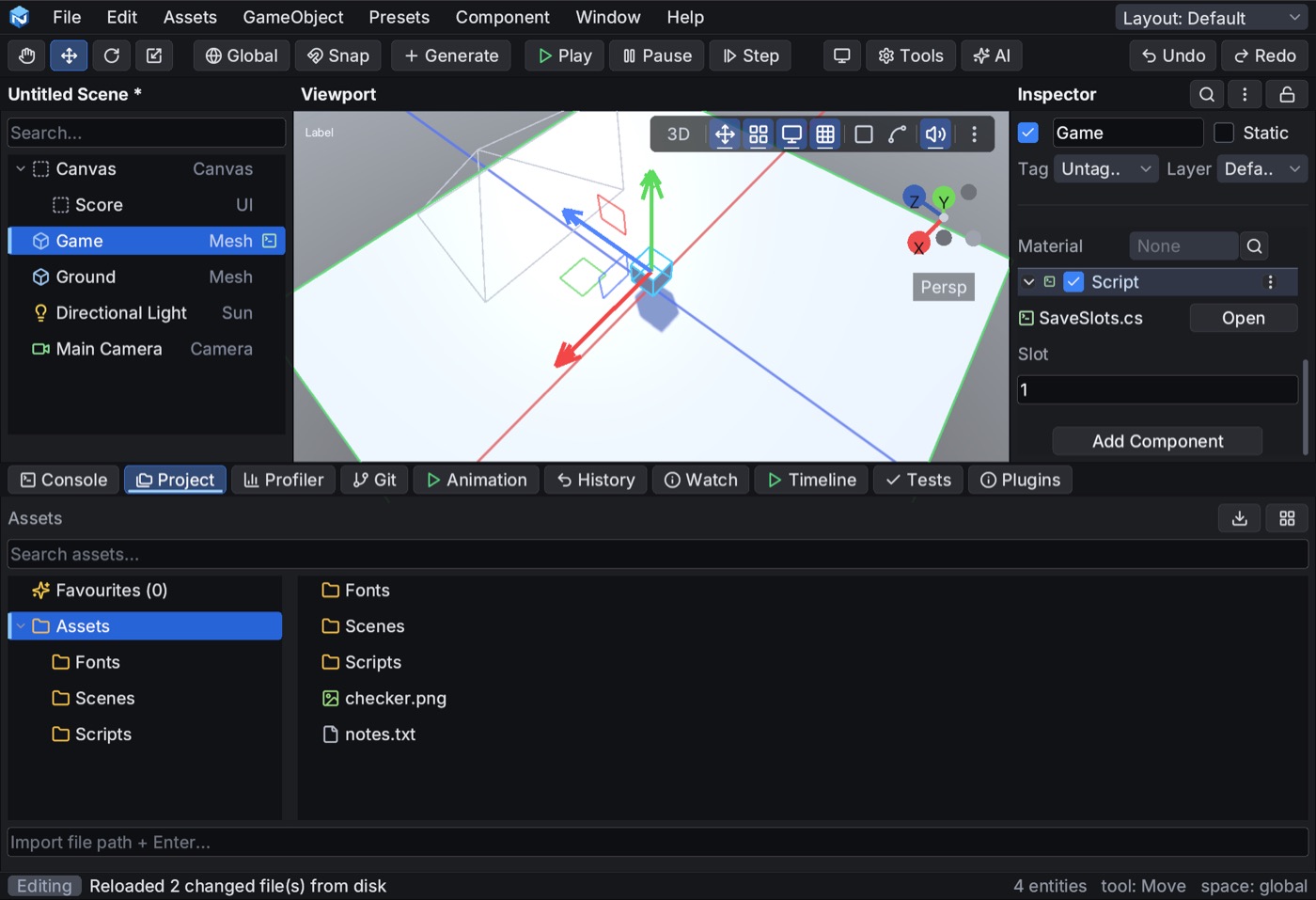
The coin, the enemy and the level do not need to know about the score: they emit, the score script listens. You can add a second listener (a sound, an achievement) without changing them.
Next: load the next level.