 Neux
Tutorial: una cuenta atrás
El nivel dura tantos segundos. Un texto los muestra, se pone rojo cerca del final y el nivel se reinicia al llegar a cero.
1. Preparación
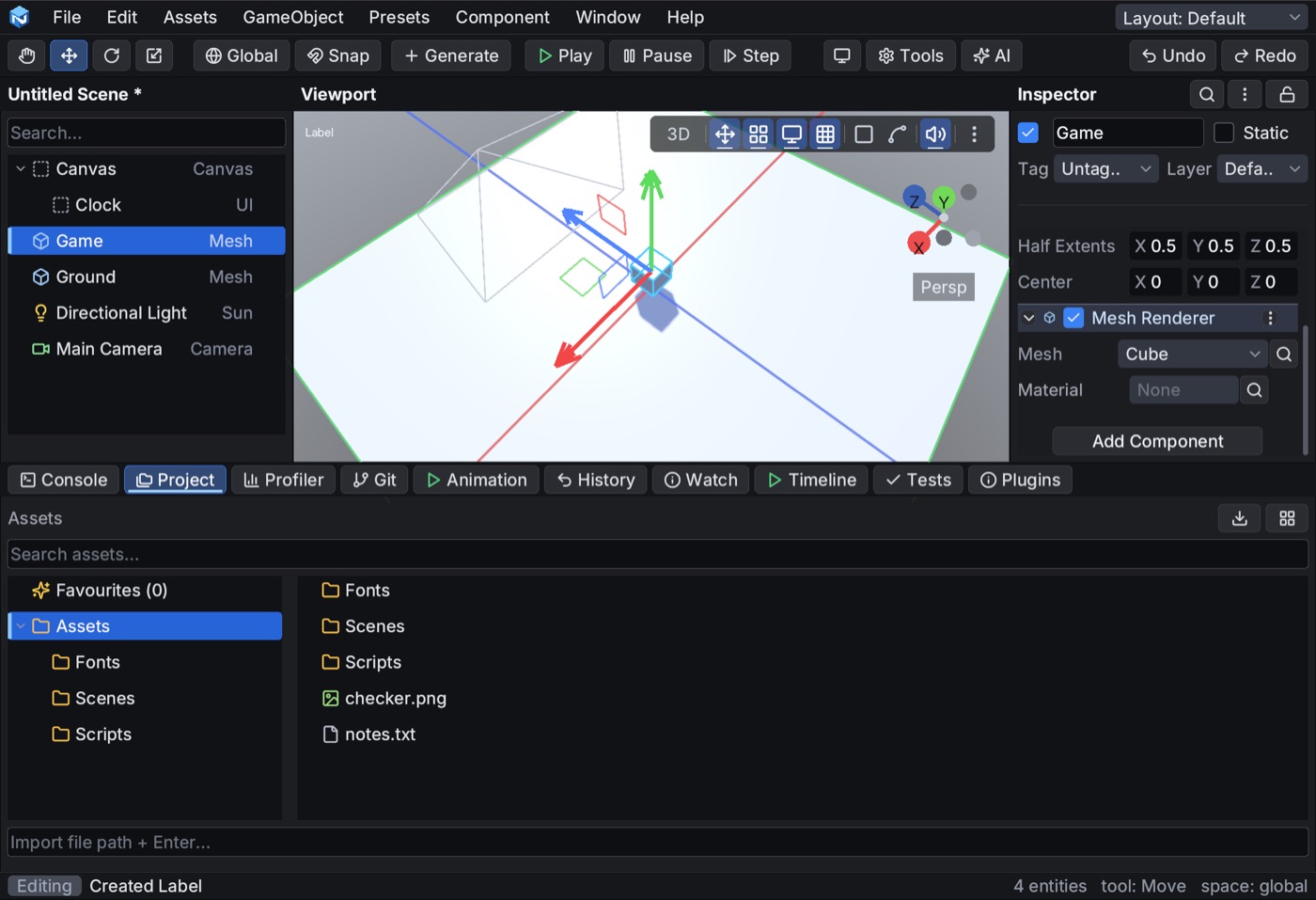
Añade un texto de interfaz llamado Clock. Pon el script en cualquier objeto.
2. El script
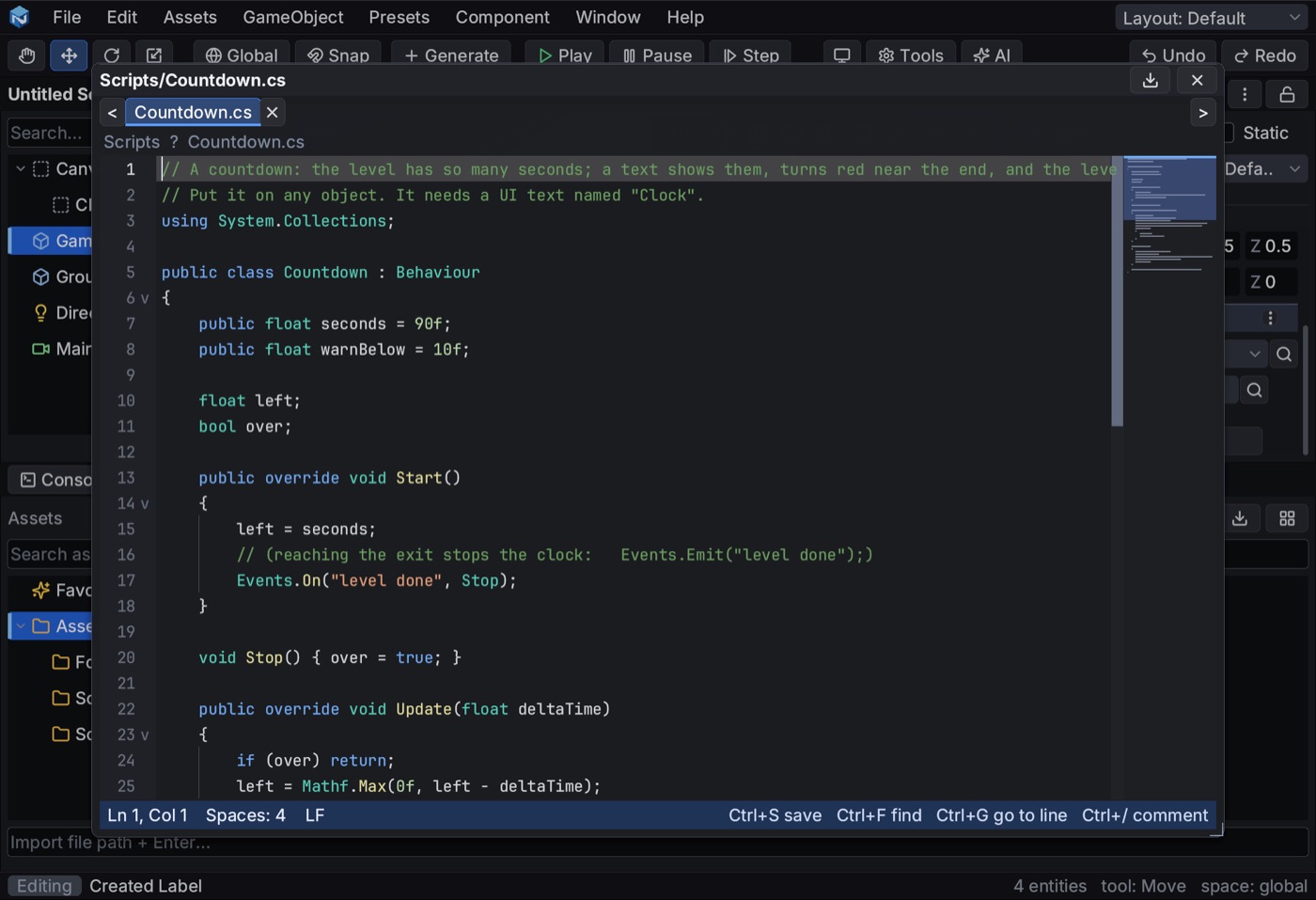
Scripts/Countdown.cs
using System.Collections;

public class Countdown : Behaviour
{
    public float seconds = 90f;
    public float warnBelow = 10f;

    float left;
    bool over;

    public override void Start()
    {
        left = seconds;
        // (reaching the exit stops the clock:   Events.Emit("level done");)
        Events.On("level done", Stop);
    }

    void Stop() { over = true; }

    public override void Update(float deltaTime)
    {
        if (over) return;
        left = Mathf.Max(0f, left - deltaTime);
        int whole = Mathf.CeilToInt(left);
        UI.SetText("Clock", (whole / 60) + ":" + (whole % 60).ToString("00"));
        UI.SetColor("Clock", left < warnBelow ? Color.red : Color.white);
        if (left <= 0f)
        {
            over = true;
            StartCoroutine(Again());
        }
    }

    IEnumerator Again()
    {
        UI.SetText("Clock", "Time is up");
        Events.Emit("time up");
        // (real seconds: the wait still ends if something has stopped the game's time)
        yield return new WaitForSecondsRealtime(2f);
        Scene.Reload();
    }

    public override void OnDestroy() { Events.Off("level done", Stop); }
}
Guárdalo como Scripts/Countdown.cs.
3. Cómo funciona
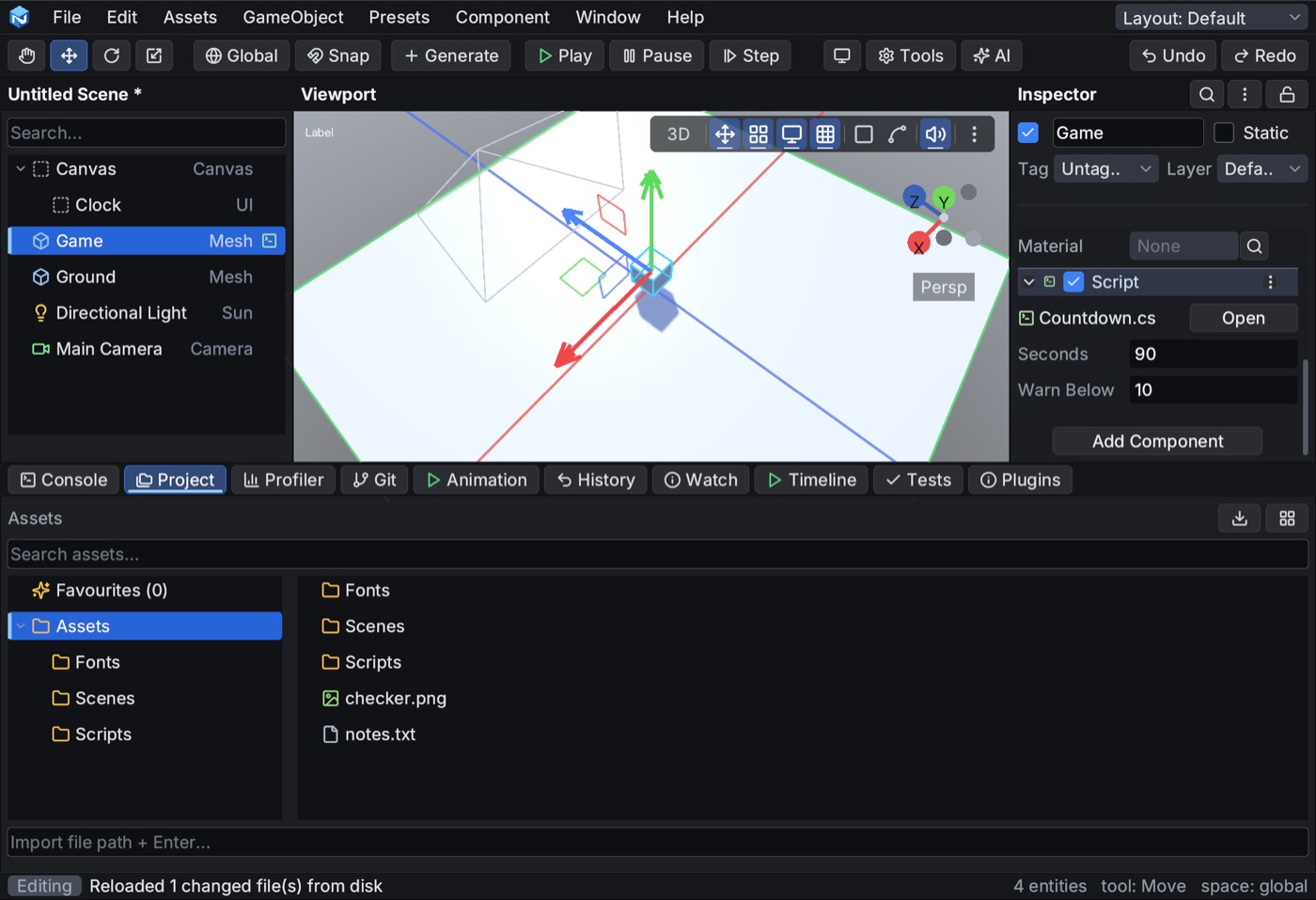
El script resta deltaTime al tiempo restante en cada fotograma y lo escribe en minutos y segundos. Por debajo de warnBelow segundos el texto se pone rojo. A cero muestra «Time is up», emite un evento time up para otros scripts, espera dos segundos reales y recarga el nivel. Cambia seconds y warnBelow en el Inspector. Cuando el jugador llega a la salida, Events.Emit("level done") detiene el reloj (lo hace el script de salida de nivel).
Como deltaTime es cero mientras el juego está en pausa (menú de pausa), el reloj también se detiene.
4. Variaciones
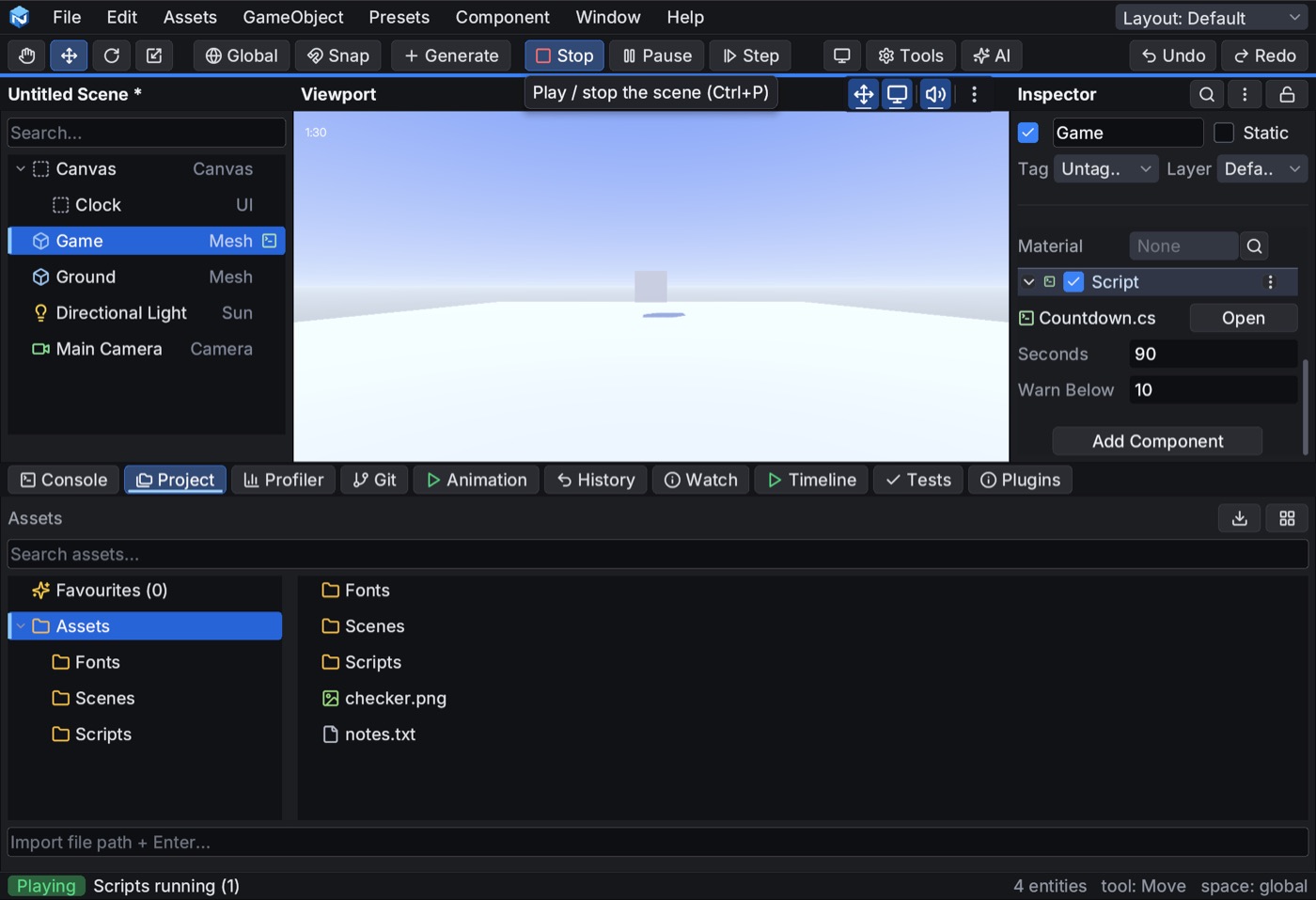
El script ya emite time up: escúchalo con Events.On("time up", ...) para mostrar una pantalla de fin de partida en lugar de esperar la recarga.
Siguiente: un menú de pausa.