 Neux
Tutorial: la salida: cargar el siguiente nivel
Al pisar la salida se carga el siguiente nivel en segundo plano mientras se llena una barra, y se muestra cuando está listo.
1. Preparación
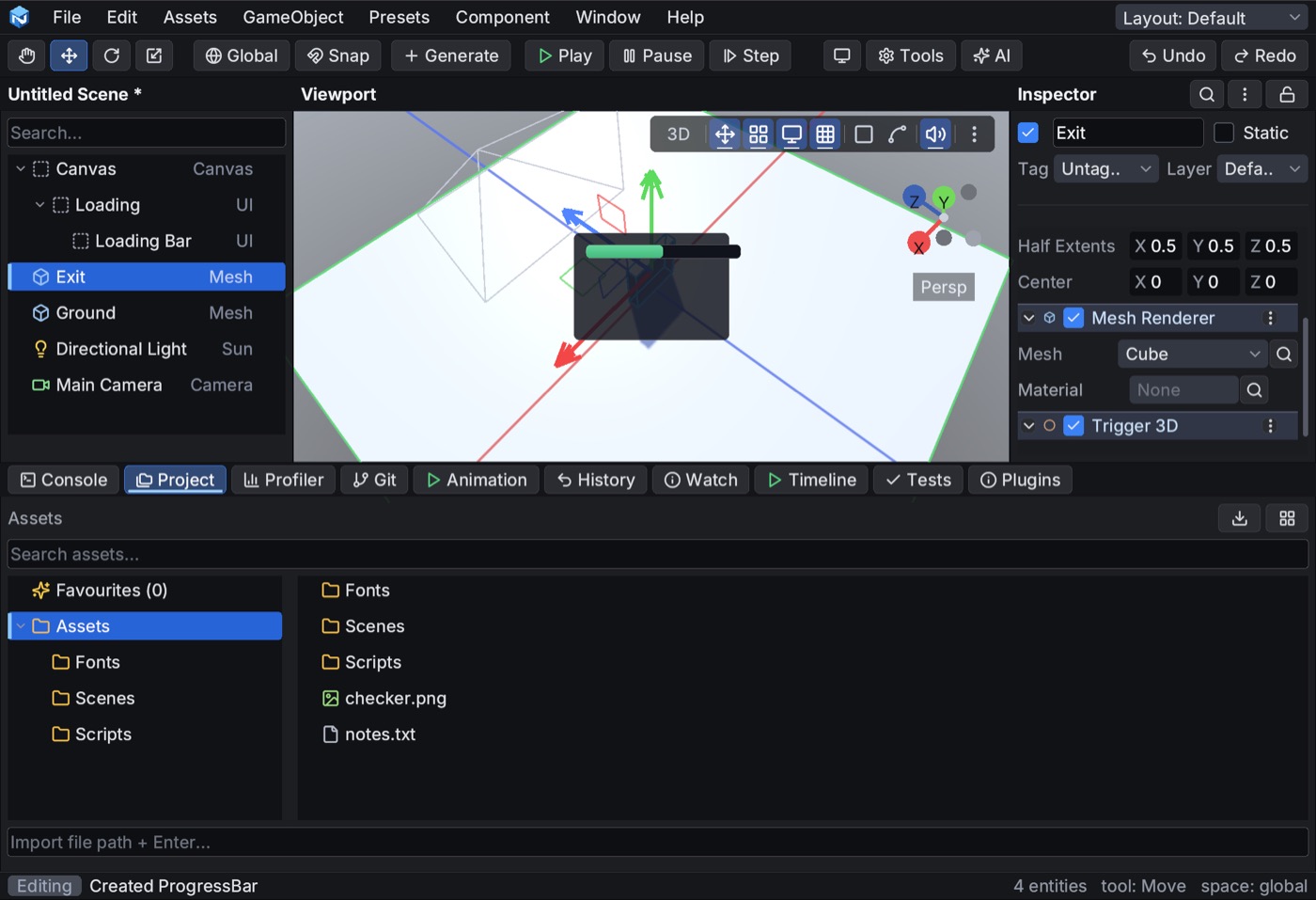
- Pon el script en un objeto con un Trigger3D al final del nivel.
- Añade un panel de interfaz llamado
Loadingcon una barra de progreso llamadaLoading Bar. - En File > Build Settings, añade ambos niveles a la lista de escenas.
2. El script
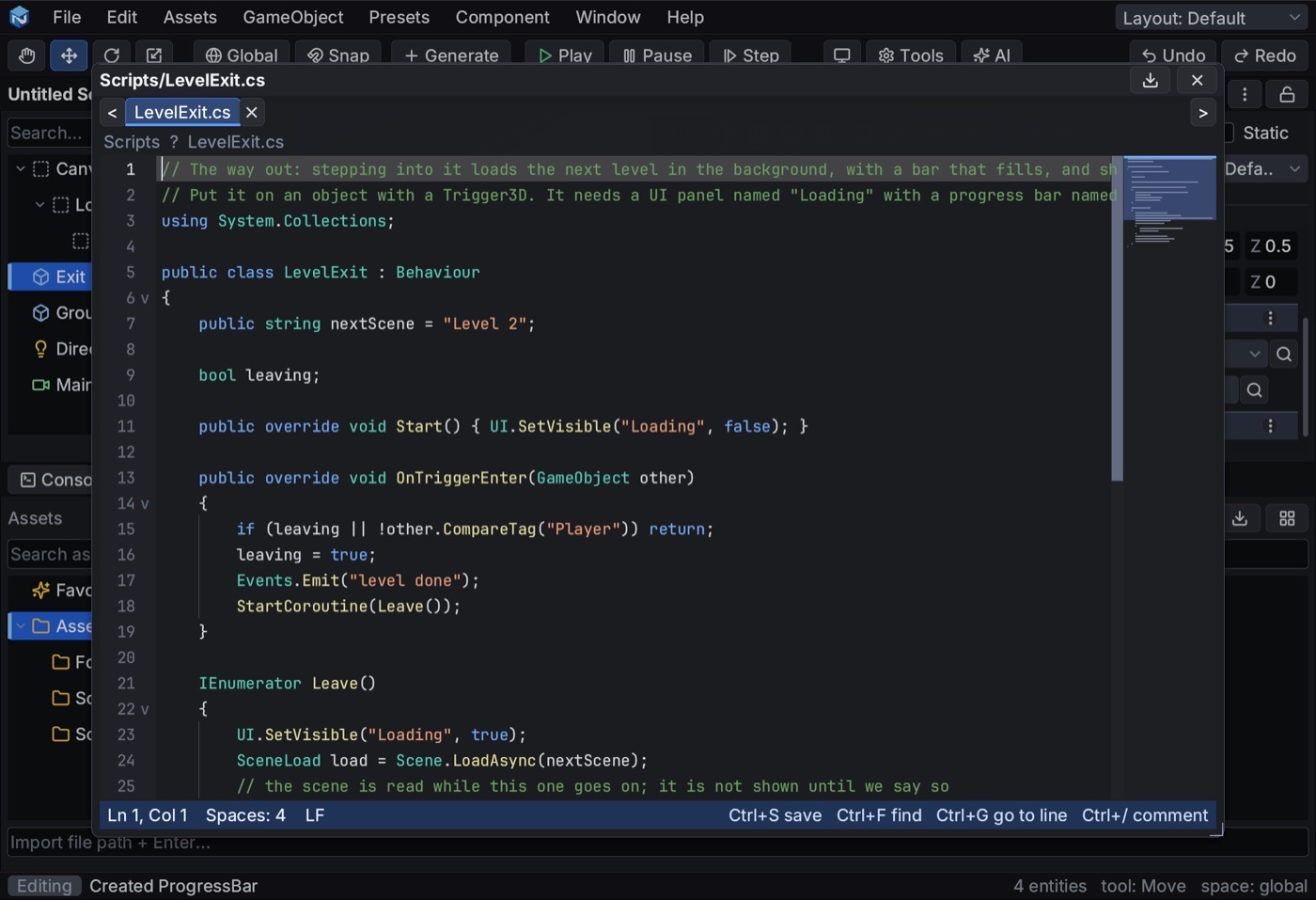
Scripts/LevelExit.cs
using System.Collections;

public class LevelExit : Behaviour
{
    public string nextScene = "Level 2";

    bool leaving;

    public override void Start() { UI.SetVisible("Loading", false); }

    public override void OnTriggerEnter(GameObject other)
    {
        if (leaving || !other.CompareTag("Player")) return;
        leaving = true;
        Events.Emit("level done");
        StartCoroutine(Leave());
    }

    IEnumerator Leave()
    {
        UI.SetVisible("Loading", true);
        SceneLoad load = Scene.LoadAsync(nextScene);
        // the scene is read while this one goes on; it is not shown until we say so
        load.allowSceneActivation = false;
        while (load.progress < 0.9f)
        {
            UI.SetValue("Loading Bar", load.progress);
            yield return null;
        }
        UI.SetValue("Loading Bar", 1f);
        yield return new WaitForSeconds(0.3f);
        load.allowSceneActivation = true;
    }
}
Guárdalo como Scripts/LevelExit.cs.
3. Cómo funciona
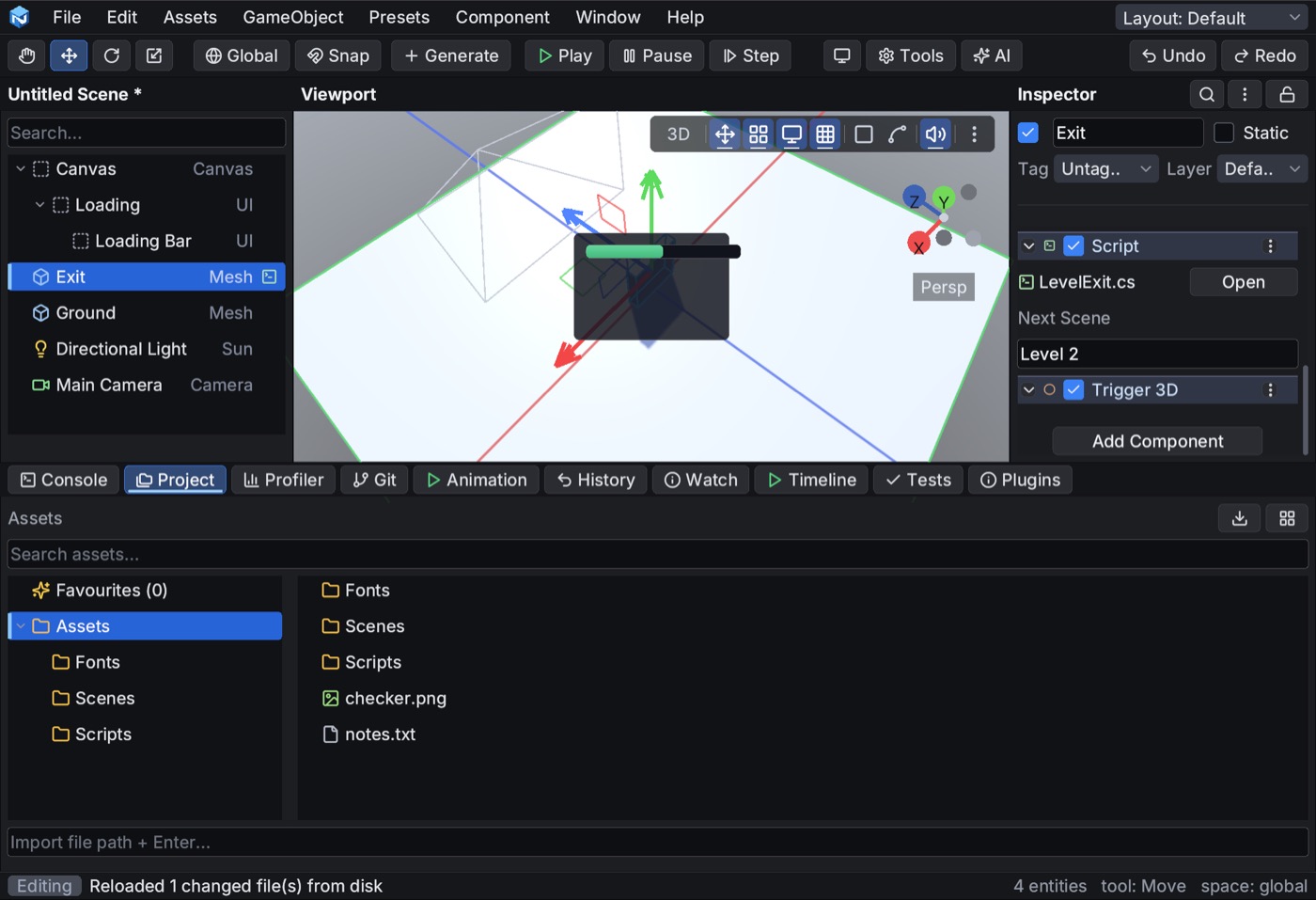
Cargar en segundo plano significa que el juego no se congela mientras carga el siguiente nivel: la barra muestra el progreso y el nuevo nivel aparece cuando está listo. Pon el nombre del siguiente nivel en el Inspector.
Siguiente: un menú de controles.