 Neux
Tutorial: llaves, cofres y «pulsa E»
Tres scripts pequeños que trabajan juntos: el jugador pulsa E cerca de algo utilizable, se recoge una llave y un cofre se abre solo para quien tenga su llave.
1. El jugador: pulsar E
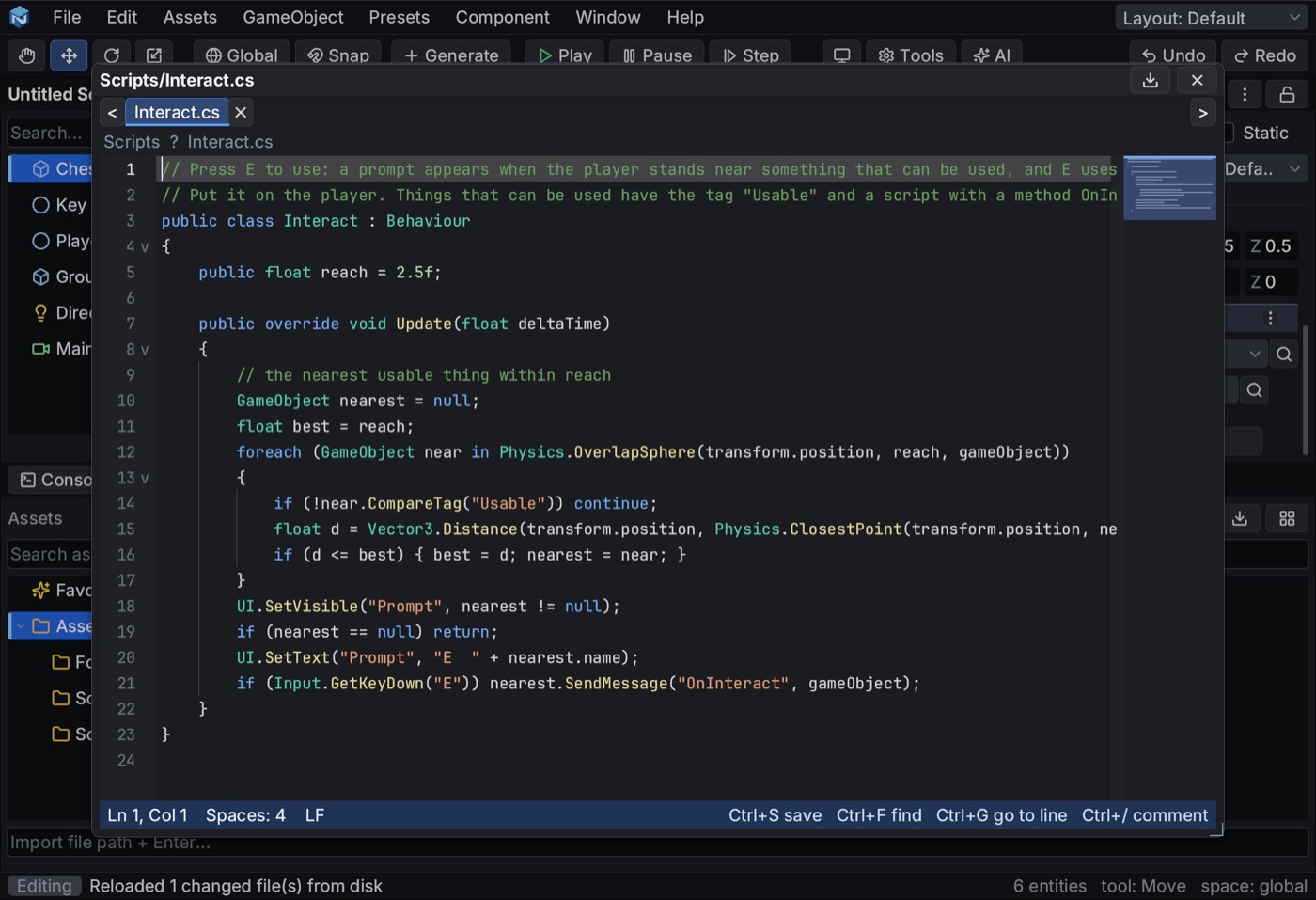
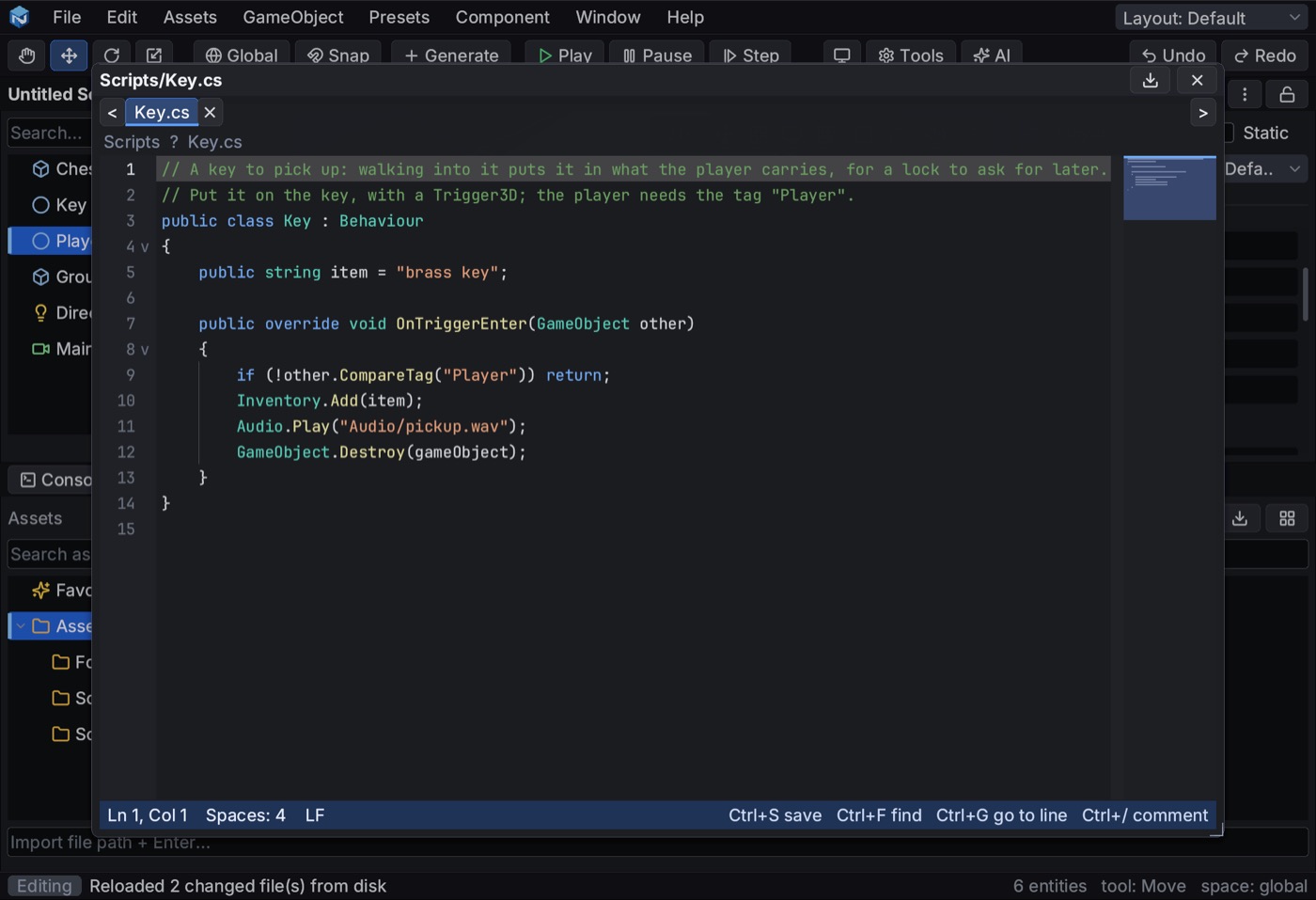
Pon esto en el jugador. Todo lo utilizable tiene la etiqueta Usable y un método OnInteract. Un texto de interfaz llamado Prompt muestra «Press E».
Scripts/Interact.cs
public class Interact : Behaviour
{
    public float reach = 2.5f;

    public override void Update(float deltaTime)
    {
        // the nearest usable thing within reach
        GameObject nearest = null;
        float best = reach;
        foreach (GameObject near in Physics.OverlapSphere(transform.position, reach, gameObject))
        {
            if (!near.CompareTag("Usable")) continue;
            float d = Vector3.Distance(transform.position, Physics.ClosestPoint(transform.position, near));
            if (d <= best) { best = d; nearest = near; }
        }
        UI.SetVisible("Prompt", nearest != null);
        if (nearest == null) return;
        UI.SetText("Prompt", "E  " + nearest.name);
        if (Input.GetKeyDown("E")) nearest.SendMessage("OnInteract", gameObject);
    }
}
2. La llave
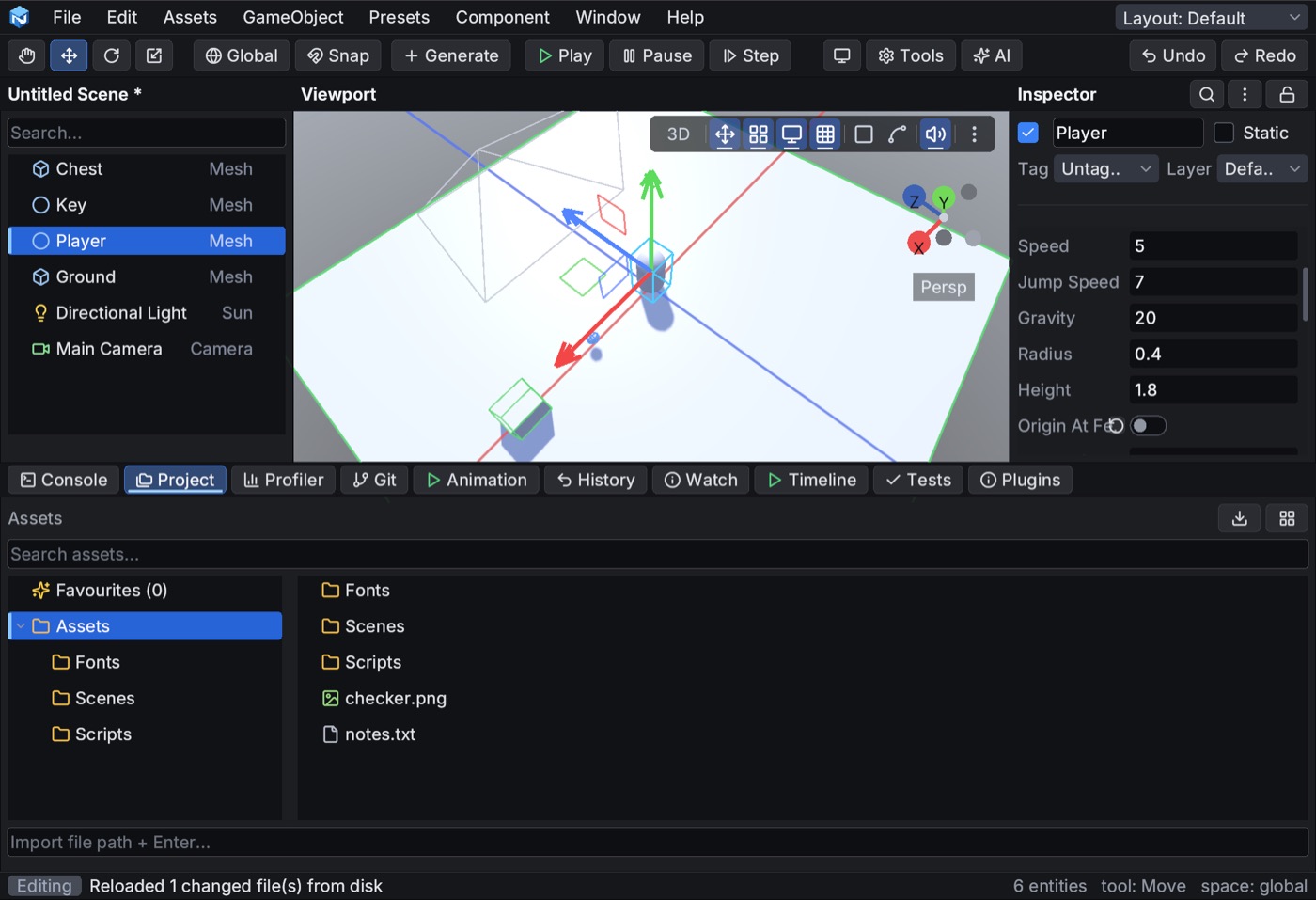
Ponlo en la llave, con un Trigger3D; el jugador necesita la etiqueta Player.
Scripts/Key.cs
public class Key : Behaviour
{
    public string item = "brass key";

    public override void OnTriggerEnter(GameObject other)
    {
        if (!other.CompareTag("Player")) return;
        Inventory.Add(item);
        Audio.Play("Audio/pickup.wav");
        GameObject.Destroy(gameObject);
    }
}
3. El cofre cerrado
Ponlo en la tapa del cofre y dale a la tapa la etiqueta Usable; el script de arriba llama a OnInteract cuando se pulsa E a su lado.
Scripts/LockedChest.cs
public class LockedChest : Behaviour
{
    public string needs = "brass key";
    public Vector3 openAngle = new Vector3(-70f, 0f, 0f);

    bool open;

    // (the Interact script calls this by its name)
    public void OnInteract(object who)
    {
        if (open) return;
        if (!Inventory.Take(needs))
        {
            // locked: a small shake says no
            Vector3 rest = transform.position;
            Tween.Move(gameObject, rest + new Vector3(0.05f, 0f, 0f), 0.05f).Then(() => Tween.Move(gameObject, rest, 0.05f));
            return;
        }
        open = true;
        Tween.Rotate(gameObject, transform.rotation + openAngle, 0.8f, "out");
        Events.Emit("scored", 50);
    }
}
4. Cómo encajan
- El script del jugador busca el objeto
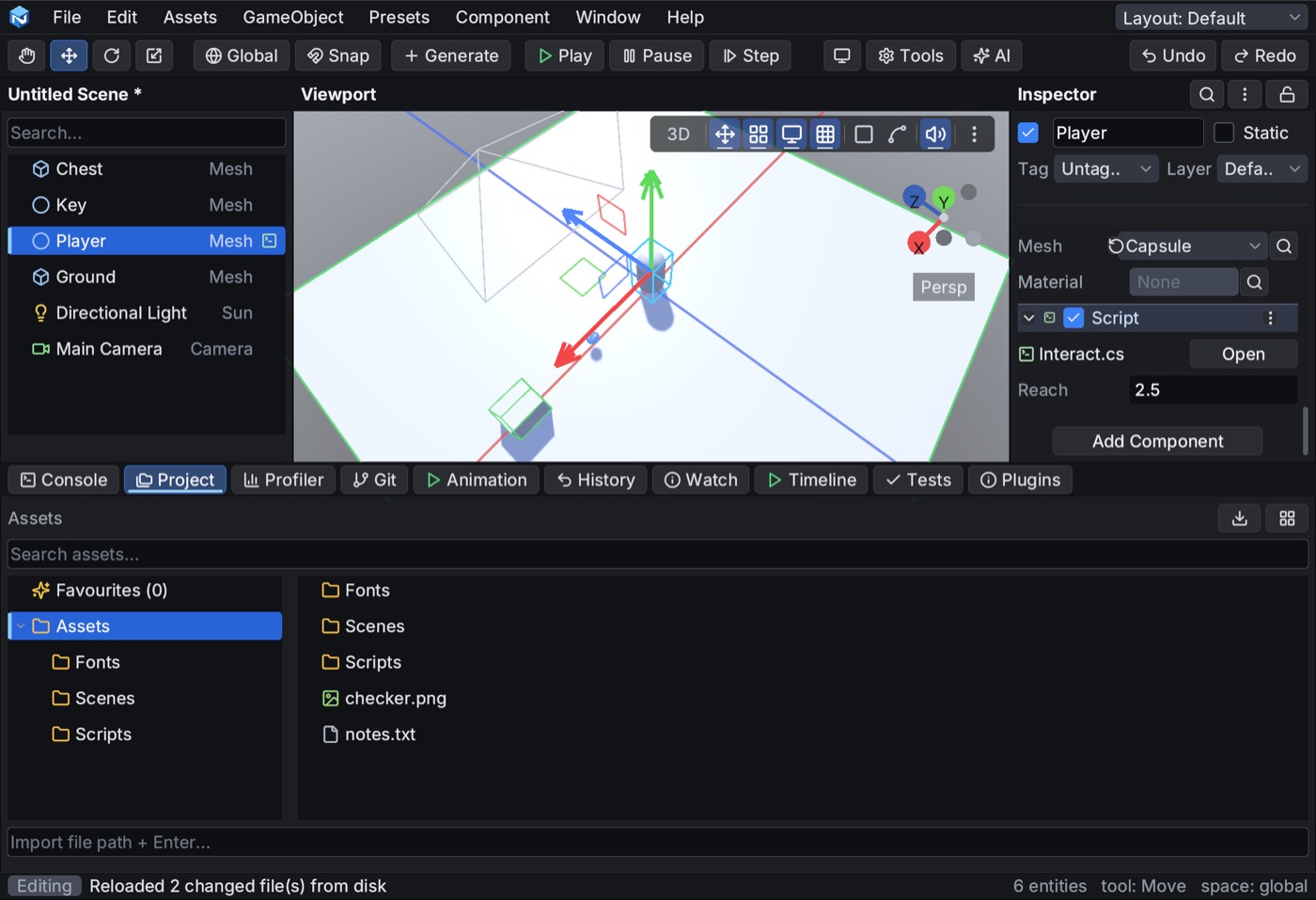
Usablemás cercano al alcance y llama a suOnInteract. No sabe nada de cofres. - La llave añade un objeto a lo que lleva el jugador (el mismo Inventory que se usa para las monedas en Recoge monedas).
- El cofre pide al inventario su llave y se abre, o sacude la tapa ante cualquier otro.
Los nuevos tipos de cosas utilizables (una palanca, un interruptor, una puerta) son solo una etiqueta y un método OnInteract.
Siguiente: clic para moverse.