 Neux
Esta página aún no está traducida: se muestra en inglés.
Neux Maker: make games on your phone
Describe a game, or pick a ready-made one, and play it a moment later. Change it by asking, in words. When you want more, send it to the Neux editor on a computer, and back again. No AI key and no account needed.
Get it
Neux Maker 0.4.1 for Android. SHA-256: f72c2ee80517a7420d46c42bd3b7150d7b33eb8e7676bd667c0e71bd8234f49b
Android 8 or later, on a 64-bit phone or tablet. The app is not in Google Play yet: when you open the file, Android asks once whether to allow installing apps from your browser or Files app. Say yes for that app, install Neux Maker, and you can turn the setting off again.
iPhone and iPad: coming to the App Store.
How it works
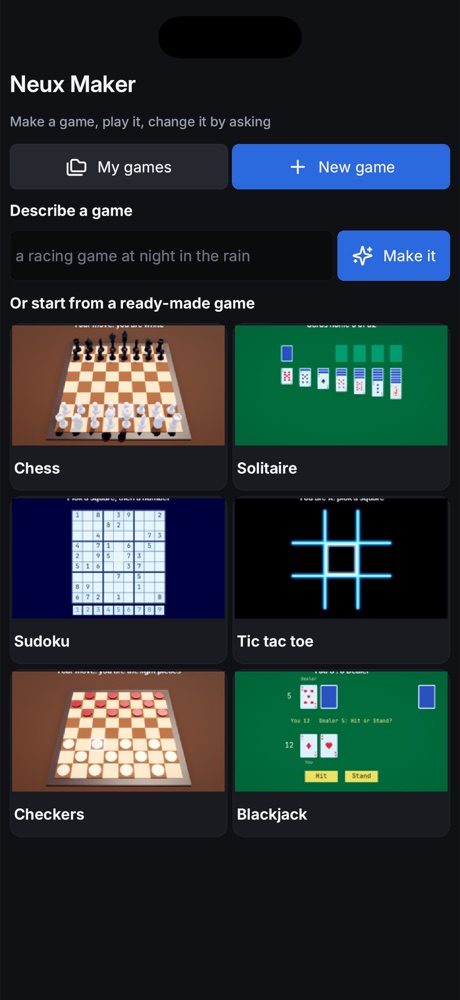
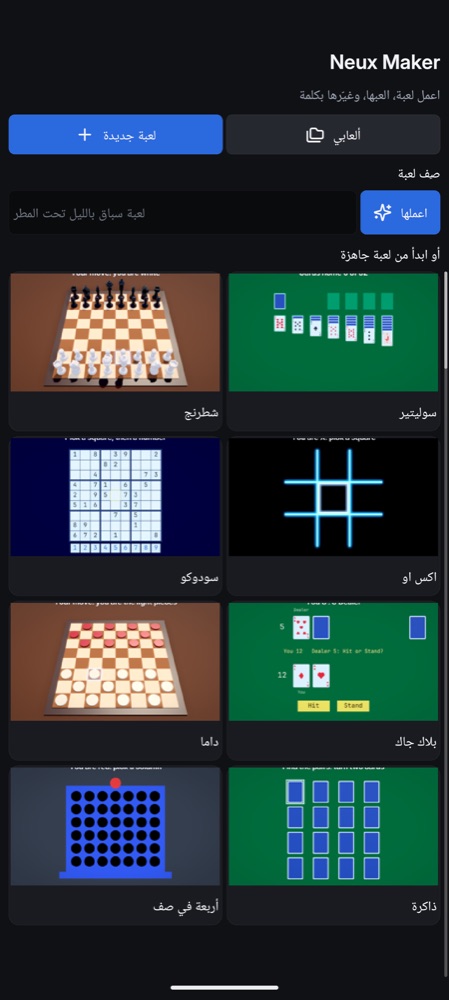
- New game. Type what you want ("a racing game at night", "collect 6 coins in the desert") and tap Make it, or tap one of the ready-made games: chess, solitaire, sudoku, racing, shooters, games for children and more. The engine builds it on the phone, plays it once to check that it works, and opens it.
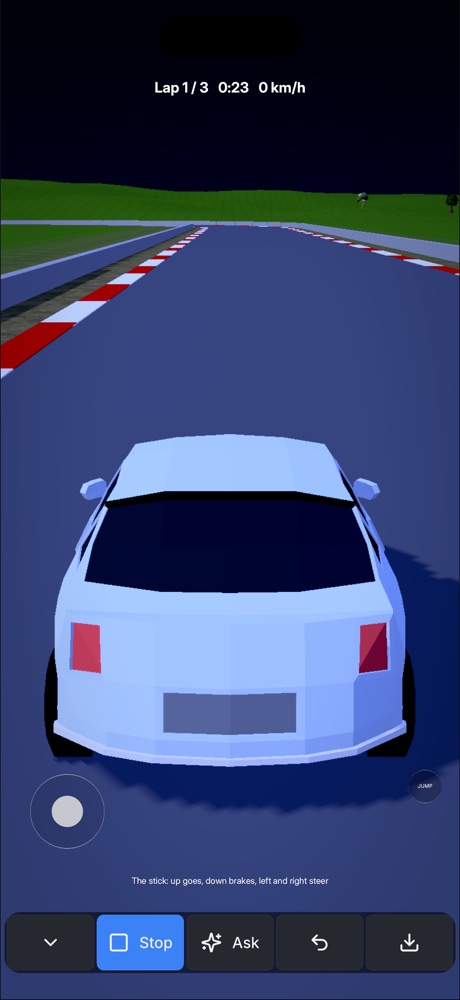
- Play. The game fills the screen, with a stick and buttons where it needs them.
- Ask. Say what to change: "make it night", "add rain", "slower enemies". Undo takes a change back.
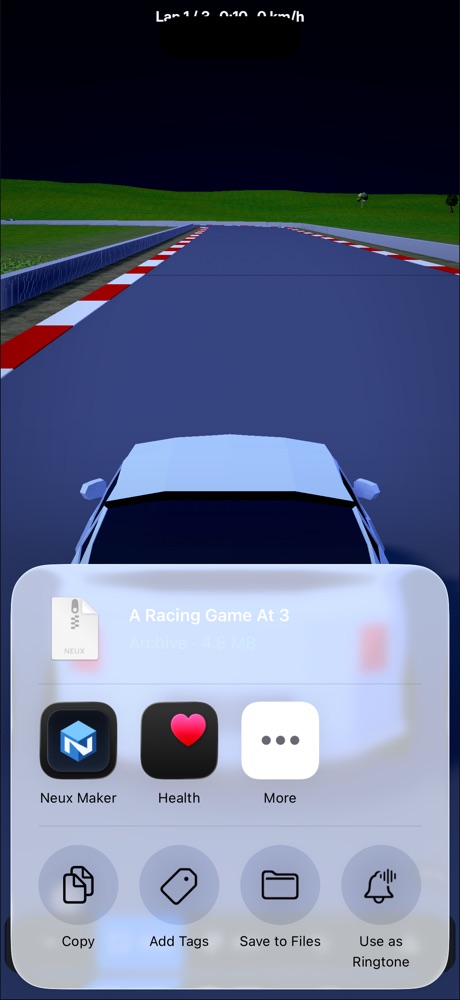
- Send. The whole game goes out as one
.neuxfile through your phone's share menu: AirDrop, Files, Google Drive, Gmail, Quick Share. On Android a copy is also kept in Downloads/Neux.
On a computer
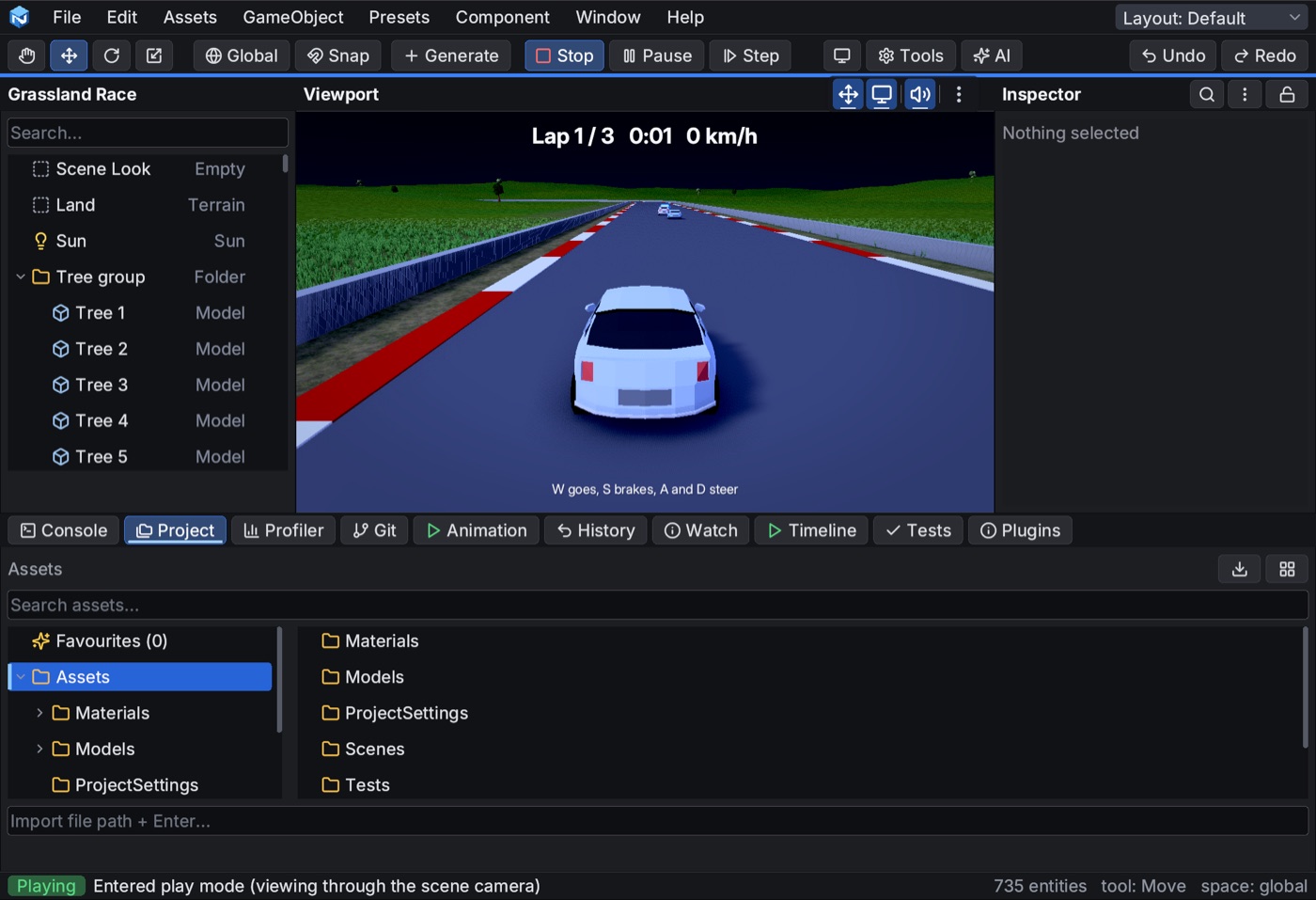
Open the .neux file in the Neux editor (0.4.0 or later):
File > Import Project (.neux), the Open .neux button in the project hub, or drop the file
on the editor. It opens at the scene you left it at, with everything in it: scenes, models, materials and sounds. Change
anything, then File > Export Project (.neux) and open that file on your phone to carry on there.
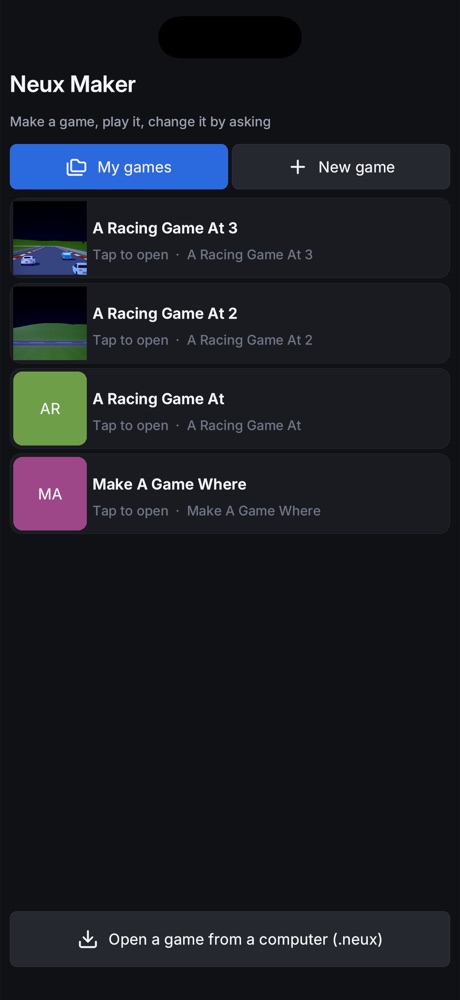
To open a .neux on the phone: on Android, tap it in Files and choose Neux Maker (close Neux Maker first if
it is open in the background); on an iPhone, send it with AirDrop or use Open a game from a computer.
Languages
Neux Maker speaks English and Arabic, and follows your phone's language. Ask for a game in Arabic and the engine answers in Arabic: "اعمل لعبة سباق بالليل".