 Neux
Tutoriel : cliquer pour se déplacer
Déplacement pointer-cliquer : le personnage marche jusqu'à l'endroit où vous cliquez sur le sol, en contournant ce qui gêne.
1. Préparation
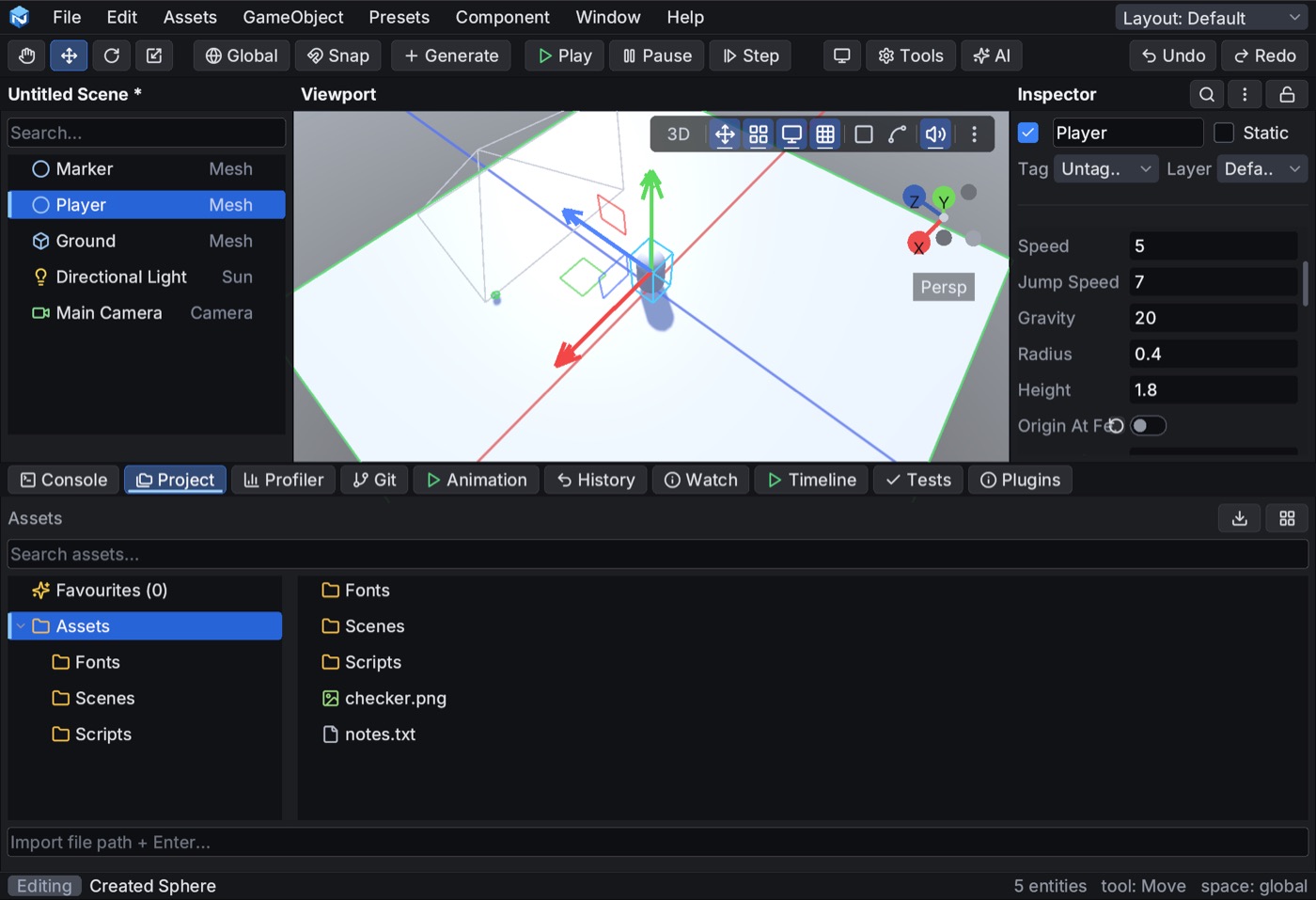
- Le personnage est une Capsule avec un NavAgent.
- Le niveau a un sol sur lequel l'agent peut marcher (la navigation se règle dans Project Settings).
- Facultatif : une petite sphère nommée
Markerqui montre où il va.
2. Le script
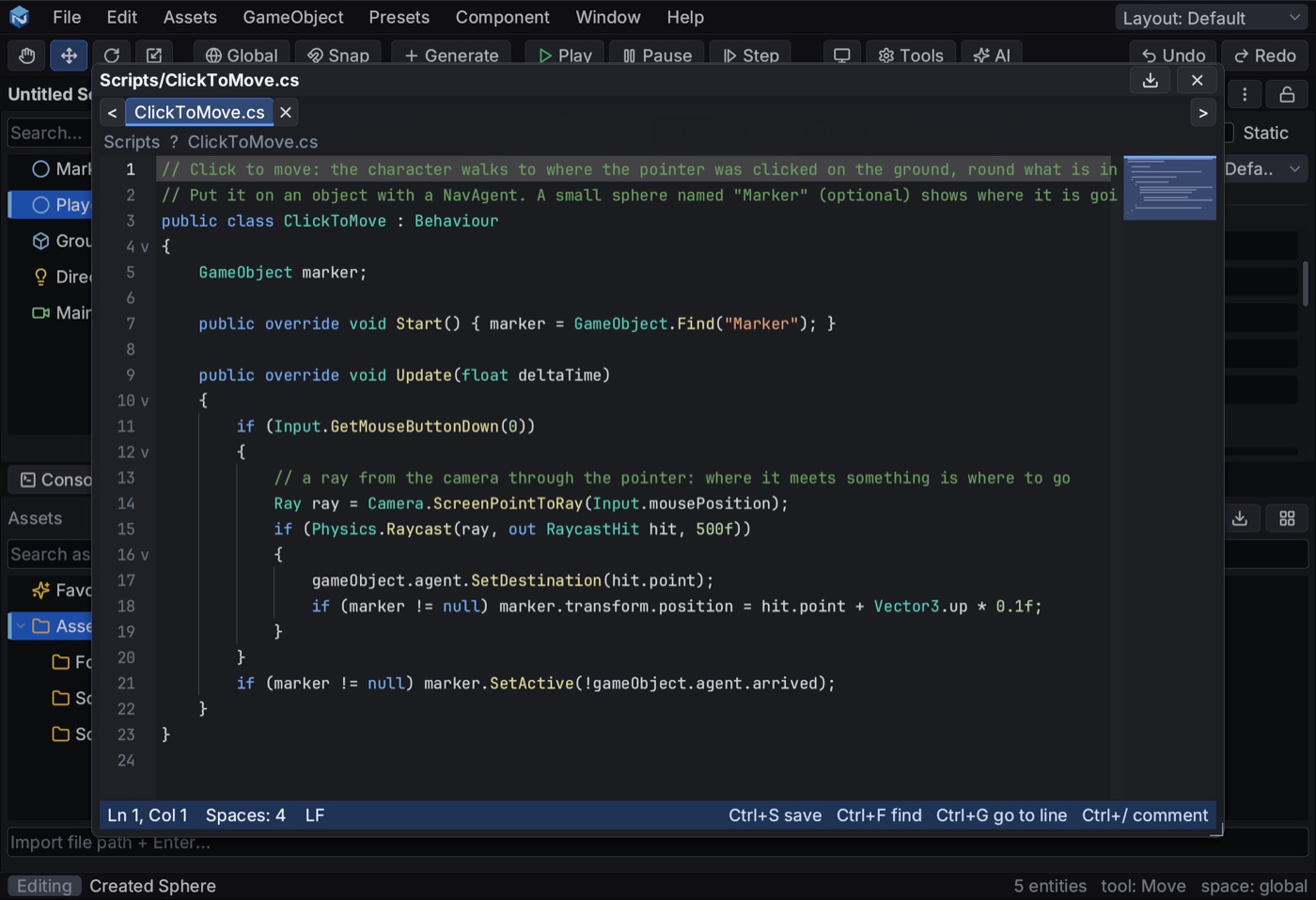
Scripts/ClickToMove.cs
public class ClickToMove : Behaviour
{
    GameObject marker;

    public override void Start() { marker = GameObject.Find("Marker"); }

    public override void Update(float deltaTime)
    {
        if (Input.GetMouseButtonDown(0))
        {
            // a ray from the camera through the pointer: where it meets something is where to go
            Ray ray = Camera.ScreenPointToRay(Input.mousePosition);
            if (Physics.Raycast(ray, out RaycastHit hit, 500f))
            {
                gameObject.agent.SetDestination(hit.point);
                if (marker != null) marker.transform.position = hit.point + Vector3.up * 0.1f;
            }
        }
        if (marker != null) marker.SetActive(!gameObject.agent.arrived);
    }
}
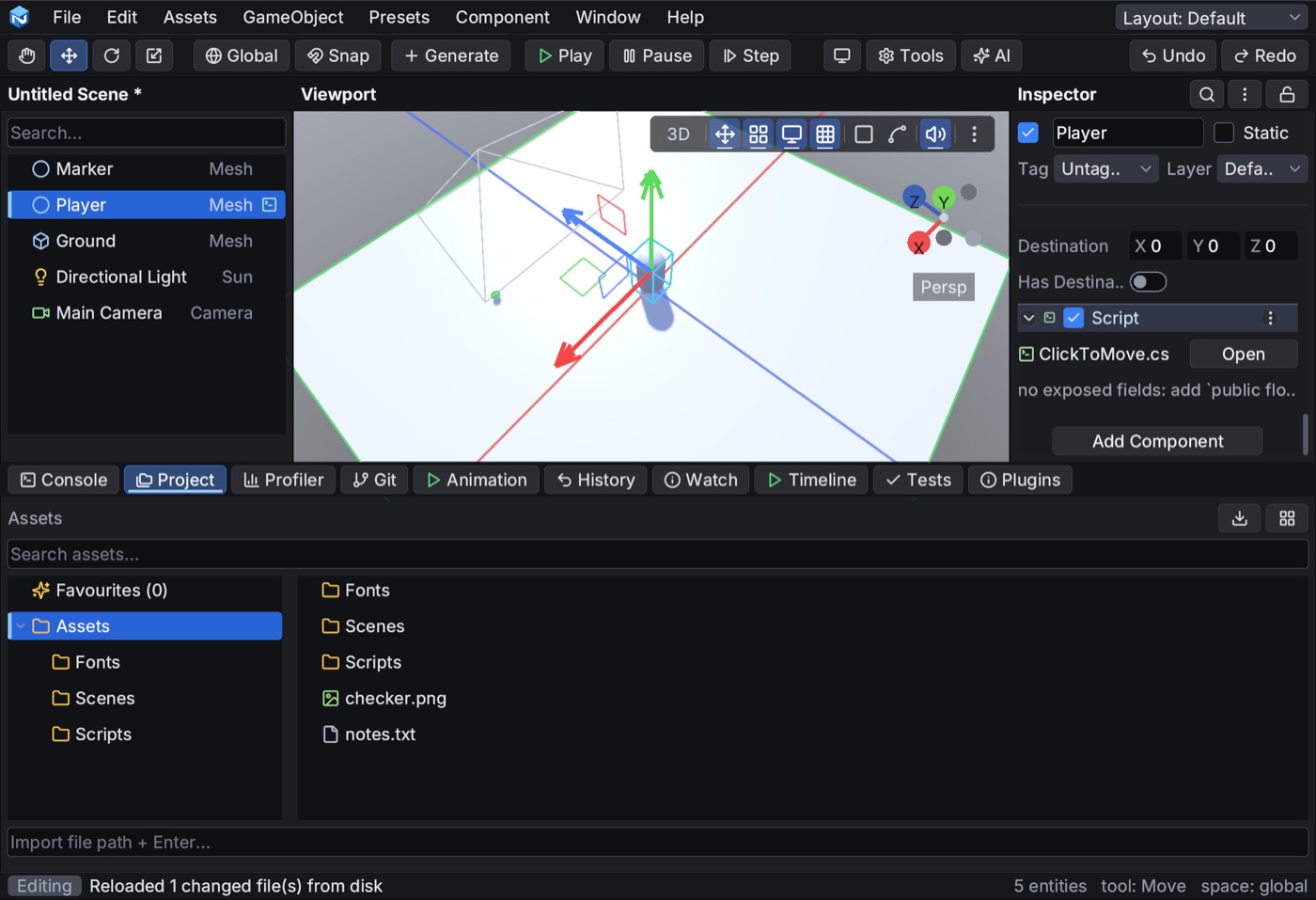
Enregistrez-le sous Scripts/ClickToMove.cs et ajoutez-le au personnage.
3. Comment ça marche
Camera.ScreenPointToRaycrée un rayon depuis la caméra à travers le pointeur.Physics.Raycasttrouve où il touche le monde.agent.SetDestination(hit.point)fait le reste : le NavAgent trouve un chemin qui contourne les obstacles.- Le marqueur se cache quand l'agent est
arrived(arrivé).
4. Essayer
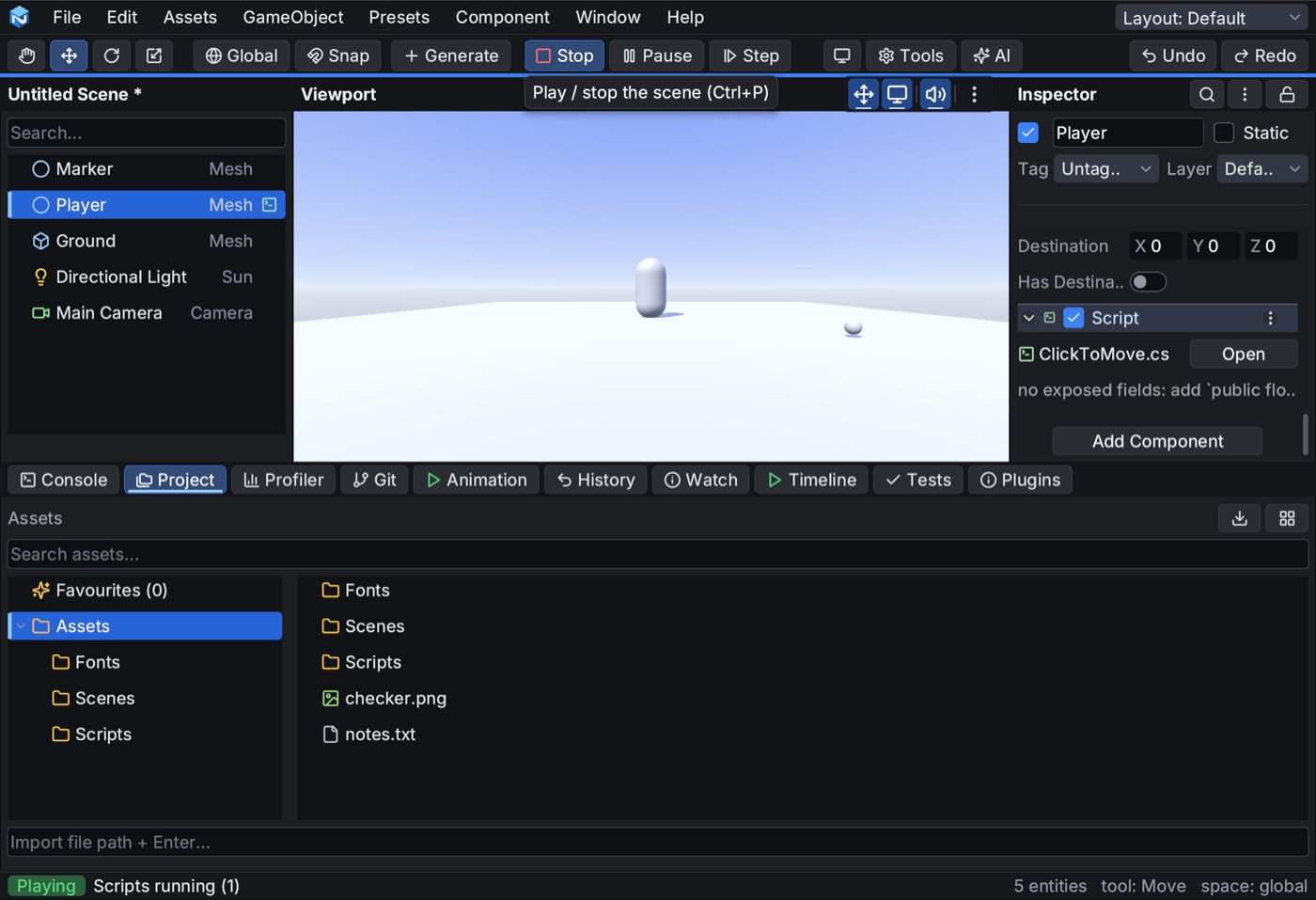
Ajoutez un mur au milieu du niveau et cliquez de l'autre côté : le personnage le contourne.
Suite : un compte à rebours.