 Neux
درس: انقر لتتحرك
حركة بالإشارة والنقر: تمشي الشخصية إلى حيث تنقر على الأرض، مع الالتفاف حول ما يعترض الطريق.
1. الإعداد
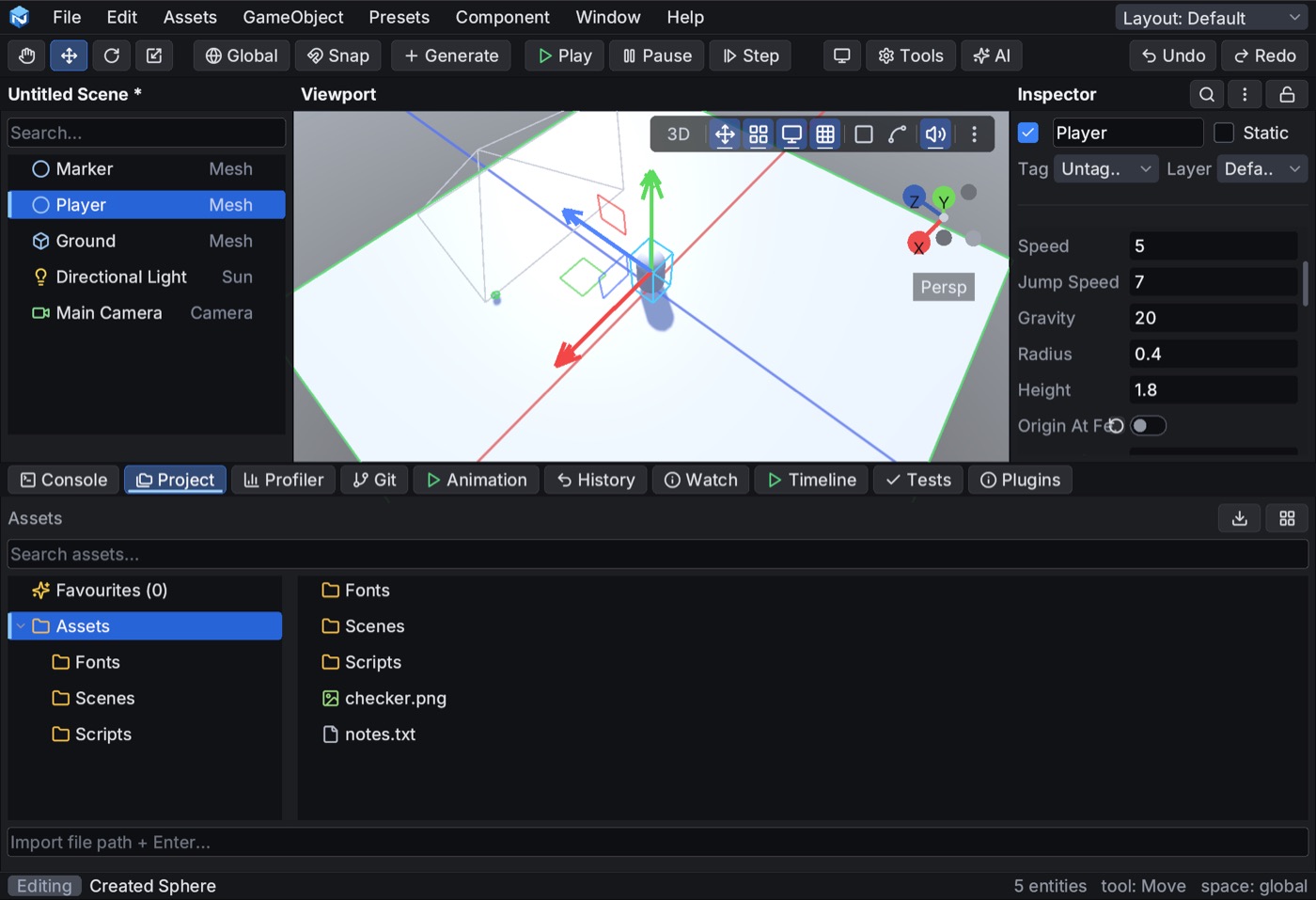
- الشخصية Capsule عليها NavAgent.
- في المرحلة أرض يستطيع الوكيل المشي عليها (تُضبط الملاحة في Project Settings).
- اختياري: كرة صغيرة باسم
Markerتُظهر وجهة الشخصية.
2. السكربت
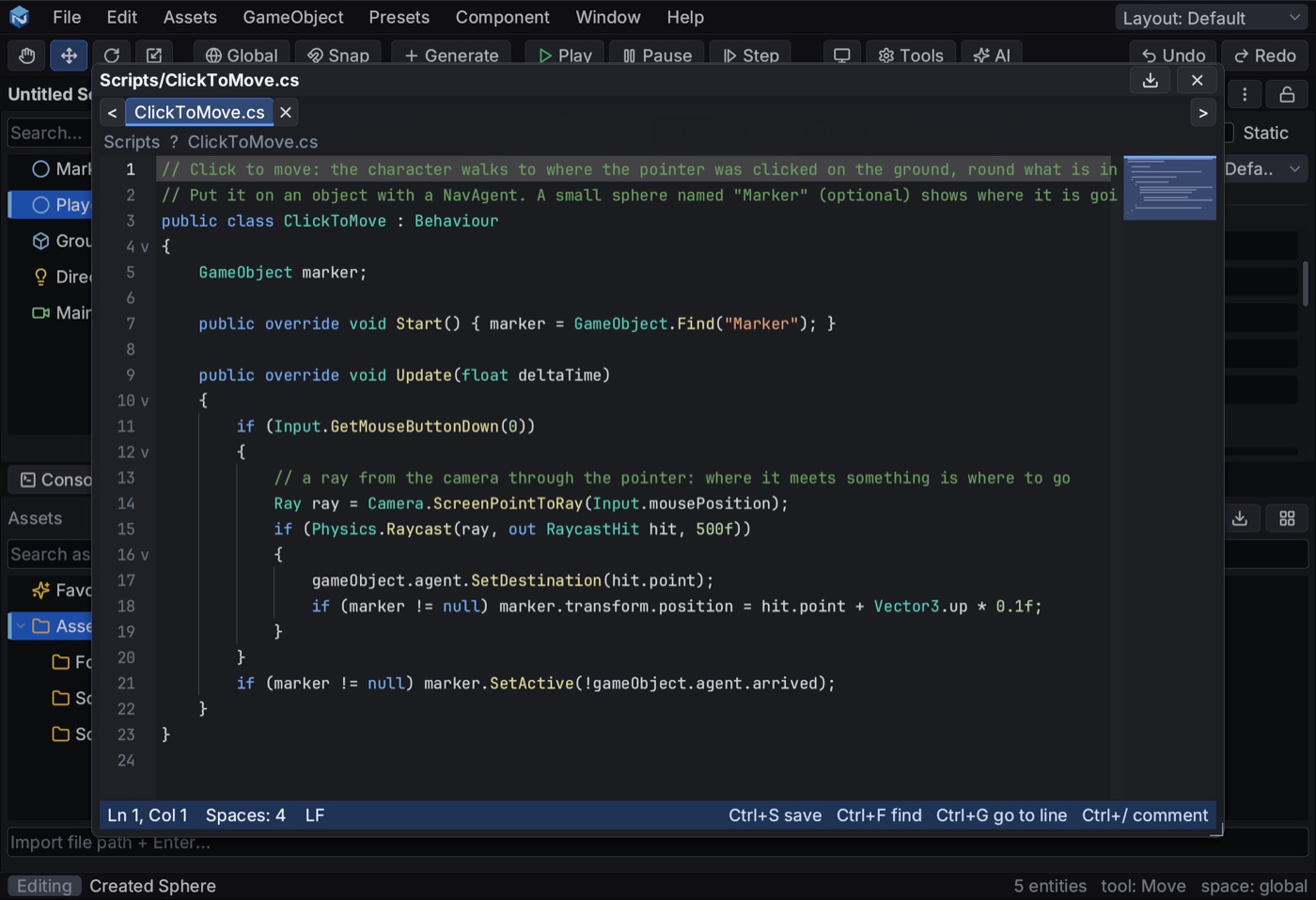
Scripts/ClickToMove.cs
public class ClickToMove : Behaviour
{
    GameObject marker;

    public override void Start() { marker = GameObject.Find("Marker"); }

    public override void Update(float deltaTime)
    {
        if (Input.GetMouseButtonDown(0))
        {
            // a ray from the camera through the pointer: where it meets something is where to go
            Ray ray = Camera.ScreenPointToRay(Input.mousePosition);
            if (Physics.Raycast(ray, out RaycastHit hit, 500f))
            {
                gameObject.agent.SetDestination(hit.point);
                if (marker != null) marker.transform.position = hit.point + Vector3.up * 0.1f;
            }
        }
        if (marker != null) marker.SetActive(!gameObject.agent.arrived);
    }
}
احفظه باسم Scripts/ClickToMove.cs وأضفه إلى الشخصية.
3. كيف يعمل
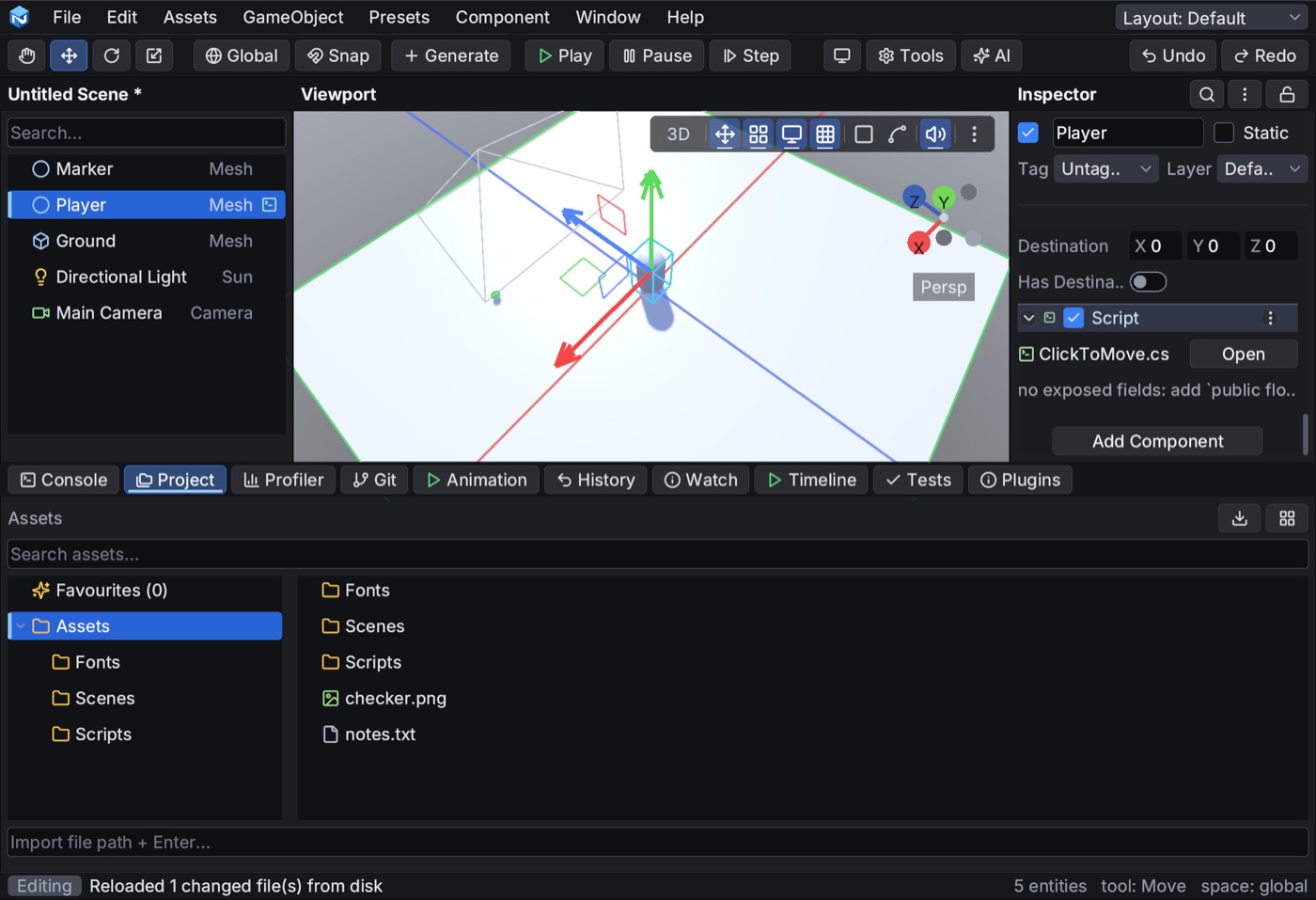
- تصنع
Camera.ScreenPointToRayشعاعًا من الكاميرا عبر المؤشر. وتجدPhysics.Raycastأين يلاقي العالم. - تفعل
agent.SetDestination(hit.point)الباقي: يجد الـ NavAgent مسارًا حول العوائق. - يختفي المؤشر حين يكون الوكيل قد
arrived(وصل).
4. جرّبه
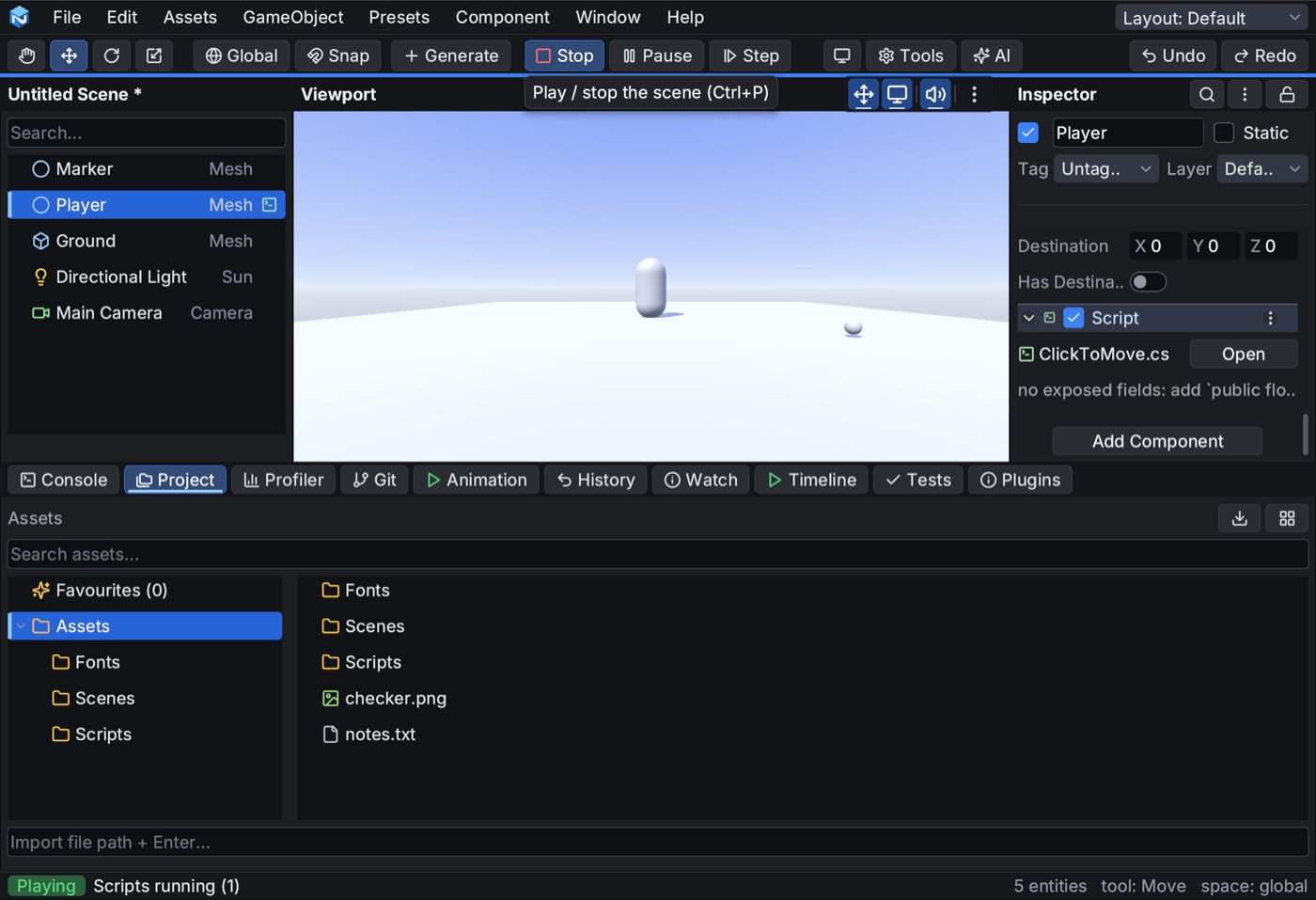
أضف جدارًا في وسط المرحلة وانقر في الجهة الأخرى: تلتف الشخصية حوله.
التالي: عدّاد تنازلي.